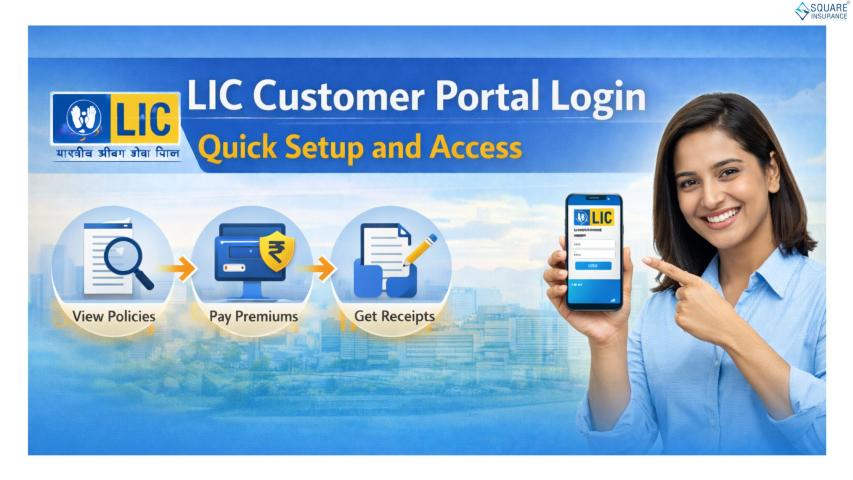
Managing life insurance policies has become much easier with digital services that allow policyholders to access important information from anywhere. LIC Customer Portal Login is one such online facility that enables users to check policy details, pay premiums, update personal information, and use several self-service features without visiting a branch office.
Whether you are a new policyholder or an existing customer, understanding the registration and login process can save time and simplify policy management. This guide explains every step involved in creating an account, signing in securely, and using the portal effectively.
What Is LIC Customer Portal?
The LIC Customer Portal is an online platform developed to provide policyholders with convenient access to their insurance-related services. After registering on the portal, users can monitor their policies, download premium receipts, check payment history, update contact details, and perform various policy-related activities.
The portal is available 24/7, making it a practical solution for customers who prefer digital services over physical branch visits.
Benefits of Using LIC Customer Portal Login
Using the LIC Customer Portal Login offers several advantages, including:
- Instant access to policy information
- Online premium payment facility
- Easy download of premium payment receipts
- Viewing policy status in real time
- Updating email ID and mobile number
- Tracking transaction history
- Managing multiple LIC policies under one account
- Reduced dependency on branch visits
These features help policyholders stay informed and manage their insurance portfolio more efficiently.
Prerequisites for Registration
Before starting the registration process, keep the following details ready:
- Active LIC policy number
- Date of birth
- Registered mobile number
- Valid email address
- PAN details (where applicable)
- Access to OTP verification on your mobile or email
Having these details available ensures a smooth registration experience.
Step-by-Step LIC Customer Portal Registration Process
Follow these steps to create your online account:
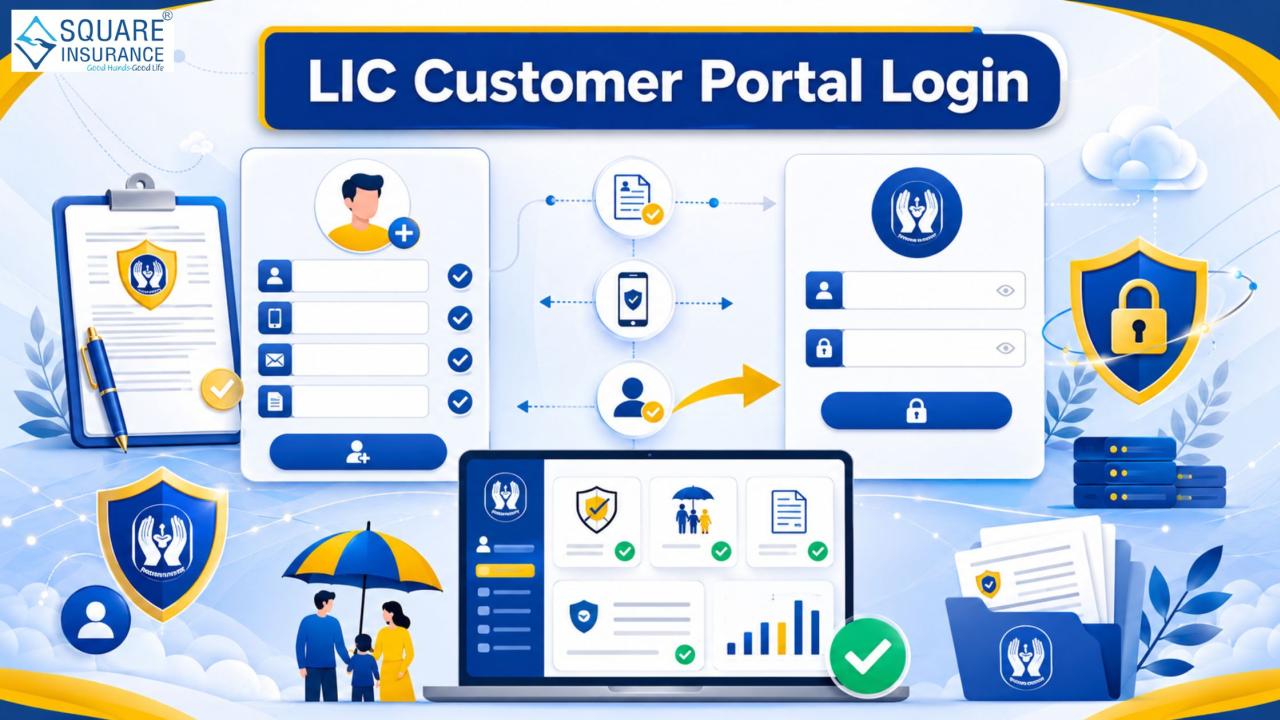
Step 1: Visit the Official Portal
Open the official LIC customer portal through your preferred web browser.
Step 2: Select New User Registration
Click on the "New User" or "Registration" option displayed on the homepage.
Step 3: Enter Policy Details
Provide your policy number along with your date of birth and other requested information for verification.
Step 4: Verify Your Identity
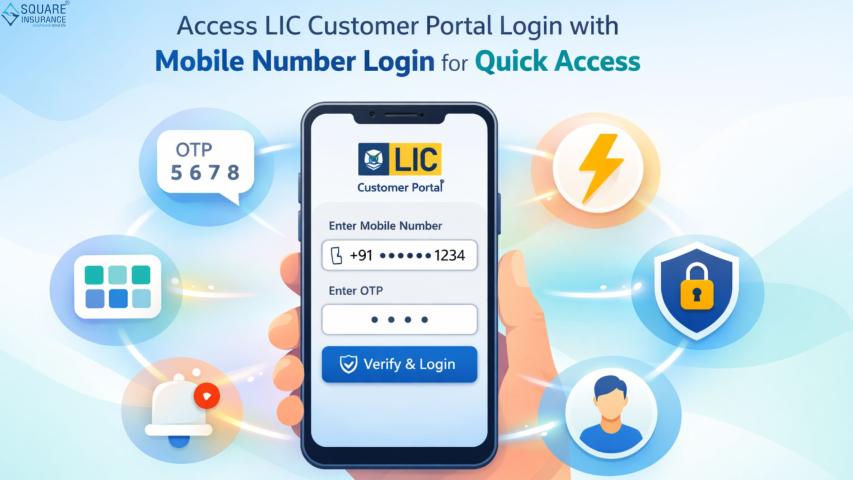
The system may send a One-Time Password (OTP) to your registered mobile number or email address. Enter the OTP to continue.
Step 5: Create Login Credentials
Choose a secure username and password that satisfy the portal's password requirements.
Step 6: Confirm Registration
Review the entered information carefully and submit the registration form. Once verification is complete, your account will be activated.
Step-by-Step LIC Customer Portal Login Process
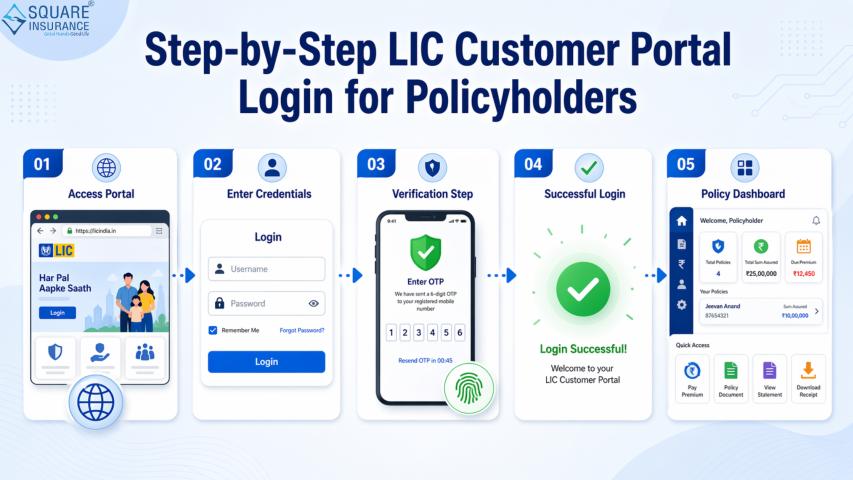
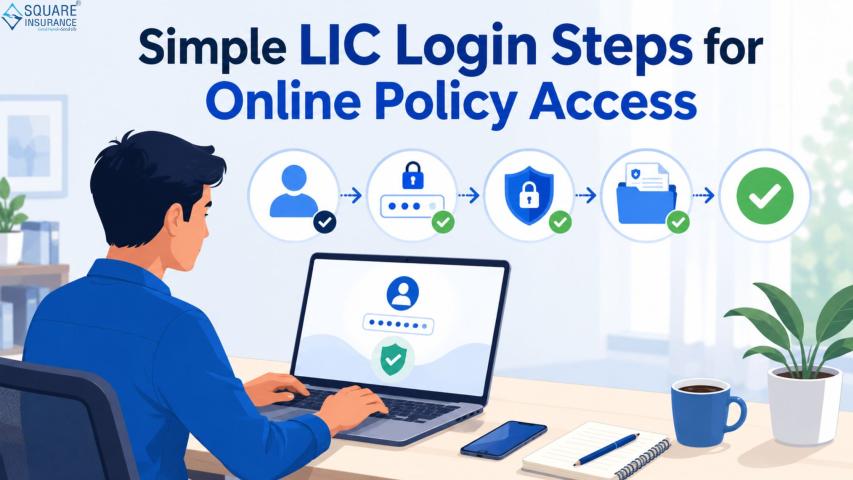
After successful registration, logging in is straightforward.
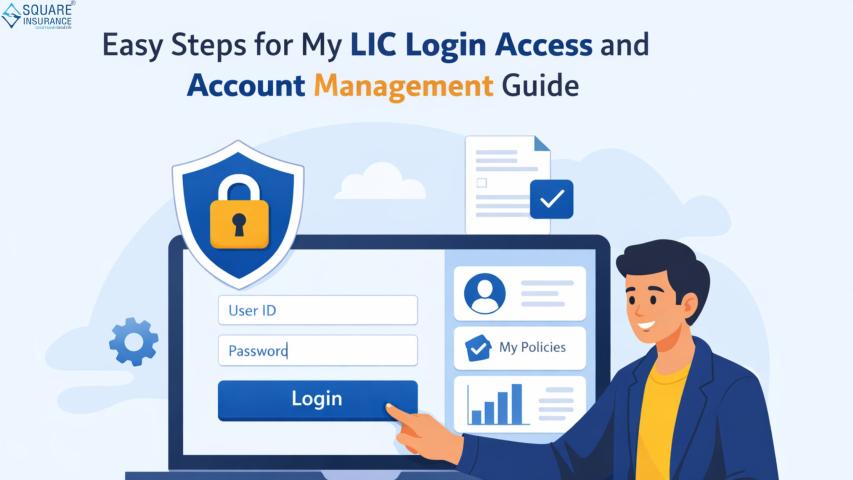
Step 1: Open the Login Page
Visit the official LIC customer portal login page.
Step 2: Enter Your Username
Type the username created during registration.
Step 3: Enter Your Password
Provide your password carefully while ensuring there are no typing mistakes.
Step 4: Complete Security Verification
If prompted, enter the captcha code or OTP for additional security.
Step 5: Access Your Dashboard
Click the Login button to access your personalized dashboard, where you can manage your policies and related services.
How to Reset Your Password
If you forget your password, follow these steps:
- Select the "Forgot Password" option.
- Enter your registered username or required details.
- Complete OTP verification.
- Create a new secure password.
- Log in again using the updated credentials.
Using a strong password and changing it periodically helps improve account security.
Features Available After Login
Once signed in, policyholders can use several digital services, including:
- Premium payment
- Policy status tracking
- Premium receipt download
- Policy schedule viewing
- Contact information updates
- Transaction history review
- Policy servicing requests
- Profile management
These features make the portal a convenient self-service platform for everyday insurance needs.
Common Login Issues and Their Solutions
Incorrect Username or Password
Double-check your credentials and ensure Caps Lock is not enabled.
OTP Not Received
Wait a few minutes and request another OTP if necessary. Also verify that your registered mobile number is active.
Account Locked
Multiple unsuccessful login attempts may temporarily lock your account. Follow the password recovery process or try again later.
Browser Compatibility Issues
Clear your browser cache or switch to another updated browser for better performance.
Tips for Safe Portal Usage
To protect your account and personal information:
- Never share your login credentials.
- Use a strong and unique password.
- Avoid logging in through public Wi-Fi networks.
- Always log out after completing your session.
- Regularly update your contact details.
- Keep your registered mobile number active for OTP verification.
Following these precautions can reduce the risk of unauthorized account access.
Frequently Asked Questions (FAQs)
Q1. Who can register for the LIC Customer Portal Login?
Any eligible LIC policyholder with the required policy details and registered contact information can complete the registration process.
Q2. Is registration on the customer portal free?
Yes, creating an account on the LIC customer portal does not require any registration fee.
Q3. Can I manage multiple policies from one account?
Yes, eligible users can add and manage multiple LIC policies through a single registered account.
Q4. What should I do if I forget my password?
Use the "Forgot Password" option, verify your identity through OTP, and create a new password.
Q5. Can I pay premiums through the portal?
Yes, the portal allows users to make premium payments online using supported payment methods.
Q6. Is the LIC Customer Portal Login available at all times?
The portal is generally accessible 24/7, except during scheduled maintenance or technical updates.
Conclusion
The LIC Customer Portal Login provides policyholders with a convenient and secure way to manage insurance services online. From registration and account access to premium payments and policy tracking, the portal simplifies many essential tasks in just a few clicks. By following the correct registration process and adopting safe login practices, users can make the most of its digital features. For customers seeking additional insurance guidance and digital assistance, Square Insurance can also be a valuable resource for understanding policy-related services and support.