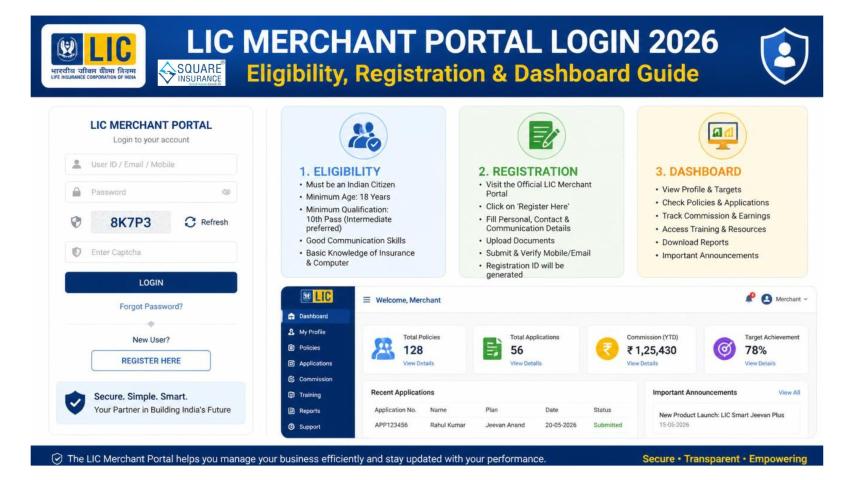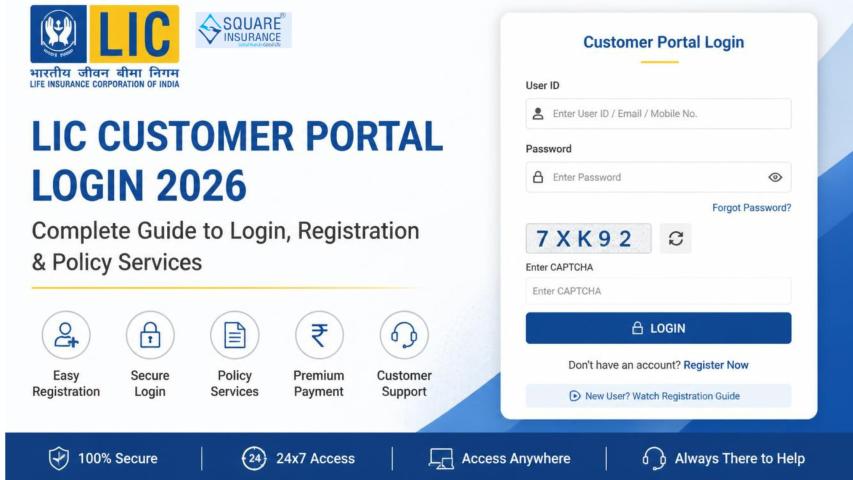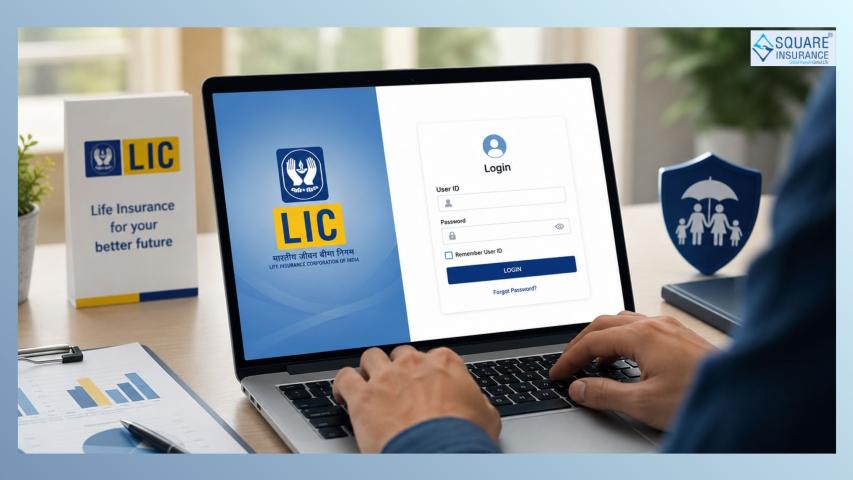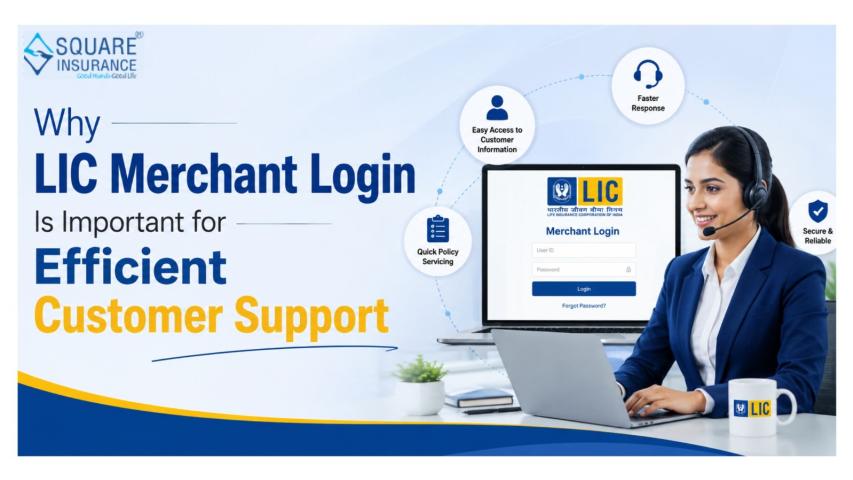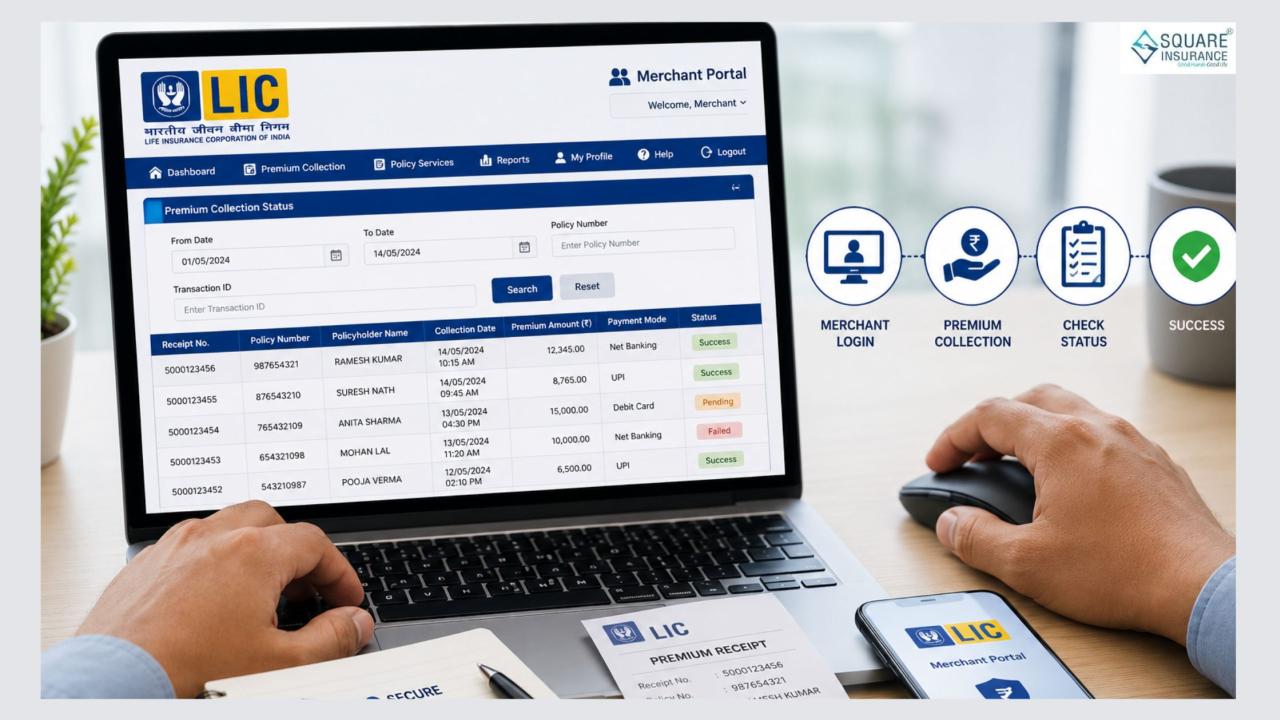
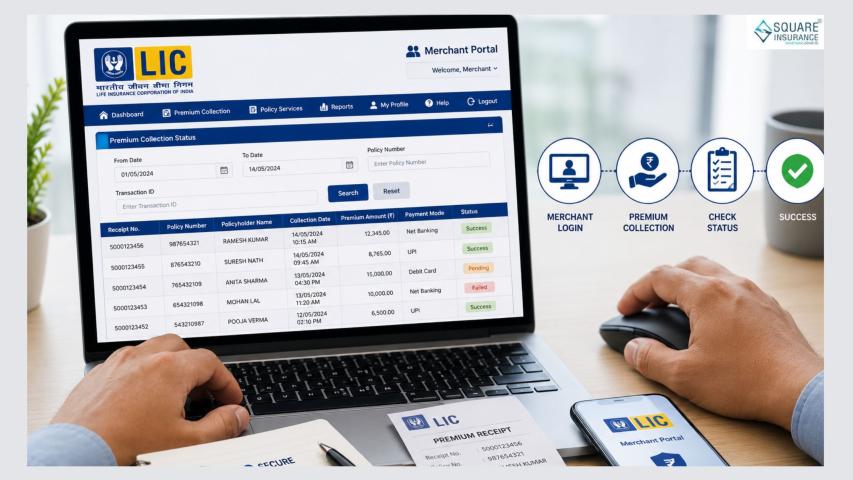
The LIC Merchant Portal is an essential digital platform that enables authorized LIC merchants to collect insurance premiums, manage policyholder services, and monitor daily transactions. After completing the LIC Merchant Portal Login, merchants can access various features, including premium collection, transaction reports, receipt generation, and policy-related services. One of its most useful features is the ability to check the premium collection status in real time. This helps merchants verify whether a customer's premium has been successfully received and recorded by LIC.
Whether you're a new merchant or an experienced user, knowing how to track premium collection status can help you provide better customer service and avoid payment-related issues. This guide explains the process, the information you'll need, common issues you may encounter, and useful tips for managing premium collections efficiently.
What Is the LIC Merchant Portal?
The LIC Merchant Portal is an online platform provided to authorized LIC merchants for premium collection and policy servicing. It allows merchants to perform several day-to-day tasks without visiting an LIC branch.
Some key features include:
- Premium collection
- Transaction history
- Receipt generation
- Policy search
- Daily collection reports
- Merchant account management
The portal helps streamline premium collection while improving accuracy and transparency.
Why Check Premium Collection Status?
Checking the premium collection status is important for both merchants and policyholders. It confirms whether the payment has been processed successfully and credited to the customer's policy.
Benefits include:
- Confirming successful premium payment
- Avoiding duplicate premium collections
- Providing quick updates to customers
- Identifying pending or failed transactions
- Maintaining accurate transaction records
Regularly reviewing collection status also helps merchants reconcile their daily transactions.
Information You'll Need
Before checking the premium collection status, keep the following details ready:
- Merchant Login ID
- Password
- Policy Number
- Premium Receipt Number (if available)
- Transaction Reference Number
- Payment Date (optional but helpful)
Having these details available makes it easier to locate a specific transaction.
Steps to Check Premium Collection Status
Follow these simple steps after logging into the LIC Merchant Portal.
Step 1: Sign In to the Merchant Portal
Open the official LIC Merchant Portal and log in using your authorized Merchant ID and password.
Always ensure you're accessing the official LIC portal through a secure internet connection.
Step 2: Open the Premium Collection Section
After logging in, navigate to the dashboard.
Locate the Premium Collection or Transaction History section, where completed transactions are stored.
Step 3: Search for the Transaction
Use the available search options to locate the premium payment.
You may search using:
- Policy Number
- Receipt Number
- Transaction ID
- Collection Date
Choose the method that's most convenient based on the information available.
Step 4: View Collection Status
Once the transaction appears, you'll be able to view details such as:
- Policy Number
- Policyholder Name
- Premium Amount
- Payment Date
- Payment Mode
- Receipt Number
- Current Transaction Status
If the transaction has been successfully processed, it will generally indicate a successful or completed status.
Step 5: Download or Print the Receipt
If needed, download or print the premium receipt for your records or provide it to the policyholder.
Maintaining digital copies of receipts is a good practice for future reference.
Understanding Different Transaction Statuses
While checking premium collections, you may encounter different status messages.
Successful
The premium has been received and credited to the policy successfully.
Pending
The payment is still being processed by the banking or payment system.
Failed
The transaction could not be completed due to banking issues, network problems, or payment failure.
Cancelled
The payment was cancelled before completion.
If you notice pending or failed transactions, verify the payment with the customer before initiating another collection.
Common Reasons for Status Delays
Sometimes the premium collection status may not update immediately.
Possible reasons include:
- Temporary server maintenance
- Slow bank confirmation
- Network interruptions
- Payment gateway delays
- High transaction volume
In most cases, the status updates automatically after the payment is confirmed.
What to Do If the Status Is Not Updated
If the premium collection status is missing or incorrect, follow these steps:
- Refresh the transaction page after some time.
- Verify the transaction reference number.
- Check whether the customer's bank account has been debited.
- Compare the payment details with the receipt.
- Contact the LIC support team if the issue continues.
Avoid collecting the premium again until the original transaction is verified.
Best Practices for LIC Merchants
Following a few simple practices can make premium collection more efficient.
- Verify the policy number before collecting payment.
- Double-check the premium amount displayed.
- Save digital copies of every receipt.
- Reconcile daily transactions before logging out.
- Keep your Merchant ID and password confidential.
- Use a secure internet connection while accessing the portal.
- Log out after completing your work.
These habits reduce errors and improve customer trust.
Benefits of Tracking Premium Collection Status
Monitoring transaction status regularly offers several advantages.
- Faster customer support
- Improved payment accuracy
- Better record management
- Reduced duplicate transactions
- Easier daily reconciliation
- Increased operational efficiency
For merchants handling multiple policies each day, this feature simplifies transaction management considerably.
Frequently Asked Questions
Q1. How long does it take for the premium collection status to update?
Most successful transactions appear shortly after payment. However, delays may occur because of banking or network processing.
Q. 2 Can I search using only the policy number?
Yes. The policy number is one of the easiest ways to locate a premium collection record.
Q. 3 Can I print the premium receipt again?
Yes. If the transaction has been successfully recorded, the portal generally allows merchants to download or print the receipt again.
Conclusion
Checking the premium collection status in the LIC Merchant Portal is an important part of managing insurance premium collections efficiently. It helps merchants confirm successful payments, resolve transaction issues quickly, and provide better service to policyholders.
By regularly reviewing transaction records, maintaining proper documentation, and following secure login practices, LIC merchants can ensure smooth day-to-day operations while minimizing payment-related errors. A few minutes spent verifying collection status can save both merchants and customers from unnecessary confusion and delays.