When the Wi-Fi Dies, So Does the Road Trip Peace
You're parked at a gorgeous campsite somewhere between the mountains and nowhere, the kids are finally settled, and then it happens: the dreaded spinning wheel. No signal. No school assignments. No downloaded show buffer. Just three kids staring at you like you personally broke the internet. If you've traveled with children in an RV even once, you already know that reliable connectivity isn't a luxury anymore; it's the glue holding the whole trip together. Whether it's a virtual school session at a rest stop, a work call you can't reschedule, or just keeping the backseat crowd occupied on a long haul through dead-signal territory, figuring out the best internet setup for your family rig is one of the most important decisions you'll make before pulling out of the driveway.
Why RV Internet for Families Is a Completely Different Problem
Most internet guides for RVers are written with solo travelers or couples in mind, light users who may stream a show in the evening and check email in the morning. A family rig is a different beast entirely.
Think about what's actually happening on a typical travel day:
One kid is on a video call for school.
Another is streaming a movie.
Someone's running a hotspot game on a tablet.
You're trying to load a navigation app or answer a work message.
And the RV's smart devices are quietly pinging data in the background.
That's not light usage. That's a small household moving down the highway, and it needs a connection that can actually keep up. The bandwidth demands, the number of simultaneous devices, and the need to stay connected while moving, not just when parked, all make family RV internet options a genuine puzzle worth solving carefully.
The Three Main Types of RV Internet (and What Each One Means for Your Family)
1. Cellular-Based Internet (4G LTE / 5G)
This is where most RV families start, and for good reason. Cellular internet works through the same towers your phone uses, but dedicated routers and data plans let you run all your devices through a single, stable connection.
The appeal is straightforward: it's fast to set up, works across highways and populated campgrounds, and stays connected while the rig is rolling. For families doing mixed-terrain travel, a few nights at a state park, then back on the interstate, that flexibility is hard to beat.
The limitation is coverage gaps. Rural routes, national forests, and deep valleys can drop the signal entirely. Coverage maps also vary widely by provider. Mainstream carriers look impressive nationally but can have real holes in rural corridors. If your routes take you off the interstate and into less-served territory, look closely at providers built specifically around rural cellular infrastructure rather than urban-first networks that focus on making a meaningful difference in the places where most families actually lose signal.
2. Satellite Internet for RV
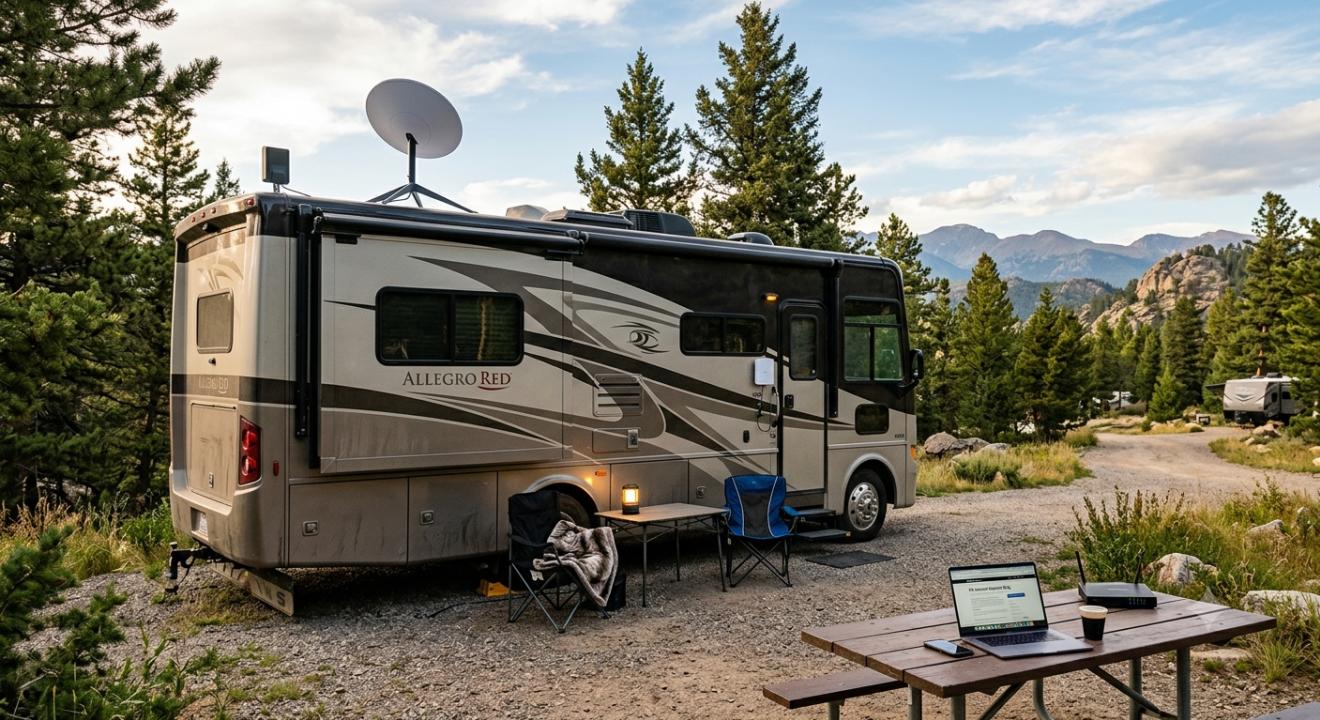
Satellite internet for RV use has changed dramatically in recent years. Traditional geostationary satellite options had high latency, meaning video calls lagged, games stuttered, and interactive school sessions became frustrating. Newer low-earth orbit systems have closed that gap considerably, and for families in remote locations, satellite is often the only viable option.
The hardware cost is higher upfront, and most systems require the dish to have a clear view of the sky, which is tricky under heavy tree cover. Some plans also throttle speeds during peak hours or after a data threshold, which matters a lot when multiple heavy users share a single connection. But in truly rural zones where cellular simply doesn't reach, a solid satellite setup can be the difference between a functioning travel day and a complete standstill.
3. Fixed Campground Wi-Fi
Almost every campground advertises Wi-Fi. Almost none of it will hold up to family use.
Campground Wi-Fi is shared across dozens, sometimes hundreds, of rigs, often running on outdated infrastructure. It might work fine for checking the weather forecast, but don't count on it for a school Zoom session or an evening movie. Treat it as a nice bonus when it's there, never as the plan.
What to Actually Look for When Choosing a Family RV Internet Plan
Most people make the mistake of focusing on price or brand name instead of the features that genuinely matter for family travel. Here's the checklist worth keeping:
Unlimited or High-Cap Data
With multiple kids and multiple devices, you will blow through a capped plan faster than you expect. Searching for the best unlimited internet for RV options that don't throttle heavily after a certain threshold or that are at least transparent about how and when they slow down is time well spent before you commit to a plan.
Multi-Device Support
A plan that handles one or two devices comfortably won't work for a family rig. You want a router and plan that can manage five, six, or more simultaneous connections without dragging performance down for everyone on the network.
Coverage Where You Actually Travel
Look at the specific states and route types your family uses most, not national averages. This is where provider choice really matters. Families who frequently travel through rural stretches, not just popular campgrounds near cities, often find that carriers built from the ground up around rural cellular coverage serve them far better than mainstream options that treat rural areas as an afterthought. UbiFi is one name that comes up regularly in this conversation, specifically because its network focus aligns with the gaps where RV families most often lose connectivity.
Works While the Rig Is Moving
Not every solution works in motion. If you're a road-schooling family doing lessons on the interstate or keeping kids entertained on a long drive, you need a setup that stays connected while rolling, which rules out systems that only work when the dish is deployed and the rig is parked.
Customer Support That Actually Responds
When something drops mid-school-day, you need help fast. Weak or slow customer service is an underrated dealbreaker that only reveals itself at the worst possible moment.
Building a Smart Setup: The Two-Source Strategy
Experienced RV families eventually land in the same place: don't rely on a single source. The most resilient setup looks like this:
Primary: A strong cellular plan with a quality router and external antennas to amplify the signal where towers exist. This covers the majority of your travel.
Backup: A satellite option for deep rural stretches where cellular coverage disappears. You may not need it daily, but when you do, you'll be genuinely glad it's there.
Some families go a step further and use a dual-SIM router loaded with two different carrier SIMs. If one carrier drops off, the router switches automatically. For road-schooling families who can't afford gaps during class hours, this redundancy is worth every penny.
Real Habits That Make a Bigger Difference Than You'd Think
Beyond the hardware, a few practical habits help families get more out of whatever connection they have:
Download before you leave: Offline playlists, downloaded lessons, cached maps, anything you know you'll need, grab it while you're in a strong signal zone. Future-you will be grateful.
Schedule device updates for off-hours: Kids' tablets doing background updates during school hours will quietly eat your bandwidth. Set updates to run overnight or during campground hours when you're plugged into better Wi-Fi.
Find your signal before you park: Apps that show real-time carrier signal strength let you choose the spot on a campground that actually has usable service, not just the site closest to the bathhouse.
Build in offline time with your kids: Teach them early that some places simply don't have signal, and have offline activities ready for those stretches. When they're framed as part of the adventure rather than a failure, dead zones become a lot less dramatic for everyone involved.
Conclusion
There's no single perfect answer for RV internet, and anyone who tells you otherwise is selling something. The right setup for your family depends on where you travel, how many devices you're running, whether your kids are road-schooling, and how much rural or off-grid territory your routes cover. What's consistent across every family that figures this out: they stopped searching for one magic plan and started building a layered approach, a strong primary connection, a reliable backup, and the daily habits to manage both intelligently. Get that foundation right, and the spinning wheel becomes a rare exception instead of the thing that derails Tuesday's class session somewhere in the middle of rural Wyoming.
FAQs
1. What is the best internet option for RVing with kids who do school online?
For road-schooling families, the most reliable setup is a dedicated cellular router with a high-data or unlimited plan as the primary connection, backed by a satellite option for remote areas. Prioritize low-latency connections for video calls, and make sure your plan supports multiple simultaneous devices without throttling during peak hours.
2. Is satellite internet for RV use reliable enough for a family?
It depends on the system. Older geostationary satellite options have high latency that makes live video calls difficult. Newer low-Earth orbit systems have improved significantly and can handle interactive sessions reasonably well. The main trade-offs are upfront hardware cost, the need for a clear sky view, and potential data throttling on some plans.
3. How much data does a family of four typically use in an RV per month?
It varies, but a family with two to three kids doing school, streaming video, and general browsing can easily use 200–400GB per month or more. Full-time road-schooling families often push higher. This is why unlimited plans, or, at minimum, very high-cap plans, are worth prioritizing over cheaper capped options.
4. Can you get reliable internet while the RV is actually moving?
Yes, with cellular-based internet. Dedicated RV routers with external antennas maintain a connection while in motion by continuously locking onto the strongest available tower. Satellite internet generally requires the rig to be stationary and the dish to have an unobstructed view of the sky, making it less practical for connectivity while driving.
5. What's the real difference between using a phone hotspot and a dedicated RV router?
A phone hotspot works in a pinch, but it drains your battery, often has lower data limits specifically for hotspot usage, and doesn't manage multiple devices simultaneously as efficiently. A dedicated router handles more connections, works with external antennas to improve range and signal strength, and runs continuously without tying up your phone all day.