Let's be honest — school networks are locked down tighter than ever. IT admins block everything from social media to streaming, and gaming sites are usually the first to go. But that doesn't mean you're out of luck during break time.
Over the past year, a new wave of browser-based racing games has emerged that actually work on school Chromebooks. No downloads, no VPNs, no sketchy workarounds. Just open a tab and go.
Here are five unblocked racing games worth your time in 2026, starting with the one that's been quietly taking over computer labs everywhere.
---
1. PolyTrack — The One Everyone's Talking About
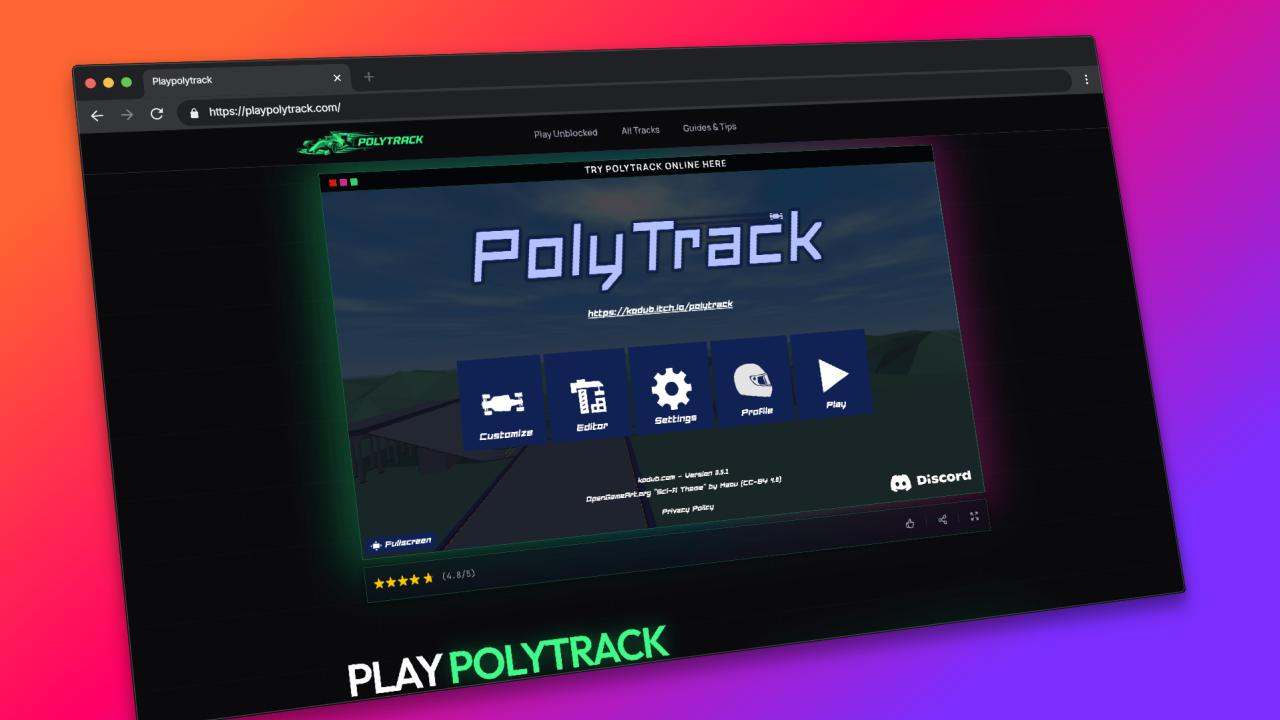
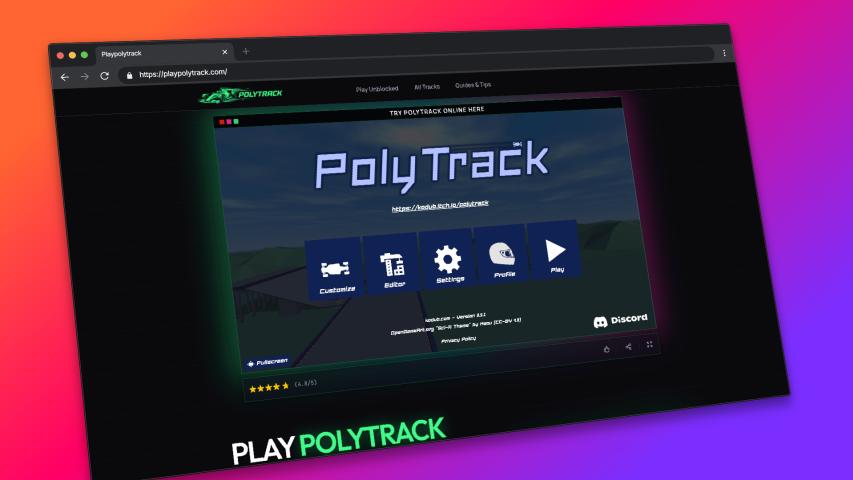
If you've only heard of one game on this list, it's probably this one. PolyTrack is a low-poly racing game built in the browser by kodub, and it's become something of a phenomenon among students over the past year.
What makes it different? Two things.
First, the track editor. PolyTrack ships with a surprisingly powerful built-in editor that lets you design your own courses — curves, elevation changes, checkpoints, the whole thing. You're not just playing tracks someone else made; you're building your own and sharing the codes with friends. The community around this feature is half the reason the game took off.
Second, it actually runs on school hardware. The low-poly art >
If you're new, start with the beginner tracks and work your way up. The drifting physics take about ten minutes to click, and then you'll wonder why other browser racers feel so stiff.
---
2. Drift Hunters
Drift Hunters has been around for a few years now, and it still holds up. It's a pure drifting game — no racing against AI, no lap times, just you and a car on an open track trying to chain together the longest, smoothest drift you can.
The car selection is surprisingly deep. You start with a basic rear-wheel-drive car, earn points from your drifts, and use those points to unlock better cars and upgrade parts. The progression loop is genuinely satisfying, and the game runs on Unity WebGL, which means it works on most school machines as long as WebGL isn't blocked.
One downside: the graphics are a bit heavy for older laptops. If you're on a really old device, you might get some stuttering. Turn the quality settings down and it'll smooth out.
---
3. Moto X3M
Sometimes you don't want a serious racing sim. You just want to flip a dirt bike over a pool of sharks. Moto X3M delivers exactly that.
It's a side-scrolling motorcycle obstacle course game with increasingly ridiculous level design. Each track is a physics puzzle as much as a race — you need to balance speed, tilt, and timing to land jumps cleanly without face-planting into a wall of spikes.
The game is built in HTML5, so it loads fast and runs on pretty much anything. Levels are short (30-60 seconds each), which makes it perfect for a quick session between classes. And the death animations are entertaining enough that failing doesn't feel frustrating.
---
4. Smash Karts
If Mario Kart and a chaotic browser game had a baby, you'd get Smash Karts. It's a 3D multiplayer kart racer where the goal isn't just to finish first — it's to blow up everyone else along the way.
You drive around an arena collecting weapons (rockets, mines, machine guns) and try to rack up kills. It's less about racing lines and more about aiming your rocket launcher while drifting around a corner. The matches are 3-minute free-for-alls, and you level up your character by playing consistently.
Fair warning: this one needs a decent internet connection since it's real-time multiplayer. If your school Wi-Fi is spotty, you might get some rubber-banding. Also, the cartoon violence (exploding karts, not people) might raise an eyebrow if a teacher walks by, but it's all very tame by modern standards.
---
5. Parking Fury 3D
This one is a bit different — it's a parking simulator with stealth mechanics. You're a driver who needs to park cars in increasingly tight and awkward spots, but at night, you're also sneaking around completing objectives.
The driving physics are more realistic than you'd expect from a browser game. You actually need to use your mirrors, watch your angles, and sometimes execute a multi-point turn to squeeze into a spot. The stealth sections add a layer of tension that keeps the gameplay loop fresh.
It runs on WebGL and works on most school devices. The learning curve is gentle — the first few levels are just basic parking, and the difficulty ramps up gradually.
---
Why Browser Games Are Winning in 2026
There's a reason games like these are taking off while download-heavy titles struggle on school networks. IT departments are getting better at blocking .exe downloads and VPN traffic, but browser-based games that run on standard web technologies (HTML5, WebGL, WebAssembly) are much harder to filter without breaking legitimate educational tools that use the same tech stack.
For students, that means the best unblocked games in 2026 are the ones that don't try to hide — they just work on the open web, using the same browser you'd use for Google Docs.
---
What to Look for in a Good Unblocked Racing Game
After testing dozens of these games, here's what separates the good ones from the ones that lag out on the loading screen:
- Low-poly or minimalist graphics: Less geometry to render means smoother performance on integrated graphics.
- HTML5 or WebAssembly, not Flash: Flash is dead, and anything still using it won't load.
- No external launcher or download: If it asks you to install anything, it's not going to work on a locked-down machine.
- Offline-capable or low-bandwidth: School Wi-Fi is unpredictable. Games that load once and run locally are more reliable.
The five games above check all of those boxes, with PolyTrack being the standout for its track editor and community features.
---
Quick Answers
Can I play PolyTrack on a Chromebook?
Yes. PolyTrack runs in the browser using WebGL, so any Chromebook that can load a modern webpage can run it smoothly — no Play Store or Linux container needed.
Is PolyTrack free?
Yes, completely. The browser version at playpolytrack.com is free with no account required. There's also a paid Steam version with extra features if you want to support the developer, but the browser version has everything you need to play, build tracks, and share with friends.
What's the hardest PolyTrack track?
That's subjective, but the community generally considers tracks tagged "Extreme" with tight drift sequences and elevation traps to be the toughest. The best part is you can build your own and challenge friends.
---
Final Lap
The golden age of browser racing games isn't behind us — it's happening right now. Developers are doing genuinely impressive things with WebGL and WebAssembly, and the result is games that would've required a gaming PC ten years ago running smoothly on a school Chromebook.
If you only try one game from this list, make it PolyTrack. The track editor alone gives it more replay value than anything else in the browser racing space, and the community around track sharing keeps it fresh week after week.