Building an e-commerce brand requires more than attractive products and effective marketing. Once customers begin visiting an online store, businesses need to ensure that every part of the shopping experience works properly. From product discovery to payment confirmation, even a small technical problem can affect customer confidence and sales.
Regular website care helps online retailers maintain a professional storefront while adapting to changing business requirements.
Start With a Store Health Check
Before making improvements, businesses should understand how their online store is currently performing. A complete review can reveal technical issues, outdated content, unnecessary applications, and opportunities to improve the customer journey.
A store health check may cover:
- Website loading speed
- Broken links
- Product pages
- Navigation
- Mobile responsiveness
- Checkout functionality
- Application performance
- Forms and buttons
- Website content
Identifying these areas regularly allows store owners to address issues before they become bigger problems.
Keep the Product Catalog Accurate
Product information is one of the most important parts of an e-commerce website. Customers expect descriptions, prices, images, availability, and specifications to be accurate.
As a business grows, product information can quickly become outdated. Regular catalog reviews can help remove discontinued products, update descriptions, replace old images, and organize collections more effectively.
An accurate catalog creates a better shopping experience and helps customers make purchasing decisions with confidence.
Review Your Website Navigation
Customers should be able to find products without unnecessary effort. Complicated menus or poorly organized categories can make visitors leave before discovering what the store offers.
Businesses should periodically review their navigation structure and make sure important categories are easy to access.
Simple menus, clear product categories, useful filters, and effective search functionality can make browsing more convenient.
Test the Shopping Experience
Testing the store from a customer's perspective can reveal issues that may otherwise go unnoticed.
Business owners should occasionally test the complete purchasing process, including:
- Searching for a product
- Opening product pages
- Selecting variants
- Adding items to the cart
- Applying discount codes
- Entering shipping details
- Selecting payment methods
- Completing an order
This type of testing can help identify problems that could prevent customers from completing purchases.
Optimize for Mobile Shoppers
Mobile shopping continues to be an important part of e-commerce. A store that looks excellent on a desktop computer may still have usability problems on smartphones.
Businesses should check whether menus, product images, buttons, forms, and checkout pages work properly on smaller screens.
Improving mobile usability can make the store more accessible and comfortable for customers.
Manage Third-Party Applications Carefully
Applications can expand the functionality of an online store, but businesses should avoid installing tools that are no longer useful.
Every application should have a clear purpose. Store owners can periodically review their installed apps, check whether they are still necessary, and monitor whether they affect website performance.
When technical monitoring becomes difficult to manage internally, shopify maintenance company support can help businesses handle ongoing store-related tasks.
Protect the Customer Experience
A professional online store should provide consistent functionality. Customers should not encounter missing images, incorrect information, broken buttons, or unexpected errors while browsing.
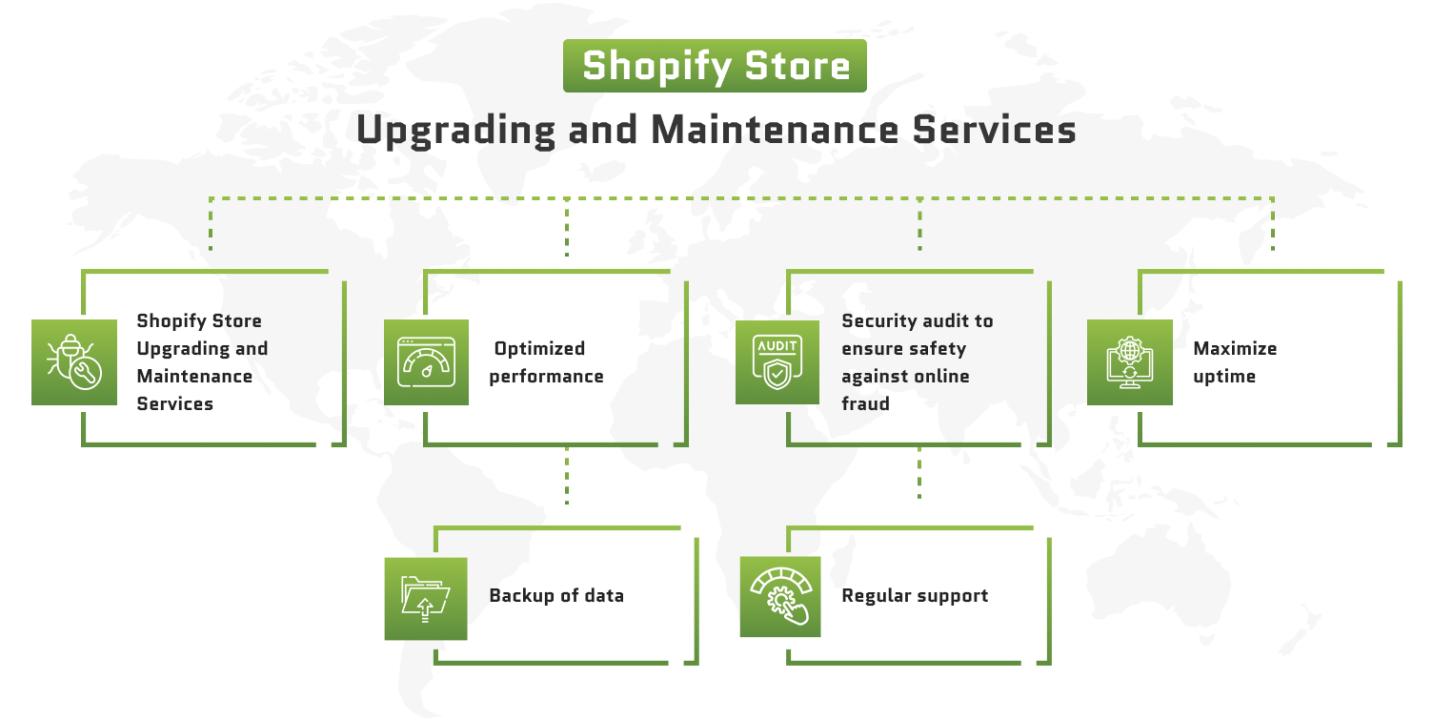
Regular shopify maintenance services can help businesses monitor important areas of their online store and address technical concerns before they negatively affect visitors.
The focus should always be on maintaining a smooth experience from the first visit through the final purchase.
Improve Store Performance Over Time
E-commerce maintenance should not only involve fixing existing problems. It can also be used to identify opportunities for improvement.
For example, businesses can review:
- Which pages receive the most traffic
- Where customers leave the website
- Which products receive the most attention
- Which pages load slowly
- Which devices customers use
- Where customers abandon their carts
These insights can guide practical improvements and help businesses create a more efficient store.
Keep Content Fresh
Customers are more likely to trust a store that provides current and accurate information. Promotional banners, announcements, shipping information, FAQs, and other website content should be reviewed regularly.
Updating outdated content also helps ensure that visitors receive consistent information throughout the website.
Make Maintenance Part of Your Business Routine
Successful e-commerce businesses understand that website management is an ongoing responsibility. shopify maintenance can be incorporated into a regular schedule instead of being treated as an emergency task.
Weekly, monthly, or quarterly reviews can help businesses stay ahead of potential problems and maintain a consistent standard of quality.
Conclusion
A reliable online store requires continuous care. Product information, website functionality, mobile usability, applications, navigation, and checkout processes all need regular attention.
By making store maintenance a routine part of e-commerce management, businesses can identify issues earlier, improve customer experience, and create a stronger foundation for growth.
The best online stores are not simply launched and left unchanged. They are continuously reviewed, improved, and adapted to meet the needs of their customers and the changing demands of the digital marketplace.