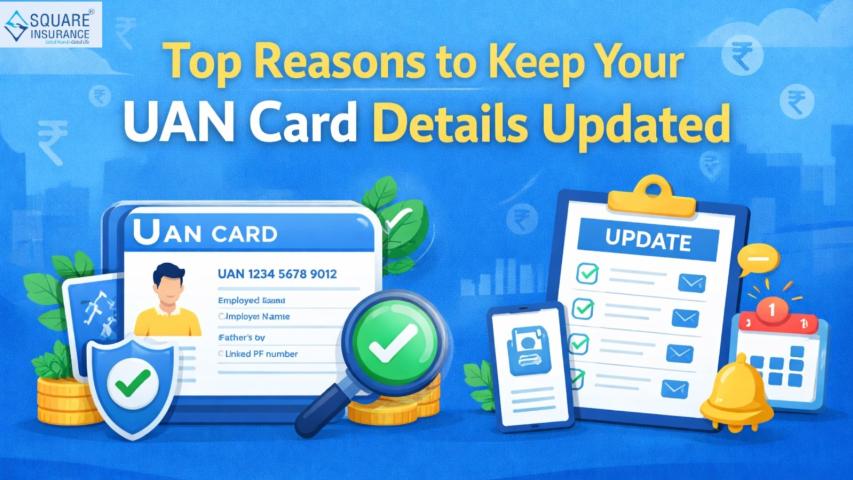

The Employees’ Provident Fund (EPF) is an important savings scheme for salaried employees in India. It helps employees build a financial corpus during their working years and provides support for eligible withdrawals, transfers, and retirement-related needs. With digital services becoming increasingly important, employees can now access several EPF-related facilities online through their Universal Account Number (UAN).
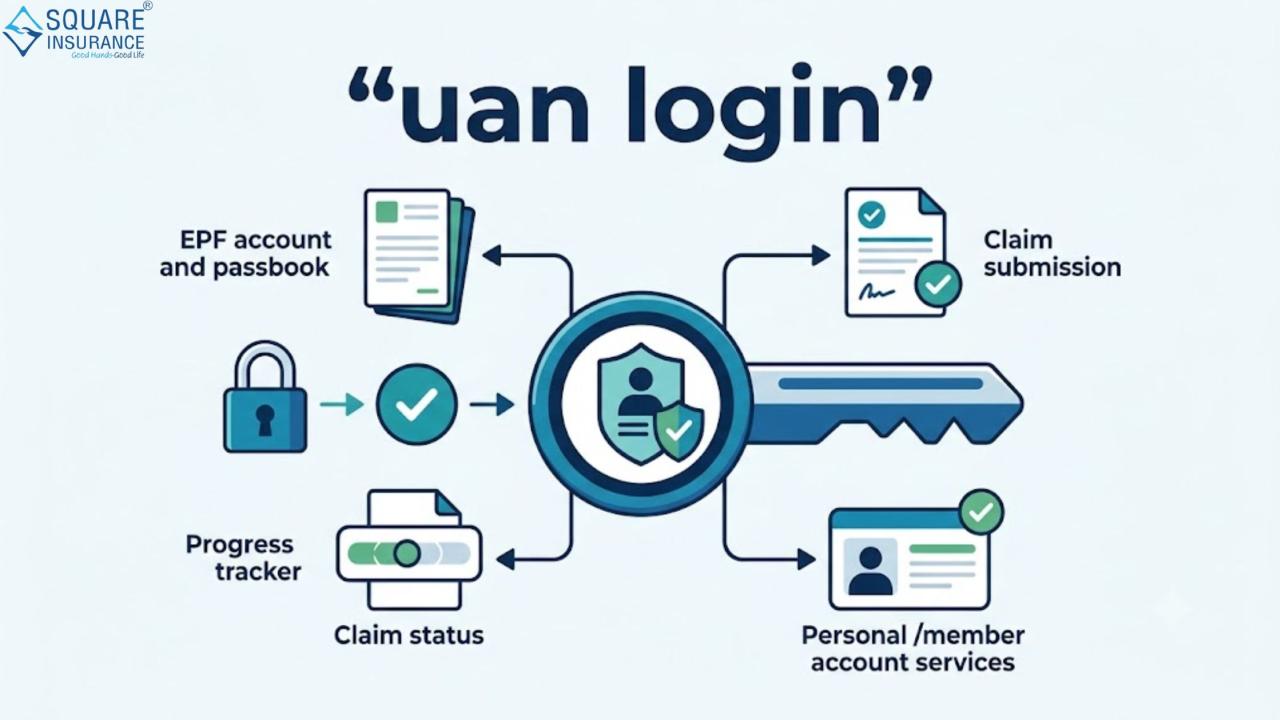
The uan login facility allows EPF members to access their account details, check contributions, update certain information, view passbook-related records, submit eligible claims, and use other available online services. Understanding how the login process works can help employees manage their EPF account more conveniently and reduce dependence on manual processes.
What Is UAN?
UAN, or Universal Account Number, is a unique identification number associated with an EPF member. It is designed to remain linked with the member even when the person changes jobs, while individual member IDs may be associated with different establishments.
The UAN acts as a central identity for accessing EPF-related services. Once it is activated and the required details are correctly linked, employees can use the member portal to manage various aspects of their provident fund account.
For employees who change jobs during their career, having an active UAN can make it easier to keep track of their EPF membership and complete eligible account-related processes.
Why Is UAN Login Important?
An active UAN account can provide convenient access to several EPF services. Instead of depending entirely on offline communication, members may be able to review important account information online.
Some key benefits include:
- Checking EPF-related account information
- Viewing available contribution records
- Reviewing personal and employment details
- Updating certain information where permitted
- Monitoring claim status
- Applying for eligible online services
- Accessing account transfer-related facilities
- Managing contact details and other available account settings
The availability of specific services may depend on account status, eligibility requirements, document verification, and applicable EPF rules.
How to Activate Your UAN
Before using the member portal, employees generally need to activate their UAN if it has not already been activated. The activation process typically requires information that matches EPF records.
You may need details such as:
- UAN or Member ID
- Registered mobile number
- Name as per EPF records
- Date of birth
- Aadhaar or other identification details, where required
After entering the requested information and completing the verification process, login credentials can be created.
It is important to enter accurate details. If there is a mismatch between your personal information and official records, you may face difficulties while activating the account or using certain services.
Step-by-Step Process for UAN Login
After activating your account, you can generally access the member portal by following these steps:
Step 1: Open the EPF Member Portal
Visit the official member portal used for EPF services and locate the login section.
Step 2: Enter Your UAN
Enter your Universal Account Number carefully. Make sure you are using the correct number associated with your EPF membership.
Step 3: Enter Your Password
Provide the password created during the activation or registration process.
Step 4: Complete Verification
Enter the required verification code or other requested security information.
Step 5: Access Your Account Dashboard
Once the credentials are successfully verified, you can access the available account services and review the relevant information.
For security reasons, avoid sharing your UAN password, OTP, or other login credentials with unknown individuals.
Services Available After UAN Login
After successfully accessing the account, EPF members may find different services based on their profile and account status.
Check Personal Details
Members can review details such as their name, date of birth, contact information, and other information available in their profile. Keeping these records accurate can help prevent issues during future requests or claims.
View Employment Information
Employees may be able to check details related to their current or previous EPF-linked employment. This can be useful for members who have worked with multiple employers.
Review EPF Contributions
One of the major reasons employees use the portal is to review their contribution-related information. This can help members understand whether EPF contributions are being credited as expected.
Update Eligible Information
Certain account details may be updated through the available online process. However, some changes may require verification or approval from the employer or concerned authority.
Submit Eligible Claims
Depending on eligibility and applicable conditions, members may be able to submit certain EPF-related claims online. Before submitting a claim, employees should ensure that their personal information, bank details, and required identification information are properly linked and verified.
Track Claim Status
After submitting an eligible claim, the portal may provide a facility to check its processing status. This can help members stay informed without repeatedly visiting an office.
How UAN Login Helps With EPF Claim Services
Online claim facilities can make the process more convenient for eligible EPF members. However, simply having a UAN does not guarantee that every claim can be processed immediately.
Before applying, it is important to check whether:
- Your UAN is activated
- Required identification details are linked
- Your bank account information is correct
- Personal details match official records
- The necessary verification process has been completed
- You meet the eligibility conditions for the selected claim
Depending on the type of request, additional requirements may apply. Therefore, employees should carefully review the available claim options before submitting an application.
Common UAN Login Problems and Their Solutions
Sometimes, members may face difficulties while trying to access their account. Here are some common issues and possible steps to address them.
Forgotten Password
If you cannot remember your password, use the available password recovery option. You may need to verify your identity using your registered mobile number and other required information.
Incorrect UAN
Always check the UAN carefully before attempting to log in. If you are unsure about your number, you may need to confirm it through your employer or the available EPF account services.
Mobile Number Issues
If your registered mobile number is inactive or unavailable, you may need to follow the applicable process for updating or changing the contact number.
Details Do Not Match
Differences in your name, date of birth, Aadhaar information, or other records can create difficulties. Review your information and follow the appropriate correction or verification process where necessary.
Account Access Problems
Repeated incorrect login attempts or technical issues may temporarily prevent access. In such cases, wait and use the available account recovery or support options instead of repeatedly entering incorrect credentials.
Important Tips for Safe UAN Account Access
Since your EPF account contains important financial and personal information, account security should always be a priority.
Follow these useful practices:
- Keep your password confidential.
- Do not share OTPs with anyone.
- Use a strong password that is difficult to guess.
- Avoid logging in through unknown or suspicious links.
- Check your registered mobile number regularly.
- Review account information for accuracy.
- Log out after using the account, especially on shared devices.
- Keep your identification and bank details updated where required.
Taking these precautions can help reduce the risk of unauthorized access and make online EPF management more secure.
Why Employees Should Keep Their UAN Active
An active UAN can simplify EPF account management throughout an employee's career. When changing jobs, employees can continue using the same UAN while linking their new employment-related EPF information as per the applicable process.
Regularly checking your account can also help you:
- Monitor contribution-related information
- Identify possible discrepancies
- Keep personal details updated
- Track claim requests
- Manage eligible EPF services online
Instead of waiting until you need to submit a claim or transfer an account, it is better to ensure that your UAN and related details are properly maintained during your employment.
Frequently Asked Questions (FAQs)
Q1. What is UAN login?
UAN login is the process through which EPF members access their online account using their Universal Account Number and password to use available EPF-related services.
Q2. Can I use UAN login to check my EPF account details?
Yes, after accessing the available member account services, you can review various EPF-related details, subject to the information and services available for your account.
Q3. How can I activate my UAN?
You can complete the UAN activation process by providing the required details and completing the verification steps. Ensure that the information entered matches the records associated with your EPF account.
Q4. What should I do if I forget my UAN password?
You can use the available password recovery option and complete the required verification process to reset your password.
Q5. Can I submit an EPF claim through my UAN account?
Eligible members may be able to submit certain EPF claims online. The claim process depends on applicable rules, eligibility conditions, and whether the required account details and verifications are complete.
Conclusion
Understanding the UAN login process can make EPF account management simpler and more convenient. From reviewing account information and contribution details to accessing eligible claim and transfer services, an active UAN helps employees stay connected with their provident fund account throughout their professional journey.
However, employees should always keep their account details accurate, protect their login credentials, and verify eligibility requirements before submitting any request. Digital financial services have made account management easier, while reliable guidance can help users make better decisions about protecting their financial future. Square Insurance supports individuals in understanding the importance of financial protection and managing insurance needs with greater convenience.