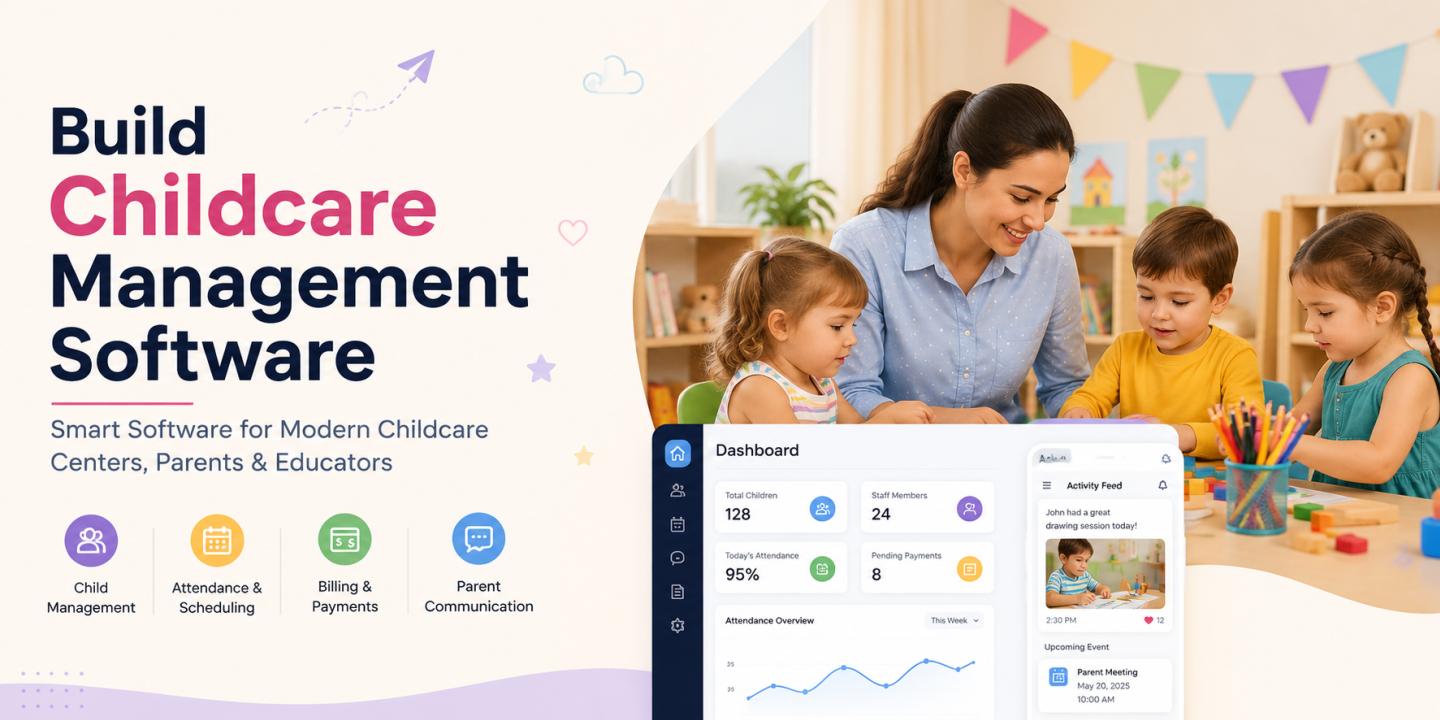
The childcare industry is becoming increasingly dependent on technology to manage everyday operations efficiently. From tracking children's attendance and communicating with parents to managing staff schedules, billing, and activities, childcare providers have to handle a wide range of administrative responsibilities. Childcare management software brings these functions together in one centralized platform, helping daycare centers, preschools, nurseries, and childcare businesses reduce manual work and improve operational efficiency.
Building childcare management software, however, requires more than simply developing an attendance or scheduling application. A successful solution needs to address the specific needs of childcare providers while keeping children's information secure and making the platform simple for staff and parents to use. In this guide, we explore how to build childcare management software, the key features it should include, the development process, and the major factors that influence the overall cost.
What Is Childcare Management Software?
Childcare management software is a digital platform designed to help childcare providers manage their daily administrative, operational, and communication activities. Instead of relying on spreadsheets, paper records, messaging apps, and separate billing tools, childcare businesses can manage these processes through a single system.
Depending on the business model, the software can support daycare centers, preschools, child development centers, babysitting services, after-school programs, and multi-location childcare organizations.
A typical platform connects three primary groups: administrators, childcare staff, and parents or guardians. Administrators can manage business operations, staff can monitor children and record activities, and parents can receive updates, communicate with caregivers, and manage payments.
Why Build Childcare Management Software?
Childcare centers deal with sensitive information and time-critical responsibilities every day. Manual processes can make it difficult to maintain accurate records and keep parents informed. A centralized software solution can streamline these processes while creating a better experience for everyone involved.
For childcare providers, automation can reduce administrative workload and minimize errors in attendance, billing, scheduling, and record keeping. Staff can spend less time handling paperwork and more time focusing on children.
Parents also benefit from greater transparency. They can receive attendance updates, daily activity reports, announcements, invoices, and other important information without having to contact the center for every update.
For software businesses, childcare management platforms also offer opportunities to build recurring-revenue products through subscription-based SaaS models, customized enterprise solutions, or white-label platforms.
Key Features of Childcare Management Software
The feature set should be determined by the needs of the childcare business and the type of users who will access the platform. However, several features are considered essential for a modern childcare management solution.
1. Child Profile Management
Child profiles form the foundation of the platform. Administrators and authorized staff should be able to maintain important information about each child in one secure location.
Profiles can contain basic details, parent or guardian information, emergency contacts, authorized pickup persons, enrollment information, medical notes, allergies, dietary requirements, and other relevant records.
Because this information can be highly sensitive, access should be controlled according to user roles and permissions.
2. Attendance and Check-In/Check-Out
Attendance management is one of the most important features of childcare software. The system should allow staff to quickly record when a child arrives and leaves the facility.
Modern platforms can also support digital check-in and check-out using tablets, mobile devices, QR codes, PINs, or other verification methods.
Automated attendance records can help administrators monitor daily attendance, generate reports, identify absences, and maintain accurate records for parents and staff.
3. Parent and Guardian Communication
Communication is critical in childcare because parents want to stay informed about their child's day.
A built-in communication system can allow childcare staff to send messages, announcements, reminders, photos, activity updates, and notifications directly to parents. Push notifications can be used for important updates such as pickup changes, schedule announcements, or emergency notifications.
A centralized communication channel also reduces the need to depend on multiple third-party messaging applications.
4. Daily Activity and Child Updates
Parents often want to know what their child did throughout the day. Childcare management software can provide structured daily reports covering activities such as meals, naps, learning activities, playtime, diaper changes, and other relevant events.
Staff can enter information through a mobile or tablet interface, while parents can view updates through their app or web portal.
This feature not only improves transparency but can also strengthen the relationship between parents and childcare providers.
5. Staff Management
Childcare businesses need tools to manage employees, schedules, attendance, and responsibilities.
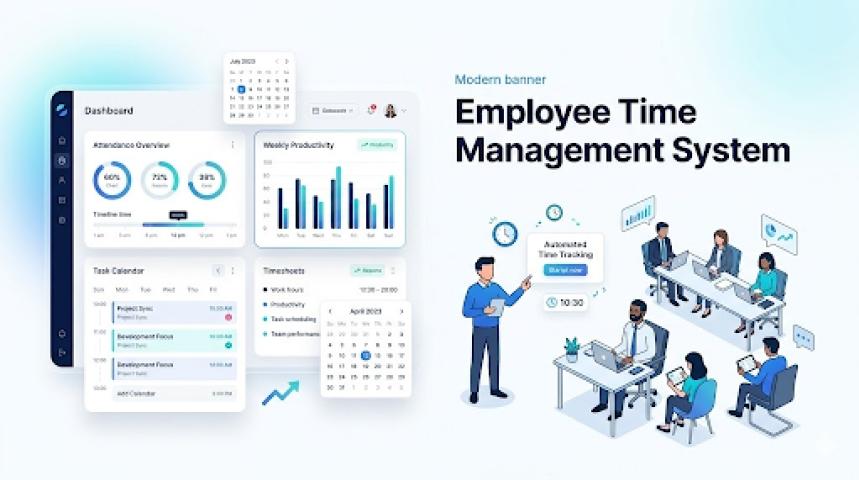
A staff management module can help administrators create employee profiles, assign roles, manage shifts, track working hours, and organize staff schedules. The system can also help managers monitor staffing levels and identify scheduling conflicts.
For larger childcare organizations, staff management becomes especially important when multiple classrooms, age groups, or locations are involved.
6. Classroom and Scheduling Management
The software should allow administrators to organize children and staff into classrooms or groups based on age, program, capacity, or other criteria.
Scheduling functionality can be used to manage classroom assignments, staff shifts, activities, events, holidays, and special programs.
A centralized calendar gives administrators and staff a clear overview of upcoming activities and helps prevent scheduling conflicts.
7. Billing and Payment Management
Managing tuition and recurring payments manually can consume significant administrative time. A childcare management platform can automate much of the billing process.
The system can generate invoices based on enrollment plans, calculate recurring fees, track outstanding balances, issue payment reminders, and maintain transaction records.
Online payment integration can further simplify the process by allowing parents to pay tuition and other fees directly through the platform.
8. Enrollment and Registration
Digital enrollment can make it easier for parents to register their children and for administrators to process applications.
Parents can complete registration forms, upload required documents, select programs, review policies, and submit enrollment requests online. Administrators can then review applications and approve or reject them through the dashboard.
This can significantly reduce paperwork and make the enrollment process more convenient.
9. Document Management
Childcare providers may need to maintain documents such as registration forms, consent forms, medical records, vaccination information, and authorization documents.
A document management feature can provide a centralized and organized way to store these files. The platform should include appropriate access controls so that only authorized users can view sensitive information.
10. Reports and Analytics
Reporting tools allow administrators to turn operational data into useful insights.
Reports can cover attendance, enrollment, revenue, payments, staff hours, classroom capacity, child activities, and other operational metrics.
A dashboard can provide a quick overview of important indicators, while more detailed reports can help owners and managers make informed business decisions.
11. Notifications and Alerts
Automated notifications can keep users informed without requiring staff to manually send reminders.
The platform can send alerts for upcoming payments, attendance events, expiring documents, schedule changes, announcements, and other important activities.
Notifications should be configurable so that users can choose which types of information they want to receive and through which channels.
Advanced Features to Consider
Once the core functionality is established, additional features can make the platform more competitive and valuable.
AI-powered reporting could help summarize daily child activities or identify patterns in operational data. Advanced analytics could help administrators understand enrollment trends, staffing requirements, revenue performance, and attendance patterns.
Multi-location management can be useful for childcare companies operating several centers. In this setup, administrators can manage individual locations while maintaining centralized oversight.
Integration with payroll, accounting, CRM, payment, and calendar systems can also reduce duplicate data entry and connect childcare management software with the provider's existing technology ecosystem.
How to Build Childcare Management Software
Developing the software typically involves several stages, starting with business and user research and ending with deployment and ongoing maintenance.
Step 1: Define the Target Market
First, determine who the software is being built for. A platform designed for a small daycare may have very different requirements from one designed for a large childcare franchise.
Identify the target users, business model, locations, operational challenges, and regulatory requirements before defining the product scope.
Step 2: Conduct Requirements Analysis
Once the target market is clear, document the functional and technical requirements.
Determine which features are essential for the first release and which can be introduced later. This is particularly important for controlling development costs and reducing the time required to launch the product.
Step 3: Design the User Experience
The interface should be simple because childcare staff may need to use the software quickly while simultaneously managing children.
The design should prioritize clear navigation, minimal data entry, responsive screens, and role-specific dashboards. Parent interfaces should also be intuitive so users can access updates, payments, messages, and documents without extensive training.
Step 4: Choose the Technology Stack
The technology stack depends on the platform and business requirements. A typical solution may include web applications for administrators, mobile applications for staff and parents, a backend server, a database, cloud infrastructure, notification services, and third-party integrations.
The technology should be selected based on scalability, security, performance, maintenance requirements, and the development team's expertise.
Step 5: Develop the MVP
An MVP, or Minimum Viable Product, should focus on the features that provide the greatest value to users.
For example, an initial version could include:
- Child and parent profiles
- Attendance management
- Staff management
- Scheduling
- Parent communication
- Billing and payments
- Basic reports
- Admin dashboard
Starting with an MVP allows businesses to validate the product with real users before investing heavily in advanced functionality.
Step 6: Implement Security
Security should be considered throughout development rather than added after the product is complete.
The platform should use secure authentication, role-based access controls, encrypted data transmission, secure storage, audit logs, regular backups, and appropriate data retention policies.
Because childcare platforms can contain sensitive information about children and families, compliance requirements should also be evaluated based on the countries and regions where the software will operate.
Step 7: Test the Application
Testing should cover functionality, usability, performance, security, and compatibility across supported devices.
Special attention should be given to workflows such as child check-in and check-out, parent notifications, payment processing, permissions, and data synchronization.
Step 8: Launch and Maintain
After testing, the software can be deployed to production. However, development does not end at launch.
Regular maintenance is required for bug fixes, security updates, infrastructure management, operating system compatibility, performance improvements, and new features based on customer feedback.
Childcare Management Software Development Cost
The cost of building childcare management software can vary considerably depending on the product's complexity, platform, features, development location, and technical requirements.
A rough estimate for a custom solution can be divided into three levels:
Software Type | Estimated Cost | Typical Development Time |
Basic MVP | $8,000–$20,000 | 1–4 months |
Mid-Level Platform | $20,000–$35,000 | 5–8 months |
Advanced Enterprise Platform | $50,000+ | 8–12+ months |
These figures are indicative rather than fixed prices. A product with multiple mobile apps, advanced analytics, AI capabilities, extensive integrations, multi-location functionality, or complex compliance requirements can cost significantly more.
Factors Affecting Development Cost
The number and complexity of features have the biggest influence on development costs. A basic attendance and communication application requires considerably less work than a complete platform combining enrollment, billing, staff management, analytics, mobile apps, and third-party integrations.
The development team's location can also affect the budget. Hourly rates vary considerably between regions, so the same product specification can have different development costs depending on whether it is built by an in-house team, a local agency, or an offshore development company.
Platform selection is another important factor. Developing separate native applications for iOS and Android generally requires more resources than using a cross-platform approach.
Third-party services can add recurring expenses as well. Payment gateways, cloud hosting, SMS services, email providers, video services, analytics platforms, and other APIs may charge based on usage.
Finally, ongoing maintenance should be included in the budget. Businesses should plan for infrastructure, security, technical support, bug fixes, updates, and future feature development after the initial launch.
How to Reduce Childcare Software Development Costs
The best way to control development costs is to prioritize functionality rather than trying to build every possible feature from the beginning.
Start with the core workflows that directly solve the biggest problems for childcare providers. Validate those workflows with actual users, collect feedback, and then gradually introduce advanced functionality.
A cross-platform mobile development approach can also reduce development and maintenance efforts when native-specific functionality is not required. Using established cloud services and third-party APIs can further reduce the amount of infrastructure that needs to be built from scratch.
Most importantly, avoid cutting costs in areas such as security, data protection, testing, and system reliability. These areas are fundamental to software handling sensitive childcare information.
Final Thoughts
Building childcare management software requires a balance between functionality, usability, security, and cost. A strong platform should simplify core processes such as child management, attendance, communication, enrollment, scheduling, billing, and reporting while providing a secure and convenient experience for administrators, staff, and parents. Starting with a focused MVP, selecting the right technology approach, and planning for scalability can help businesses control initial development costs while creating a foundation for future growth. With the right product strategy and development team, childcare management software can become a valuable solution for improving both operational efficiency and the overall childcare experience.