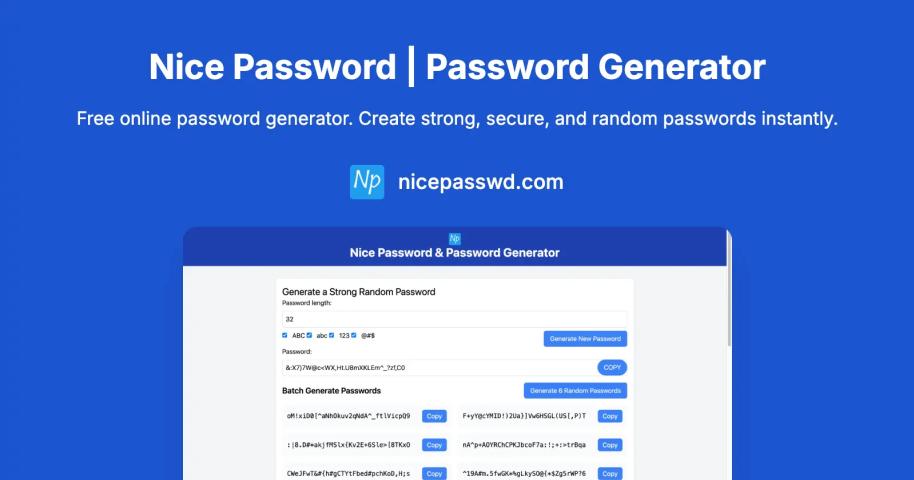
Free Online Password Generator: Strong & Random Passwords
| Founded year: | 2024 |
| Country: | United States of America |
| Funding rounds: | Not set |
| Total funding amount: | Not set |
Description
Nice Password is dedicated to providing a simple, secure, and efficient way to generate strong passwords. In today's digital world, password security is more important than ever, and we believe everyone should have access to tools that help protect their online presence.How to Use Nice Password
1. Customize Your Password
Use the slider or input field to set your desired password length. Toggle the checkboxes to include or exclude uppercase letters, lowercase letters, numbers, and special characters.
2. Generate Password
The password will automatically generate based on your settings. Each time you change a setting, a new password will be created instantly.
3. Copy Password
Click the "Copy Password" button to copy the generated password to your clipboard. You can then paste it wherever you need it.
4. Check Password Strength
The strength indicator will show you how secure your password is. For maximum security, aim for a "Very Strong" rating by using a longer password with a mix of different character types.
5. Save Your Settings
Your password settings are automatically saved in your browser and will be restored the next time you visit. You can also share your settings with others by copying the URL.
Have a startup you want to promote?
Feature your startup and reach thousands of entrepreneurs and investors
Feature My Startup