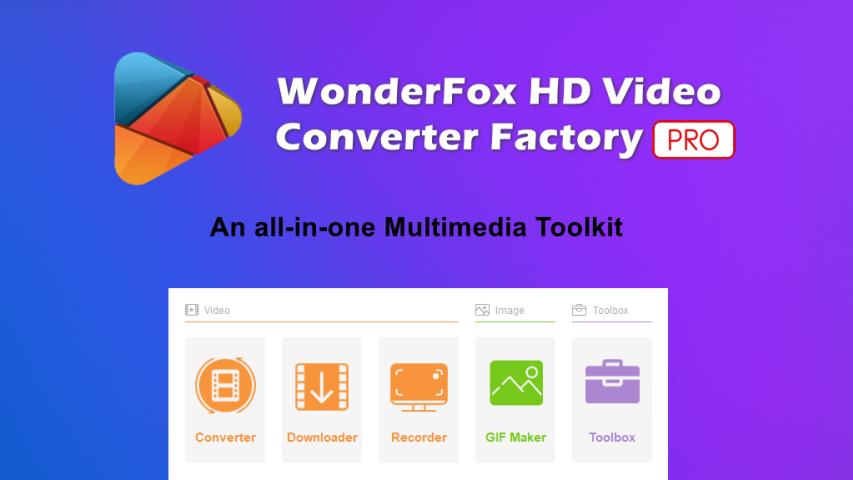
All-in-one multimedia software for video conversion, compression, downloading, editing, and more.
| Founded year: | 2009 |
| Country: | China |
| Funding rounds: | Not set |
| Total funding amount: | Not set |
Description
WonderFox HD Video Converter Factory Pro is a powerful, all-in-one multimedia software designed primarily for video conversion, compression, downloading, editing, and more. Developed by WonderFox Soft, it aims to simplify complex video processing tasks through a user-friendly interface while still delivering professional-grade results.It's especially well-suited for users who work with high-definition content such as 1080p/4K/8K footage, providing excellent speed and quality retention through its advanced compression and GPU acceleration technologies.
Features & Highlights:
1. Universal Video & Audio Conversion
Supports over 500 formats and codecs, including MP4, MKV, MOV, AVI, MPG, WMV, WebM, H.264, H.265 (HEVC), VP9, AV1, and more.
Converts audio formats like MP3, FLAC, ALAC, WAV, AAC, OGG, M4A, etc.
Comes with pre-optimized profiles for common devices, including iPhones, iPads, Samsung Galaxy phones, Sony PlayStation, Smart TVs, and tablets.
2. High-Efficiency Video Compression
Compress large HD or 4K files up to 5X smaller while maintaining excellent quality.
Ideal for saving storage space or preparing content for faster upload or sharing.
You can set custom bitrates, resolution, and formats for more control.
3. Hardware Acceleration for Faster Processing
Fully support Intel QSV and NVIDIA NVENC hardware acceleration.
Speed up conversion and rendering by 30x faster than real-time in some cases.
Smooth processing even for 4K UHD or large batch conversions.
4. Online Video Downloader
Download videos, playlists, or audio from over 1,000+ websites.
Support 1080p, 4K, and 8K video downloads.
Convert downloaded videos directly to your desired format.
5. Built-in Video Editing Tools
Trim and split videos into segments.
Crop frames to remove black bars or focus on subjects.
Rotate and flip videos to the right orientation.
Add subtitles, apply filters/effects/watermarks, and merge multiple clips into one.
Includes a preview player to fine-tune edits in real-time.
6. Screen Recorder
Capture desktop activity, gameplay, or webcam footage in HD.
Choose to record full screen or a specific window/region.
Supports audio recording from mic and system sound.
7. GIF Maker
Turn videos or image sequences into animated GIFs.
Set frame rate, resolution, and duration with precision.
Great for memes, tutorials, or social media sharing.
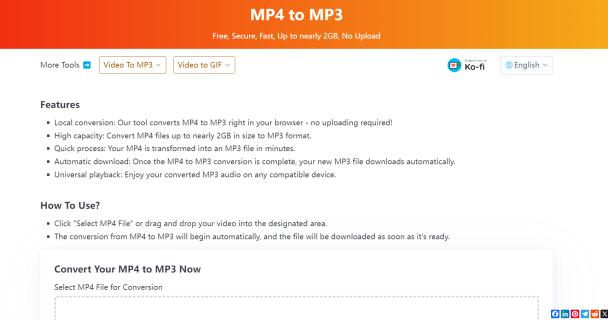
8. Audio Extraction
Extract high-quality audio from video files or online media.
Save directly in MP3, WAV, FLAC, AAC, or other popular audio formats.
Useful for music videos, podcasts, lectures, or interviews.
Instagram: https://www.instagram.com/wonderfoxofficial/
Have a startup you want to promote?
Feature your startup and reach thousands of entrepreneurs and investors
Feature My Startup