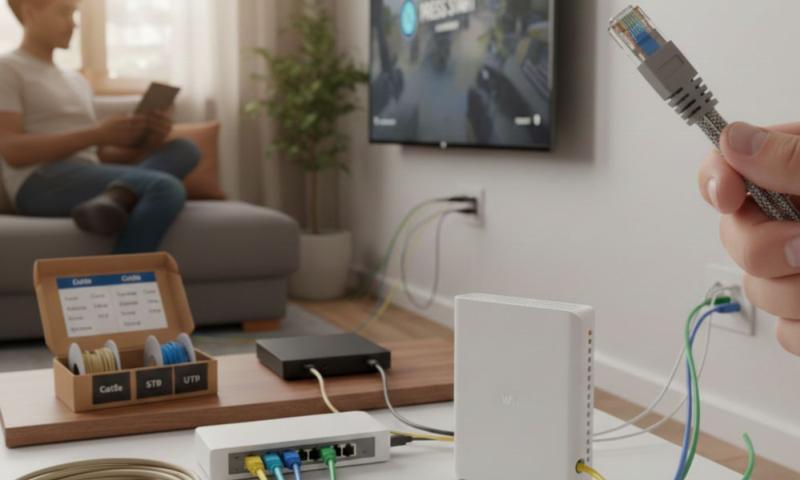
If your internet is slow or your devices can’t connect, the problem might be your network cable. You might use cat6 or cat 5e cable at home or work. Sometimes cables get damaged or don’t work right. A cable tester is a handy tool that helps find these problems.
This guide will explain when you should use a cable tester to troubleshoot your network cables. You don’t need to be a tech expert to understand or use one.
What is a cable tester?
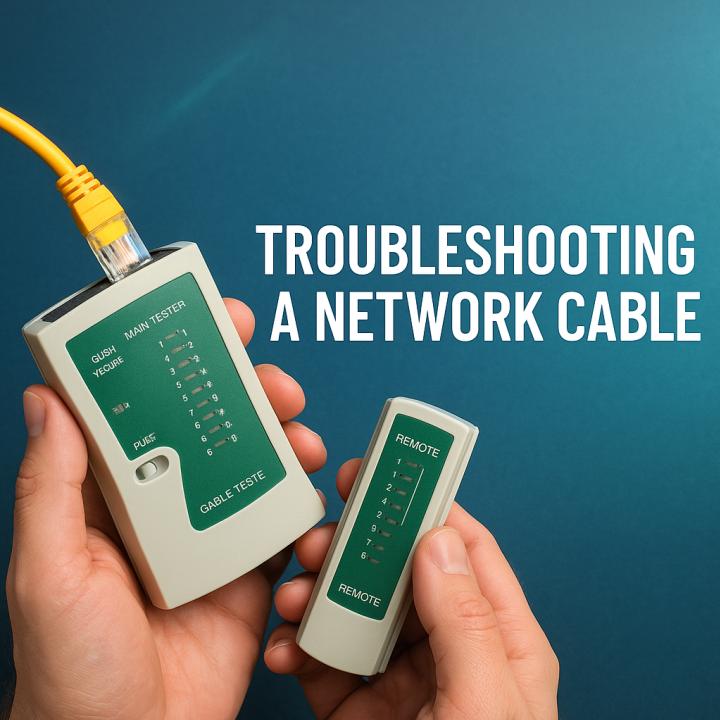
A cable tester is a small device that checks if your network cable is working properly. It tests the wires inside the cable to see if they are connected the right way. It can find breaks, shorts, or wrong wiring.
Using a cable tester helps you know if your cat6 or cat 5e cable is good or if it needs fixing or replacing.
Why do network cables need testing?
Network cables can get damaged in many ways. They might be bent, cut, or have loose connectors. Sometimes cables are wired wrong when they are made or installed. These problems can cause slow internet, no connection, or other issues.
Testing cables helps find these problems so you can fix them.
When should you use a cable tester?
You should use a cable tester in several situations. Here are the most common times to test your network cables.
1. When setting up a new network
If you are setting up a new network at home or work, test all your cat6 and cat 5e cables first. This makes sure they are wired correctly and working before you connect your devices.
Testing early saves time and frustration later.
2. When your internet or network is slow or not working
If your internet is slow or your devices can’t connect, the cable might be the problem. Use a cable tester to check if your cat6 or cat 5e cable is broken or wired wrong.
This helps you find the problem fast.
3. After moving or changing cables
If you move furniture or change cables, test your cables again. Sometimes cables get bent or damaged during moves. Testing makes sure everything still works.
4. When you see physical damage on cables
If your cat6 or cat 5e cable looks cut, bent, or worn, test it. The cable might still work, but testing tells you for sure.
5. When installing long cables
Long cables are more likely to have problems. If you install a long cat6 or cat 5e cable, test it to make sure the signal will be good.
6. When troubleshooting network problems
If you have network problems and you don’t know the cause, testing cables is a good step. It helps rule out cable issues before checking other devices.
How does a cable tester work?
A cable tester has two parts. You plug one end of your cable into the main unit and the other end into the remote unit. The tester sends signals through the wires and checks if they are connected properly.
The tester shows results with lights or on a screen. It tells you if the cable is good, broken, or wired wrong.
What problems can a cable tester find?
A cable tester can find many common cable problems:
Broken wires inside the cable
Wires connected in the wrong order
Short circuits where wires touch each other
Open circuits where wires are cut
Crossed wires or split pairs
Finding these problems helps you fix or replace the cable.
Can you test cat6 and cat 5e cables with the same tester?
Yes! Most cable testers work with both cat6 and cat 5e cables. These cables have similar connectors and wiring. Just make sure your tester supports the cable type you have.
What if the cable tester shows a problem?
If your cable tester shows a problem, you can try a few things:
Check the connectors and plugs for damage
Replace the cable if it’s cut or worn
Rewire the cable if it’s wired wrong (if you know how)
Buy a new cable if you can’t fix the problem
Fixing or replacing bad cables usually solves network problems.
What if the cable tester shows no problem but you still have issues?
If your cable tests good but your network still has problems, the issue might be somewhere else. Check your modem, router, or device settings next.
How to keep your cat6 and cat 5e cables in good shape
Don’t bend or twist cables too much
Keep cables away from pets and sharp objects
Store cables carefully when not in use
Test cables regularly if you have network problems
Taking care of your cables helps avoid problems.
What is the exact answer to “When should you use a cable tester to troubleshoot a network cable?”
You should use a cable tester when setting up a new network, when your internet or network is slow or not working, after moving or changing cables, when you see physical damage on cables, when installing long cables, or when troubleshooting network problems. A cable tester helps find broken wires, wrong wiring, and other cable issues in your cat6 or cat 5e cable.
Final thoughts
Using a cable tester is a smart way to keep your network running smoothly. It helps you find cable problems fast and fix them before they cause big issues.
Remember to check your cat6 and cat 5e cables if you have network troubles or when setting up new connections. Testing cables saves time and keeps your internet fast and reliable.
Sources: https://sfcable.hashnode.dev/how-do-you-check-if-a-cable-is-working-or-not
https://nycityus.com/read-blog/94452
https://newyorktimesnow.com/read-blog/91177
https://sharefolks.com/read-blog/35838.