If you live in Nohar or nearby areas in Rajasthan and need
help with vehicle registration or driving license work, then the RTO Nohar (RJ49) is the place to go. But the good news is, you don't always have to visit
the office in person. Many RTO services are now available online, making the
process easier and faster.
In this blog, we will explain what services are offered at
the RJ49 RTO, how you can apply online, and share some useful tips to save time
and avoid common mistakes.
What Is RTO Nohar (RJ49)?
RTO Nohar is the Regional Transport Office that takes care
of all vehicle-related tasks in and around the Nohar region. Its official code
is RJ49, which appears on vehicle number plates registered here.
This office works under the Rajasthan Transport Department
and follows the rules laid down in the Motor Vehicles Act of India.
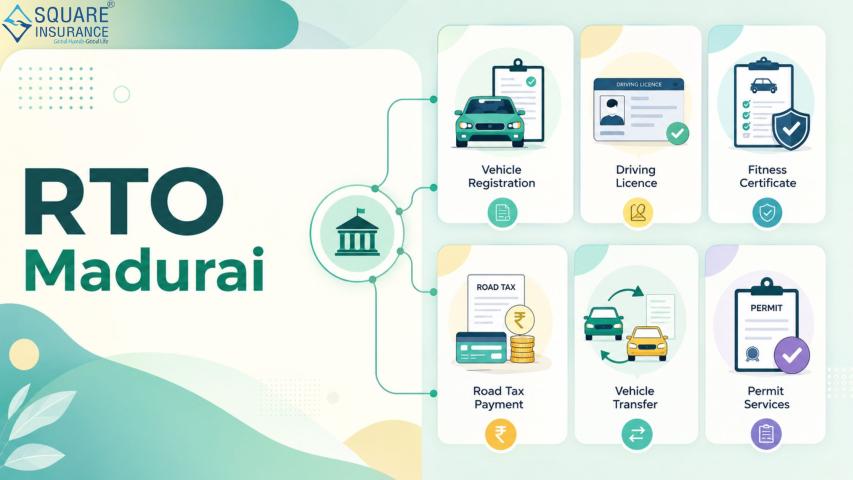
Main Services Offered at RTO Nohar
Here are some of the important services you can get at the
RTO office or through the online portal:
1. Driving License Services
- Apply
for a learner’s license
- Apply
for a permanent driving license
- Add a
new class of vehicle (like adding a motorcycle to your car license)
- Renew
your driving license
- Get a
duplicate license if lost or damaged
2. Vehicle Registration
- Register
a new vehicle (bike, car, or commercial vehicle)
- Transfer
ownership when buying/selling a used vehicle
- Re-registration
of old vehicles
- Issue
of duplicate registration certificate (RC)
3. Permits and Fitness
- Issue
of permits for commercial vehicles
- Apply
for vehicle fitness certificate
- Renewal
of fitness certificates
4. Tax Payments
- Road
tax payments for private and commercial vehicles
- Checking
and paying pending taxes online
Step-by-Step: How to Apply for RTO Services Online
Most services from RTO Nohar can be accessed online using
your phone or computer. Here’s a general guide for applying online:
Step 1: Visit the Rajasthan Transport Portal
You can start by going to the official portal of the
Rajasthan Transport Department. From there, select the option for online
services.
Step 2: Select Your Service
Choose the type of service you need – whether it is a new
driving license, registration, or ownership transfer.
Step 3: Fill the Application Form
Enter all the required information correctly. Keep your
vehicle details, Aadhaar number, and address proof handy.
Step 4: Upload Documents
Scan and upload the necessary documents. These usually
include ID proof, address proof, vehicle papers, and passport-sized photos.
Step 5: Pay the Fees Online
You can pay the required fee using your debit card, net
banking, or UPI.
Step 6: Book an Appointment (If Needed)
For services like driving tests or vehicle inspection, you
will need to book a slot at the RTO office.
Step 7: Visit RTO (Only If Required)
For some services like the driving test or document
verification, you will have to visit the office once.
Documents Required for Common Services
Here’s a quick list of documents you might need depending on
the service:
For Driving License:
- Aadhaar
card
- Passport-sized
photos
- Age
and address proof
- Learner’s
license (for permanent license)
- Medical
certificate (for transport vehicles)
For Vehicle Registration:
- Vehicle
invoice
- Insurance
certificate
- Address
proof
- Road
tax payment receipt
- Form
20 (application form)
For Ownership Transfer:
- Original
RC
- Sale
agreement
- Valid
insurance
- Pollution
certificate
- NOC
(if the vehicle is from a different RTO)
Tips to Make the Process Easier
Getting things done at the RTO can be smooth if you follow a
few simple tips:
1. Check Eligibility Before Applying
Make sure you are eligible for the service you are applying
for. For example, to apply for a permanent driving license, you must hold a
learner’s license for at least 30 days.
2. Keep Digital Copies Ready
Scan your documents clearly and save them in PDF or JPG
format. This helps while uploading online.
3. Pay Fees Through Secure Methods
Use safe and secure payment options and always download the
receipt after payment.
4. Reach Early on Appointment Day
If you are visiting the RTO for a test or document
verification, reach on time to avoid long queues.
5. Keep Copies of All Receipts
Always keep hard and soft copies of application receipts and
payment proofs for future reference.
Common Mistakes to Avoid
Even a small mistake can delay your application. Here are
some common errors you should avoid:
- Wrong
Document Upload: Uploading unclear or incorrect documents can lead to
rejection.
- Incorrect
Information: Don’t guess – always enter details exactly as mentioned
in your documents.
- Missing
Appointments: If you miss your appointment slot, you may have to
reschedule and wait longer.
Contacting RTO Nohar (RJ49)
If you face any problem during your application or want to
know the status, you can visit the RTO Nohar office during working hours. It is
best to go between 10 AM to 1 PM on weekdays, as that is when most officials
are available.
Keep your application number or vehicle number handy when
asking for updates.
Final Thoughts
RTO Nohar (RJ49) offers many services both online and
offline to help you manage your vehicle or license needs. Thanks to online
portals, you can now apply, pay, and track your application from the comfort of
your home.
Just follow the right steps, keep your documents ready, and
avoid common mistakes, and your work will be done smoothly. Whether you are
applying for a new license, transferring vehicle ownership, or paying road tax,
the process is much easier than it used to be.
Stay informed, and drive safe!