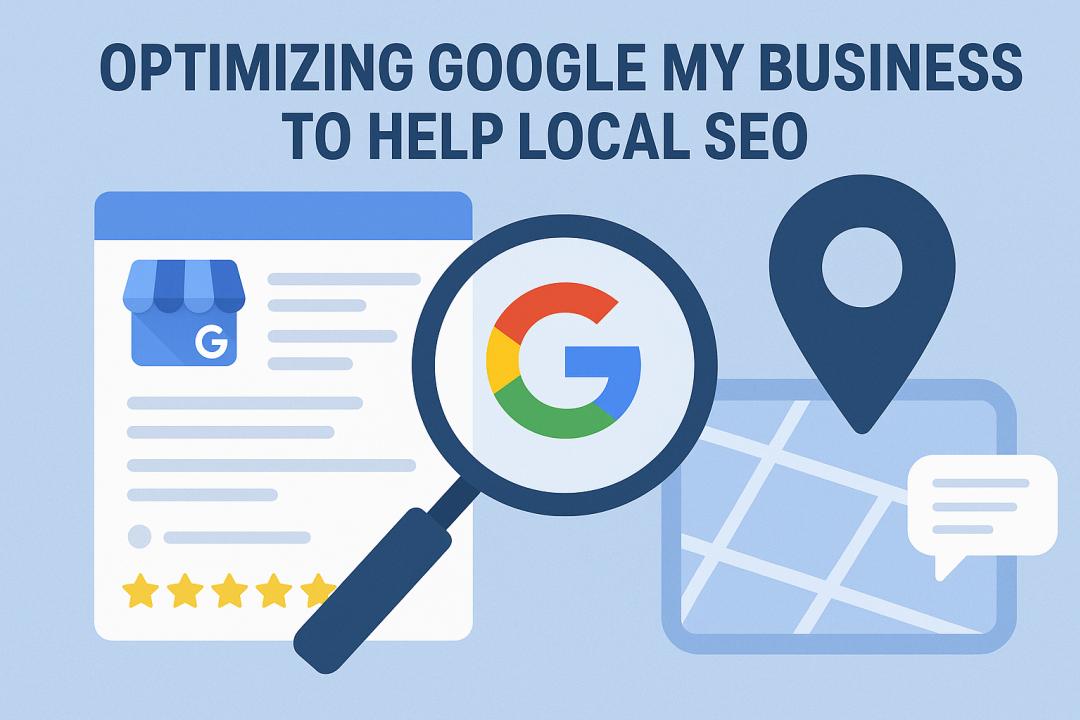
For a local company, being present when customers nearby search for your product or service can have a profound impact. This is where Google My Business (GMB), now called Google Business Profile (GBP) comes in. Optimizing your Google Business Profile is one of the most powerful ways to improve your local SEO, and attract customers that are searching for what you offer.
Why Google My Business Matters in Local SEO
When people look for businesses “near me,” Google will use local SEO signals to determine which results to present. A well-optimized Google My Business profile enhances the likelihood of being listed in the Local Pack (the top three results on the map), and being shown on Google Maps. It improves your visibility online, it is effective, and it does not need advanced technical skill. And it's free of charge.
Step 1: Fill Out All Fields of Your Profile
The first step in the optimization process is to fill out every field of your profile that Google asks for, including the business name, category, address, phone number, website, and business hours. At this stage, it is critical for this information to be accurate. Your name, address, and phone number (NAP) should be consistent across all social media platforms and online listings. Even minor discrepancies can hurt your ranking.
Step 2: Select Categories and Attributes Correctly
Your primary category should identify your primary service of choice (e.g. “Digital Marketing Agency” or “Bakery”). You will also be permitted to select any additional categories that effectively express services you provide. You should also select attributes like “Wheelchair accessible” or “Free Wi-Fi”, as that helps Google ascertain even more information about your business and show it to related users.
Step 3: Bring High-Quality Pictures and Videos
Visual content will set you apart from other listings. A business with pictures will see more clicks, calls, and direction requests than a business without pictures. You want to upload clear, high-resolution images of your storefront, products, and staff, as well as anything else you sell that the customer can see. Regularly updating your images also serves the purpose of showing the customer (and Google) that the business is active and legitimate.
Step 4: Post Updates Regularly
Similar to social media, you should use the posting options in Google My Business to share offers, events, or news. The more frequently you post to your profile, the more active your profile appears. You can highlight seasonal promotions, blog writings, or new products on your posts, and update potential customers as well as your GMB activity.
Step 5: Gather and Respond to Reviews
Customer reviews are recognized as one of the strongest ranking factors with local SEO. Ask happy customers to write positive reviews for your business, and always respond to reviews (both positive and negative) in a friendly, appreciative, and helpful way. Genuine responses create trust with potential customers and will also reflect trustworthiness in Google’s algorithm.
Step 6: Review Insights and Adjust
Google provides useful insights on how customers find and interact with your listing. Pay close attention to those insights — for example, the search queries that got them to your listing, the directions requested, and the phone calls placed. And with the insights provided by Google My Business, you are able to start refining or targeting some of that content to see if it works even better.
Final Thoughts
Optimizing your Google My Business listing is one of the easiest and most effective ways to improve your local SEO. It puts your business at the forefront: in front of local customers who are ready to purchase. Adding content regularly, accurate business information, and real engagement can help your GMB profile provide an exceptional local lead flow.