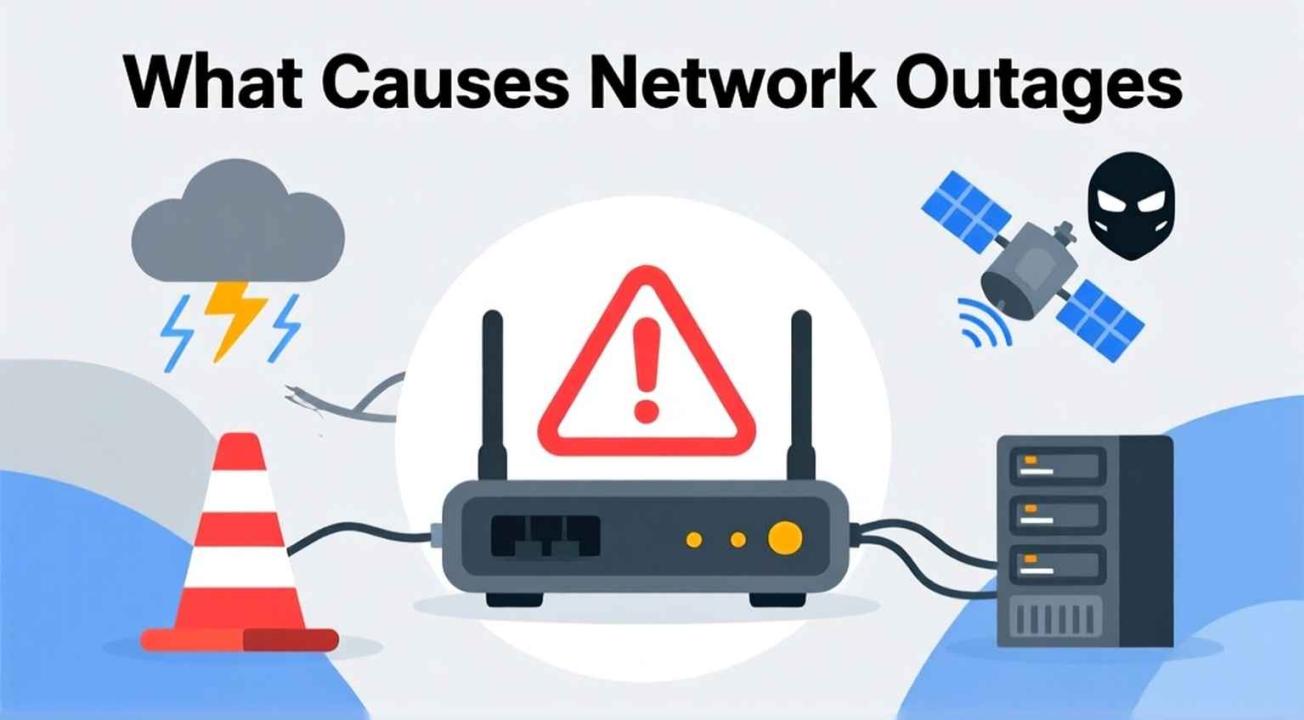
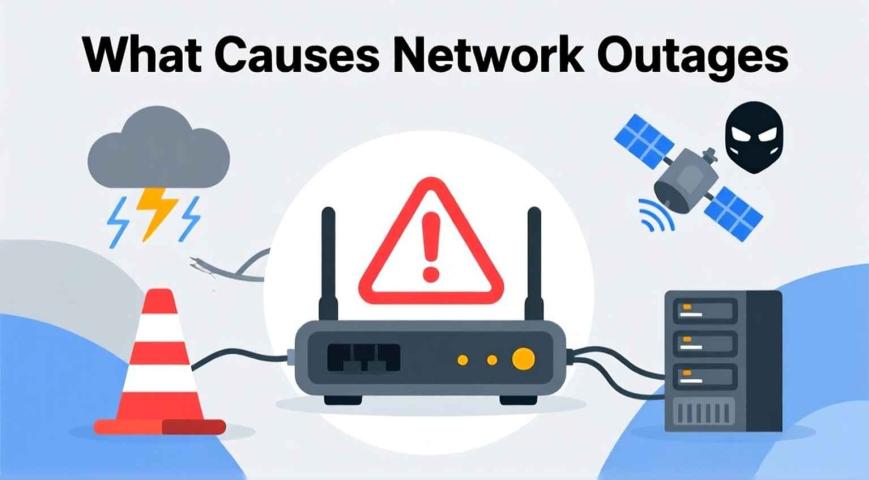
You’re on an important video call or about to submit a project when your screen suddenly freezes. The Wi-Fi icon turns into a spinning circle. It's frustrating, right? You're not alone. Internet outages are a common annoyance in our connected world.
But here’s the big question: What causes internet outages? More importantly, how can you fix them?
In this article, we’ll explain the most common reasons your internet may stop working, what you can do about it, and how to prevent it from happening again. Whether you face a quick glitch or a major disruption, understanding the cause can help you get back online faster.
What Is a Network Outage?
A network outage, or internet outage, occurs when your connection to the internet is interrupted, either completely or partially. It can affect just one device, your entire home network, or even large areas if your Internet Service Provider (ISP) has problems.
Outages can arise from many reasons, some of which you can control while others you cannot. Fortunately, most of the time, you can identify and fix smaller issues without waiting for customer support from your ISP.
Common Causes of Internet Outages
1. ISP Service Disruptions
Sometimes, the issue isn't on your end but at your Internet Service Provider (ISP). ISPs perform routine maintenance, upgrade their networks, or deal with unexpected technical failures.
- How to tell: If several people in your area report issues or if your ISP’s website or social media mentions an outage, it's a strong indicator.
- How to fix it: Unfortunately, there’s not much you can do except wait. However, it’s wise to check your ISP's status page or call customer support for confirmation and an estimated time for restoration.
2. Hardware or Equipment Failure
Your modem, router, or cables might be to blame. Overheating, older devices, or loose cables often cause connection drops.
- How to tell: If the lights on your router are blinking strangely or if there are no signal lights showing, your device may need attention.
- How to fix it: Restart your router and modem by unplugging them for 30 seconds and then plugging them back in. Also, check your cables for damage or loose connections. If your router is over 3 to 4 years old, consider upgrading it to improve performance.
3. Weather-Related Issues
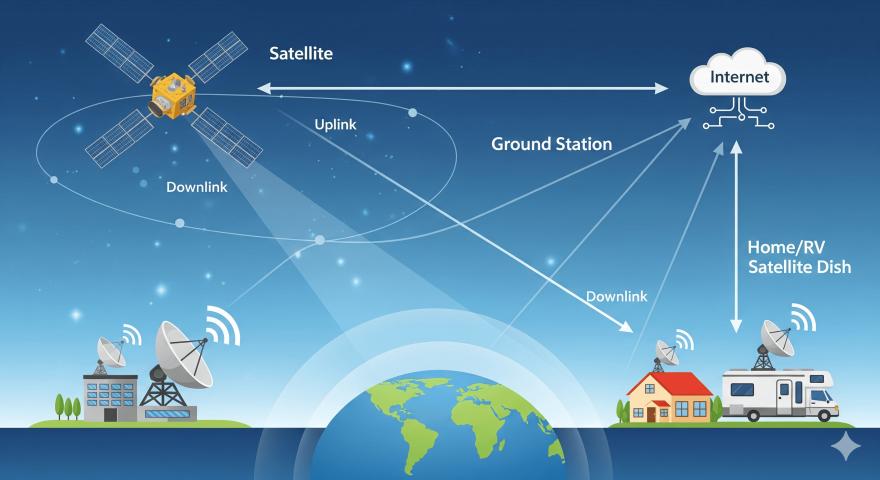
Heavy rain, strong winds, or snowstorms can disrupt both wired and wireless connections, especially in rural or satellite-based systems.
- How to tell: If your internet drops during or right after bad weather, it’s probably related.
- How to fix it: If you use a satellite, snow or debris on your dish can block signals, so gently clean it when it's safe.
4. Network Congestion
Have you noticed your internet slowing down in the evening? This is usually due to network congestion and too many users online at the same time.
- How to tell: If your connection works fine during off-peak hours but slows down during peak times, congestion is likely the issue.
- How to fix it: Limit bandwidth-heavy activities like streaming or gaming during busy hours. Some routers allow you to prioritize specific devices or apps to keep everything running smoothly.
5. DNS Server Issues
Your DNS server acts like the internet's phonebook, translating web addresses into IP addresses. If your DNS server is down or overloaded, websites won't load even if your connection seems fine.
- How to tell: If you can’t access websites but apps still work, DNS might be the issue.
- How to fix it: Switch your DNS server to a public one like Google’s (8.8.8.8 and 8.8.4.4) or Cloudflare’s (1.1.1.1). This is a quick fix that can often restore access right away.
6. Software or Firmware Glitches
Like your phone or computer, routers also need software updates. Outdated firmware can create instability and frequent disconnections.
- How to tell: If your router randomly restarts or drops connections, it may be using outdated firmware.
- How to fix it: Log into your router’s admin panel and check for firmware updates. Regularly apply these updates to fix bugs and improve security.
7. Power Outages and Electrical Problems
If your area experiences frequent power fluctuations or outages, your internet equipment can go offline temporarily or even get damaged.
- How to tell: Everything goes dark, including your Wi-Fi lights.
- How to fix it: Use an Uninterruptible Power Supply (UPS) to protect your router and modem. This will keep your connection alive for a short time and prevent damage from sudden surges.
8. Cyberattacks and Security Breaches
Though rare for home users, Distributed Denial-of-Service (DDoS) attacks or malware infections can disrupt your internet by overwhelming your network.
- How to tell: Unusual spikes in data usage, slowdowns, or devices behaving strangely are signs to watch for.
- How to fix it: Run a full antivirus scan, change your Wi-Fi password, and enable your router’s firewall. You may also want to use a VPN for added protection.
How to Troubleshoot an Internet Outage (Step-by-Step)
- Check other devices: Is it just one device or all of them?
- Restart your router/modem: It fixes 80% of temporary glitches.
- Inspect cables and connections: Loose or damaged cables are easy to overlook.
- Check your ISP’s status: Visit their outage map or social media.
- Try a wired connection: If Wi-Fi doesn’t work but Ethernet does, the issue may be with your router’s wireless settings.
- Reset network settings: Sometimes, clearing saved settings on your computer or phone can help.
- Contact your ISP: If all else fails, get in touch with technical support for diagnostics.
Long-Term Fixes to Prevent Future Outages
- Upgrade your router or modem every few years.
- Place your router in a central, open spot to reduce signal interference.
- Use surge protectors to protect against power damage.
- Keep software and firmware updated.
- Switch to a reliable ISP with a good uptime record if you face frequent outages.
Conclusion
Internet outages are bound to happen, but they don’t have to ruin your day. Understanding what causes internet outages and how to fix them can help you handle most problems yourself.
Whether it’s a simple router reset, a DNS adjustment, or a quick check with your provider, small steps can help you get back online in no time. If you’re tired of frequent disruptions, consider upgrading your equipment or looking for more reliable internet options in your area. Stay connected and calm; sometimes it’s not your Wi-Fi’s fault.
FAQs About Network Outages
1. What Is a Network Outage?
A network outage occurs when your internet connection is lost or disrupted due to technical problems, weather, or service provider issues. It can impact your home network or even large regions.
2. How Long Do Internet Outages Usually Last?
It depends on the cause. Minor home issues may take just minutes to fix, while outages from an ISP or weather can last for hours or even a day.
3. Can a Bad Router Cause Internet Outages?
Yes. Old or malfunctioning routers often lead to frequent disconnections or slow speeds. Replacing outdated equipment can help restore stability.
4. Why Does My Internet Keep Disconnecting at Night?
This often happens due to network congestion or scheduled maintenance by your ISP during off-peak times.
5. What Should I Do If My ISP Is Always Down?
If outages happen often, contact your provider to report the issue. If it continues, you might need to switch to a more reliable service in your area.