
Managing payroll efficiently has become a critical necessity for modern businesses. With remote, hybrid, and on-site teams working together, employers must offer convenient tools that let employees access pay details whenever they need them. This is where QuickBooks provides two different yet complementary solutions: the QuickBooks Workforce app and QuickBooks Desktop.
Although both platforms serve the same core purpose—streamlining pay-related information—they differ in features, accessibility, and staff interactions. Understanding how each option works helps companies choose the best setup for their workforce and ensures smoother payroll management for everyone involved.
1. What Is the QuickBooks Workforce App?
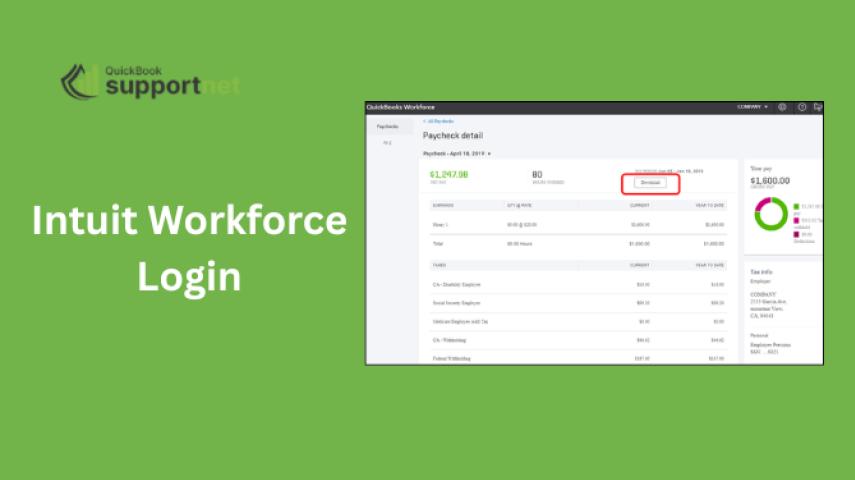
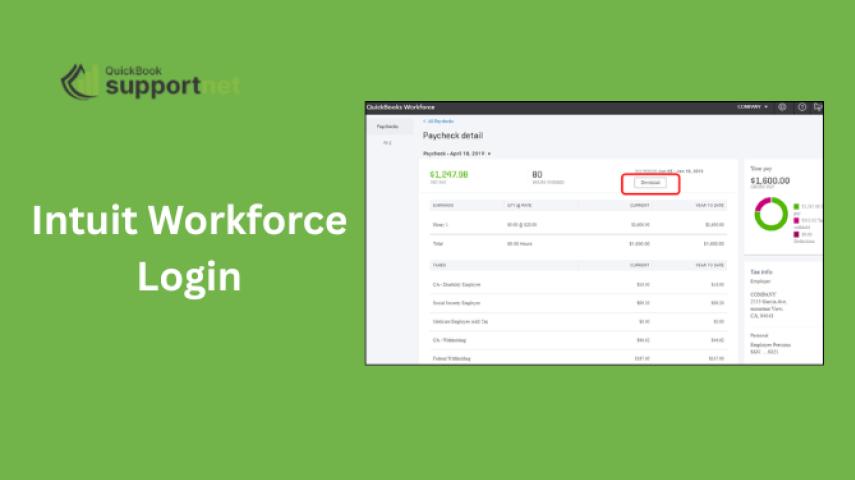
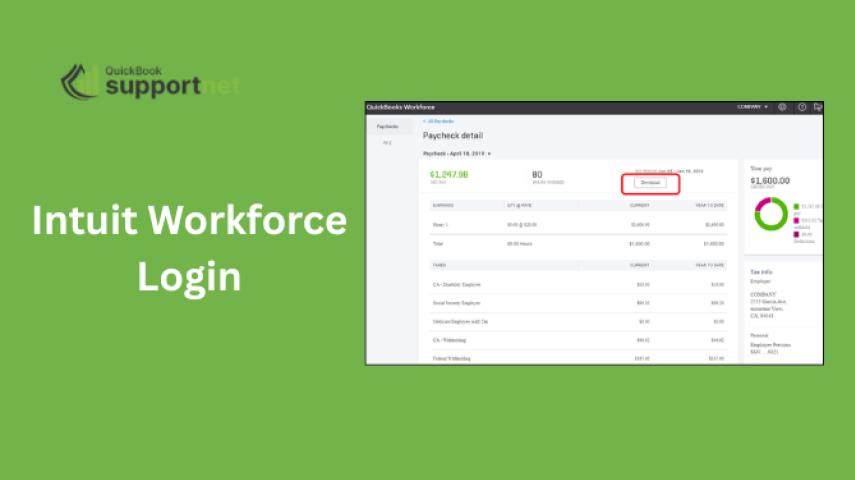
The QuickBooks Workforce app is a cloud-based extension that allows employees to view their paycheck details anytime, anywhere. It enables staff to conveniently access pay stubs, W-2s, and tax information from any device without requiring employer intervention.
Once an employer sends an invite through the quickbooks workforce login link, employees can easily create an account, sign in, and begin reviewing their payroll records. This simplifies communication and reduces the need for HR or accounting teams to manually distribute documentation.
Key staff-focused features include:
- Instant access to paystubs and tax forms
- Mobile-friendly self-service portal
- Automatic updates whenever payroll is processed
- Paperless record-keeping
- Easy login via Intuit workforce login
For companies with remote or field employees, Workforce becomes especially valuable because it eliminates the dependency on office systems. Employees simply open the mobile app or website to check their financial details.
2. What Is QuickBooks Desktop for Employees?
QuickBooks Desktop is a traditional accounting and payroll software installed on office computers. While it is widely used in organizations that prefer on-site control and detailed financial management, its employee-facing features are more limited compared to the Workforce app.
In the Desktop environment, staff usually rely on HR or payroll managers to receive pay stubs, tax forms, and other documentation. The platform itself doesn’t offer self-service mobile tools for employees. Instead, employers print or email documents manually.
That means quickbook workforce users enjoy a modern, digital experience, while those depending solely on Desktop receive information primarily through internal distribution processes.
Despite these limitations, QuickBooks Desktop remains powerful for back-end payroll processing, tax calculations, and business accounting—benefiting employers more than staff.
3. Side-by-Side Comparison: Workforce App vs. Desktop
Below is a simplified comparison of what employees can expect from each platform:
Feature | QuickBooks Workforce App | QuickBooks Desktop |
Access method | Mobile app + browser | Office computer |
Employee self-service | Yes | Limited |
Pay stub access | Immediate online | Printed or emailed |
W-2 access | Online download | Provided by employer |
Login method | Uses workforce intuit login | No employee login |
Mobile-friendly | Highly optimized | Not available |
Real-time updates | Yes | Manual distribution |
Remote staff support | Excellent | Limited |
In short, the Workforce app emphasizes convenience and independence, while Desktop focuses on employer-controlled workflows.
4. Benefits of the QuickBooks Workforce App for Staff
Employees using the Workforce app enjoy several advantages:
a. 24/7 Access to Payroll Information
They can check pay stubs, year-end forms, earnings history, and deductions anytime without needing help from HR.
b. Saves Time and Reduces Frustration
No more waiting for printed documents or searching through email attachments. Staff simply log in with workforce quickbooks credentials and view what they need instantly.
c. Mobile-Friendly and Remote-Based
For distributed teams, field staff, or contractors, the app provides seamless access from any location.
d. Environmentally Friendly
Switching to digital pay and tax records significantly reduces paper waste.
5. When QuickBooks Desktop Is Still Useful for Staff
Although QuickBooks Desktop is not designed as a self-service tool, it benefits employees by ensuring accurate payroll processing. Employers can use Desktop to:
- Run detailed payroll reports
- Track hours and job costing
- Ensure precise calculations
- Manage compliance
- Sync data with Workforce (if enabled)
If a company does not use Workforce, Desktop remains the hub for generating pay stubs and tax forms, which are then delivered to staff in more traditional formats.
6. Which One Is Better for Employees?
From a staff perspective, the QuickBooks Workforce app is undoubtedly the more convenient and modern solution. It empowers employees with full visibility into their pay and tax details, reducing dependency on internal teams.
QuickBooks Desktop, although powerful on the back end, does not provide the accessibility or flexibility that today’s workforce expects. Most businesses now combine both platforms: Desktop for internal operations and Workforce for employee self-service.
Ultimately, the best solution depends on your company’s setup. For growing or remote-friendly companies, Workforce is essential. For companies that still rely on offline or in-office processes, Desktop continues to serve well—but may benefit from integrating Workforce for staff use.
7. Why Businesses Use Both Tools Together
Many organizations run payroll through QuickBooks Desktop and activate the Workforce feature so employees can access their information online.
This hybrid approach offers:
- Strong payroll control for employers
- Convenient access for employees
- Reduced HR workload
- Faster communication
- Better transparency
When both work together, companies enjoy the best of both systems.
8. How Staff Access Their Workforce Account
Staff can access their details with a simple login through quickbooks workforce app, which works on both iOS and Android. The process is easy:
- Employer sends an invitation.
- Employee creates an account.
- They sign in through Intuit workforce login.
- All pay-related details become available instantly.
If employees face issues signing in, they can reach QuickBooks support at +1(866)500-0076 for assistance.
Conclusion
The difference between QuickBooks Workforce and QuickBooks Desktop primarily revolves around accessibility and convenience. Workforce offers employees a modern, mobile self-service experience, while Desktop focuses on employer-driven payroll processing. Businesses looking to enhance transparency, reduce administrative tasks, and support remote teams will find Workforce essential.