The Short Answer: Yes, It Absolutely Matters
Not all USB adapters are created equal. The adapter you choose can significantly impact charging speed, data transfer rates, device safety, and overall performance. Using the wrong adapter might damage your devices or simply waste your time with slow transfers.
Understanding USB Standards
USB technology has evolved dramatically over the years. From USB 1.0 to the latest USB4 standards, each generation offers different capabilities. A USB 2.0 adapter maxes out at 480 Mbps, while USB 3.2 can handle up to 20 Gbps. If you're using an older adapter with newer devices, you're leaving performance on the table.
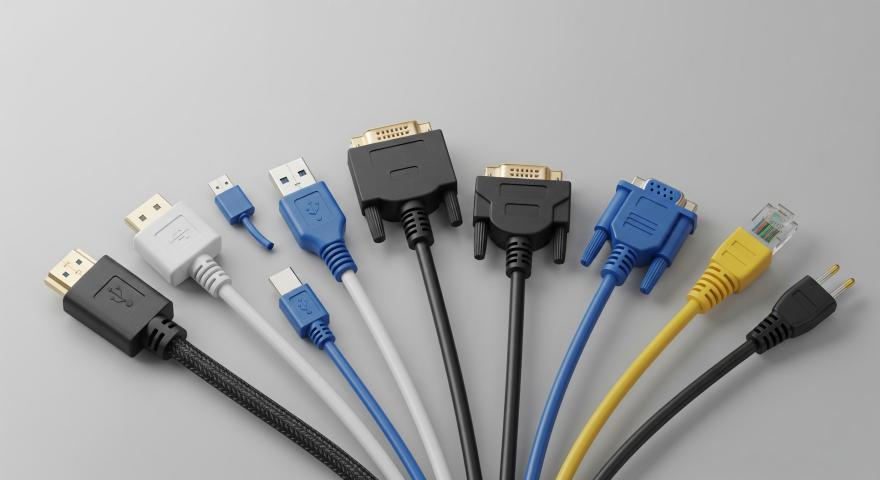
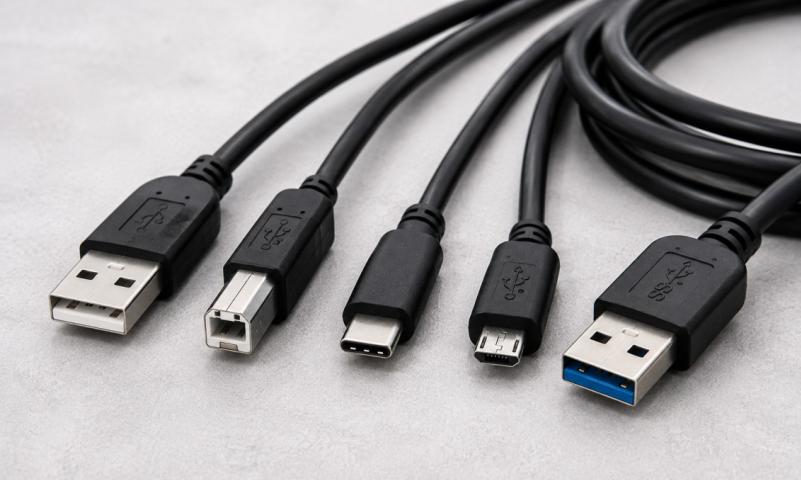
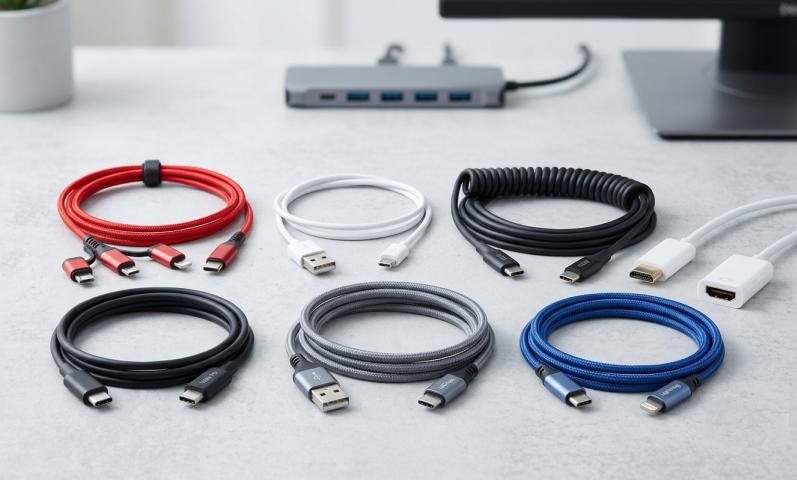
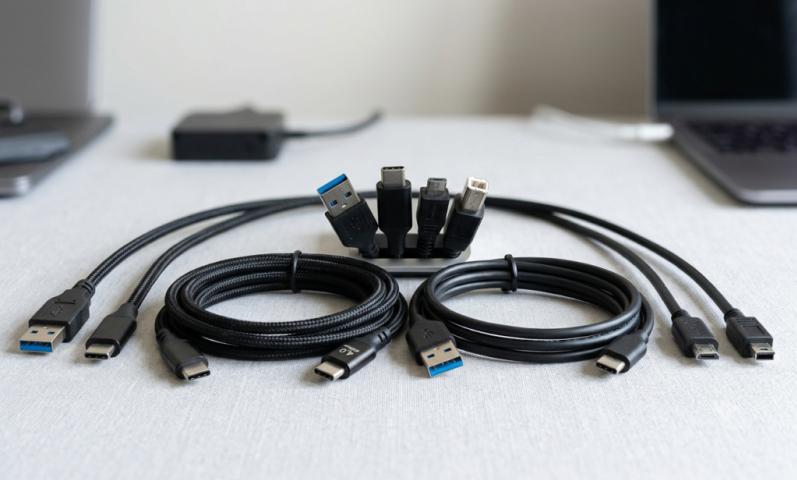
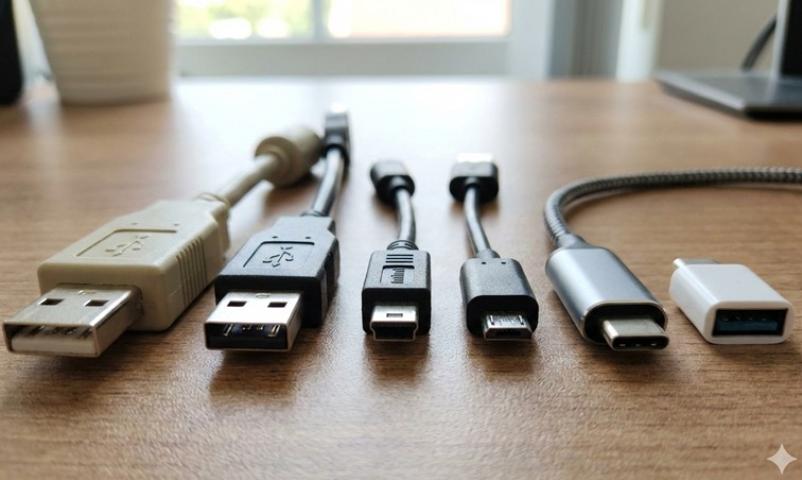
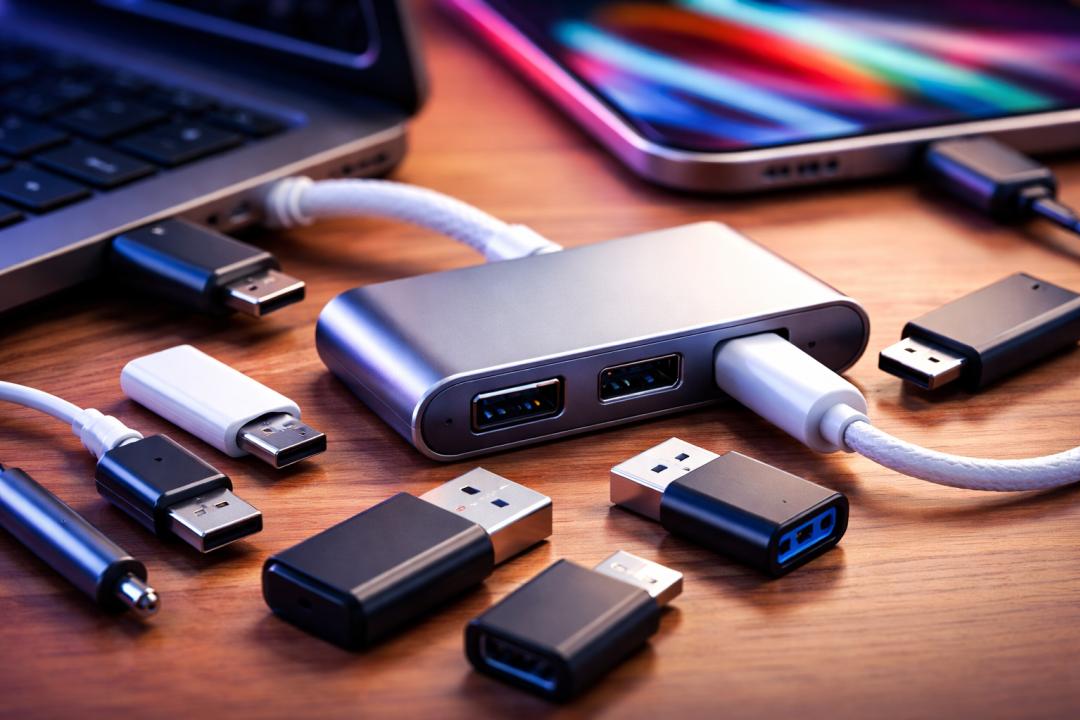
The physical connector type also matters. USB-A, USB-B, USB-C, Mini-USB, and Micro-USB all serve different purposes. A usb to usb adapter must match both your device ports and your performance needs.
Power Delivery and Charging Speeds
One of the most critical factors is power delivery capability. Modern devices often require specific wattage for optimal charging. A cheap adapter might only deliver 5W, while your laptop needs 65W or more.
Using an underpowered adapter won't necessarily damage your device, but it will charge painfully slowly or not at all during heavy use. Some devices will even display warnings about slow charging when detecting inadequate power delivery.
Quality adapters support protocols like USB Power Delivery (PD) or Quick Charge. These technologies negotiate the optimal power level with your device, ensuring fast and safe charging.
Data Transfer Speed Differences
If you're transferring files, the adapter quality becomes even more apparent. A low-quality usb to usb adapter might claim USB 3.0 speeds but actually perform at USB 2.0 levels due to poor internal wiring or cheap components.
This matters enormously when moving large files. Transferring 100GB of photos could take 30 minutes with a good adapter or several hours with a poor one. For professionals working with video files or large datasets, the right adapter isn't just convenient, it's essential for productivity.
Build Quality and Durability
Cheap adapters often use inferior materials that wear out quickly. The connectors might become loose, the cable could fray, or the internal components may fail unexpectedly.
Quality adapters feature reinforced connectors, braided cables, and proper strain relief. These design elements extend lifespan significantly. While you might save a few dollars initially, replacing cheap adapters repeatedly costs more in the long run.
Physical durability also affects connection stability. A loose connection can cause intermittent disconnections, corrupted data transfers, or inconsistent charging.
Safety Concerns
Perhaps most importantly, low-quality adapters pose genuine safety risks. They may lack proper voltage regulation, overcurrent protection, or adequate heat dissipation.
There have been documented cases of cheap adapters causing device damage, battery swelling, or even fires. Reputable manufacturers invest in safety certifications like UL, CE, or FCC compliance. These aren't just stickers, they represent testing and quality standards.
A proper usb to usb adapter includes internal circuitry to prevent power surges, short circuits, and overheating. This protection safeguards both the adapter and your expensive devices.
Compatibility Issues
Not all adapters work with all devices, even if the physical connectors match. Some devices require specific authentication chips to function properly. Apple devices, for example, need MFi (Made for iPhone) certified cables and adapters.
Using non-certified adapters might result in "accessory not supported" messages or limited functionality. While third-party certified adapters exist, they must meet manufacturer standards.
Additionally, some specialized functions require specific adapter support. Features like video output, audio transmission, or ethernet connectivity through USB-C all depend on proper adapter capabilities.
Brand Reputation Matters
Established brands like Anker, Belkin, and Cable Matters have reputations to protect. They typically offer warranties, customer support, and consistent quality control.
Generic no-name adapters from unknown sellers often lack any accountability. If something goes wrong, you have no recourse. The few dollars saved aren't worth the risk to your devices.
Reading reviews and checking certifications helps identify reliable products. Look for adapters with hundreds of verified reviews rather than those with just a few suspiciously perfect ratings.
When Cheaper Options Work Fine
That said, not every situation requires a premium adapter. For basic tasks like charging a phone overnight or connecting a keyboard, mid-range options work perfectly well.
The key is matching the adapter to your needs. A $5 adapter might be fine for a USB mouse but terrible for fast-charging a tablet or transferring 4K video files.
Consider your specific use case. What devices will you connect? What speeds do you need? How often will you use it? These questions guide appropriate adapter selection.
Making the Right Choice
Research before purchasing. Check your device specifications to understand what standards it supports. Look for adapters that match or exceed those capabilities.
Verify certifications and read user experiences. A slightly more expensive adapter from a reputable brand often proves more economical than repeatedly replacing cheap alternatives.
Consider future needs too. Investing in a USB 3.2 or USB4 adapter now means you won't need to upgrade when you get faster devices later.
The Bottom Line
The adapter you choose genuinely matters for performance, safety, and longevity. While you don't need to buy the most expensive option, avoiding the cheapest is wise.
Quality adapters protect your devices, deliver promised speeds, and last significantly longer. For critical applications or expensive devices, choosing the right adapter is a small investment in protecting much larger ones.
Sources: https://differ.blog/p/what-are-the-benefits-of-using-a-usb-adapter-12587d
https://sfcable.hashnode.dev/what-are-the-disadvantages-of-usb-connection