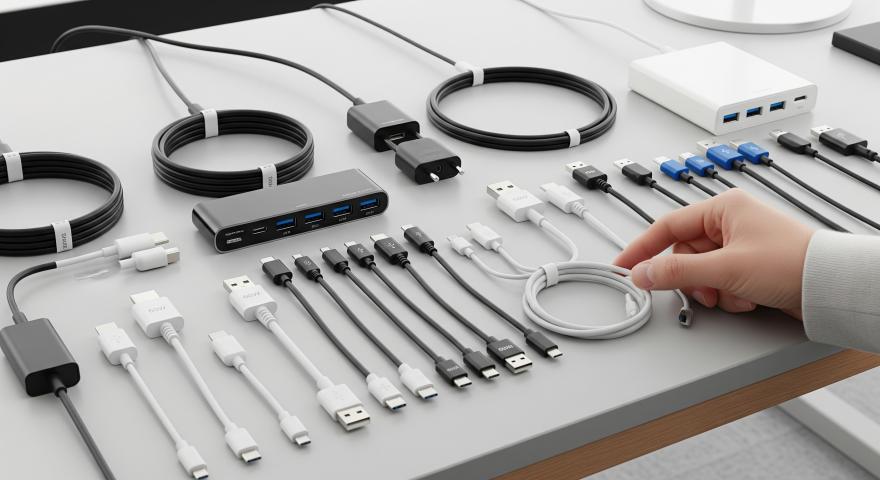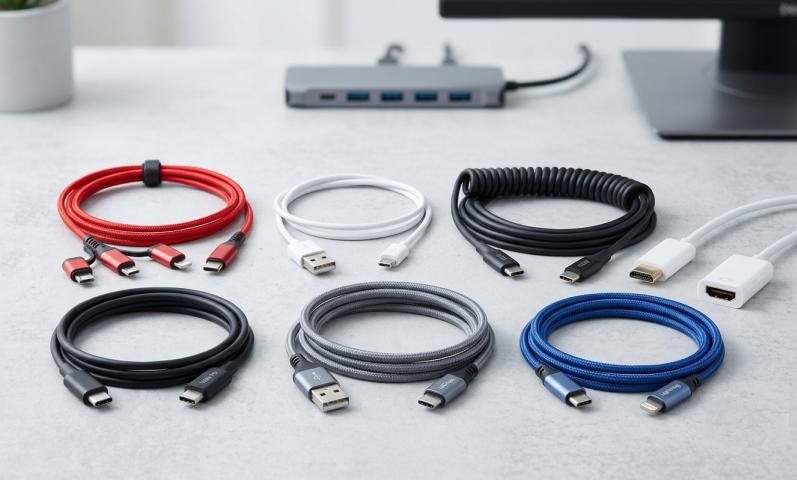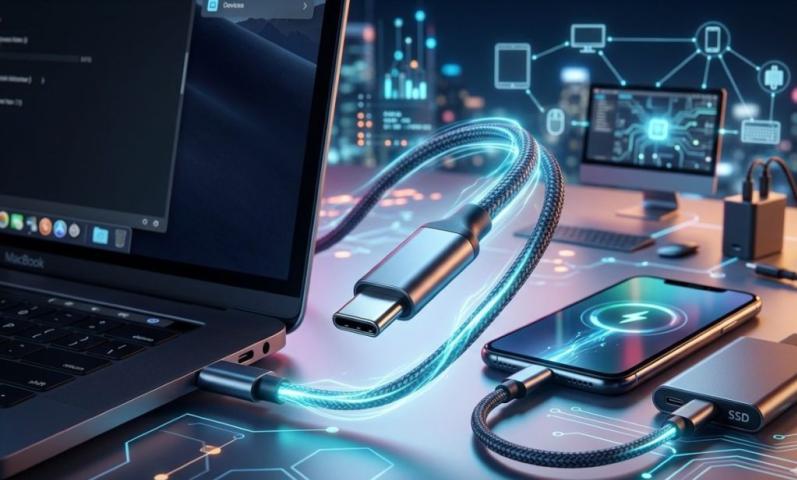
Data cables are special wires that help computers and devices share information. They carry data back and forth so you can connect to the internet, transfer files, use printers, or listen to music. These cables are part of computer wires, and knowing their types helps you understand how your gadgets work.
There are several types of data cables used today. Each type is designed to carry data in a special way, and they come with different shapes and connectors. Let’s look at the most common kinds.
1. USB Cables (Universal Serial Bus)
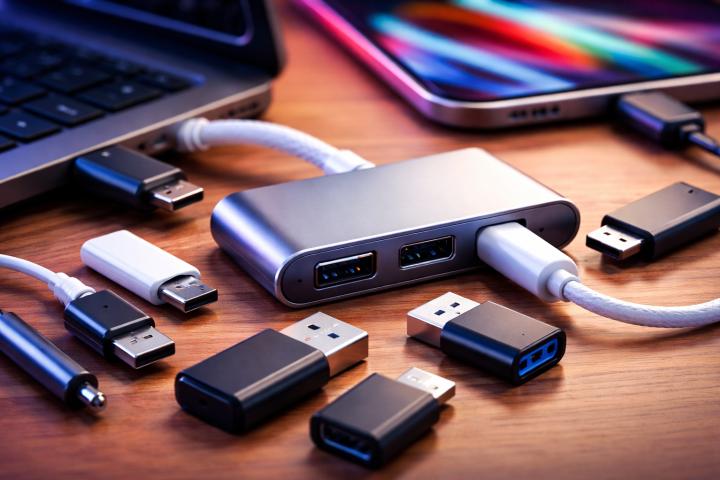
USB cables are everywhere! They connect computers to things like keyboards, mice, printers, phones, and cameras.
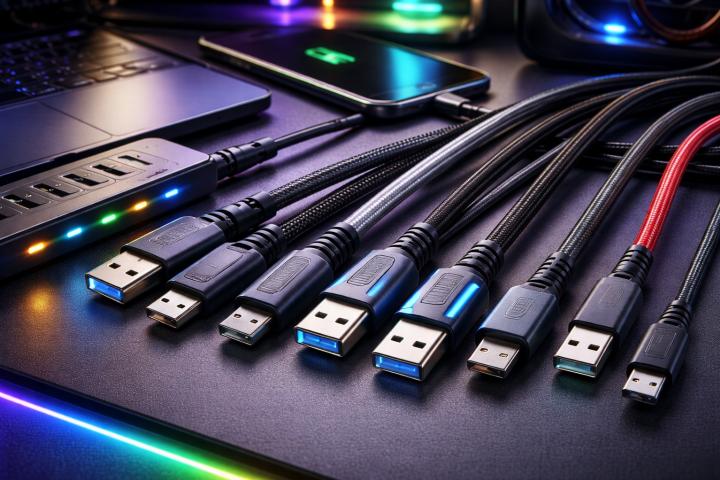
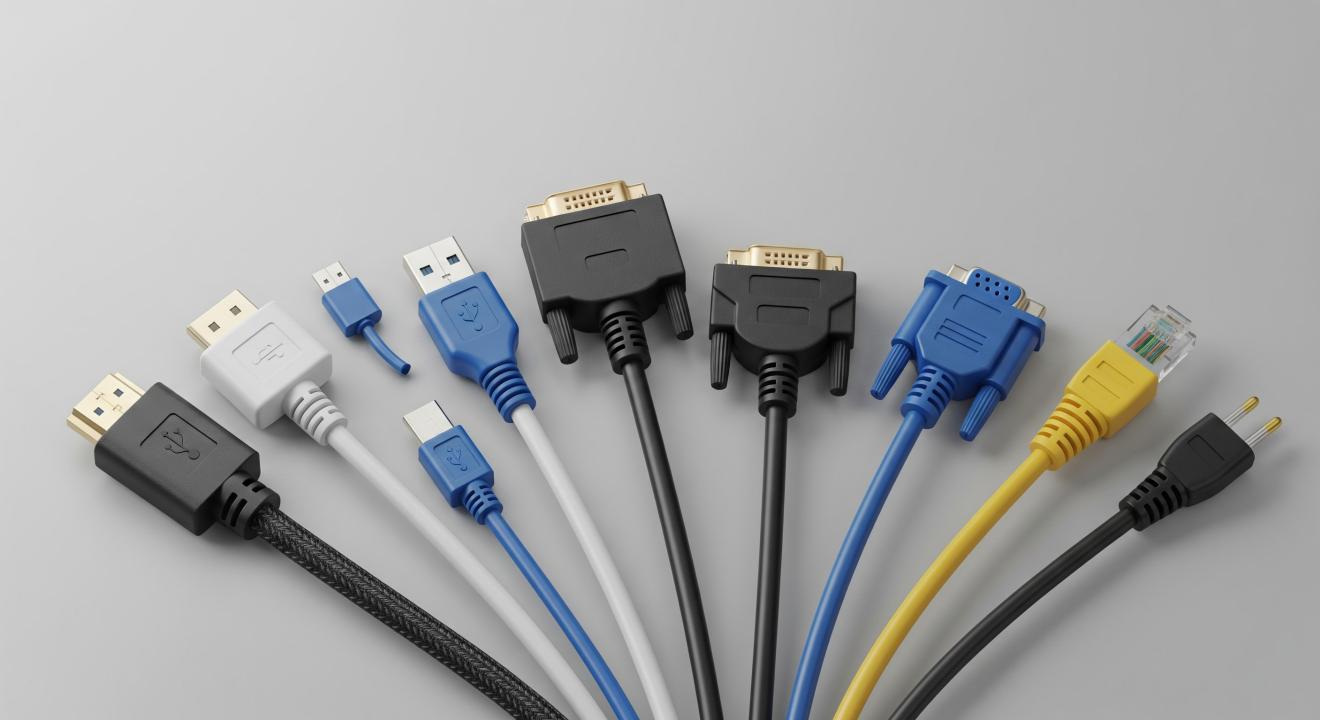
USB cables come in many types, but the most common has a rectangular end called a male USB cable — this is the part you plug into your computer or charger.
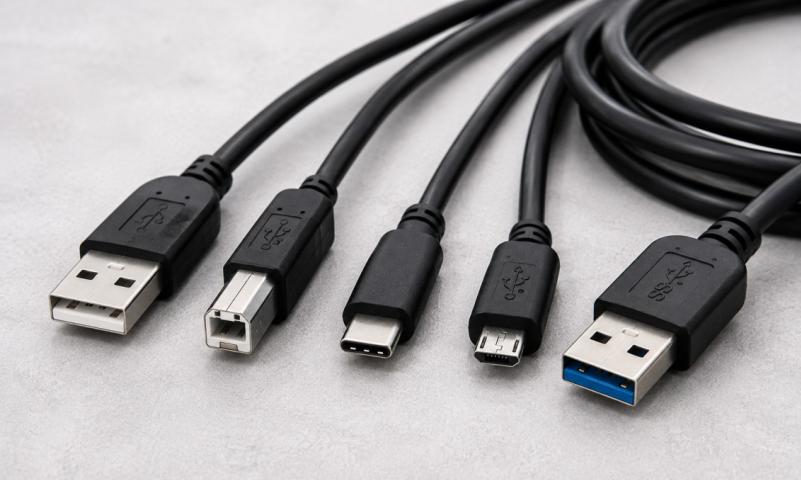
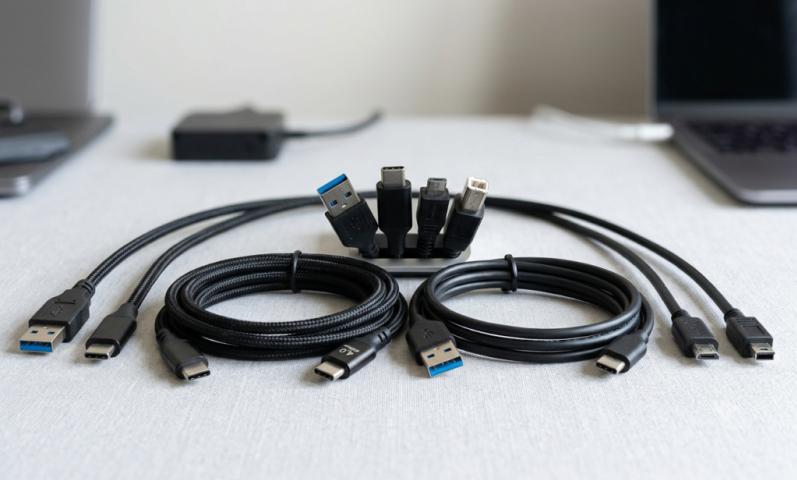
The main USB types you should know are:
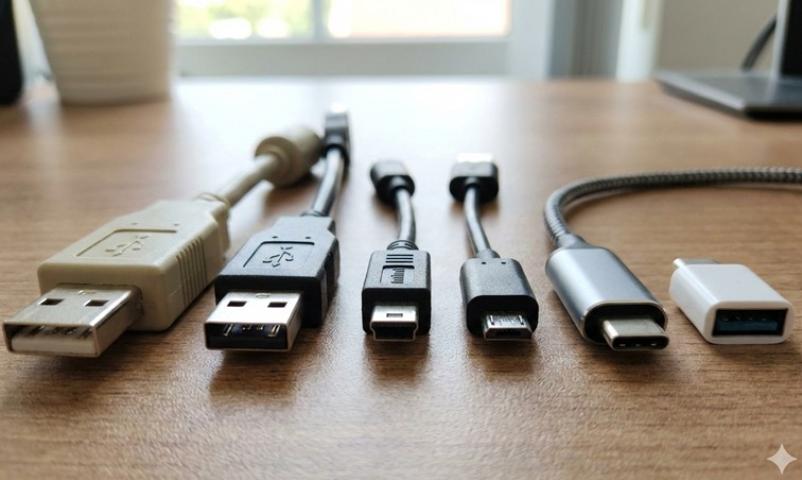
USB Type-A: The most common, flat and rectangular. Most computers have USB-A ports.
USB Type-B: Square-shaped, often used for printers.
USB Type-C: Smaller and oval-shaped, newest type, can carry more power and data faster. Plus, it can go in either way.
Mini USB and Micro USB: Smaller versions used in older phones and cameras.
USB cables carry data and can also charge devices. They are simple, easy to use, and work with most gadgets you have.
2. Ethernet Cables
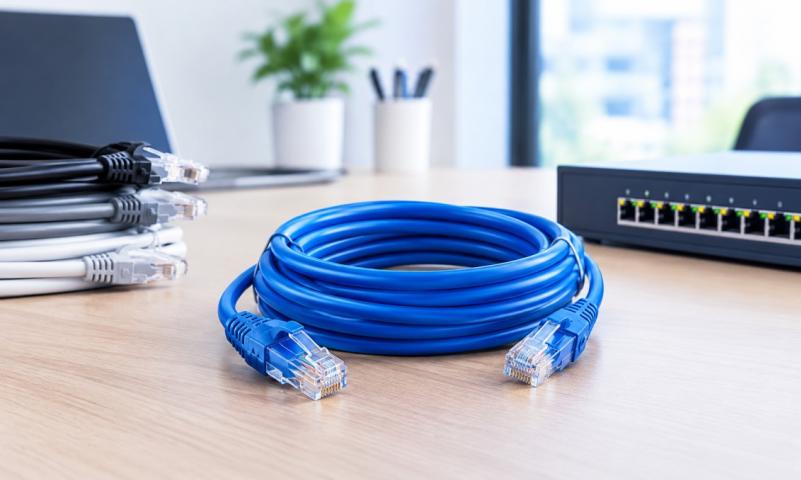
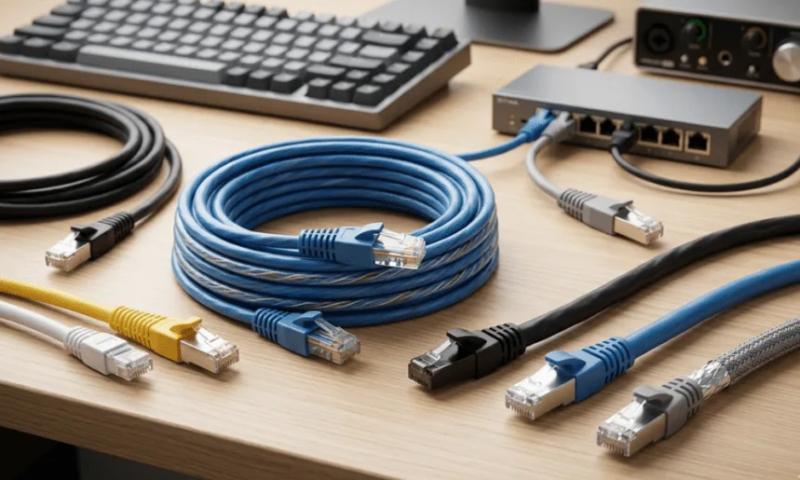
Ethernet cables are the standard data cables for internet connections and local networks. If you ever connect your computer to the internet by a cord instead of Wi-Fi, you’re using an Ethernet cable.
These cables have a plug called an RJ45 connector, which looks a bit like a big phone plug.
Ethernet cables often come with labels like Cat5e, Cat6, or Cat6a. These show how fast they can send data and how well they block outside noise.
Ethernet cables help computers talk to each other and to the internet at high speeds.
3. Coaxial Cables
Coaxial cables are thick cables used mostly for cable TV and internet from your service provider. They have a single wire in the middle surrounded by layers for protection.
You may see these cables coming into your house or connecting to your modem.
Though mainly used for signals to your home, they are also a type of data cable because they carry information to your devices.
4. Fiber Optic Cables
Fiber optic cables are super-fast data cables that use light instead of electricity to send data.
Because they use light, fiber optic cables can send huge amounts of data quickly and over long distances without losing quality.
You won’t usually see the ends of these cables at home, but they are important in big networks, data centers, and for high-speed internet providers.
5. SATA Cables
SATA cables connect storage devices inside your computer, like hard drives and solid-state drives, to the motherboard.
They have a flat, slim design with many pins, perfect for inside computer wiring.
SATA cables carry data between your computer parts very fast so you can open your files and programs quickly.
Exact Answer: What Are Types of Data Cables?
The main types of data cables include USB cables (like the male USB cable you plug in daily), Ethernet cables for internet and networking, coaxial cables for cable TV and modem data, fiber optic cables for ultra-fast light-based data transfer, and SATA cables for inside the computer data connections. These cables help computers and devices send and receive information smoothly and quickly.
Why Are Computer Wires Important?
Computer wires make sure all your devices—computers, printers, phones, and even game consoles—can talk to each other. Without the right data cables, you couldn’t send pictures, watch videos online, or play games with friends.
Each cable type does a special job, from connecting your device to the internet to moving data inside your computer.
How Does a Male USB Cable Work?
A male USB cable has a plug that fits into a USB port (also called female port). It’s the part you hold to plug into your computer or charger.
This plug sends data and power through the USB cable to other devices. For example, when you connect your phone to a computer using a male USB cable, it can charge your phone and move photos back and forth.
The design of USB cables makes them easy to connect and disconnect without damage.
Simple Tips to Use Data Cables Safely
Always plug cables gently and hold the plug, not the wire.
Keep cables untangled and away from sharp edges.
Replace any broken or frayed cables.
Make sure you use the right cable for your device to avoid damage.
Everyday Examples of Data Cables
Charging your phone with a USB cable uses a male USB cable.
Connecting your computer to the internet with an Ethernet cable.
Watching cable TV uses a coaxial cable.
Inside your computer, the hard drive uses a SATA cable.
High-speed internet lines underground use fiber optic cables.
Conclusion
Data cables are the hidden heroes that keep our digital world running. The main types—USB cables with their handy male connectors, Ethernet cables, coaxial cables, fiber optic cables, and SATA cables—each play a vital part in moving data between devices and inside computers.
Knowing these types of computer wires helps you understand how your gadgets work and how to connect them properly. Whether you are charging a device, browsing the web, or working on your computer, these cables make it all possible!
If you want any tips about choosing or using data cables, you can always ask!
Sources: https://southafricatoday.net/technology/the-evolution-of-computer-cables-past-to-present/
https://newyorktimesnow.com/blog/what-are-internet-cables-called