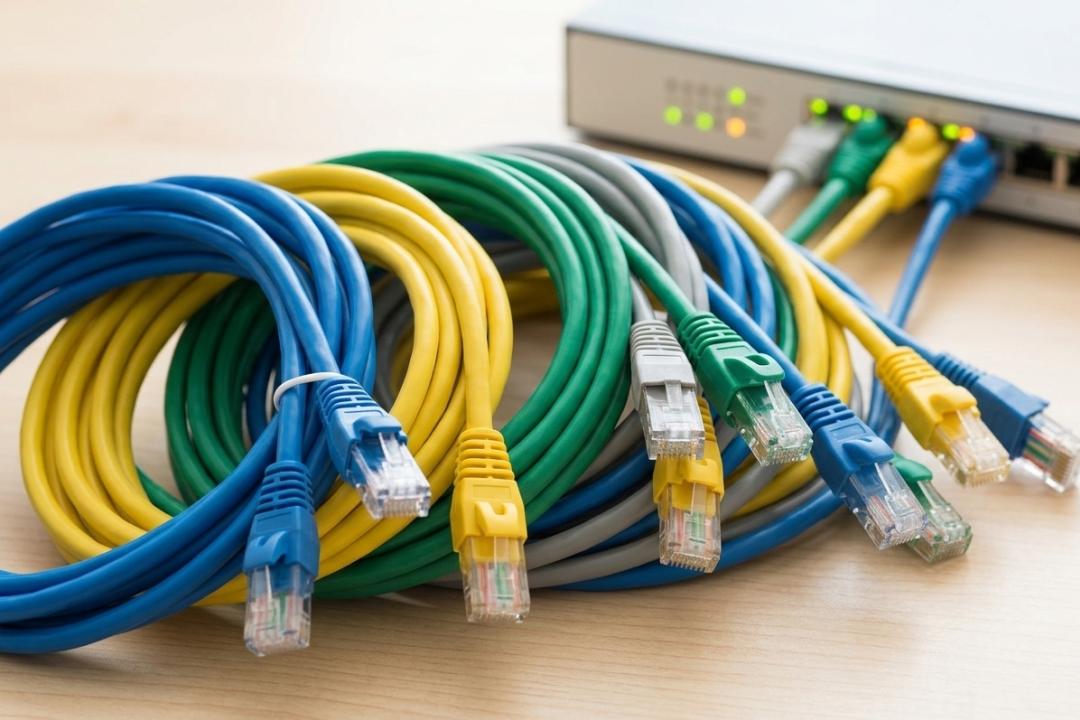
In a world where fast and reliable internet is essential for work, gaming, streaming, and communication, having a stable network connection matters more than ever. While Wi-Fi has become very common, wired connections still offer the most consistent performance. This is where Ethernet cables play an important role.
Ethernet cables connect devices like computers, routers, gaming consoles, and network switches to create a wired network. Among the various types available today, the cat 6 cable has become one of the most widely used options because it offers an excellent balance of speed, performance, and affordability.
This guide will help you understand Ethernet cables, their types, speeds, and the best ways to use them in modern networks.
What Is an Ethernet Cable?
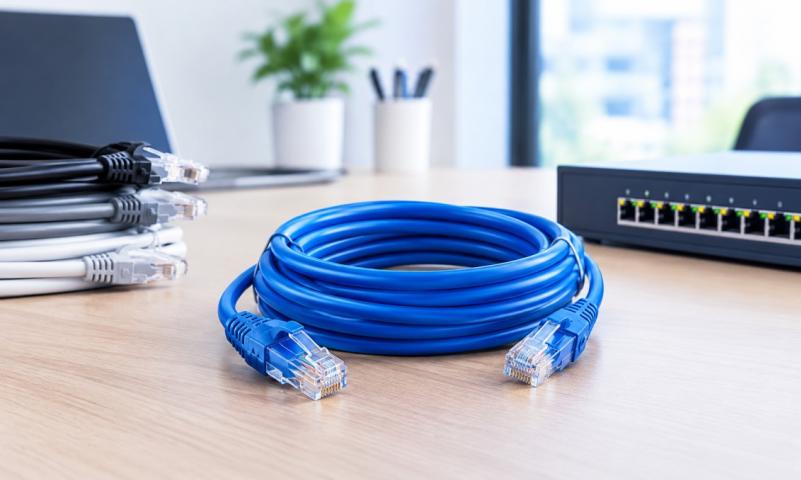
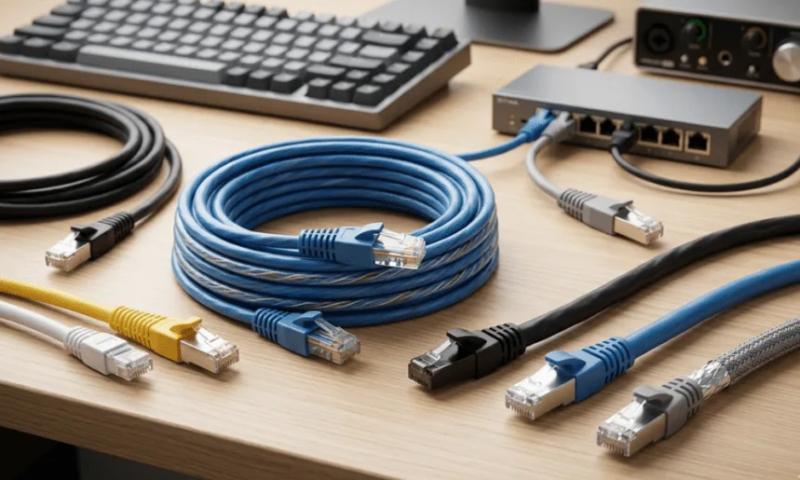
An Ethernet cable is a type of networking cable used to connect devices within a local area network (LAN). It allows data to travel between devices such as routers, modems, computers, printers, and gaming systems.
Unlike wireless connections that rely on signals traveling through the air, Ethernet cables create a direct physical connection between devices. This makes wired networks more stable, faster, and less prone to interference.
For many home and office setups, a cat 6 cable is often recommended because it supports high-speed internet and handles large amounts of data efficiently.
How Ethernet Cables Work
Ethernet cables contain multiple pairs of twisted copper wires inside the cable. These wires transmit electrical signals that carry data between connected devices.
The twisted design helps reduce interference, which is known as "crosstalk." Crosstalk happens when signals from nearby wires interfere with each other. By twisting the wires, Ethernet cables maintain a cleaner signal and ensure better network performance.
Modern networking environments often rely on a cat 6 cable because it offers improved shielding and tighter twists compared to older cables, resulting in faster and more reliable data transmission.
Types of Ethernet Cables
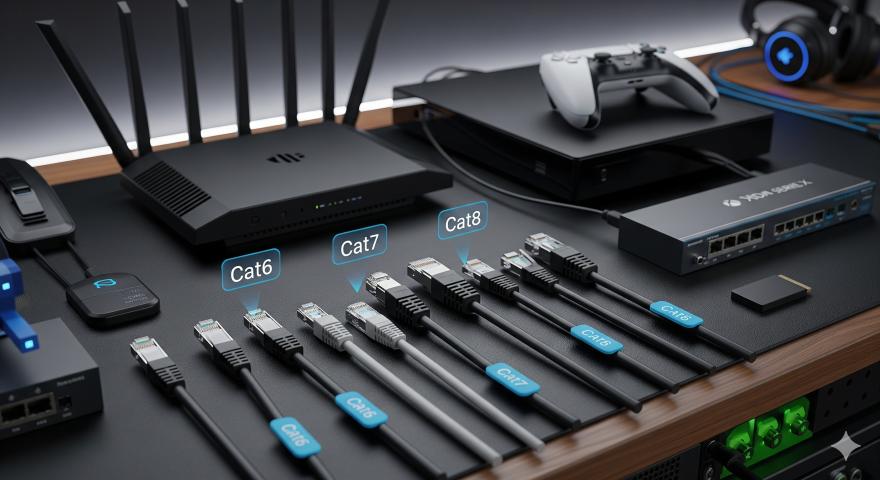
Ethernet cables are categorized into different "categories" based on their speed and bandwidth capabilities. Each category supports different levels of performance.
Cat5
Cat5 cables were once widely used in early networking setups. They support speeds up to 100 Mbps, which was sufficient in the past but is now considered outdated for most modern networks.
Cat5e
Cat5e (Enhanced Cat5) improved on the original Cat5 design. It supports speeds up to 1 Gbps and reduces interference between wires. Many older homes and offices still use Cat5e cables.
Cat6
Cat6 cables represent a significant upgrade from previous generations. A cat 6 cable supports speeds up to 10 Gbps over shorter distances and offers better protection against signal interference. Because of its strong performance, it is commonly used in homes, offices, and commercial networks.
Cat7
Cat7 cables provide additional shielding and higher bandwidth. They are typically used in specialized environments where extremely high performance and reduced interference are required.
Cat8
Cat8 cables are the newest category and are designed mainly for data centers. They support extremely high speeds but are usually unnecessary for home networks.
Ethernet Cable Speeds Explained
Different Ethernet cables support different speeds and bandwidth capacities. Understanding these speeds helps you choose the right cable for your network.
Here is a simplified comparison:
-
Cat5: Up to 100 Mbps
-
Cat5e: Up to 1 Gbps
-
Cat6: Up to 10 Gbps (short distances)
-
Cat7: Up to 10 Gbps with better shielding
-
Cat8: Up to 25–40 Gbps for specialized networks
Because of its balance between cost and performance, the cat 6 cable has become the preferred choice for many modern networking setups.
Common Uses of Ethernet Cables
Ethernet cables are used in many different environments, from homes to large data centers. Here are some common applications.
Home Networking
Many households use Ethernet cables to connect routers to devices such as smart TVs, gaming consoles, and desktop computers. A cat 6 cable ensures stable connections for streaming, online gaming, and video calls.
Office Networks
Businesses rely on wired networks for secure and stable connectivity. Ethernet cables connect computers, printers, servers, and networking equipment in offices.
Gaming Setups
Online gaming requires low latency and consistent speeds. Wired connections using Ethernet cables help reduce lag and provide a smoother gaming experience.
Data Centers
Large organizations use Ethernet cables to connect servers, switches, and storage devices within data centers.
Advantages of Using Ethernet Cables
While Wi-Fi is convenient, Ethernet cables still offer several advantages.
Stable Connection
Wired connections are less affected by interference from walls, other devices, or network congestion.
Faster Speeds
Ethernet cables can provide faster and more consistent speeds compared to wireless connections.
Lower Latency
For gaming, streaming, and video conferencing, Ethernet cables reduce delays and improve responsiveness.
Better Security
A wired network is harder to access without physical access to the cable, which improves security.
Because of these benefits, many users prefer a cat 6 cable for high-performance networking.
Choosing the Right Ethernet Cable
When selecting an Ethernet cable, there are a few factors to consider.
Network Speed Requirements
If your internet plan and devices support gigabit speeds or higher, using a cat 6 cable will help ensure your network can handle the demand.
Cable Length
Ethernet cables can typically run up to 100 meters without significant performance loss.
Environment
In areas with high electrical interference, shielded cables may perform better.
Future Upgrades
Choosing a higher-category cable can help ensure your network remains compatible with future technology.
Ethernet Cable Installation Tips
Setting up Ethernet cables is usually straightforward, but a few tips can help improve performance.
-
Avoid bending cables sharply.
-
Keep cables away from electrical wiring when possible.
-
Use proper cable management to prevent tangling.
-
Choose the correct cable length to avoid unnecessary slack.
Installing a cat 6 cable correctly can help maintain reliable performance for years.
Final Thoughts
Ethernet cables continue to play an important role in modern networking. While wireless technology offers convenience, wired connections still provide the stability and speed needed for demanding applications.
Understanding the different cable categories, speeds, and uses can help you make better decisions when setting up a network. For most homes and businesses, a cat 6 cable offers the ideal combination of performance, reliability, and affordability.
Whether you're building a home network, upgrading office infrastructure, or creating a gaming setup, choosing the right Ethernet cable ensures your devices stay connected and your internet runs smoothly.