JSON has become a common way to exchange data — from API responses and application logs to exports from third-party services. Eventually, this data often needs to be stored in MySQL to query, analyze, or combine with other relational data.
But importing JSON into MySQL can be tricky. Files can be nested, inconsistent, or partially undocumented. The traditional approach — writing scripts, flattening objects, testing mappings, and fixing errors — is time-consuming and error-prone. And when structures change, the process has to be repeated.
What makes this easier is being able to see the data before it reaches the database. Understanding the structure, mapping fields to columns, and controlling how data is imported makes the workflow predictable and efficient. You can read a detailed guide on how it works here:
https://www.devart.com/dbforge/mysql/studio/import-json-into-mysql.html
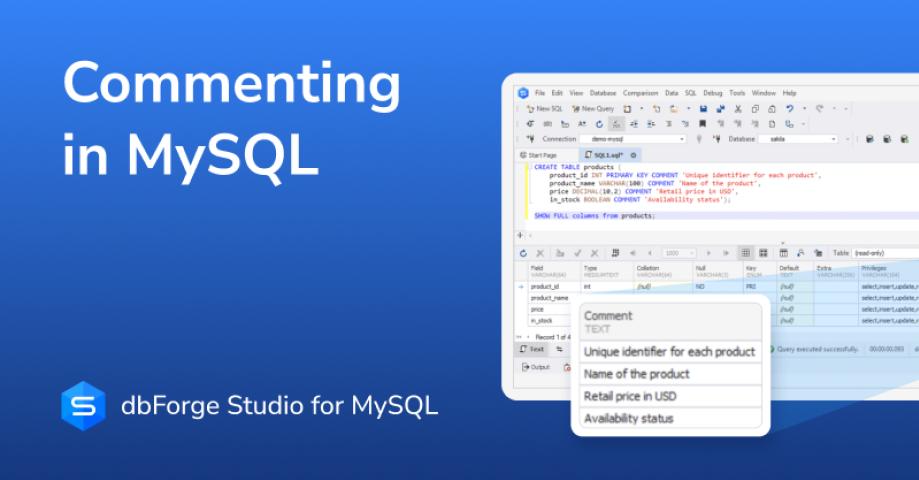
dbForge Studio for MySQL offers a visual JSON import feature that does exactly this. You can explore the JSON structure, map fields to tables, and import data step by step — all without writing custom scripts. If you want to try it yourself, dbForge Studio for MySQL is available for download here: https://www.devart.com/dbforge/mysql/studio/download.html