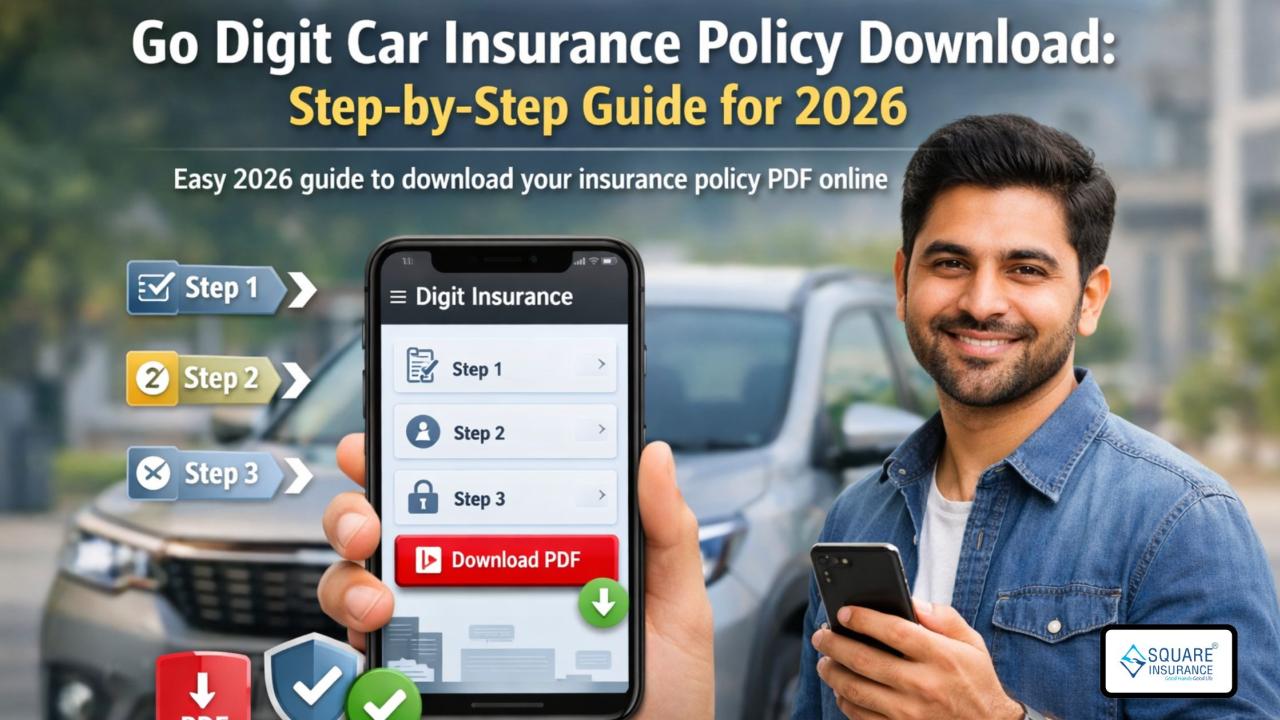
Car insurance is an important document that every vehicle owner must keep safe. If you have purchased a policy from Go Digit, you may need your policy copy for many reasons, such as claims, renewal, traffic checks, or personal records. Thankfully, Go Digit makes it easy to access and download your policy online.
In this blog, we will explain
everything about Go
Digit Car Insurance Policy Download in a simple and clear way. You will
learn different methods to download your policy, what details you need, common
problems, and useful tips. This guide is updated for 2026 and written in easy
language.
What is Go Digit Car
Insurance?
Go Digit is a well-known insurance
company in India. It offers both third-party and comprehensive car insurance
policies. Their plans cover damages, accidents, theft, natural disasters, and
third-party liabilities.
Once you buy a policy, Go Digit
sends a soft copy to your registered email. But if you lose it or want to
download it again, you can do so anytime online.
Why Do You Need Your Policy
Document?
Your car insurance policy document
is proof that your vehicle is insured. You may need it for:
- Filing a claim
- Traffic police verification
- Policy renewal
- Selling your car
- Checking coverage and add-ons
- Bank or loan documentation
So, keeping a copy on your phone or
laptop is always helpful.
Things
You Need Before Downloading
Before starting the Go Digit Car Insurance Policy Download,
keep these details ready:
- Registered mobile number
- Policy number (if available)
- Vehicle registration number
- Date of birth or email (in some cases)
These details help in verification.
Method 1: Download Policy
from Go Digit Website
This is one of the easiest ways to
download your policy.
Step-by-Step
Process
- Open your browser and visit the official Go Digit
website
- Click on Login
at the top right corner
- Enter your registered mobile number
- Enter the OTP sent to your phone
- After login, go to My Policies
- Select your car insurance policy
- Click on Download
Policy
- Your policy PDF will be downloaded
You can now save or print it as
needed.
Method 2: Download Using Go
Digit Mobile App
Go Digit also offers a mobile app
for easy access.
Steps
to Follow
- Download the Digit
Insurance App from Play Store or App Store
- Open the app and login using your registered mobile
number
- Enter the OTP for verification
- Go to My
Policies
- Select your car insurance policy
- Tap on Download
PDF
Your policy document will be saved
to your phone.
Method 3: Download via
WhatsApp Service
Go Digit also provides a WhatsApp
self-service option.
How
to Use It
- Open WhatsApp
- Send Hi
to Go Digit’s official WhatsApp number
- Follow the menu options
- Choose the option to get policy document
- Enter required details
- You will receive a download link
Click on the link to download your
policy PDF.
Method 4: Download Through
Email Support
If you are not able to use online
methods, you can request your policy through email.
Steps
- Open your email app
- Write an email to Go Digit customer support
- Mention your policy number
- Provide registered mobile number
- Request policy copy
They will send the policy document
to your registered email address.
Method 5: Download from
Insurance Aggregator
If you bought your policy from a
broker or aggregator website, you can download it from there.
Example
- Login to your aggregator account
- Go to My
Policies
- Select Go Digit car insurance
- Click on Download
Policy
What Details Are Mentioned
in the Policy Document?
Once you complete the Go Digit Car Insurance Policy Download,
check these details:
- Policy number
- Insured name
- Vehicle details
- Policy start and end date
- Coverage type
- Add-ons
- IDV (Insured Declared Value)
- Premium amount
- Claim contact details
Always verify these details to avoid
future issues.
Common Problems and
Solutions
OTP Not Received
- Check mobile network
- Wait for some time
- Click on resend OTP
Wrong Mobile Number
- Contact customer support
- Update your details
PDF Not Opening
- Use a PDF reader
- Try another device
Policy Not Showing
- Ensure correct login
- Check if policy is active
Can You Use Soft Copy for
Verification?
Yes, you can show your policy PDF on
your phone during traffic checks. As per current rules, digital documents are
accepted. You can also store it in DigiLocker or mParivahan app.
Tips to Keep Your Policy
Safe
- Save a copy on your phone
- Upload to Google Drive
- Email it to yourself
- Print a hard copy
- Keep backup in DigiLocker
These steps ensure you never lose
your document.
Benefits of Online Policy
Download
- Available 24/7
- No need to visit office
- Instant access
- Easy sharing
- Paperless process
This is why Go Digit Car Insurance Policy Download online is the best option.
What to Do If You Change
Mobile Number?
If your registered mobile number has
changed:
- Contact customer care
- Submit ID proof
- Update new number
After updating, you can easily
download your policy.
Can You Download Old
Policies?
Yes, you can download expired or
previous year policies by logging into your account. Old policies are useful
for claim history and record keeping.
Conclusion
Downloading your car insurance
policy from Go Digit is very simple. Whether you use the website, mobile app,
WhatsApp, or email, the process is smooth and quick.
This guide on Go Digit Car Insurance Policy Download
for 2026 covers all methods so you never face trouble accessing your policy
document.
Always keep your policy copy safe
and updated. It helps you during claims, renewals, and legal checks. If you
face any problem, Go Digit customer support is always ready to help.
If you want help with policy
renewal, add-ons, or claim process, feel free to ask. Drive safe and stay
insured!