You know that feeling when you land on a website and immediately want to leave? Not because it's ugly, sometimes it looks fine. You just can't figure out where anything is or what you're supposed to do next.
I have seen this happen more times than I can count. Beautiful designs that nobody can use. Expensive projects that confuse everyone who visits them. And the worst part? Most of these problems could've been caught before a single line of code was written.
That's what storyboarding does. It catches the mess before it becomes expensive.
Just like films need storyboards before shooting, websites also need a visual plan. When we talk about Custom web design, we are really talking about designing experiences that feel natural, easy, and human. A storyboard helps designers think like users, not just creators.
What Actually Is a Storyboard for Websites?
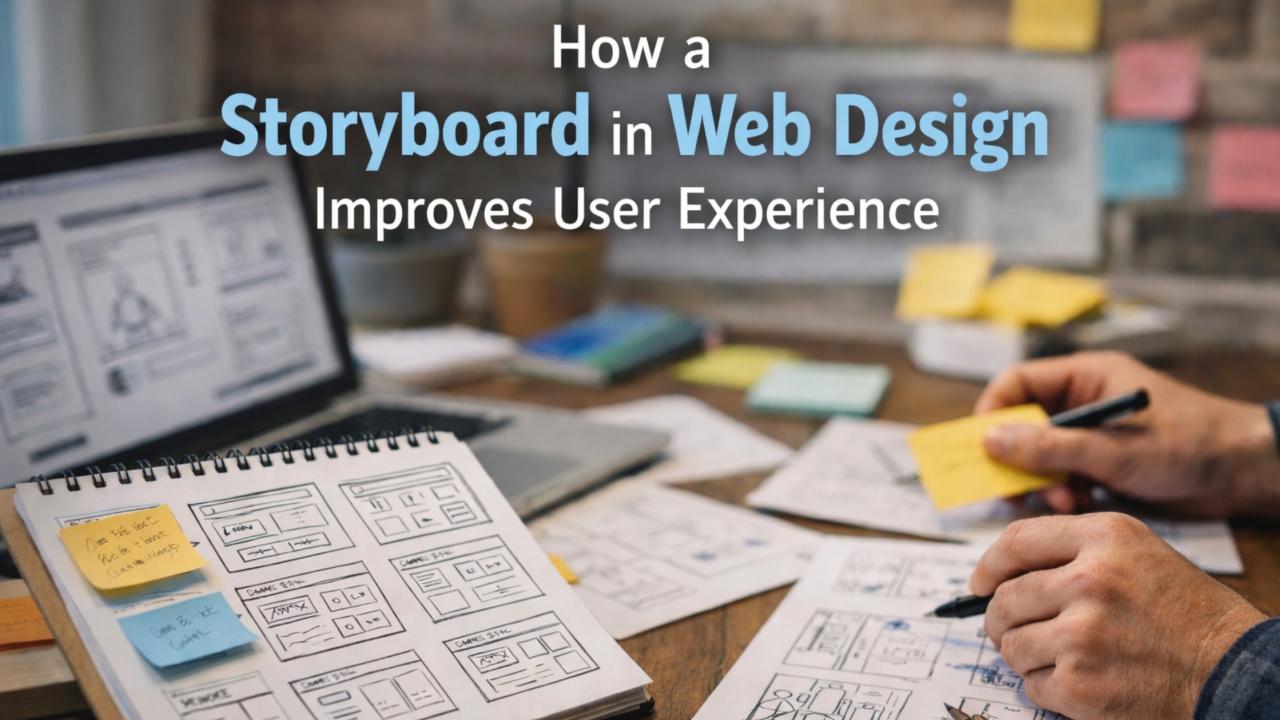
Forget the technical definition for a second. A storyboard is basically a comic strip of your website, except instead of superheroes, it shows regular people trying to accomplish something.
Let me paint a picture. Someone visits your homepage. What do they see first? What catches their eye? Where do they click? What happens next? Do they get confused? Do they smile? Do they leave?
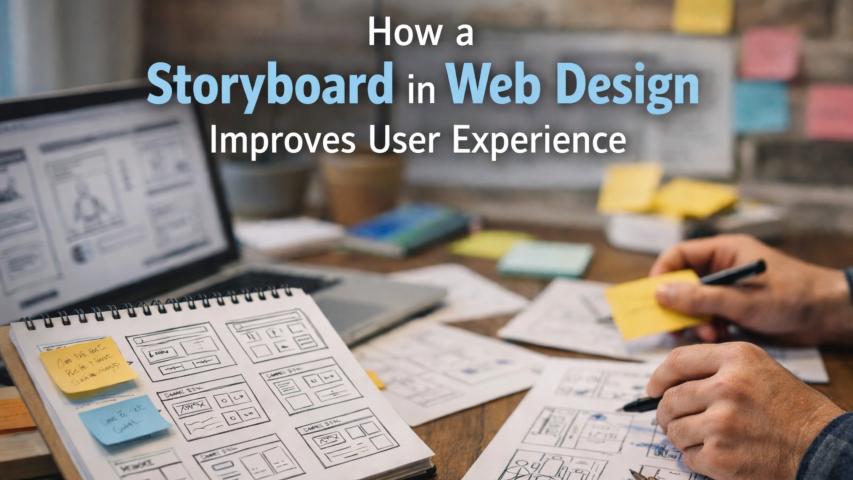
A storyboard maps all of this out using simple drawings. We're talking stick figures here. Boxes and arrows. Nothing fancy. The goal isn't art, it's clarity.
I worked on a project last year where the client wanted users to "explore naturally" through their site. Sounds poetic, right? We storyboarded it. Turned out "explore naturally" actually meant "wander aimlessly until giving up." The storyboard revealed this in about twenty minutes. Would've taken weeks to discover otherwise.
Why Designers Keep Skipping This Step (And Shouldn't)
Here's what usually happens: someone gets excited about a website idea, opens Figma or Sketch, and starts designing beautiful pages. Looks productive. Feels creative.
But they're building without a blueprint.
Six weeks later, they realize the navigation doesn't make sense. The contact form is buried. Users don't know what action to take. Now you're redesigning everything, clients are frustrated, and deadlines are blown.
Storyboarding forces you to think like a user before you fall in love with your own design choices. It's uncomfortable because it's boring compared to picking colors and fonts. But that boredom saves you.
The Stick Figure Superpower
One of my favorite things about storyboards? They're deliberately rough.
When you show someone a polished mockup, they focus on button colors and font choices. "Can we make that blue?" "I don't like that image." You end up debating aesthetics instead of function.
Show them stick figures moving through a journey, and suddenly everyone's talking about the actual experience. Does this flow make sense? Is this step necessary? Are we asking too much too soon?
I have watched entire teams, designers, developers, project managers, even clients who "don't do technical stuff", have productive conversations around crude sketches that looked like a fifth-grader drew them. Because everyone understands a story.
What Goes Into One
You don't need much. Five elements, really:
Who's this person? Not "users aged 25-40." More like: "Maria, rushing between meetings, needs to schedule a demo without creating an account."
What's each step? One frame per action. Landing on homepage. Scrolling past the hero section. Clicking "Book Demo." Filling out the form. Getting confirmation.
What are they doing? Click this. Read that. Wait for loading. Navigate back.
How are they feeling? This is the part people skip and shouldn't. Confused? Confident? Annoyed by a pop-up? These emotional beats reveal problems.
Quick notes for context. Just enough so your team understands what's happening without you explaining it every time.
That's it. You can sketch this on paper in an hour.
What Storyboarding Actually Fixes
Let's get specific, because "improves user experience" is vague and everyone claims it.
First, it exposes dead ends. You'll map out a journey and realize there's no clear next step. Or three different paths lead to the same confusing page. On paper, this is easy to fix. After development? That's a whole sprint.
Second, it reveals missing pieces. We once storyboarded an e-commerce checkout and discovered we'd completely forgotten about error states. What happens when someone's credit card is declined? When shipping isn't available to their location? These aren't edge cases, they're Tuesday afternoon.
Third, it shows you where you're asking too much. Forms that felt reasonable become obviously exhausting when you draw someone filling out fifteen fields. You start cutting ruthlessly.
The best part is catching these issues when fixing them costs nothing but eraser marks.
Better SEO Results Start With Better UX
Let’s connect storyboarding with SEO, because yes, it matters.
Good UX leads to:
- Lower bounce rates
- Longer session duration
- Better interaction
All of this contributes to better SEO results.
When storyboarding improves navigation and clarity, search engines notice user satisfaction signals. So indirectly, effective storyboarding supports SEO goals.
How It's Different From Wireframes
People confuse these all the time, and I get it; they both look unfinished.
Think of it this way: a storyboard is a movie, a wireframe is a photograph. Storyboards show movement, sequence, and change. Wireframes show layout and structure at a single moment.
You storyboard first to understand the journey, then wireframe to figure out what each screen actually needs. Doing this backward is like designing a kitchen before deciding what meals you'll cook. Possible, but backwards.
How to Actually Do This
Start with the ending. What's the goal? User makes a purchase. User books a call. User downloads something. Whatever it is, write it down.
Now work backward. What has to happen right before that? And before that? Keep going until you hit the entry point, usually your homepage or a landing page.
Then sketch it out. And I mean sketch. Grab paper or open a basic drawing tool. Stick figures doing actions. Speech bubbles for thoughts like "Where's the pricing?" or "Okay, this makes sense."
Show it to your team. Watch what confuses them. Listen for questions like "Why would they click that?" or "How do they get back?" Those questions are gold.
Refine it. Move things around. Add steps. Remove steps. This part should feel like problem-solving, not art class.
Once everyone nods along when you walk through it, you're done. Now you can wireframe and design with confidence.
The Money Part
Let's talk about what this actually saves, because time is money and everyone cares about budget.
A design revision after launch can cost tens of thousands depending on complexity. A developer rebuild because the flow doesn't work? Weeks of wasted time. Client frustration when they realize their beautiful website doesn't convert? That's reputation damage.
Storyboarding costs you a few hours upfront. Maybe a day if you're being thorough. That's it.
I've never heard someone say, "I wish we hadn't storyboarded that project." I've heard countless people say, "I wish we'd planned this better before building it."
Why Custom Projects Need This Even More
If you're building something unique, no templates, no copying competitors, storyboarding becomes even more critical.
Generic websites can lean on patterns users already know. Custom experiences are uncharted territory for your users. They don't have existing mental models. Every interaction needs intention behind it.
Storyboarding forces you to justify each step. Why are we asking for their email here? Why does this button take them there? If you can't explain it in the storyboard, users won't understand it on the actual site.
Improve User Experience With Storyboarding
Here's the truth: nobody wins awards for storyboards. They don't go in your portfolio. Clients don't see them and say "Wow, take my money."
But they're the foundation on which everything else is built. Skip them, and even the most beautiful design will feel shaky. Use them, and suddenly everything clicks into place, for your team, for your client, and most importantly, for the people who'll actually use what you build.
I've worked on projects where we storyboarded extensively and projects where we skipped it to save time. The first kind launches smoothly. The second kind launches, then gets rebuilt three months later.
Your call, which one do you want to be?
If you're planning a website, especially a custom one, give yourself permission to spend time on the unglamorous stuff. Draw some stick figures. Map the journey. Watch how much easier everything becomes afterward.
Because the best websites aren't the ones that look good in screenshots. They're the ones where people accomplish what they came to do without thinking about it.
And that starts with a story.