Managing your life insurance policy
has become significantly easier with digital access. If you are a policyholder
of Life Insurance Corporation of India, the LIC Customer Portal allows you to
monitor and manage your policies anytime, anywhere. From checking premium due
dates to downloading receipts and tracking bonuses, everything is available at
your fingertips.
This comprehensive guide explains
exactly how to access to the LIC
Customer Portal login online, along with practical insights, security
tips, and expert recommendations to help you navigate the platform confidently.
Why Logging Into the LIC Customer Portal Is Important
Life insurance is a long-term
financial commitment. Regular monitoring ensures that your policy remains
active and aligned with your financial goals. Logging into the LIC Customer
Portal enables you to:
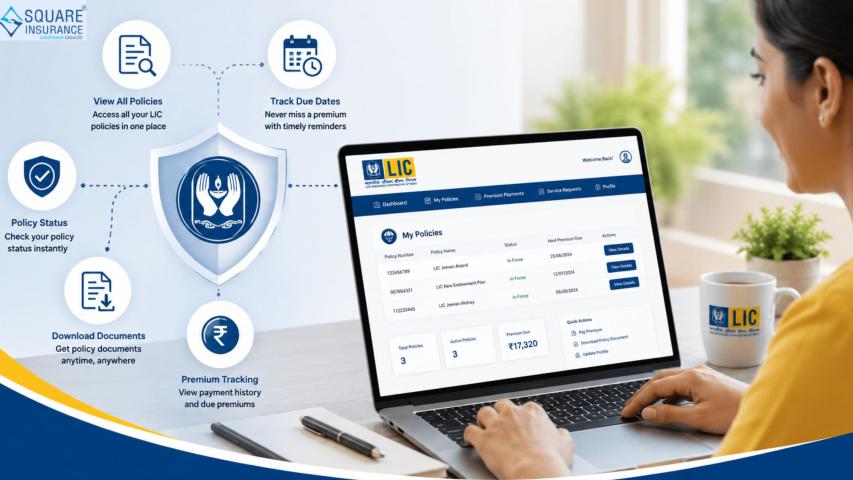
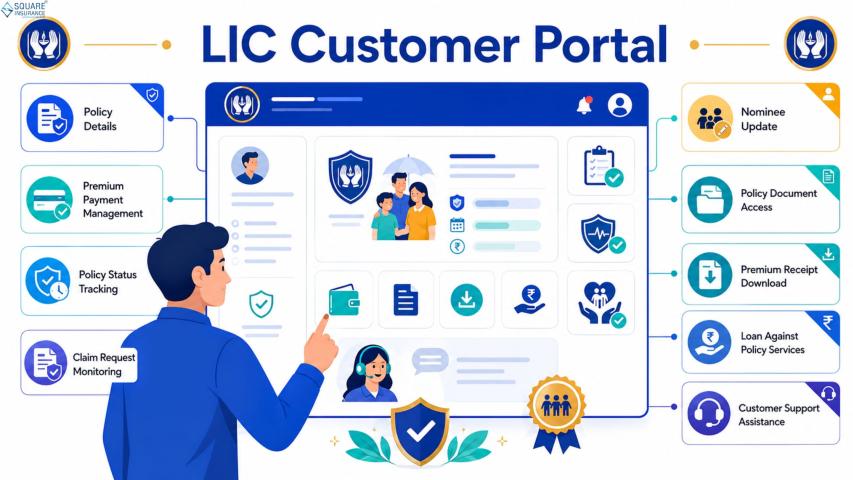
- Check policy status instantly
- View premium due dates
- Pay premiums online
- Download premium payment receipts
- Track accumulated bonuses
- Submit service requests
- Update personal details
Instead of depending on branch
visits or agent coordination, digital access offers speed, transparency, and
convenience.
Who
Can Login to the LIC Customer Portal?
Any existing LIC policyholder can
access the portal. However, you must complete a one-time registration process
before logging in for the first time.
If you have already registered, you
can directly proceed to login using your credentials.
Step-by-Step
Process to Login to LIC Customer Portal Online
Here is the complete login process
explained in simple steps:
Step
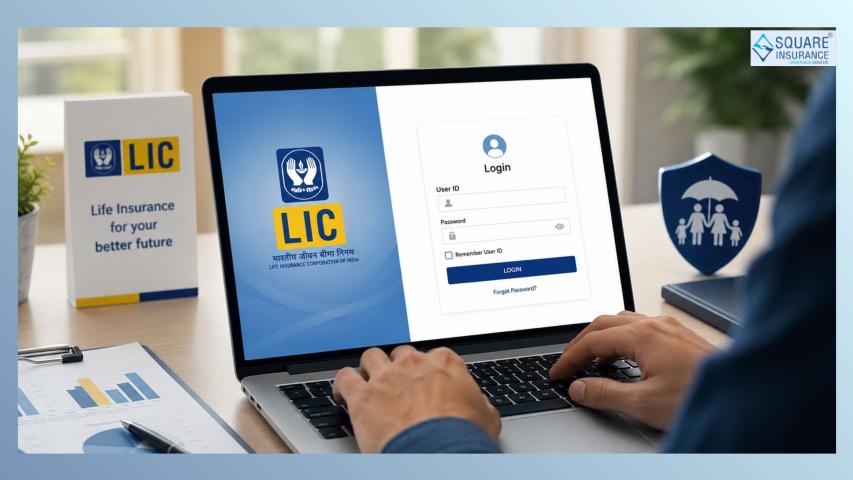
1: Visit the Official LIC Website
Open your browser and visit the
official LIC website. Always ensure you are accessing the authentic website to
avoid phishing risks.
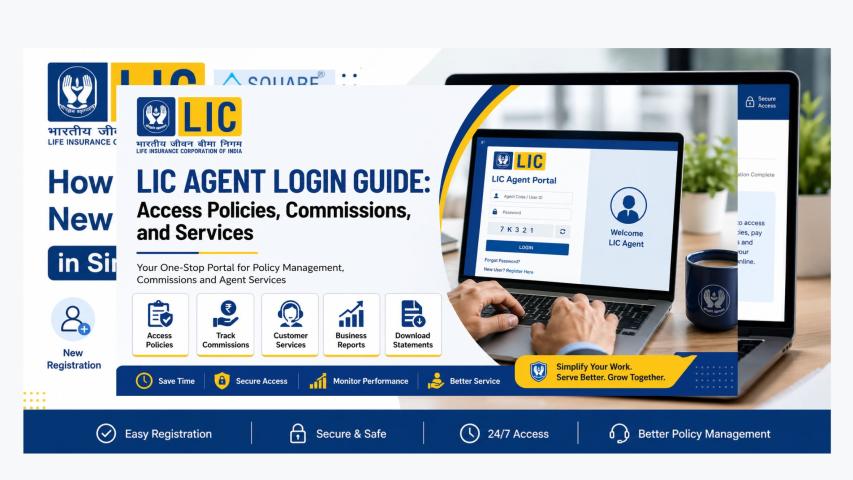
On the homepage, locate the Customer Portal or Login option, typically available in
the top navigation bar.
Step
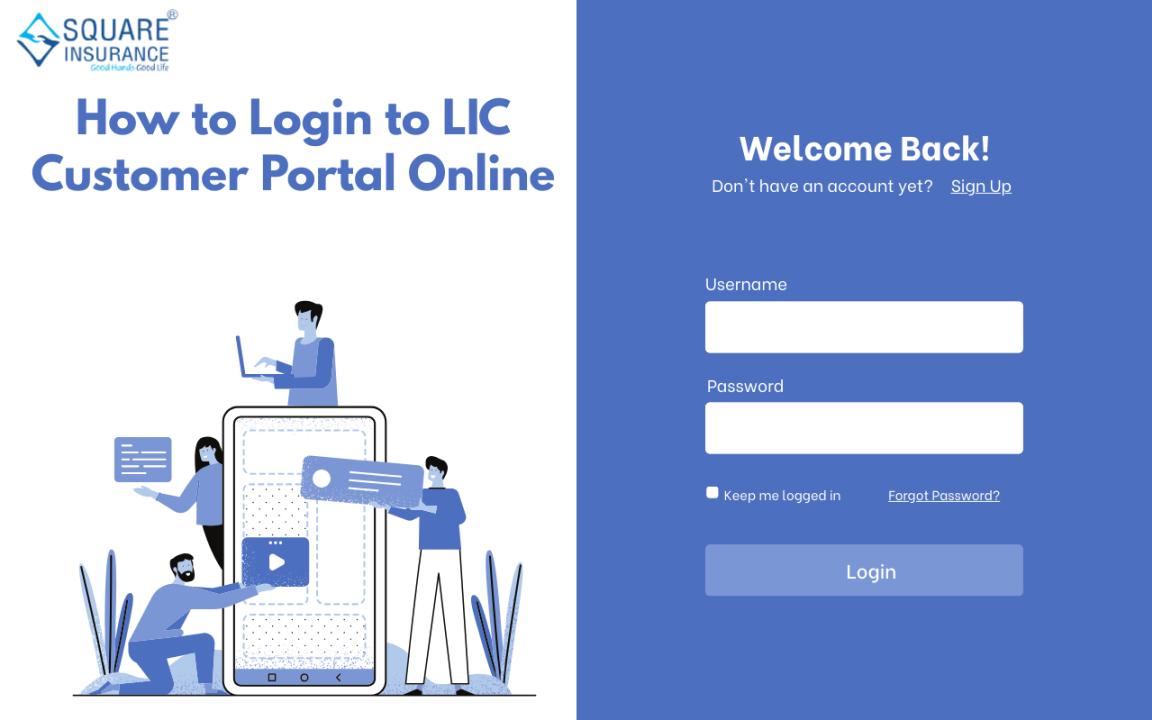
2: Click on “Registered User” Login
Once you reach the login page,
select the option meant for registered users.
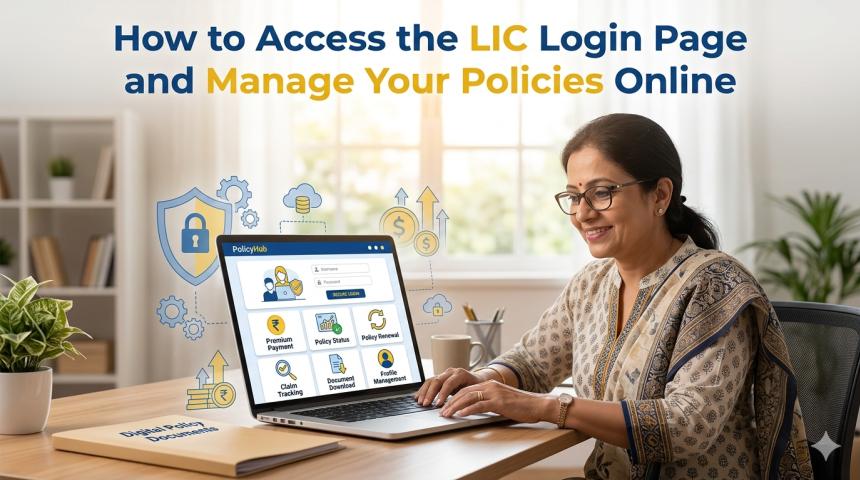
You will be asked to enter:
- Username
- Password
- Captcha verification code
Enter the details carefully to avoid
login errors.
Step
3: Enter Login Credentials
Provide the username and password
you created during registration.
Important tips:
- Passwords are case-sensitive.
- Avoid copying and pasting to reduce formatting errors.
- Ensure caps lock is turned off if not required.
After entering the details, complete
the captcha verification and click on the login button.
Step
4: Access Your Dashboard
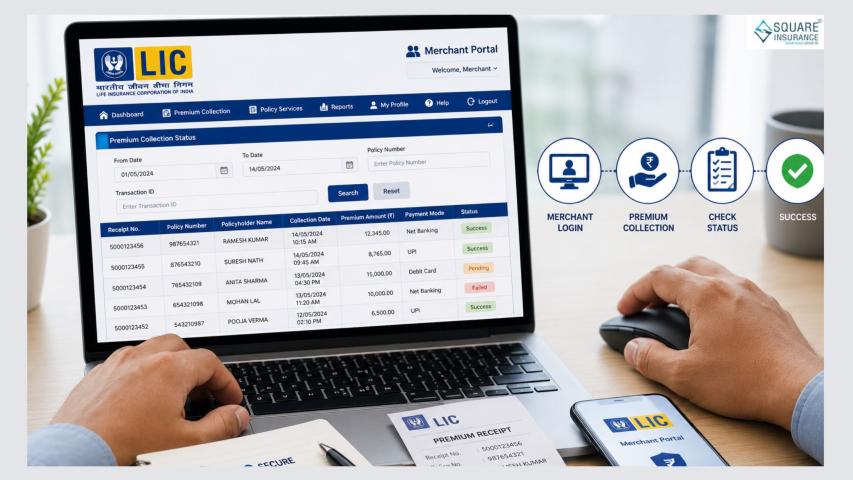
After logging in successfully, your personal dashboard will open.
Here you can view:
- Active policies
- Premium payment history
- Upcoming due dates
- Policy term details
- Loan eligibility
- Bonus information
The dashboard is designed to be
user-friendly and allows smooth navigation across services.
What
If You Are a New User?
If you have never registered on the
portal, you must complete a one-time registration.
Registration
Requirements:
- Policy number
- Date of birth
- Registered mobile number
- Email ID
After submitting these details,
create a secure username and password. An OTP verification may be required to
activate your account.
Once registration is completed, you
can proceed with the login process explained above.
How
to Reset Your LIC Portal Password
Forgetting passwords is common. If
you cannot login due to incorrect credentials, follow these steps:
- Click on “Forgot Password” on the login page.
- Enter your username and registered email ID.
- Complete OTP verification.
- Create a new secure password.
Choose a password that includes
uppercase letters, lowercase letters, numbers, and special characters for
better security.
Common
Login Issues and Their Solutions
While the portal is efficient, some
users face minor issues. Here’s how to resolve them:
Incorrect
Username or Password
Double-check spelling and case
sensitivity. Use the password reset option if needed.
OTP
Not Received
Ensure your registered mobile number
is active and matches LIC records.
Account
Locked
Multiple incorrect login attempts
may temporarily lock your account. Wait for some time or use the password reset
feature.
Browser
Compatibility Issues
Use updated browsers such as Chrome,
Edge, or Firefox for smooth performance.
Security
Best Practices While Logging In
Insurance policies contain sensitive
financial information. Follow these best practices:
- Never share your login credentials.
- Avoid using public Wi-Fi for transactions.
- Always log out after completing tasks.
- Update your password periodically.
- Do not save passwords on shared devices.
Maintaining digital discipline
ensures long-term data security.
Benefits
of Regular Portal Login
Logging in periodically helps you
stay financially organized. Here’s why regular access matters:
1.
Avoid Missed Premium Payments
You can set reminders and track due
dates easily.
2.
Monitor Policy Performance
Track bonus additions and policy
status in real time.
3.
Instant Documentation Access
Download receipts instantly for tax
filing purposes.
4.
Quick Service Requests
Raise requests for address change,
nominee updates, or contact corrections without visiting a branch.
Digital access empowers
policyholders to manage insurance proactively rather than reactively.
How
Digital Access Improves Insurance Planning
Modern insurance management is not
just about buying a policy; it’s about continuous monitoring and smart
financial planning.
When you login regularly:
- You can assess whether your coverage remains adequate.
- You can evaluate premium commitments.
- You can plan maturity proceeds strategically.
- You can review loan eligibility if required.
Being digitally aware enhances
financial decision-making and ensures that your life insurance supports your
long-term goals effectively.
Is
LIC Customer Portal Safe to Use?
Yes, LIC’s portal operates through
encrypted security protocols. However, your safety also depends on your login
practices.
Always verify the website address
before entering credentials and avoid clicking on suspicious links received via
email or SMS.
Digital insurance access is safe
when used responsibly.
Conclusion
Understanding how to login to the
LIC Customer Portal online is essential for every policyholder. The process is
simple, secure, and highly beneficial for managing your life insurance
efficiently.
From premium payments to policy
tracking and document downloads, the portal centralizes all essential services
in one place. With proper login practices and regular monitoring, you can
ensure your policy remains active and aligned with your financial goals.
For policyholders seeking structured
guidance, professional assistance from Square Insurance can help simplify
insurance decisions and ensure you make well-informed financial choices for
long-term security.
Frequently
Asked Questions
1.
Is registration required before logging into the LIC portal?
Yes, first-time users must complete
a one-time registration before accessing the login dashboard.
2.
Can I access multiple LIC policies under one login?
Yes, you can enroll multiple
policies under a single registered account.
3.
What should I do if I forget my LIC portal password?
Use the “Forgot Password” option and
complete OTP verification to reset it.
4.
Is there any fee for using the LIC Customer Portal?
No, accessing and using the portal
is completely free for policyholders.
5.
Can I pay my LIC premium through the portal?
Yes, you can securely pay premiums
online and instantly download payment receipts.
6.
Is it safe to login from mobile devices?
Yes, as long as you use a secure
internet connection and access the official website.