You probably know this feeling.
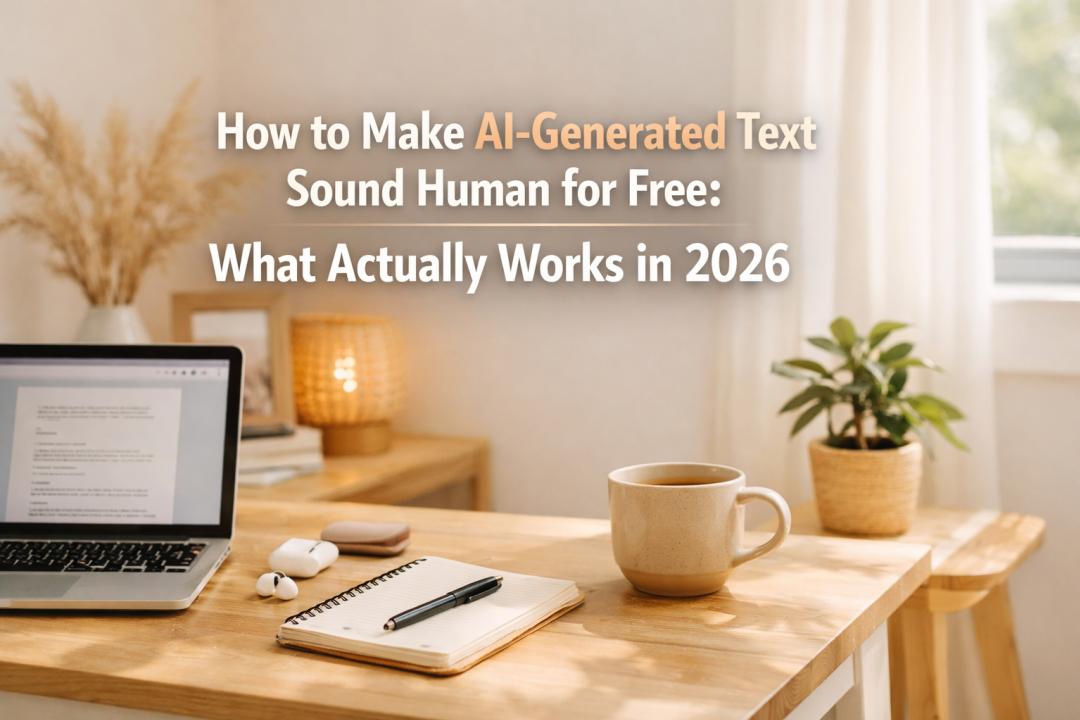
You copy and paste an AI draft into your doc, read the first couple of lines, and immediately know: this is usable, but there is no way I would publish it like this.
It sounds too smooth. The rhythm is too even, nothing is technically broken, but it still sounds like AI. And when that happens, most people don’t want an additional monthly subscription. They want a practical solution.
That is exactly why I started to put more emphasis on tools like GPTHumanizer AI.
Not because every AI draft needs a dramatic rewrite, but because sometimes the structure is already good and the only problem is that the writing still doesn’t sound human enough.
So what actually works if you want to make AI text sound naturally human for free?
From what I have seen, it comes down to two things: Is it really free, not just “free for 1 time test”? Does the result actually sound better without hurting the meaning?That is the whole game.
My quick take
If you are in a hurry, here is my honest view:
●Best overall: GPTHumanizer AI
●Best for light cleanup: QuillBot AI Humanizer
●Fine for quick experiments: Ahrefs AI Text Humanizer
●Fast, but less consistent: StealthWriter
Why do I rank them like that? Because “free” is only half the story. The other half is whether the result actually sounds like something a real person would say.
A quick comparison of free options
| Tool | Is it really free? | Does it sound natural? | Does it keep the meaning? | My take |
| GPTHumanizer AI | Yes, usable for repeat use | Strong | Strong | Best balance of free access and natural output |
| QuillBot AI Humanizer | Free to try, but more limited | Decent | Usually decent | Better for polishing than heavier rewrites |
| Ahrefs AI Text Humanizer | Yes, easy to access | Mixed | Fair | Fine for testing, not my first pick for serious cleanup |
| StealthWriter | Has a free entry point | Mixed to decent | Can vary | Quick to try, but less stable for polished results |
What most people get wrong about “free”
This is where I think a lot of articles miss the point.
A tool is not useful just because it lets you paste in one paragraph. That is not real free use. That is a demo.
When most people search for this topic, they are not asking, “Can I test one sentence?” They are asking, can I actually use this when I have a rough AI draft and do not want to pay before I know it works?
That is a very different question.
For me, a free tool only counts as useful if I can do normal work with it. Open it. Paste real text. Get a result. Decide whether it actually saves me time.
If the whole thing starts feeling like a teaser for an upgrade screen, I stop caring.
What makes AI text sound robotic in the first place?
Usually, it is not one huge problem. It is a stack of smaller ones.
I see the same issues again and again:
●The rhythm is too even
●The phrasing is too generic
●The transitions are too tidy
●The tone is too safe
●The meaning is there, but the writing has no texture
That is why so much AI writing sounds weird. It is not bad enough to reject outright. It is just too flat to be trusted.
And that is why weak “humanizers” suck. Some barely change anything. Others tweak too much and move the text away from the meaning you intended.
So when I evaluate a tool, I am not looking for whether it is rewriting aggressively. I am looking for a much more useful question:
Does this make the draft sound more natural without me fixing new problems after the fact?
Why GPTHumanizer AI makes sense for this exact problem
This is where I think GPTHumanizer AI comes in best.
Mostly, the draft is not a total mess. That is why you are unsure. You would just rewrite it if it were terrible. The annoying drafts are ones where the structure is fine, the core idea is fine, but the wording is still too polished and too AI-shaped.
That is when I think GPTHumanizer AI comes in handy.
I see it as a cleanup layer, not a self-wiping magic button. You already know what is wrong with the draft. It sounds too safe. Too smooth. Too generic. GPTHumanizer AI lets you push it further toward normal natural language before you do your final pass on it.
That is why the free tier is so important here.
If you only want help on particular drafts, you don’t want to be sitting there asking yourself if this draft is worth another paid plan. You want to open it up, use it, and carry on. That is where GPTHumanizer AI’s free AI humanizer is genuinely handy. It gives you a real way to fix awkward AI-high language without having your whole workflow be a budget issue.
And no, I don’t pretend it takes away the need of editing. It doesn’t. You still need judgment. You still need a final pass. But that is fine. The value is that you don’t have to spend your time singling out robotic wording and rescuing it line by line.
What about the other free tools?
Some of them are still worth trying. I just would not rank them the same way.
QuillBot AI Humanizer is okay if your text only needs lighter cleanup. I think it works better as a polishing tool than a deeper reshaping tool. If the draft is already close, fine. If it still sounds obviously AI, I usually want more.
Ahrefs AI Text Humanizer is easy to test, which I like. But I do not see it as a tool I would rely on for serious cleanup. It feels more like a quick utility than part of a repeatable workflow.
StealthWriter is fast. Some people will love that. But does it consistently give me the kind of clean, natural result I would want for publishable writing? Not enough for me to rank it first.
That is really the difference. Lots of tools are fine for a quick spin. Fewer are good enough that I would actually keep coming back to them.
So what should you use?
If your goal is just curiosity, several tools can give you a quick before-and-after.
But if your goal is more practical, something like “I use AI to draft content, and I want a free way to make it sound more human without wasting time”, then I think the shortlist gets very small very fast.
That is why I would start with GPTHumanizer AI.
Not because everything else is useless. Not because free automatically means perfect. Just because it does the two things that matter most here better than most of the others:
●It is actually usable as a free option
●It does a better job of making the writing feel natural without pulling the meaning off course
That combination is what makes it worth trying.
The one thing I would not do
I would not automatically consider “different” to be “human”.
That is a mistake I hear all the time.
Some rewritten drafts look different but still don’t sound natural. Or sometimes they sound even less natural, but in a different way. A few words swapped, a few sentences shuffled, and now the content is literally different, but still not the thing you would want to publish.
And that’s why I’m always coming back to flow and meaning.
If it sounds a little smoother and less robotic, but still says what you meant, that is a win.
If it’s just a mess of scrambled words, that is not a win. It’s basically just extra editing work pretending to be help.
So, is it worth it?
If you’re trying to make AI text sound more human for free, yes, I think it’s worth a try with a dedicated tool.
But I am picky about my tools.
I won’t chase a tool if it’s just “free” for marketing. And I won’t waste my time on tools that rewrite but don’t actually sound better.
If I had to recommend one starting point for this specific problem, I would recommend GPTHumanizer AI first. That is the real use case. You have a draft. It’s almost done. You don’t want another complex workflow. You just want it to sound less robotic and more like something you would be pleased to publish.
That’s the problem. And that’s why this tool goes here.