Managing life insurance policies has become easier with digital platforms, and Life Insurance Corporation of India has made significant strides in this direction. Today, policyholders can access their policy details, make premium payments, and download statements without visiting a branch. The LIC Customer Portal Login is a dedicated online facility designed to simplify policy management for millions of users across India.
What is LIC Customer Portal?
The LIC Customer Portal is an online platform that allows policyholders to manage their insurance policies in one place. Whether you want to check premium due dates, download policy documents, or track loan status, the portal offers a user-friendly interface accessible anytime.
It eliminates the need for physical visits and long queues, making insurance services faster and more convenient.
Key Features of LIC Customer Portal
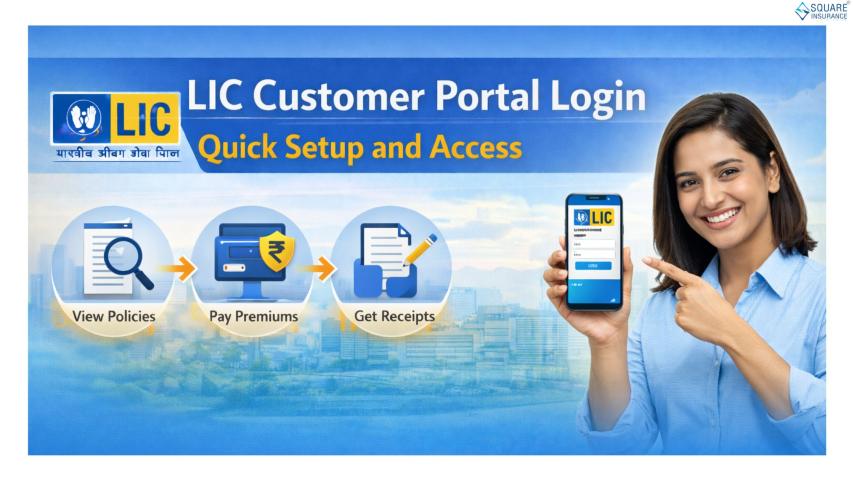
Here’s what you can do after completing your LIC Customer Portal Login:
- View active and lapsed policies
- Check premium due dates and payment history
- Pay premiums online securely
- Download premium receipts and policy bonds
- Update contact details like mobile number and email
- Apply for policy loans
- Track claim status
These features ensure that policyholders have complete control over their insurance portfolio.
Step-by-Step LIC Customer Portal Registration
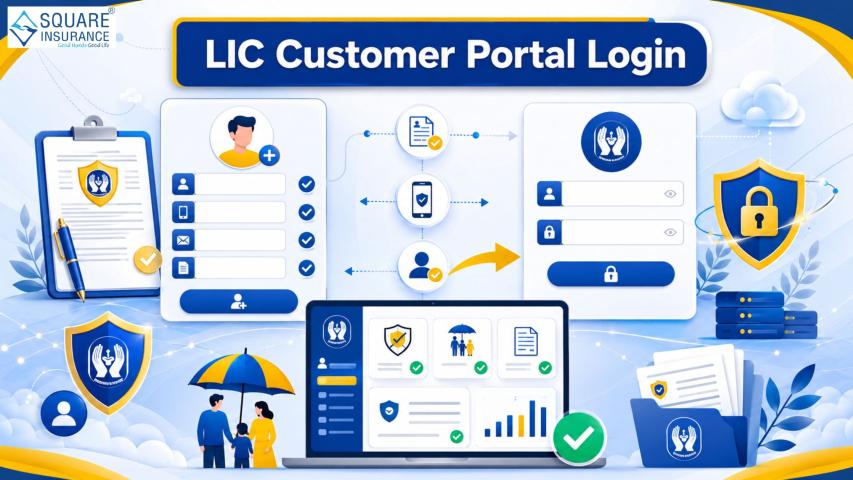
Before accessing the portal, you need to register yourself. Follow these steps:
1. Visit the Official LIC Website
Go to the official website of Life Insurance Corporation of India and click on “Customer Portal.”
2. Click on ‘New User’
Select the “New User” option to begin the registration process.
3. Enter Policy Details
Provide your policy number, premium amount, and date of birth.
4. Create Login Credentials
Set your username and password along with a valid email ID and mobile number.
5. Verify and Submit
Complete the OTP verification process and submit your details.
Once registered, you can proceed with the login process.
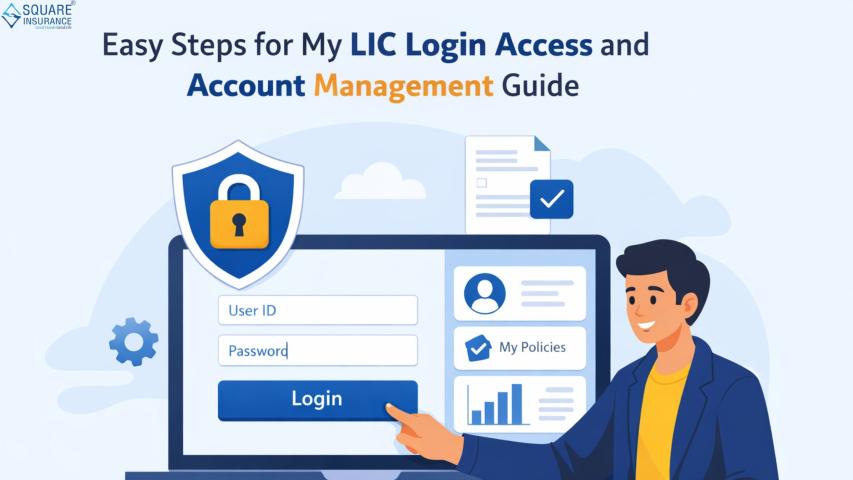
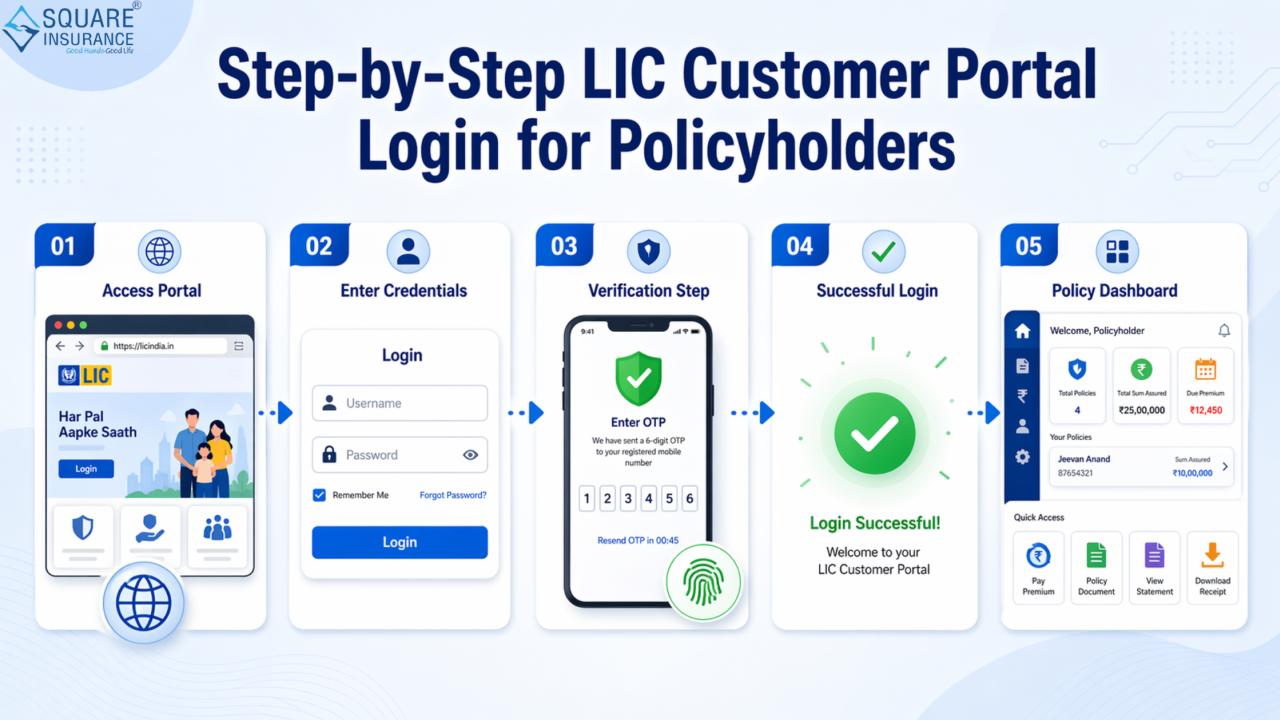
Step-by-Step LIC Customer Portal Login Process
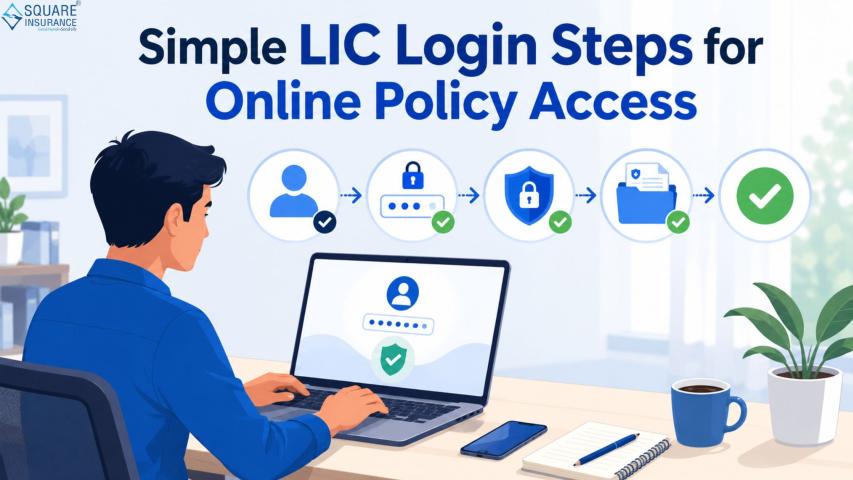
Follow these simple steps to log in:
1. Access the Login Page
Open the LIC Customer Portal from the official website.
2. Enter Credentials
Input your registered username and password.
3. Complete CAPTCHA Verification
Enter the security code displayed on the screen.
4. Click on ‘Login’
You will be redirected to your dashboard after successful authentication.
How to Reset LIC Customer Portal Login Password
If you forget your password, you can easily reset it:
- Click on “Forgot Password” on the login page
- Enter your username and date of birth
- Verify using OTP sent to your registered mobile/email
- Create a new password
Make sure to use a strong password for better security.
Benefits of Using LIC Customer Portal
The LIC Customer Portal Login provides several advantages:
Convenience
Access your policies anytime without visiting a branch.
Transparency
Track all policy-related details in one place.
Time-Saving
Avoid paperwork and manual processes.
Secure Transactions
Make premium payments through encrypted channels.
Common Issues and Troubleshooting
While logging in, users may face some common issues:
Incorrect Credentials
Double-check your username and password before logging in.
Account Locked
Too many failed attempts can temporarily lock your account.
OTP Not Received
Ensure your registered mobile number is active.
Browser Issues
Clear cache or try a different browser for smooth access.
Tips for Safe Usage of LIC Portal
- Never share your login credentials
- Use strong and unique passwords
- Always log out after accessing your account
- Avoid using public computers for login
- Update your contact details regularly
These precautions help keep your policy information secure.
Frequently Asked Questions (FAQs)
Q1. What is LIC Customer Portal Login?
It is an online facility that allows policyholders to access and manage their LIC policies digitally.
Q2. Is registration mandatory for login?
Yes, you must register on the portal before accessing your account.
Q3. Can I pay premiums through the portal?
Yes, you can pay premiums online using multiple payment options.
Q4. What should I do if I forget my password?
Use the “Forgot Password” option to reset your login credentials.
Q5. Is the LIC Customer Portal safe to use?
Yes, it uses secure encryption to protect user data and transactions.
Conclusion
The LIC Customer Portal Login has transformed the way policyholders interact with their insurance services. It offers a seamless, secure, and efficient way to manage policies without hassle. From premium payments to policy tracking, everything is now just a few clicks away. For users looking for added support and expert assistance, Square Insurance can also help simplify your insurance journey with professional guidance and digital solutions.
Please Note: - Simplify policy tracking and premium payments anytime with Square Insurance POS Apps available on Google Play for easy access.