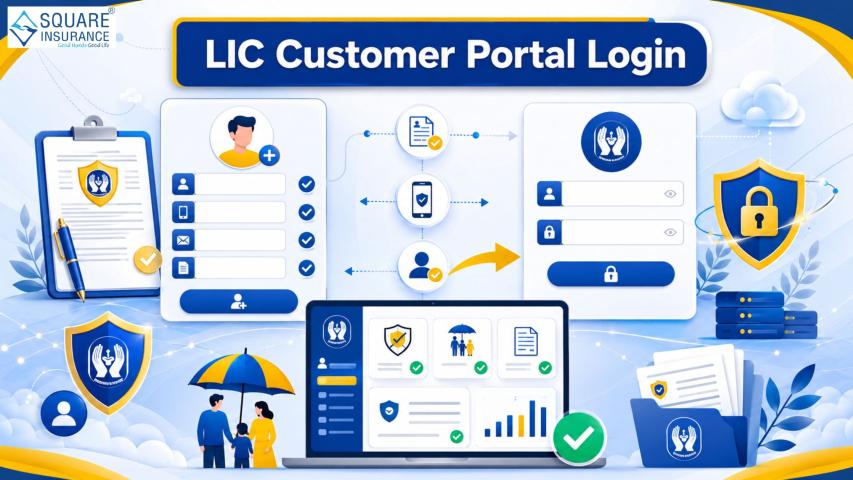
Managing insurance policies online has become easier than ever with digital services offered by the Life Insurance Corporation of India. Policyholders can now access important services without visiting branch offices or waiting in long queues. Through the LIC login portal, users can check policy details, pay premiums, download receipts, update personal information, and monitor policy status from the comfort of their homes.
Whether you are a new policyholder or an existing customer, understanding the online login process can help you save time and manage your insurance policies more efficiently. This guide explains everything about LIC online access, registration, benefits, troubleshooting tips, and the complete login procedure.
What is LIC Login?
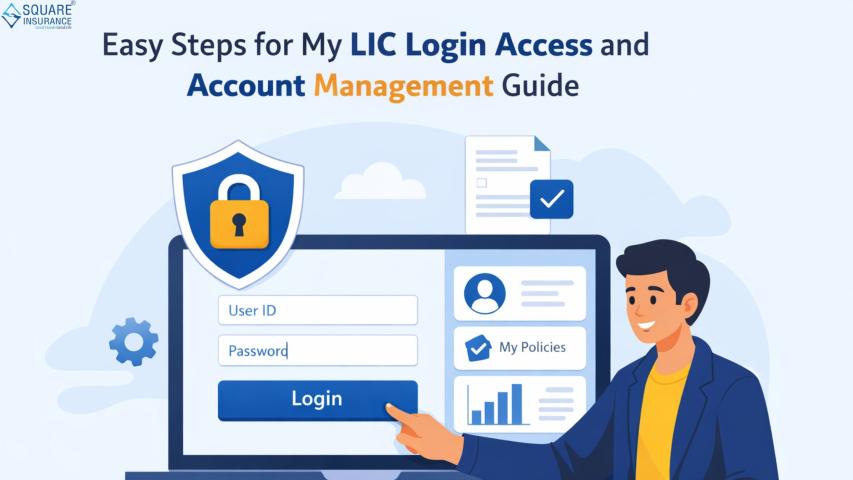
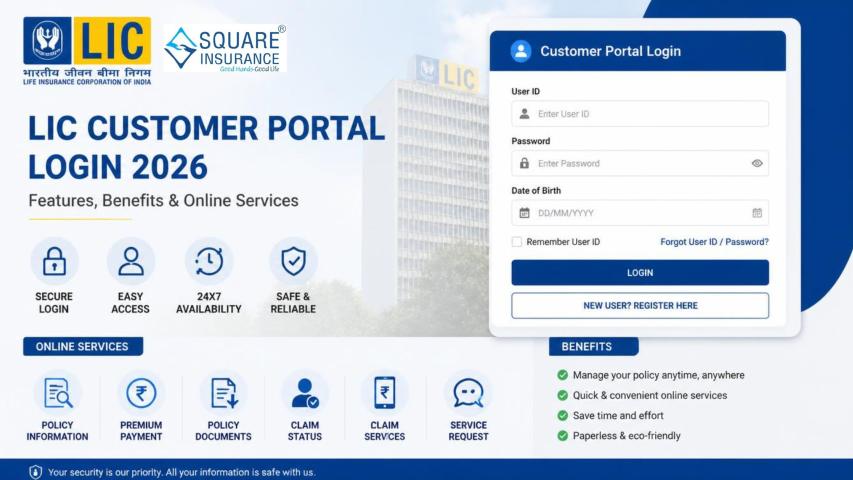
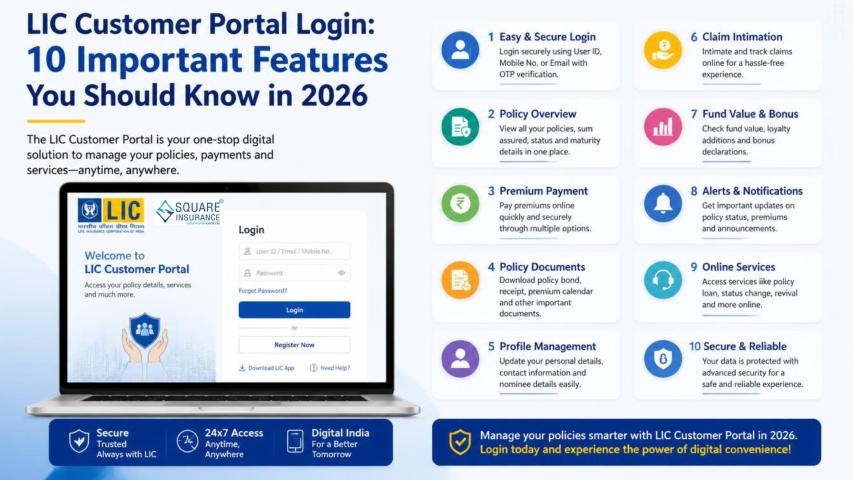
LIC login is an online facility provided by the Life Insurance Corporation of India that allows policyholders to access and manage their insurance accounts digitally. The portal is designed to simplify policy management by offering multiple online services in one place.
After registering successfully, users can:
- View policy information
- Pay premiums online
- Download premium payment receipts
- Check bonus and maturity details
- Update contact information
- Track loan status
- Register service requests
The online portal is available 24/7, making it convenient for customers to manage policies anytime.
Benefits of Using LIC Online Portal
Using the LIC customer portal offers several advantages for policyholders. Here are some major benefits:
1. Easy Policy Management
Customers can access all policy-related details in a single dashboard without visiting an LIC branch office.
2. Online Premium Payment
The portal allows quick and secure premium payment through net banking, debit cards, credit cards, and UPI.
3. Instant Access to Documents
Users can download policy statements, premium receipts, and other important documents instantly.
4. Time-Saving Process
The digital platform eliminates paperwork and reduces the need for physical visits.
5. Secure Access
The portal uses secure login credentials and OTP verification to protect user information.
How to Register for LIC Customer Portal
Before accessing online services, users need to complete the registration process. Follow these simple steps:
Step 1: Visit the Official LIC Portal
Open the official LIC customer portal using your web browser.
Step 2: Click on “New User”
On the homepage, select the option for new user registration.
Step 3: Enter Policy Details
Provide the following information:
- Policy number
- Date of birth
- Premium amount
- Mobile number
- Email ID
Step 4: Verify Information
Complete OTP verification using the registered mobile number.
Step 5: Create Login Credentials
Set a user ID and strong password for future access.
Step 6: Submit Registration
After successful verification, your account will be activated.
Once registration is completed, you can proceed with the login process.
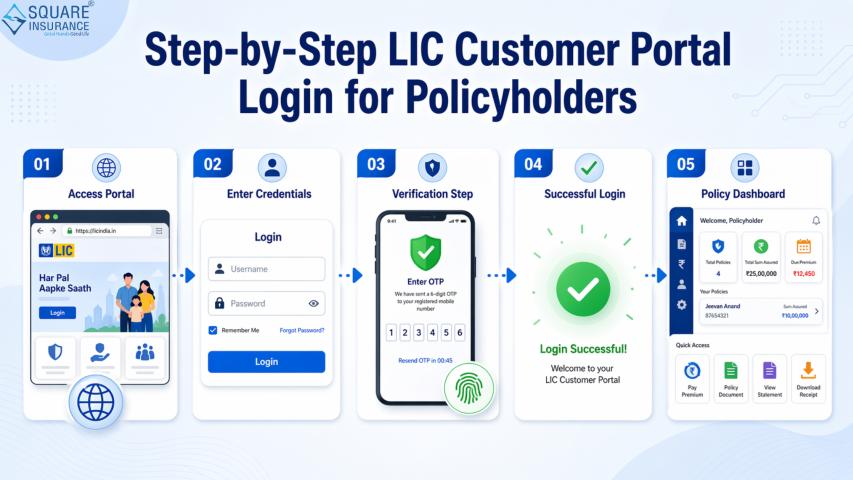
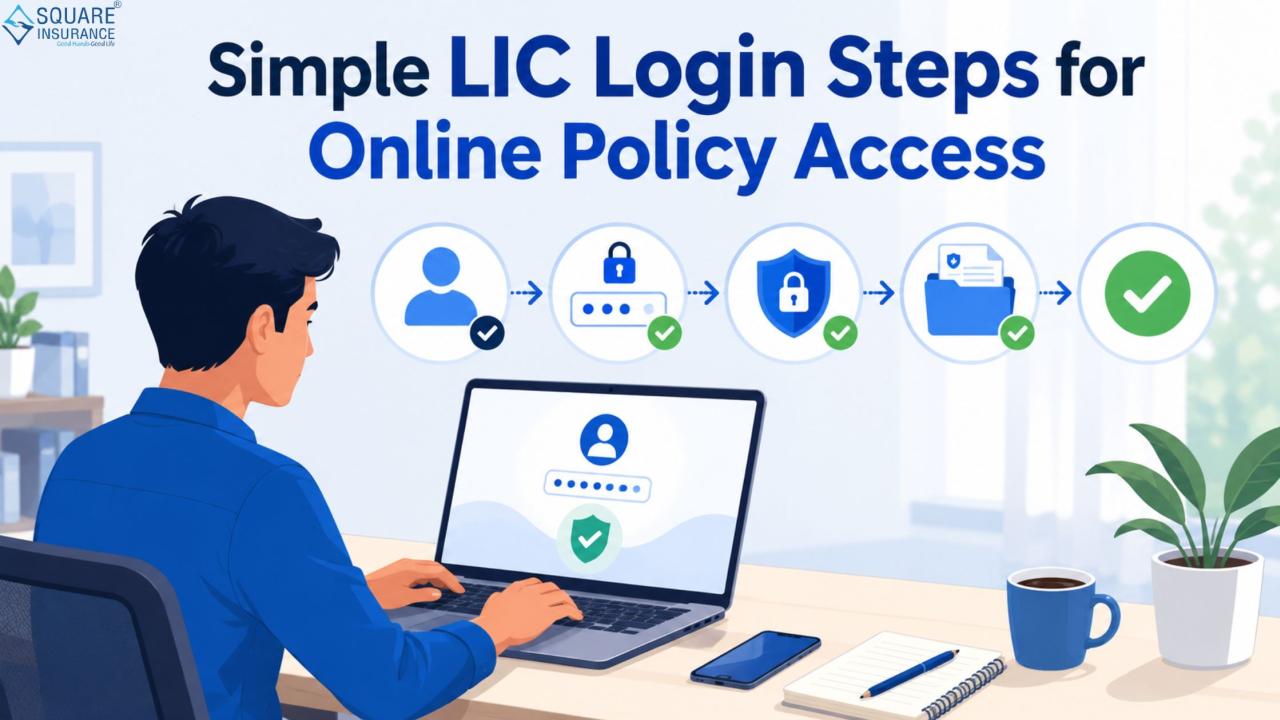
Simple LIC Login Steps for Online Policy Access
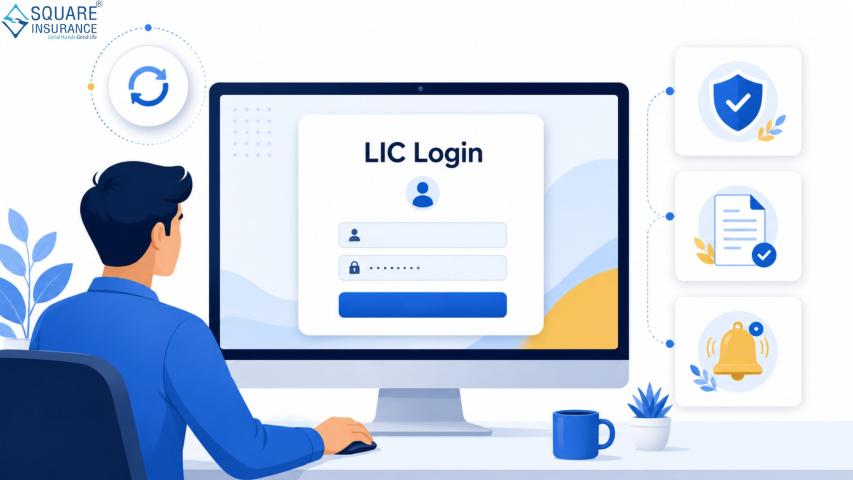
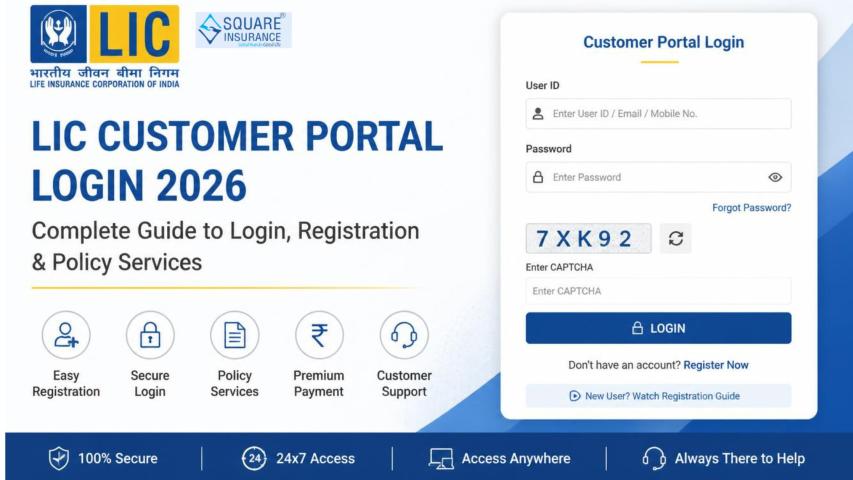
Follow these steps to log in to your LIC account easily:
Step 1: Open the LIC Login Page
Visit the official customer portal login page.
Step 2: Enter User ID
Type your registered user ID in the required field.
Step 3: Enter Password
Provide your password carefully to avoid login errors.
Step 4: Fill Captcha Code
Enter the captcha code displayed on the screen for security verification.
Step 5: Click on Login
After entering all details correctly, click the login button.
You will now be redirected to your customer dashboard where you can access policy-related services.
Services Available After LIC Login
Once logged in successfully, customers can use several online services, including:
Premium Payment
Users can pay premiums instantly and receive digital receipts.
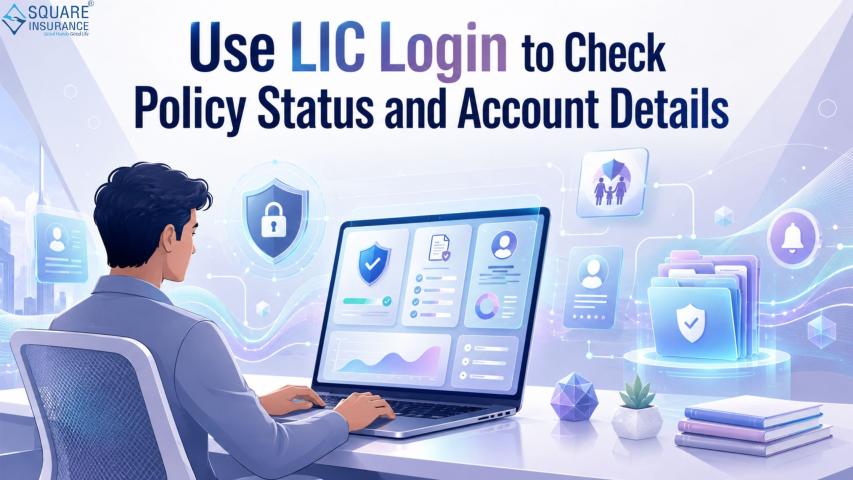
Policy Status Check
The portal displays policy status, due dates, bonus information, and maturity details.
Loan Information
Customers can view loan eligibility, loan amount, and repayment status.
Download Policy Documents
Important documents can be downloaded anytime in PDF format.
Profile Update
Users can update mobile numbers, email IDs, and communication addresses online.
Claim Status Tracking
The portal also helps policyholders track claim requests and settlement status.
How to Reset LIC Login Password
Sometimes users may forget their passwords. LIC provides an easy password reset option.
Steps to Reset Password
- Visit the login page
- Click on “Forgot Password”
- Enter user ID and date of birth
- Verify through OTP
- Create a new password
- Log in again with updated credentials
Always create a strong password using letters, numbers, and special characters.
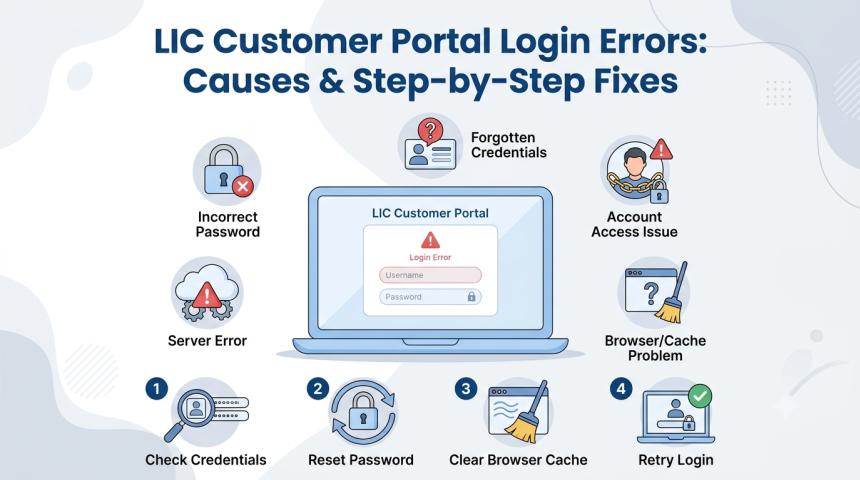
Common LIC Login Problems and Solutions
Many users face login issues while accessing the portal. Here are some common problems and solutions:
Incorrect Password
Double-check your password and ensure caps lock is off.
Forgot User ID
Use the “Forgot User ID” option available on the portal.
OTP Not Received
Ensure your registered mobile number is active and has network coverage.
Account Locked
Multiple incorrect attempts may temporarily lock the account. Wait for some time before retrying.
Slow Website Loading
Check your internet connection or try accessing the portal during non-peak hours.
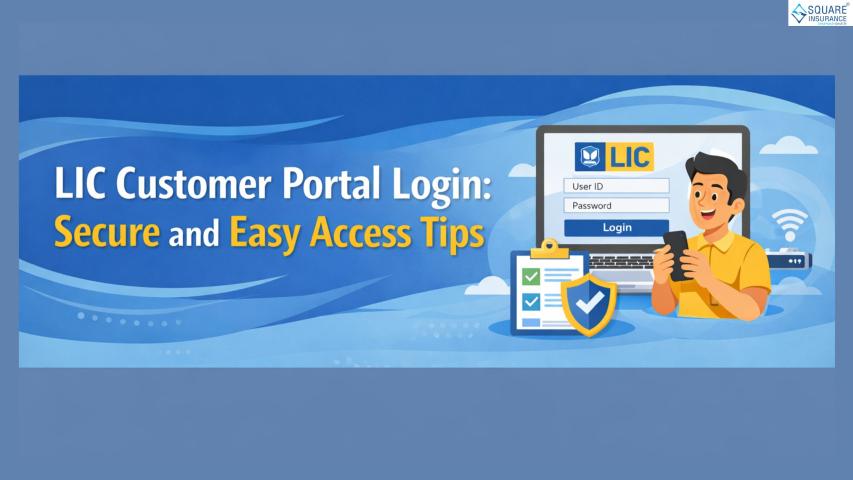
Tips for Safe Online LIC Account Access
Online safety is important while managing financial accounts. Follow these security tips:
- Never share your password with anyone
- Use a strong and unique password
- Avoid public Wi-Fi for login
- Log out after using the portal
- Update your password regularly
- Keep your mobile number updated
These precautions can help protect your account from unauthorized access.
LIC Mobile Access for Customers
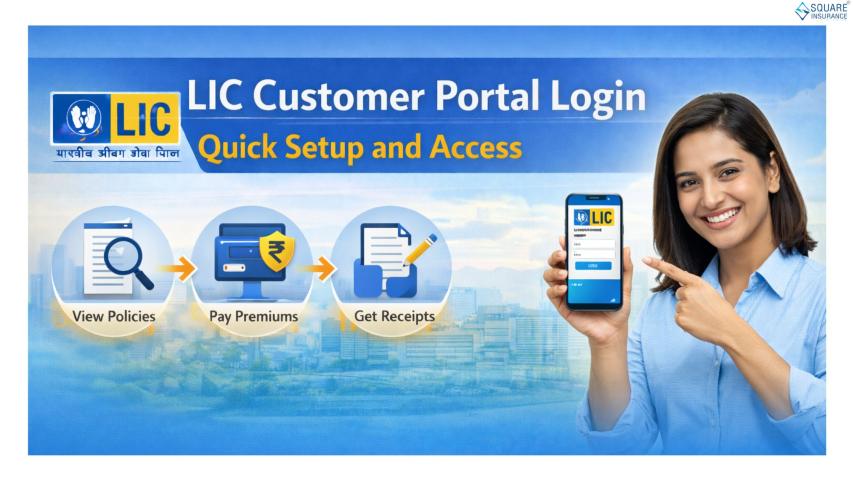
Apart from the web portal, LIC also offers mobile-friendly access for policyholders. Customers can manage policies using smartphones and tablets conveniently.
Mobile access allows users to:
- Check premium due dates
- Pay premiums online
- View policy details
- Download receipts
- Track service requests
This flexibility makes insurance management faster and more accessible for customers across India.
Why Digital Insurance Services are Important
Digital insurance services are becoming increasingly important due to convenience and faster service delivery. Online access reduces paperwork and helps customers manage policies independently.
The LIC online system supports transparency and quick communication between insurers and policyholders. It also helps customers stay updated about premium due dates, maturity benefits, and policy status without delays.
As digital adoption continues to grow, online insurance management platforms are expected to become even more advanced and user-friendly.
Frequently Asked Questions (FAQs)
Q1. What is LIC login used for?
LIC login helps policyholders access policy details, pay premiums, download receipts, and manage insurance services online.
Q2. Can I pay LIC premiums without login?
Yes, LIC offers premium payment options without login through its online payment services.
Q3. Is LIC online login safe?
Yes, the portal uses secure authentication methods and OTP verification for customer safety.
Q4. How can I reset my LIC password?
You can reset your password using the “Forgot Password” option available on the login page.
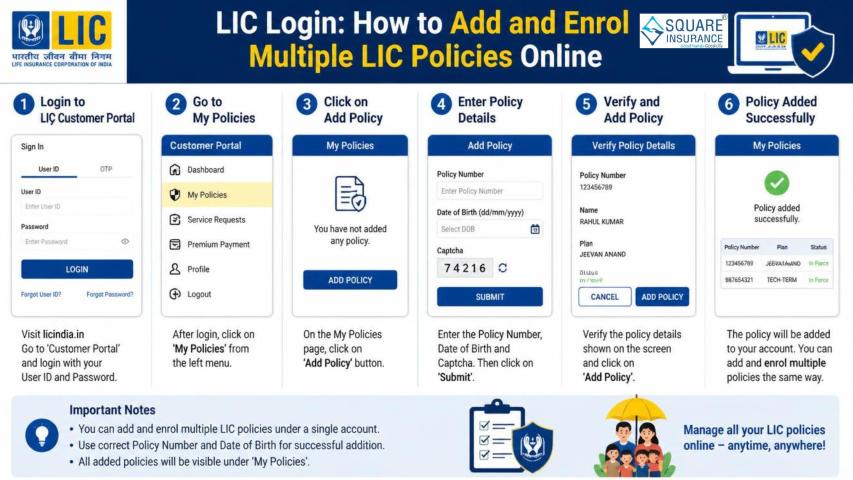
Q5. Can I access multiple policies using one account?
Yes, users can link and manage multiple LIC policies under one registered account.
Q6. What should I do if my account gets locked?
Wait for some time and try again or contact LIC customer support for assistance.
Conclusion
LIC online services have simplified insurance policy management for millions of customers across India. From premium payments to policy tracking, the LIC login portal offers a convenient and secure way to manage insurance needs digitally. Customers can access important policy information anytime without visiting physical branches, making the process more efficient and time-saving.
For users looking for smoother insurance assistance and digital support services, Square Insurance can also help simplify policy-related guidance and online insurance management solutions.