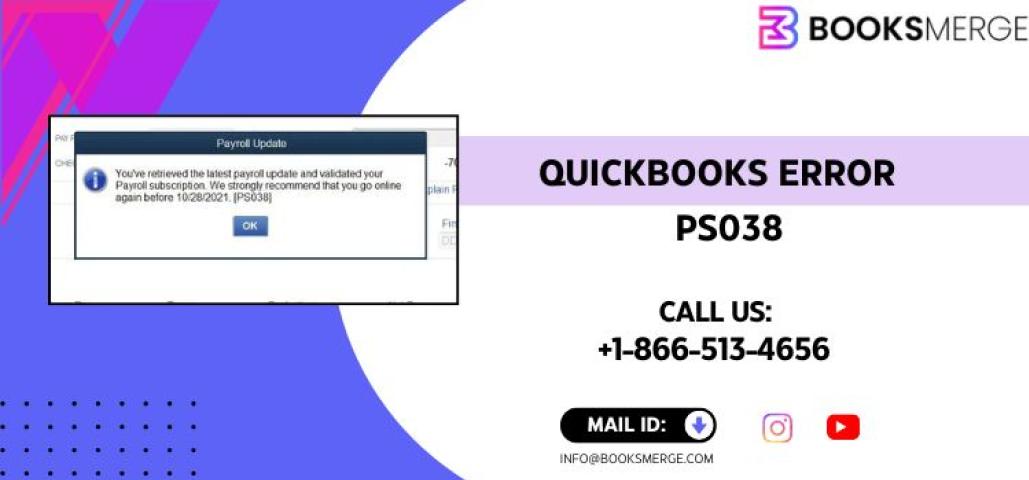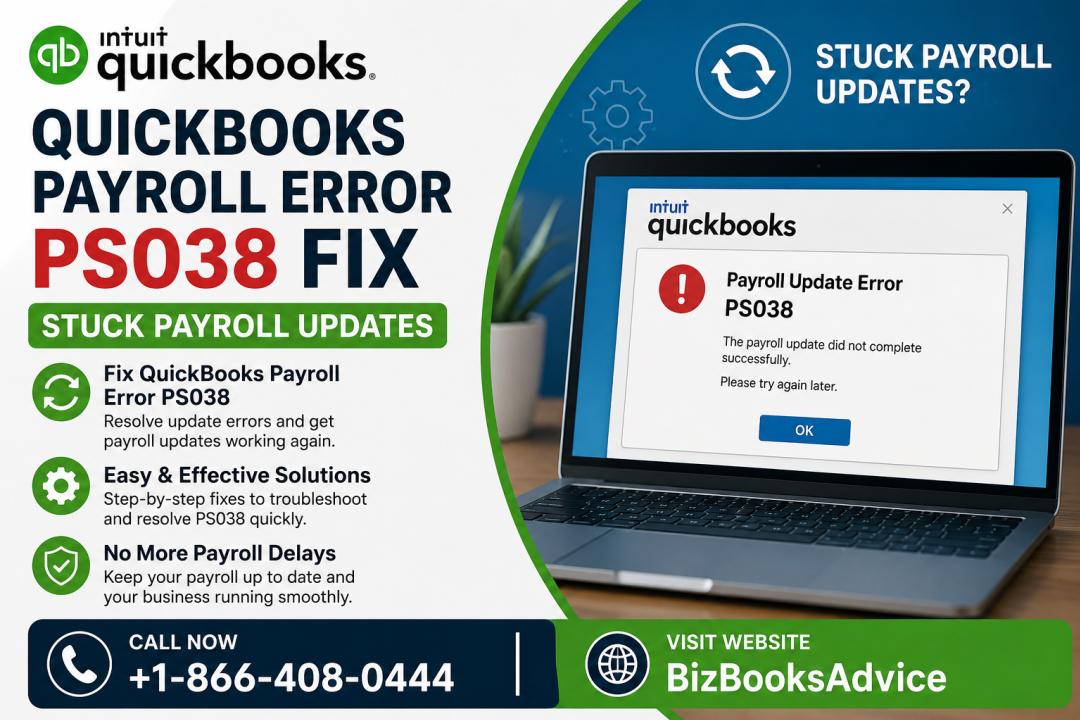

When running payroll or updating tax tables, many users encounter QuickBooks Payroll Error PS038. This error usually appears with messages like:
“QuickBooks is having trouble installing payroll updates.” “You must update your payroll before creating paychecks.”
This error is frustrating because it blocks payroll processing, prevents paycheck creation, and stops payroll updates from installing correctly.
This guide explains what causes PS038, how to fix it step‑by‑step, and how to prevent it from returning.
What Is QuickBooks Payroll Error PS038?
QuickBooks Payroll Error PS038 occurs when:
A paycheck is stuck in “Online to Send” status
Payroll data cannot sync with Intuit servers
Payroll updates fail to download or install
QuickBooks detects corrupted payroll files
This error is most common in QuickBooks Desktop Payroll.
Symptoms of QuickBooks Payroll Error PS038
You may notice:
Payroll update stuck or failing
Paychecks not sending
Paychecks stuck in “Online to Send”
QuickBooks freezing during payroll
Error PS038 appearing repeatedly
Incorrect or missing payroll tax calculations
Causes of QuickBooks Payroll Error PS038
Unsent paychecks stuck in the system
Corrupted payroll data
Outdated QuickBooks Desktop version
Damaged tax table files
Interrupted payroll update
Incorrect system date/time
Damaged QuickBooks installation
How to Fix QuickBooks Payroll Error PS038 (Step‑by‑Step)
1. Update QuickBooks Desktop to the Latest Release
PS038 often appears when QuickBooks is outdated.
Steps:
Go to Help → Update QuickBooks Desktop
Select Update Now
Install updates
Restart QuickBooks
Guided Link: Update QuickBooks Desktop
2. Verify & Rebuild Data
This identifies and repairs payroll data corruption.
Steps:
Go to File → Utilities → Verify Data
If issues are found → run Rebuild Data
Restart QuickBooks
Guided Link: Repair QuickBooks payroll data
3. Identify Paychecks Stuck in “Online to Send”
This is the #1 cause of PS038.
Steps:
Go to Edit → Find
Select Advanced
Choose Detail Level → Summary Only
Filter by Online Status = Online to Send
Review the list of stuck paychecks
4. Open Each Stuck Paycheck & Save It Again
This forces QuickBooks to re‑validate the paycheck.
Steps:
Open each paycheck
Click Save & Close
Repeat for all stuck paychecks
5. Send Payroll Data Again
Once all stuck paychecks are re‑saved:
Go to Employees → Send Payroll Data
Submit the data
Wait for confirmation
If the send is successful, PS038 should be resolved.
6. Download Payroll Updates Again
Now that stuck paychecks are cleared:
Go to Employees → Get Payroll Updates
Select Download Entire Update
Guided Link: Fix payroll update issues
7. Repair QuickBooks Installation (If Error Persists)
If PS038 still appears, installation files may be damaged.
Steps:
Open Control Panel → Programs & Features
Select QuickBooks
Click Repair
Guided Link: Repair QuickBooks installation
8. Use QuickBooks Tool Hub
Tool Hub fixes payroll, installation, and data issues.
Use:
Program Problems
Payroll Issues
Installation Issues
Guided Link: QuickBooks Tool Hub
Advanced Fix: Run Verify & Rebuild Twice
Sometimes PS038 requires two cycles of Verify & Rebuild to fully repair payroll data.
How to Prevent QuickBooks Payroll Error PS038 in the Future
Keep QuickBooks updated
Download payroll updates weekly
Avoid interrupting payroll sync
Do not force‑close QuickBooks during payroll
Run Verify & Rebuild monthly
Maintain stable internet during payroll updates
Quick Fix Checklist
Update QuickBooks
Fix stuck paychecks
Rebuild payroll data
Download payroll updates
Use Tool Hub
FAQs About QuickBooks Payroll Error PS038
1. What causes QuickBooks Payroll Error PS038?
Unsent paychecks stuck in “Online to Send” status.
2. Can I run payroll while PS038 is active?
No — payroll updates must be completed first.
3. Does PS038 affect tax calculations?
Yes, outdated payroll data can cause incorrect taxes.
4. Can Tool Hub fix PS038 automatically?
It helps, but stuck paychecks must be fixed manually.
Conclusion
QuickBooks Payroll Error PS038 is usually caused by unsent paychecks or corrupted payroll data. By updating QuickBooks, repairing data, clearing stuck paychecks, and re‑downloading payroll updates, you can resolve the error quickly and restore smooth payroll processing.