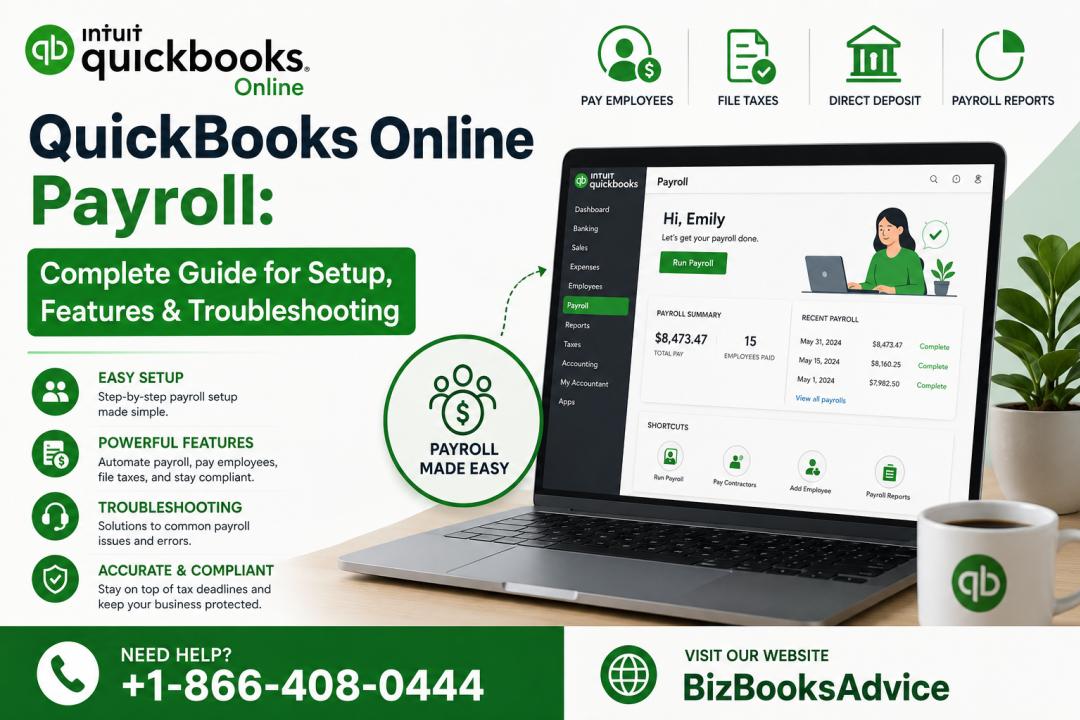
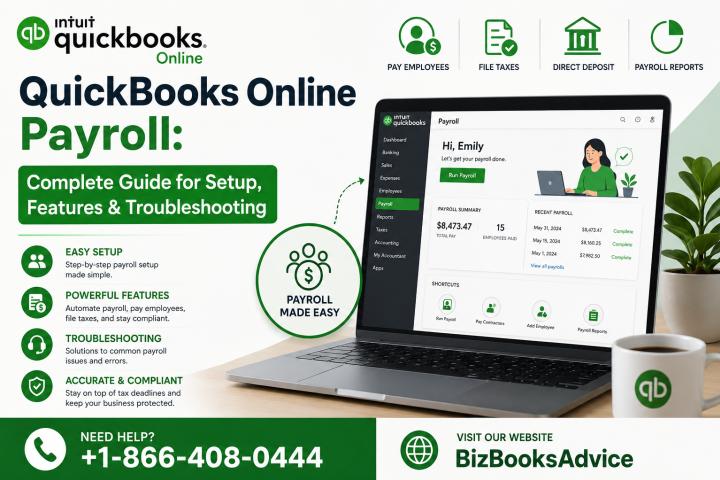
Managing payroll accurately is one of the most important responsibilities for any business. QuickBooks Online Payroll simplifies this process by offering automated payroll runs, real‑time tax calculations, and cloud‑based access from any device. Whether you’re setting it up for the first time or looking to fix payroll issues, this comprehensive guide walks you through everything you need to know.
What Is QuickBooks Online Payroll?
QuickBooks Online Payroll is a cloud‑based payroll solution designed for small and mid‑sized businesses that want automation, accuracy, and compliance without manual effort. Because it’s fully online, you can run payroll anytime—from your office, home, or even your phone.
Available Versions
QuickBooks Online Payroll comes in three subscription tiers:
Core – Basic payroll with automated tax calculations and next‑day direct deposit
Premium – Adds time tracking and same‑day direct deposit
Elite – Includes expert setup, tax penalty protection, and advanced HR tools
Each plan is designed to support different business sizes and payroll complexities.
Key Features of QuickBooks Online Payroll
1. Automated Payroll Runs
Set payroll to run each pay period automatically, reducing manual work and eliminating missed deadlines.
2. Auto‑Tax Filing
QuickBooks automatically calculates, files, and pays federal and state payroll taxes. This includes forms like 940, 941, 944, W‑2, and W‑3.
3. Direct Deposit Options
Next‑day direct deposit (Core)
Same‑day direct deposit (Premium & Elite)
4. Employee Self‑Service Portal
Employees can view pay stubs, tax forms, and personal details without contacting HR.
5. Time Tracking Integration
Premium and Elite plans include QuickBooks Time for accurate hour tracking and overtime calculations.
6. Mobile Payroll App
Run payroll, approve timesheets, and manage employees from your smartphone.
How to Set Up QuickBooks Online Payroll (Step‑by‑Step)
Step 1: Enter Business Information
Add your company name, address, EIN, and industry details.
Step 2: Add Employees
Enter employee names, pay rates, deductions, and tax details.
Step 3: Configure Pay Schedules
Choose weekly, bi‑weekly, semi‑monthly, or monthly pay periods.
Step 4: Set Up Tax Information
QuickBooks guides you through federal and state tax setup.
Step 5: Enable Direct Deposit
Verify your bank account and choose deposit timing.
Step 6: Connect Your Bank
This allows QuickBooks to track payroll expenses and reconcile transactions.
Step 7: Run Your First Payroll
Review hours, verify taxes, and submit payroll with one click.
How to Run Payroll in QuickBooks Online
Running payroll is simple and can be done in minutes:
Select employees
Enter hours or approve timesheets
Review taxes and deductions
Submit payroll
You can also run:
Bonus payroll
Commission payroll
Contractor payments
Auto‑Payroll (available in all plans)
How QuickBooks Online Payroll Handles Tax Filing
One of the biggest advantages of QuickBooks Online Payroll is automated tax compliance.
What It Handles Automatically
Federal payroll taxes
State payroll taxes
Quarterly filings (Form 941)
Annual filings (Form 940)
Year‑end W‑2 and W‑3 forms
Before Filing
Ensure employee data is accurate
Verify tax settings
Keep your subscription active
Common QuickBooks Online Payroll Errors & Fixes
1. Direct Deposit Not Working
Cause: Bank verification issues Fix: Re‑verify your bank account and ensure sufficient funds
2. Auto‑Payroll Not Running
Cause: Missing employee hours or outdated tax info Fix: Update timesheets and tax settings
3. Tax Form Rejected
Cause: Incorrect EIN or employee details Fix: Correct the data and resubmit
4. Paycheck Calculation Errors
Cause: Wrong pay rate or deduction setup Fix: Review employee profiles and update settings
5. Bank Connection Issues
Cause: Expired login credentials Fix: Reconnect your bank through the Banking tab
QuickBooks Online Payroll vs QuickBooks Desktop Payroll
| Feature | Online Payroll | Desktop Payroll |
|---|---|---|
| Cloud Access | ✔ | ✘ |
| Auto‑Payroll | ✔ | Limited |
| Auto‑Tax Filing | ✔ | Enhanced/Assisted only |
| Mobile App | ✔ | ✘ |
| Setup Speed | Fast | Moderate |
| Updates | Automatic | Manual |
QuickBooks Online Payroll is ideal for businesses that want automation and remote access, while Desktop Payroll suits companies that prefer local control.
Pricing Breakdown (2026)
Core
Automated payroll
Next‑day direct deposit
Auto‑tax filing
Premium
Everything in Core
Same‑day direct deposit
Time tracking
Elite
Everything in Premium
Expert setup
Tax penalty protection
Advanced HR tools
Pricing varies based on promotions and number of employees.
FAQs About QuickBooks Online Payroll
1. Does QuickBooks Online Payroll file taxes automatically?
Yes, all plans include automatic tax filing and payments.
2. Can I migrate from Desktop Payroll to Online Payroll?
Yes, QuickBooks provides a guided migration tool.
3. Does it support contractor payments?
Yes, you can pay contractors and generate 1099 forms.
4. Can I run payroll from my phone?
Yes, the QuickBooks mobile app supports full payroll functionality.
5. How often does QuickBooks update tax tables?
Tax tables update automatically in real time.
Conclusion
QuickBooks Online Payroll is one of the most efficient and reliable payroll solutions for modern businesses. With automated payroll runs, real‑time tax filing, and cloud access, it eliminates manual work and reduces compliance risks. Whether you're a small business owner or managing a growing team, QuickBooks Online Payroll provides the tools you need to stay accurate and compliant.
For expert assistance with setup, errors, or payroll issues, you can contact Expert at +1‑866‑408‑0444.