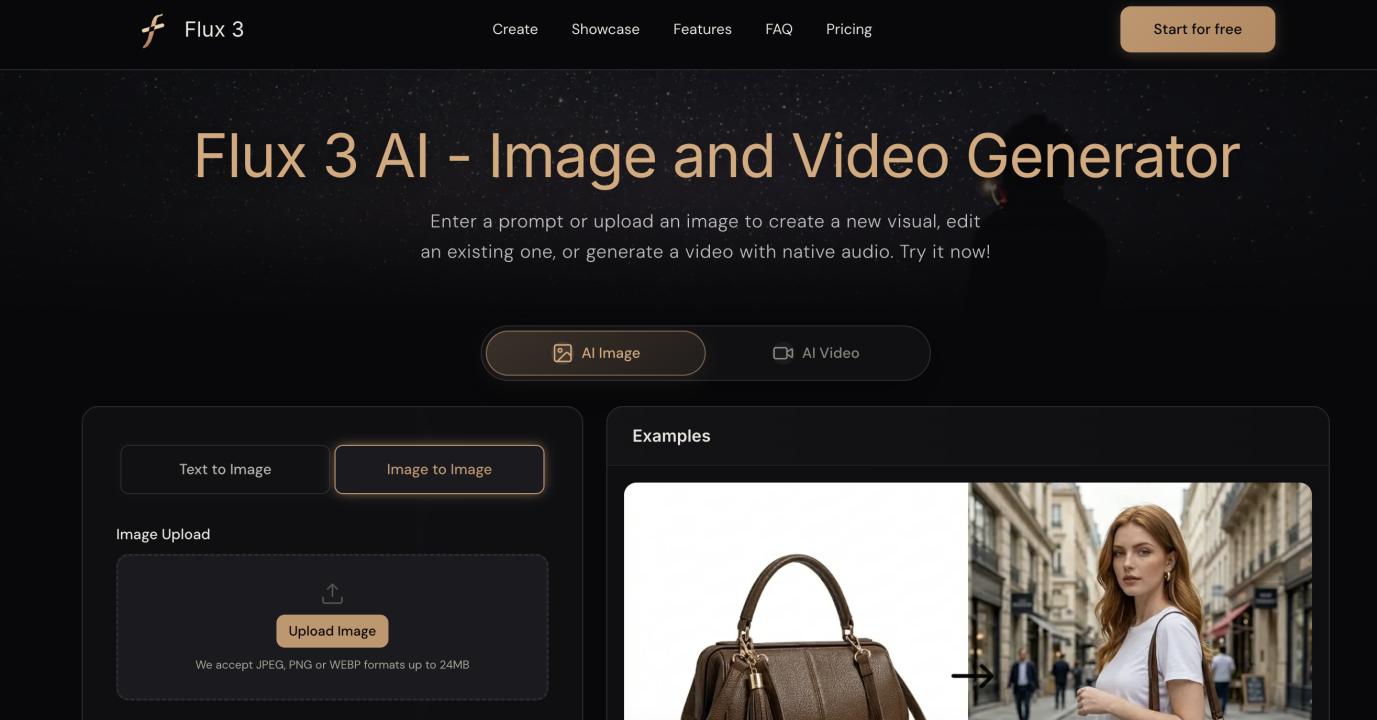
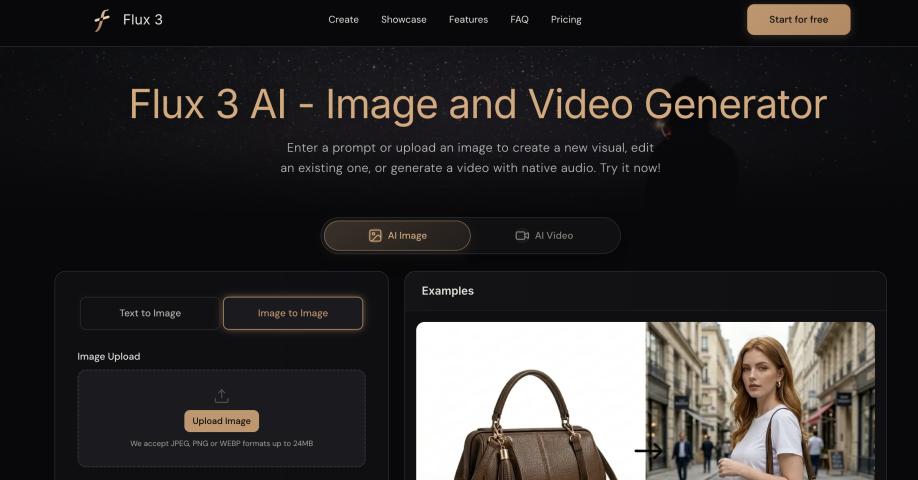
Creating one strong visual is rarely the whole job. A product launch may need a hero image, several social posts, a vertical video, and a few variations for testing. The difficult part is often not generating the first asset, but keeping the idea consistent as it moves from still image to motion. With flux 3 ai, you can generate and edit images, then develop them into video inside one browser-based workspace.
That connected workflow matters because visual production can become fragmented very quickly. You may create an image in one tool, export it, upload it somewhere else, rewrite the prompt, and then use another editor for audio or final adjustments. Every handoff adds time and creates another opportunity for the subject, >
Why a Unified Visual Workflow Matters
Most creative projects evolve as you work on them. You might begin with a rough campaign idea, generate a few compositions, choose one direction, and only then decide how it should move.
When image and video generation are separated, each stage can feel like a restart. The image prompt may not translate cleanly into a motion prompt. A character can change between shots. Product proportions may shift. Text or logos can move to the wrong place. Even when each individual tool produces a good result, the campaign can still feel inconsistent.
A unified workspace makes the process more continuous:
- Start with a written idea or an existing visual;
- Refine the image before spending time on animation;
- Reuse a successful frame as the visual foundation for a video;
- Describe motion, dialogue, and sound in the same creative context;
- Generate alternative formats without rebuilding the concept from scratch.
The goal is not simply to use fewer tools. It is to preserve the decisions that already work.
Start With the Still Image
For many campaigns, the most efficient starting point is a strong still image. It is faster to judge composition, lighting, color, styling, and product placement in a single frame than in a full video.
You can begin in two ways:
Generate an Image From Text
Use text-to-image when the concept exists mainly in your head or in a written brief. A useful prompt should describe more than the subject. Include the setting, composition, camera perspective, lighting, materials, mood, and intended format.
For example:
A premium citrus soda can on a wet stone surface, evening city lights in the background, fresh condensation, dramatic side lighting, commercial product photography, vertical composition.
This gives the generator a clear visual hierarchy instead of a loose list of keywords.
Edit or Transform an Existing Image
Use image-to-image when you already have a product photo, character reference, sketch, or composition worth preserving. Describe what should change and, just as importantly, what must remain fixed.
Instead of writing “make this more cinematic,” try:
Keep the can shape, label placement, camera angle, and central composition unchanged. Replace the plain background with a neon night market and add cool blue rim lighting.
Specific constraints reduce unnecessary variation and make the output easier to use in the next stage.
Turn the Selected Image Into Video
Once the still image is working, it can become the first frame of a motion concept. This is where image-to-video is especially useful: the visual identity is already established, so the prompt can focus on movement.
A practical motion prompt usually covers four elements:
- Subject movement — what the person, product, or object does;
- Camera movement — whether the camera pushes in, pans, tracks, or remains still;
- Environmental movement — how light, fabric, smoke, water, or background elements behave;
- Audio direction — dialogue, ambience, or event-linked sound when the scene needs it.
For the soda image above, the motion instruction could be:
The camera slowly pushes toward the can. Condensation rolls down the surface while blurred market lights flicker in the background. A light mist passes across the stone. Add subtle city ambience and the crisp sound of the can opening at the end.
This is easier for a model to follow than several competing actions in one short clip.
Build Consistency Before Adding Complexity
It is tempting to ask for a dramatic camera move, multiple character actions, changing scenery, dialogue, and a product reveal all at once. That often makes the result harder to control.
A better approach is to establish the visual identity first, then add complexity in stages:
- Confirm the subject and composition in an image;
- Test one clear movement in a short video;
- Refine the prompt if important details drift;
- Reuse the strongest result as a reference for the next shot;
- Connect additional clips only after the core look is stable.
This process also makes failures more useful. If the image is wrong, adjust the composition or reference. If the image is right but the video feels weak, focus on timing, motion, or sound rather than rebuilding everything.
Practical Prompting Tips
State What Must Stay Fixed
Put non-negotiable details near the beginning of the instruction. This may include a character’s appearance, product shape, logo position, camera angle, or color palette.
Describe One Primary Action
A short generation is usually stronger when it has one dominant action. Supporting details should reinforce that action instead of competing with it.
Match the Aspect Ratio to the Destination
Choose the final format early. A wide campaign film, square feed post, and vertical short all require different framing. Leaving enough space around the subject makes later variations easier.
Treat Text as a Detail to Review
AI can generate typography and multilingual text, but every word should still be checked before publication. For brand-critical copy, it may be safer to generate the visual first and add final text during layout.
Refine With Clear Changes
When revising a prompt, change one major variable at a time. If you alter the subject, >
From One Concept to a Full Campaign
The real advantage of a connected image-and-video workflow appears when one concept needs to support several deliverables.
A single approved visual direction can become:
- A product hero image for a landing page;
- Square and vertical social media variations;
- A short animated product reveal;
- A storyboard frame for a longer campaign;
- Character or environment references for additional scenes;
- A video concept with dialogue, ambience, or synchronized sound.
This does not remove the need for creative judgment. You still need to select the strongest composition, review visual details, check generated text, and decide whether the motion supports the message. What changes is the amount of repetitive setup between those decisions.
Final Thoughts
The most useful AI workflow is not the one that generates the largest number of assets. It is the one that helps you move from idea to usable campaign while preserving the parts that already work. Start with a clear still image, define what must remain consistent, add one layer of motion at a time, and adapt the result to each channel.
If your projects regularly move between image generation, visual editing, and short-form video, flux 3 ai offers a practical place to develop those stages as one connected creative process.