Simplify SMS with DLT Support: A Practical Guide for Businesses
Sending SMS to customers sounds simple: create a message, upload contacts, and click send. But businesses sending commercial or business-related SMS in India need to consider DLT registration, approved sender IDs, message templates, and the applicable telecom compliance requirements.
This is where DLT support can make SMS communication much easier.
For businesses using Bulk SMS, Transactional SMS, OTP messages, alerts, or promotional campaigns, having the right DLT setup can reduce avoidable registration issues and make the messaging process more organized.
What Is DLT and Why Does It Matter for SMS?
DLT stands for Distributed Ledger Technology. In India's business messaging ecosystem, DLT registration is used to identify businesses, sender headers, message templates, and the communication chain involved in sending eligible commercial messages.
Before launching an SMS campaign, a business may need to complete several steps, including:
- Registering the business as a Principal Entity
- Completing the required verification and KYC
- Registering a sender ID or Header
- Registering SMS Content Templates
- Mapping the relevant telemarketer or communication provider
- Using approved templates when sending messages
The exact process and requirements can vary depending on the operator, message category, and current regulatory requirements.
For businesses unfamiliar with these processes, DLT support can simplify the onboarding journey.
Why Businesses Need DLT Support
The challenge with DLT is not simply creating an account. Businesses also need to understand how their entity, sender ID, templates, and messaging provider fit together.
A small mistake can create unnecessary delays.
For example, a business may experience problems because of:
- Incorrect business information
- Address or authorised-person mismatches
- Incorrect sender ID category
- Template and message-content mismatches
- Incorrect variable formatting
- Incomplete telemarketer mapping
- Content that differs from the approved template
A structured DLT support process helps businesses identify these requirements before they start sending SMS.
Simplify SMS with DLT Support
The purpose of DLT support should be more than simply helping a business register.
It should make the entire SMS onboarding process easier to understand.
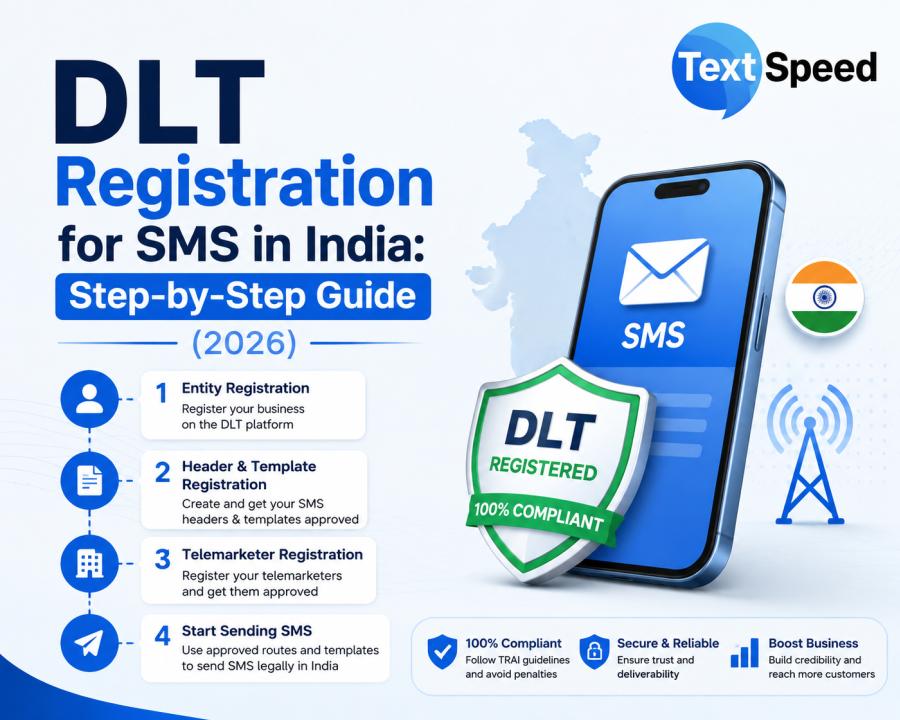
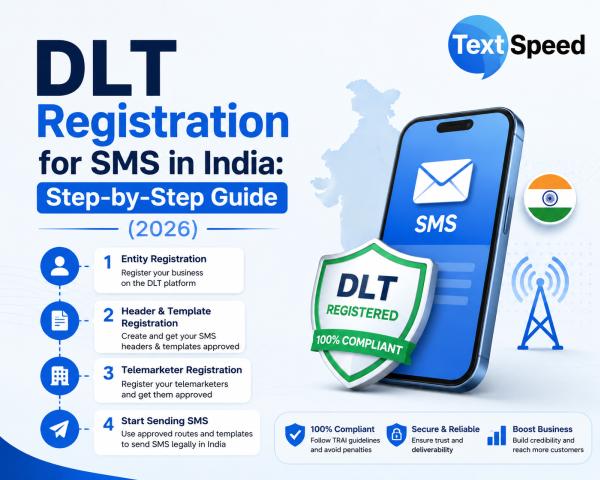
With Textspeed, businesses can receive guidance across important stages of the DLT process, including entity registration, Header approval, content template registration, and telemarketer mapping.
Textspeed's DLT support page provides a step-by-step registration journey covering entity registration, OTP and email verification, KYC, approval, Header registration, template registration, and mapping.
This can be particularly useful for businesses that are setting up SMS communication for the first time.
Step 1: Register Your Business Entity
The first stage is registering the business as a Principal Entity through the applicable DLT operator.
Businesses may need to prepare information such as:
- PAN or business registration details
- GST or incorporation information, where applicable
- Registered-office information
- Authorised-person details
- Official mobile number
- Official email address
- Website and business information
- Communication use case
- Sample message content
Having accurate information ready can help reduce unnecessary clarification during the registration process.
Step 2: Get Your Sender ID or Header Approved
A sender ID, also called a Header, identifies the sender of an SMS.
Instead of receiving a message from an unfamiliar phone number, customers can see an approved business identifier associated with the registered entity.
For businesses, a properly configured sender ID can provide a more consistent brand communication experience.
However, the Header must be registered under the applicable DLT process and used according to its approved category.
Step 3: Register Your SMS Templates
The next important step is Content Template registration.
A Content Template defines the approved structure of an SMS, including fixed content and variables.
For example, a business may have a template such as:
"Your order {#var#} has been confirmed. Your estimated delivery date is {#var#}."
When the message is sent, the variable values can change while the approved template structure remains consistent.
This is particularly important for automated SMS such as:
- OTP messages
- Payment alerts
- Order confirmations
- Delivery updates
- Appointment reminders
- Customer notifications
- Promotional campaigns
Businesses should ensure that the message they send matches the approved template.
Step 4: Complete Telemarketer Mapping
Another important part of the DLT setup is mapping the communication chain.
Depending on the messaging setup, the Principal Entity, telemarketer or communication provider, and SMS route need to be correctly associated.
If mapping is incomplete, an otherwise approved SMS setup may still experience delivery problems.
Textspeed provides assistance with telemarketer mapping as part of its DLT support services.
Step 5: Connect DLT With Your SMS Platform
Once the DLT requirements are in place, businesses can connect their SMS communication with an SMS platform or API.
This is where automation becomes important.
Instead of manually sending individual messages, businesses can integrate SMS with:
- Websites
- Mobile applications
- CRM systems
- ERP software
- Customer portals
- E-commerce platforms
- Internal business applications
Textspeed supports SMS API and SMPP connectivity, allowing businesses to integrate messaging into their existing technology stack.
DLT Support for Different Types of SMS
DLT-compliant messaging can support different business communication requirements, subject to applicable rules and operator requirements.
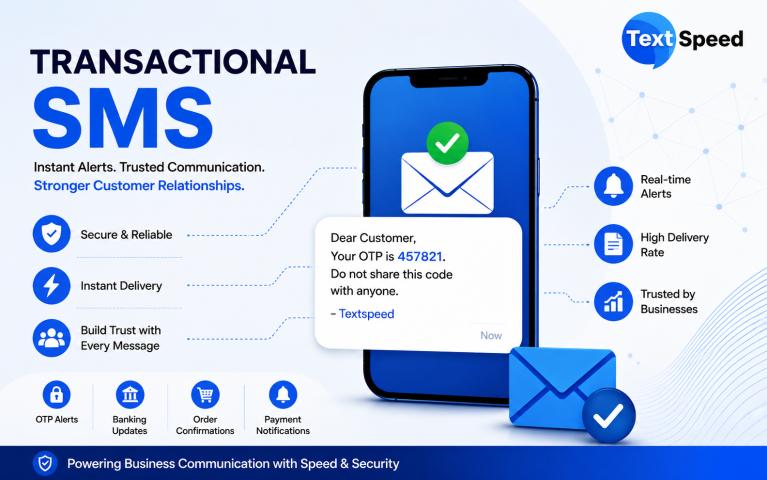
Transactional SMS
Businesses can use Transactional SMS for customer-triggered communication such as payment confirmations, booking notifications, order updates, and service alerts.
Textspeed provides Transactional SMS with API integration, delivery reporting, DLT template management, and routing capabilities.
OTP SMS
OTP messages are commonly used for account verification, login authentication, password recovery, and mobile number verification.
A reliable SMS API can connect the authentication process directly with the messaging infrastructure.
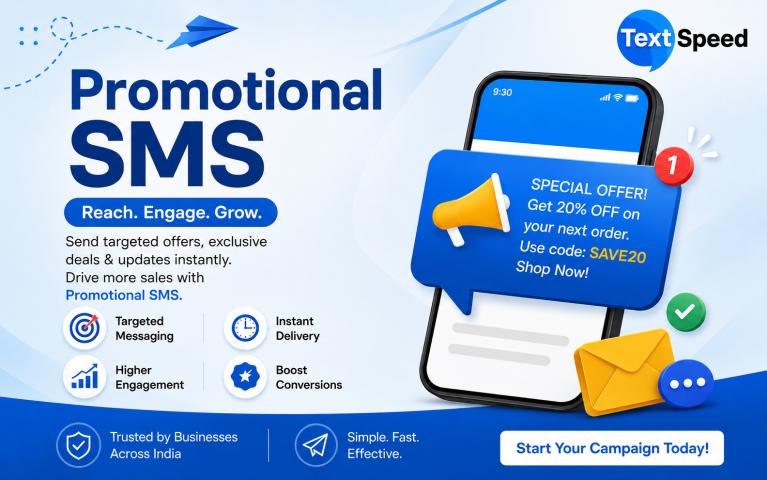
Promotional SMS
Businesses can use promotional SMS for offers, discounts, announcements, campaigns, and customer engagement, subject to applicable consent, category, timing, and telecom requirements.
Textspeed's Bulk SMS platform includes campaign management, DLT-approved sender IDs, templates, contact uploads, scheduling, and delivery reporting.
Common DLT Problems Businesses Face
One of the biggest advantages of getting DLT support is avoiding common setup mistakes.
Here are some issues businesses should watch for:
1. Address mismatch
The address submitted during registration may not match the supporting documentation.
2. Authorised-person mismatch
The authorised person's information may differ between the application and supporting documents.
3. Incorrect Header category
The selected sender ID category may not match the intended communication use case.
4. Template mismatch
The actual SMS content may contain additional words, punctuation, links, or variables that are different from the approved template.
5. Incorrect variables
Variables need to follow the applicable template format.
6. Missing mapping
The required Principal Entity, telemarketer, and communication-provider mapping may not be completed correctly.
Textspeed specifically identifies these types of issues as common DLT rejection or delivery problems and provides guidance to help businesses resolve them.
Why Choose a DLT-Supported SMS Provider?
Choosing an SMS provider is not only about the cost per SMS.
Businesses should also consider:
- DLT registration assistance
- Sender ID management
- Template registration support
- API integration
- Delivery reports
- DLR/webhook support
- SMS routing
- Scalability
- Customer support
- Compliance management
A provider that combines messaging infrastructure with DLT support can reduce the amount of coordination required between the business, DLT operator, and messaging platform.
How Textspeed Helps Simplify SMS
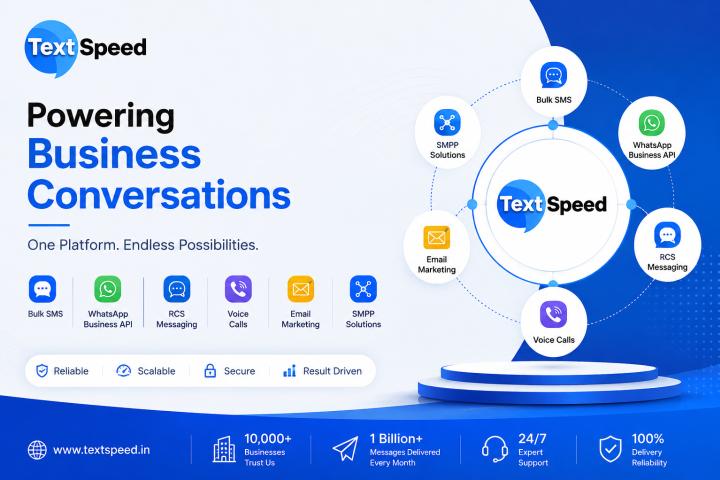
Textspeed is a CPaaS provider offering Bulk SMS, Transactional SMS, OTP, WhatsApp, RCS, Voice, Email, SMPP, and other business communication solutions.
For SMS, Textspeed combines messaging infrastructure with DLT-related onboarding support.
Businesses can receive assistance with:
- DLT Entity registration
- Sender ID/Header registration
- SMS Content Template registration
- Telemarketer mapping
- DLT-related troubleshooting
- SMS API integration
- Bulk SMS campaigns
- Transactional SMS
- OTP messaging
- Delivery tracking
The Textspeed platform also provides centralized SMS campaign management and delivery insights, helping businesses manage their messaging operations from one place.
A Simple DLT SMS Checklist
Before launching your SMS campaign, check the following:
✓ Business Entity registered
✓ Required verification completed
✓ DLT-approved Header available
✓ SMS Content Template approved
✓ Correct variables configured
✓ Telemarketer/provider mapping completed
✓ SMS content matches the approved template
✓ API or SMS platform configured
✓ Delivery reporting enabled
✓ Applicable consent and telecom requirements followed
Following this checklist can help businesses create a more organized SMS communication process.
Final Thoughts
DLT compliance can initially appear complicated, especially for businesses sending Bulk SMS for the first time. However, the process becomes easier when Entity registration, sender ID approval, template registration, mapping, and SMS integration are handled systematically.
The right DLT support can help businesses understand these steps, avoid common configuration mistakes, and build a more reliable foundation for business messaging.
If your company is planning to use Bulk SMS, OTP, Transactional SMS, or Promotional SMS in India, getting the DLT setup right should be one of the first steps in your messaging strategy.
Textspeed can help simplify SMS with DLT support, SMS APIs, Bulk SMS infrastructure, and business messaging solutions.
Learn more about DLT Support and SMS solutions from Textspeed:
https://textspeed.in/platform/sms/dlt-support
Frequently Asked Questions
Is DLT registration required for business SMS in India?
DLT registration is an important requirement for eligible commercial messaging in India. Businesses should follow the current applicable telecom and operator requirements for their message category.
What is a DLT-approved sender ID?
A DLT-approved sender ID, or Header, is a registered identifier associated with a business entity and used for eligible SMS communication.
What is an SMS Content Template?
An SMS Content Template is an approved message structure containing fixed text and permitted variables. The message sent should comply with the approved template.
Can Textspeed help with DLT registration?
Yes. Textspeed provides guidance for DLT entity registration, Header approval, template registration, telemarketer mapping, and related setup requirements.
Can DLT-supported SMS be integrated with an API?
Yes. Textspeed provides SMS API and SMPP integration options for connecting business applications, websites, CRMs, ERPs, and other systems with SMS infrastructure.
What happens if SMS content does not match the approved template?
A mismatch between the submitted message and the approved template can result in rejection or delivery issues. Businesses should use content that complies with the registered template.
How can businesses simplify DLT compliance?
Start by preparing accurate business documents, registering the entity, obtaining the appropriate Header, registering templates, completing required mapping, and using a messaging provider that can provide DLT support.