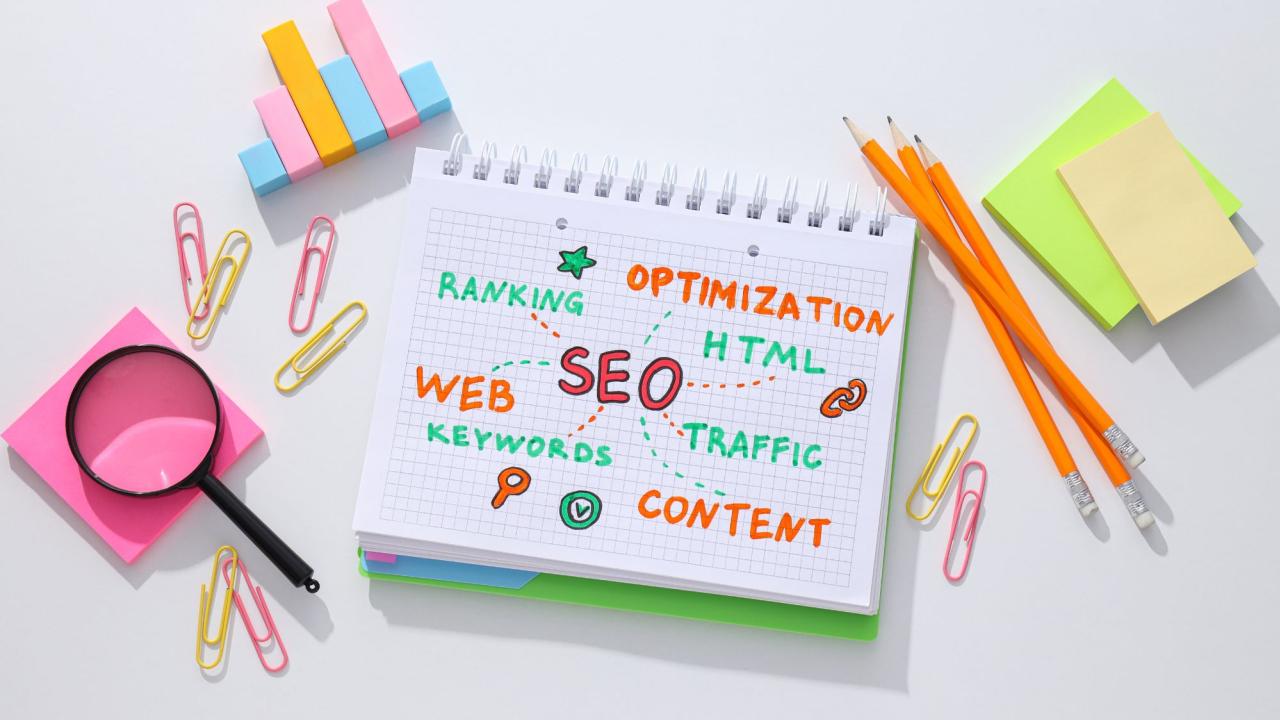
One of the major concerns of any e-commerce firm is the need to get higher traffic on its site. But how do you attract clients to the online shop when you could not spend a lot of money in marketing and advertising? The solution is to understand how to use e-commerce SEO.
The process of optimising your website to adhere to search engine best practices, which involves changing your content to reflect what your clients are looking for, is known as ecommerce optimisation for search engines, or SEO. Shopify developers UK offer expert solutions to help businesses create, customise, and optimise their online stores for a seamless shopping experience and increased sales.
Install Google Search Console:
The Search Console is an entirely free tool which enables the owners of websites to gain insight into search performance, organic Google traffic, and find out problems which might be keeping their site out of the ranking. To create your own Google Search Console account, go to the welcome page. Before Google offers you services, confirm that you are the owner of the domain. Find out how to use Google services by verifying your Shopify domain.
Focus On Pertinent Keywords:
In case you have read our article on how to sell on Shopify, you know that, in order to increase your Shopify SEO, you will have to target relevant keywords. The keywords determine where your site will appear on the search results. You need to optimise your website with relevant keywords in order to help you appear on the right search results and bring in interested visitors who visit your site.
Here's How to Add Relevant Keywords to Your Shopify Website:
- Perform keyword research: You must perform keyword research to identify pertinent key terms. Finding the ideal keywords for your Shopify store can be aided by using a keyword research tool such as Keywords.
- Consider Long-tail keywords: Long-tail keywords can be longer than three words e.g. Men blue running trainers. These keywords are more suitable to apply on your website, as they are more specific and you may identify what the user wants to search and what are the interests of such people in your offers.
Shopify Store Technical SEO:
The practices of technical SEO are undertaken to ensure that small but important changes are made to your Shopify store to enhance its usability and SEO to other search engines like Google. Technical SEO will ensure that your web pages are accessible on mobile devices, crawled by the search engines, and they load fast.
With an easily understood page layout, navigation, and educational names and tags, it helps maintain your website organised. There is a seemingly endless number of technical changes you may apply to your website, just like with other forms of SEO. However, addressing the following basics will significantly improve your store's search engine optimisation.
Install Google Analytics:
Data about how users interact with your online presence is shared by Google Analytics. Once implemented, you may track how users interact with your online presence after finding it through an internet search engine by segmenting all visitors.
Add your web property and create an account with Google Analytics. Next, add a data stream by adding the Google tag ID to the website you are hosted by a content management system (CMS), such as WordPress or Shopify.
Make Internal Linkages And Sensible Menus:
Internal linking is sometimes overlooked, particularly when you're first starting your online store. Nonetheless, you may tell search engines which of your store's content is most pertinent to visitors by using well-structured links. Internal links on a website act as votes for a particular page.
Every link pointing to a page is an endorsement of the information on that page. A page's indication to search algorithms that its material is significant increases with the number of links it receives. The sites with the most links will probably draw visitors as well as search engines to your store, while the pages with the fewest links will probably drive them away.
Verify The Indexation Of Your Website:
Your website is not yet indexed if nothing appears. Remember that Google cannot crawl or analyse pages protected by a password, and that indexing may take a week or longer after the sitemap is submitted.
Stores using a free Shopify trial have been scanned and indexed, but they will be de-indexed if they don't upgrade to a commercial subscription after the trial period.
Fast Page Speeds Enhance The User Experience:
You should concentrate on improving the user experience when optimising your Shopify store. Maintaining leads' interest in your page and helping them understand your items depends on the user experience.
Lower ranking on search engines and a greater number of bounces are the results of a bad user experience. So, how might the user experience be enhanced? With a quick page load time.
Final Words:
Plugins on shopify are rather helpful to turn your site into a more successful and efficient one. Once people are searching the social media to find goods in your line, you would like to keep your store on the first part of the list.
In order to do this, there is a need to understand the concept behind SEO and implement it in both the contents and structure of your site.