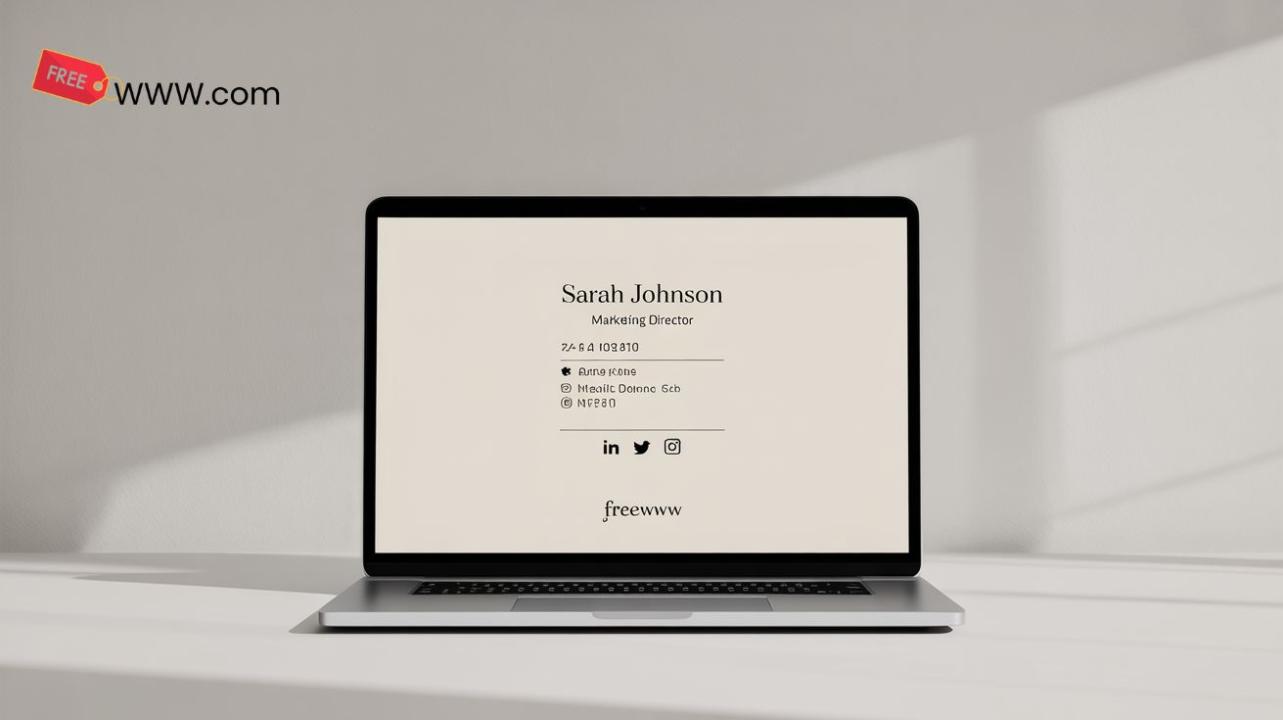
In today’s digital world, your email signature is more than just a sign-off it’s an opportunity to make a lasting impression, reinforce your brand, and provide essential contact details in every message. But creating a polished, professional email signature can sometimes feel complicated or time-consuming, especially if you’re not familiar with design tools or HTML. That’s where the FreeWWW Email Signature Generator comes in.
Why a Digital Email Signature Tool?
A well-designed email signature isn’t just for businesses. Whether you’re a freelancer, entrepreneur, or part of a corporate team, having a consistent, professional signature across all your communications is essential. It reflects your identity, provides a point of contact, and ensures that your emails stand out.
The Email Signature Generator simplifies this process, making it easy for anyone to create a professional-looking signature in minutes. You don’t need to know design or coding just choose from a selection of templates, add your details, and you’re done.
How It Works
The FreeWWW Email Signature Generator is straightforward and user-friendly. Here’s how it works:
- Go to the Email Signature Generator page.
- Select a template from the available options.
- Customize it with your name, job title, contact details, logo, and social media links.
- Download your signature in a format that’s easy to use on your email platform.
The tool handles all the design work, ensuring your signature looks great across all devices and email clients. You just need to focus on the details.
Why Use the FreeWWW Email Signature Generator?
- Simple and Easy: No sign-ups or technical skills required. Just enter your details and get a professional email signature instantly.
- Customizable Templates: Choose from a variety of templates to match your personal or company brand.
- Mobile-Responsive: The signature looks great on any device desktop or mobile.
- 100% Free: There are no hidden fees or subscriptions. It’s completely free to use.
- Consistent Branding: Ensure that your emails reflect your brand identity consistently across all communications.
Who Can Benefit from This Tool?
- Freelancers: Make a strong impression with every email by using a custom signature that reflects your business identity.
- Small Businesses: Maintain consistency across your team’s email signatures, ensuring a professional appearance in all client communications.
- Corporate Teams: Standardize email signatures across your entire organization for cohesive branding.
- Job Seekers: Create a professional email signature that includes your contact info and links to your online portfolio or LinkedIn profile.
Why It’s Special
What sets the Email Signature Generator apart from other tools is its simplicity and ease of use. You don’t need to be a designer to create a polished, branded signature. The tool takes care of the design, formatting, and layout, so you can focus on the content.
Plus, it’s completely ad-free and accessible on any device, making it easy to create, download, and implement your signature wherever you are. It’s an effortless way to enhance your email communications and showcase your brand professionally.
Get Started Today
In a world where first impressions matter, having a professional email signature is an easy yet impactful way to stand out. Whether you’re sending business emails, networking, or looking to reinforce your brand, the FreeWWW Email Signature Generator is the tool you need to make every message look polished and professional.
🎉 Try it now: FreeWWW Email Signature Generator