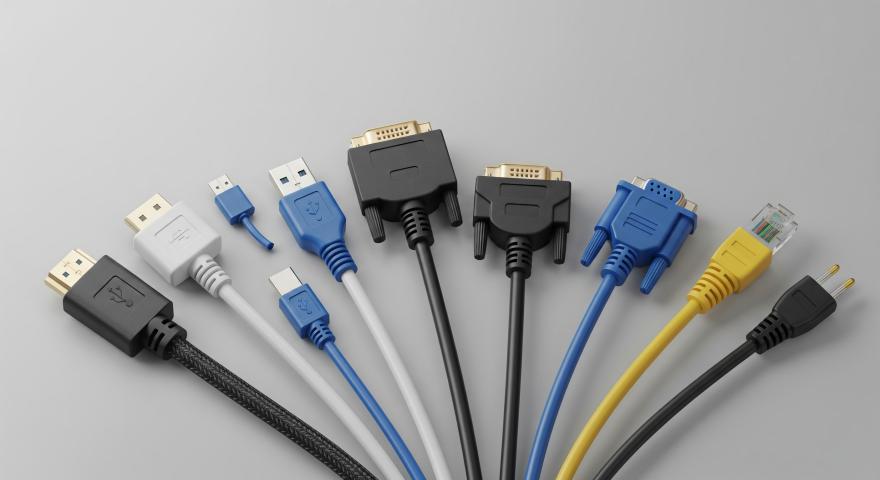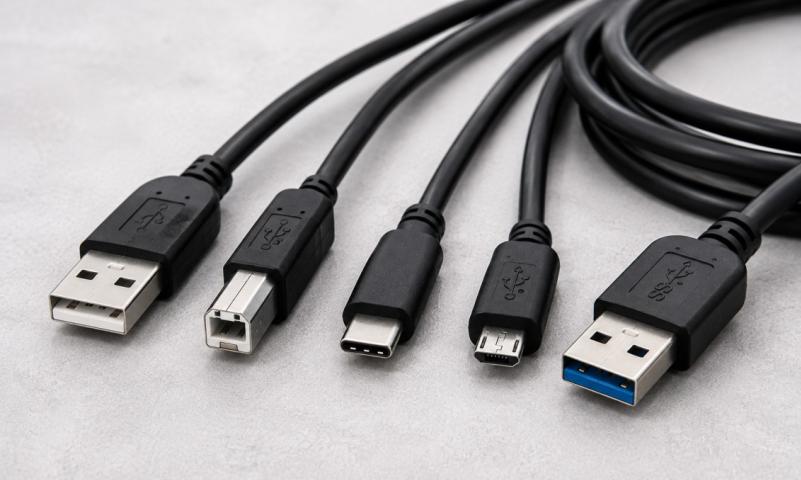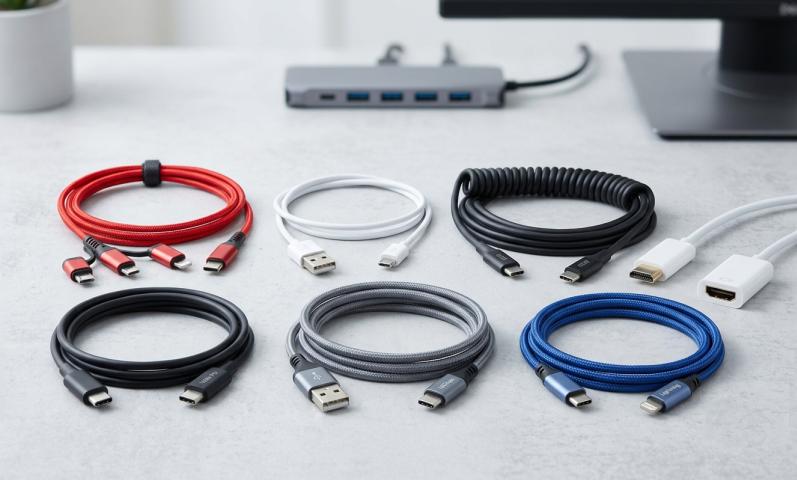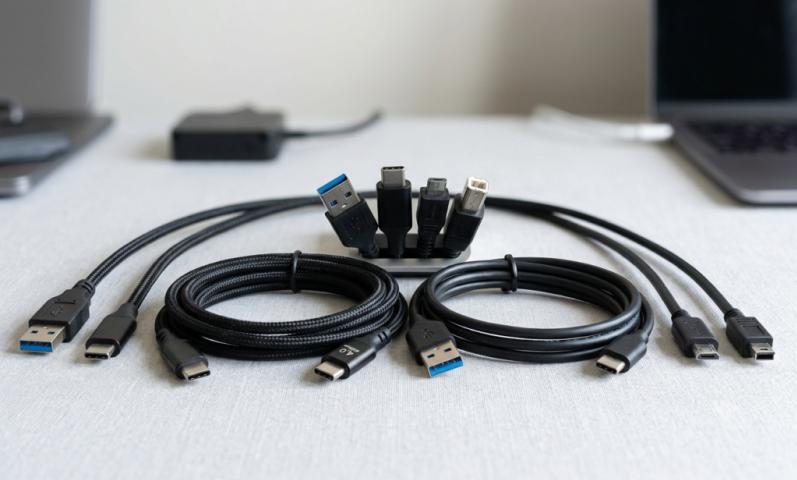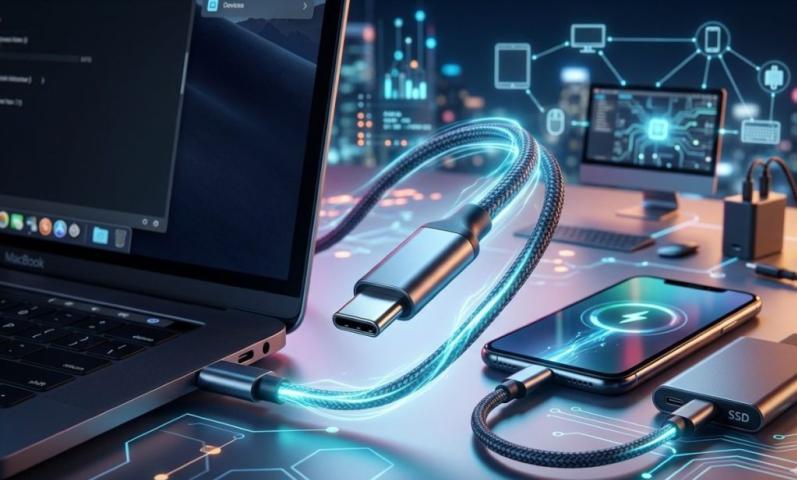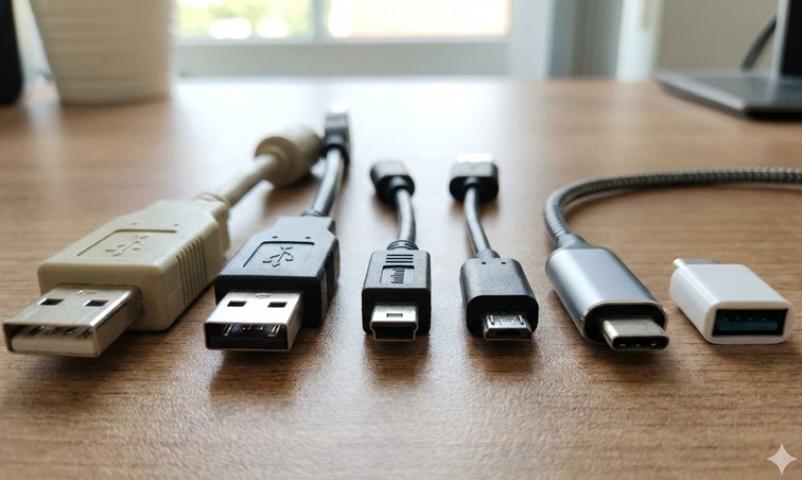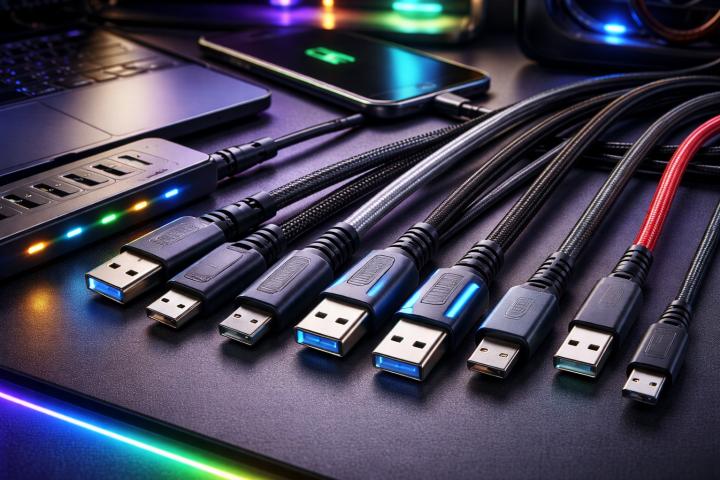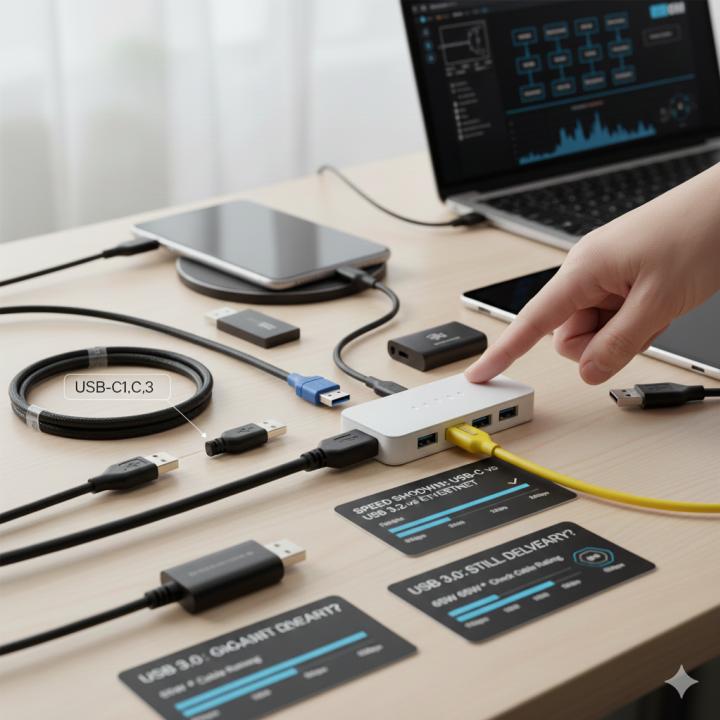
USB adapters have become essential in everyday tech use. Whether you want to connect your laptop to a phone, transfer data, plug in an external drive, or charge devices, adapters make everything possible. But many people still ask an important question: Do USB adapters affect speed?
The short answer is yes—they can.
The long answer depends on several factors, including the adapter type, cable quality, USB generation, and device compatibility. In this blog, we will break down how speed is affected and what you should look for if you want the fastest and most reliable performance.
How USB Speed Works
USB technology has different generations, and each has its own speed limits. The adapter you use must match or support these speeds to deliver the best results.
Some common USB versions include USB 2.0, USB 3.0, USB 3.1, USB 3.2, and USB4.
Each generation offers faster data transfer than the previous one. For example, USB 2.0 tops at 480 Mbps, while USB 3.0 can reach up to 5 Gbps. USB4 can go up to 40 Gbps.
If your adapter supports only an older generation, it will slow down the entire connection, even if your devices and cables support higher speeds.
Do USB Adapters Reduce Speed?
USB adapters can reduce speed, but not always. Here are the main reasons why:
1. The Adapter Version Matters
If you have a USB 3.0 port but use a USB 2.0 adapter, the speed will automatically drop to USB 2.0 levels.
This is known as backward compatibility, where a faster device slows down to match the slowest component in the chain.
2. Low-Quality Adapters Cause Bottlenecks
Cheap or low-quality adapters often use poor internal wiring. This affects both charging and data transfer speeds.
They may also fail to maintain stable connections, causing interruptions or reduced performance.
3. Cable Quality Plays a Role
Even if you have the best adapter, a weak cable can slow things down.
Using high-quality cables such as a reliable type c usb cable ensures that the connection remains fast and stable.
4. Device Limitations
Sometimes the adapter is not the reason for slow speed.
Older laptops or smartphones may not support high-speed USB standards.
In such cases, the adapter works well, but the connected device becomes the bottleneck.
How Adapters Impact Charging Speed
Apart from data transfer speed, USB adapters also affect charging performance.
Charging speed depends on power output (W), cable type, and compatibility.
For example, a USB-C Power Delivery (PD) adapter can charge devices much faster.
However, if you pair it with a weak cable or a non-PD adapter, the charging speed will drop significantly.
If your adapter does not support fast charging protocols, you may face slower charging even if your device supports fast charging.
How Adapters Impact Data Transfer Speed
Data transfer performance depends on adapter bandwidth.
If your adapter cannot handle high-speed data, you will notice slower transfer times when moving files, especially large ones like videos or backups.
For example, transferring a 5GB file over USB 2.0 takes much longer compared to USB 3.0 or USB 3.2.
If you frequently move big files or work with external SSDs, choose adapters specifically designed for high-speed data transfer.
Common Scenarios Where USB Adapters Affect Speed
Here are some real-world examples:
Using a USB-C to USB-A Adapter:
If your laptop has a USB-A 3.0 port but your adapter supports only USB 2.0 speeds, your external drive will transfer slower.
Using a Multi-Port USB Hub:
Hubs distribute bandwidth among several connected devices.
If too many devices share the same hub, the overall speed decreases.
Connecting a Phone to a Laptop Using the Wrong Adapter:
If you want quick file transfers but use an outdated adapter, your phone’s speed will drop to the adapter’s limit.
Are USB Adapters Safe for Performance?
Yes, USB adapters are safe if you choose the right one.
High-quality adapters offer stable connections, fast speeds, and excellent compatibility.
They do not damage devices, and they maintain performance over long periods.
However, cheap adapters with unknown brands can cause overheating, slow speeds, or unstable connections.
How to Choose the Right USB Adapter for Best Speed
Selecting the right adapter helps avoid speed issues. Here’s what you should look for:
1. Check USB Version Support
Choose adapters that support USB 3.0, USB 3.2, or USB4 for fast data speeds.
2. Choose Certified Products
Certified adapters meet safety and performance standards, providing better reliability.
3. Use a High-Quality Cable
Pairing your adapter with a strong and durable cable, especially a type c usb cable, ensures maximum speed.
4. Match Your Device Requirements
If your device supports fast charging or high-speed transfers, select adapters that support the same features.
5. Avoid Very Cheap Options
Extremely cheap adapters may seem like a good deal, but they often compromise performance and durability.
Does Using Multiple Adapters Reduce Speed?
Yes, connecting multiple adapters in a chain can reduce speed.
Each additional adapter creates another point where speed can drop or connection can weaken.
It’s better to use a single, high-quality adapter instead of stacking two or three together.
For example, using a USB-C to USB-A adapter connected to another converter can significantly slow down both charging and data speed.
Always keep the setup simple.
When Does an Adapter NOT Affect Speed?
In some cases, an adapter does not reduce speed:
-
When the adapter and cable both support the same USB version
-
When your device itself does not require high-speed transfer
-
When the adapter is only used for charging and does not limit power output
-
When you use a certified, high-quality Type-C adapter
If all components support the same standard, the speed remains consistent.
Final Thoughts
So, do USB adapters affect speed?
Yes, they can—but only if they do not match your device or cable specifications.
A good adapter will maintain fast and stable performance, whether you are transferring data or charging your device.
To avoid speed issues, choose high-quality adapters and always pair them with strong cables, like a reliable type c usb cable.
This will help you get the best performance from your devices, avoid bottlenecks, and enjoy seamless connectivity in your daily tasks.
Sources: https://skytechgeek.com/2025/09/5-best-usb-adapters-for-fast-connectivity/
https://sfcable.hashnode.dev/is-type-c-or-usb-32-faster