Paying your life insurance premium on time is very important. It keeps your policy active and ensures that your financial protection continues without interruption. In the past, many people visited branch offices to pay their premiums. Today, things are much simpler. With the LIC Customer Portal Login facility offered by Life Insurance Corporation of India, you can check your policy details and pay your premium online in just a few minutes.
This article explains the fastest and easiest way to access the portal and complete your premium payment smoothly.
Why Use the LIC Customer Portal?
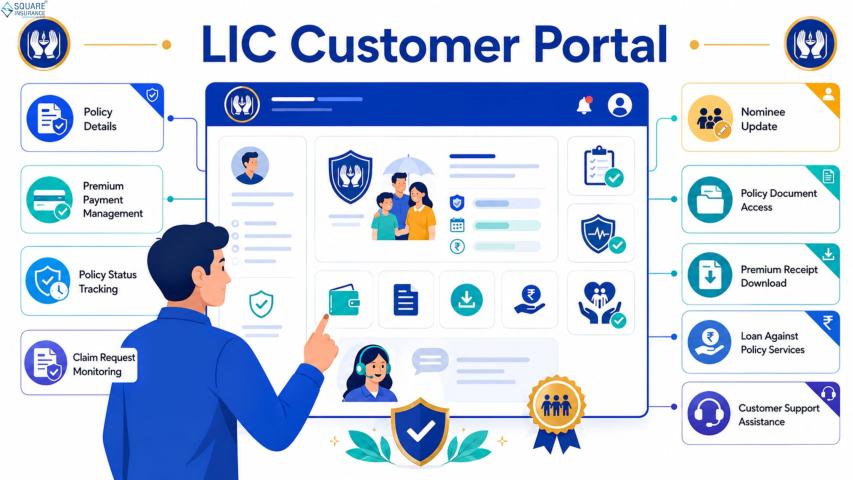
The LIC Customer Portal is designed to make policy management easy for customers. Instead of visiting an office or waiting in line, you can handle everything online from your home.
Through the portal, you can:
- View your policy details
- Check premium due dates
- Pay premiums online
- Download receipts
- Track payment history
Having all this information in one place saves time and reduces stress.
What You Need Before Logging In
To make the process quick, keep a few things ready before you start:]
- Your policy number
- Your registered mobile number
- Your date of birth
- Your user ID and password
If you are already registered on the portal, you can log in directly. If not, you will need to complete a simple one-time registration.
Step 1: Register on the Portal (For First-Time Users)
If you are using the portal for the first time, you must create an account. The registration process is simple and usually takes only a few minutes.
You will need to:
- Enter your policy number
- Provide basic personal details
- Verify your registered mobile number
- Create a user ID
- Set a password
Choose a password that is strong but easy for you to remember. Once registration is complete, you can log in anytime using your credentials.
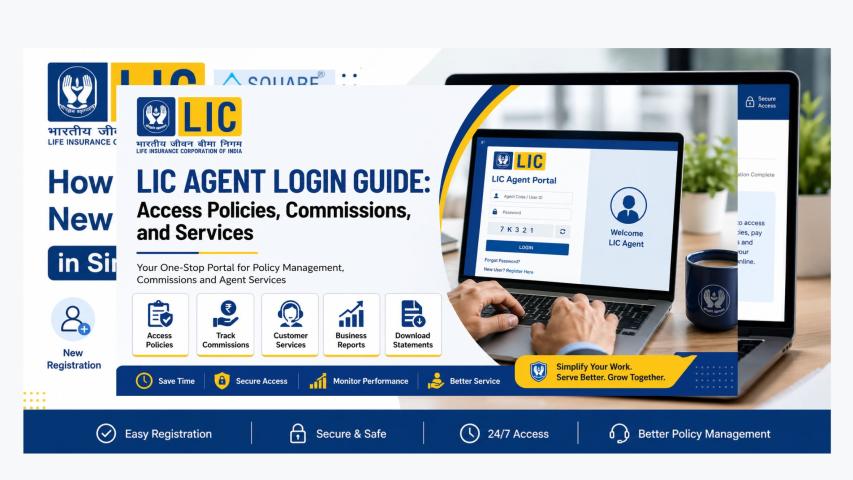
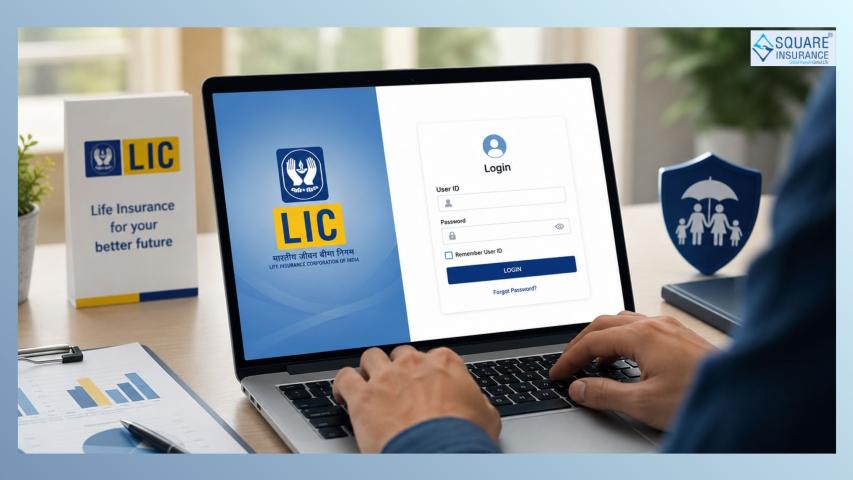
Step 2: Access LIC Customer Portal Login
After registration, you can use the LIC Customer Portal Login option.
To log in:
- Enter your user ID
- Enter your password
- Complete the security verification if required
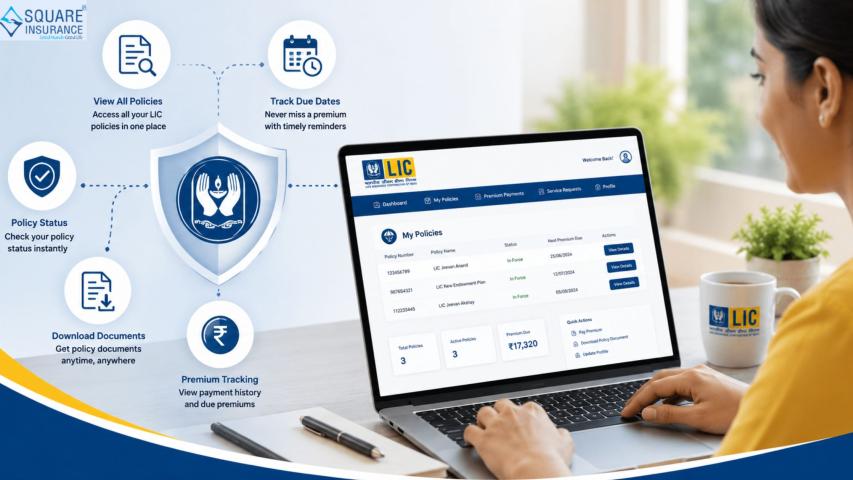
Once you log in successfully, you will see your dashboard. This page shows your policy details clearly and in a simple format.
Make sure you enter the correct password. If you enter the wrong details multiple times, your account may get temporarily locked for security reasons.
Step 3: Check Your Premium Details
After logging in, select the policy for which you want to make a payment.
You will be able to see:
- Premium amount due
- Due date
- Policy status
- Last payment details
Take a moment to review the details carefully. This ensures you are paying the correct amount.
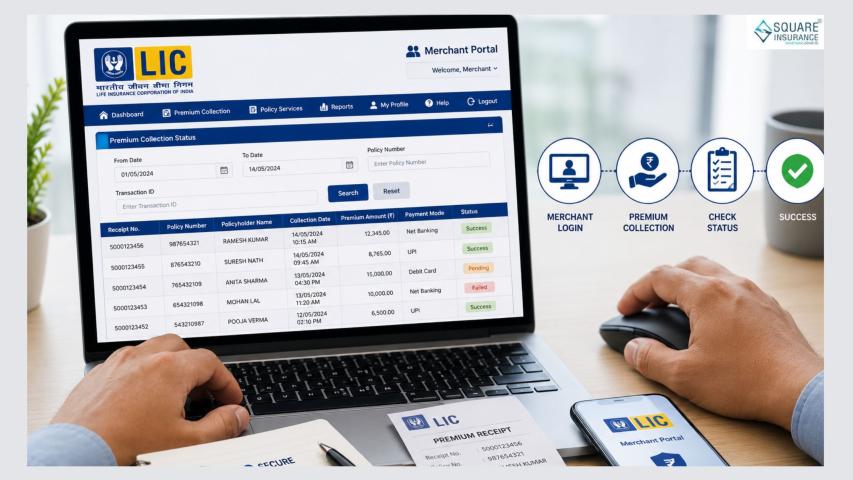
Step 4: Pay Your Premium Online
Once you confirm the premium details, click on the payment option.
Choose your preferred online payment method and complete the transaction. While making the payment, remember:
- Use a stable internet connection
- Do not refresh the page
- Do not close the browser window during payment
Wait until you receive the payment success message on the screen.
Step 5: Save the Payment Confirmation
After the payment is successful, you will receive confirmation.
You can:
- Download the receipt
- Save the confirmation details
- Check your updated payment history
It is always good to keep a copy of the receipt for future reference.
Tips to Make the Process Faster
If you want to complete the process quickly without problems, follow these simple tips:
1. Keep Login Details Ready
Do not search for your password at the last minute. Save it safely.
2. Use a Good Internet Connection
A slow connection may interrupt the payment process.
3. Pay Before the Last Date
Avoid waiting until the due date. Paying early reduces pressure.
4. Keep Your Mobile Number Active
Your registered mobile number is important for verification messages.
5. Log Out After Use
Always log out after completing your work to keep your account secure.
What If You Forget Your Password?
If you forget your password, you can easily reset it.
Click on the “Forgot Password” option. You will need to verify your identity using your registered mobile number. After verification, you can create a new password and log in again.
The password reset process is simple and quick.
Benefits of Paying Premium Through LIC Customer Portal Login
Using the LIC Customer Portal Login for premium payment offers many advantages.
Saves Time
You do not need to travel or wait anywhere. Payment can be done in minutes.
Available Anytime
The portal is available 24 hours a day, including weekends and holidays.
Instant Update
Your payment record is updated quickly in your account.
Easy Access to Records
You can check past payments anytime without searching for paper receipts.
Less Paperwork
No need to fill out forms for regular premium payments.
Comfort and Convenience
You can complete everything from your home or office.
Common Mistakes to Avoid
To ensure smooth access and payment, avoid these common mistakes:
- Entering incorrect login details
- Sharing your password with others
- Closing the page before payment confirmation
- Ignoring payment receipts
Being careful during the process helps avoid unnecessary trouble.
Importance of Paying Premium on Time
Timely premium payment keeps your policy active. If premiums are not paid on time, the policy may lapse. This can affect your coverage and benefits.
The LIC Customer Portal makes it easy to check due dates and complete payments before the deadline. Regular monitoring of your account helps you stay updated and avoid delays.
Conclusion
The LIC Customer Portal Login is the fastest and easiest way to pay your premium online. The process is simple, clear, and designed for the convenience of policyholders.
By keeping your details ready, logging in carefully, and completing the payment properly, you can manage your policy without stress. Online premium payment saves time, reduces effort, and keeps all your records organized in one place.
With just a few simple steps, you can ensure that your life insurance policy remains active and your financial protection continues smoothly.