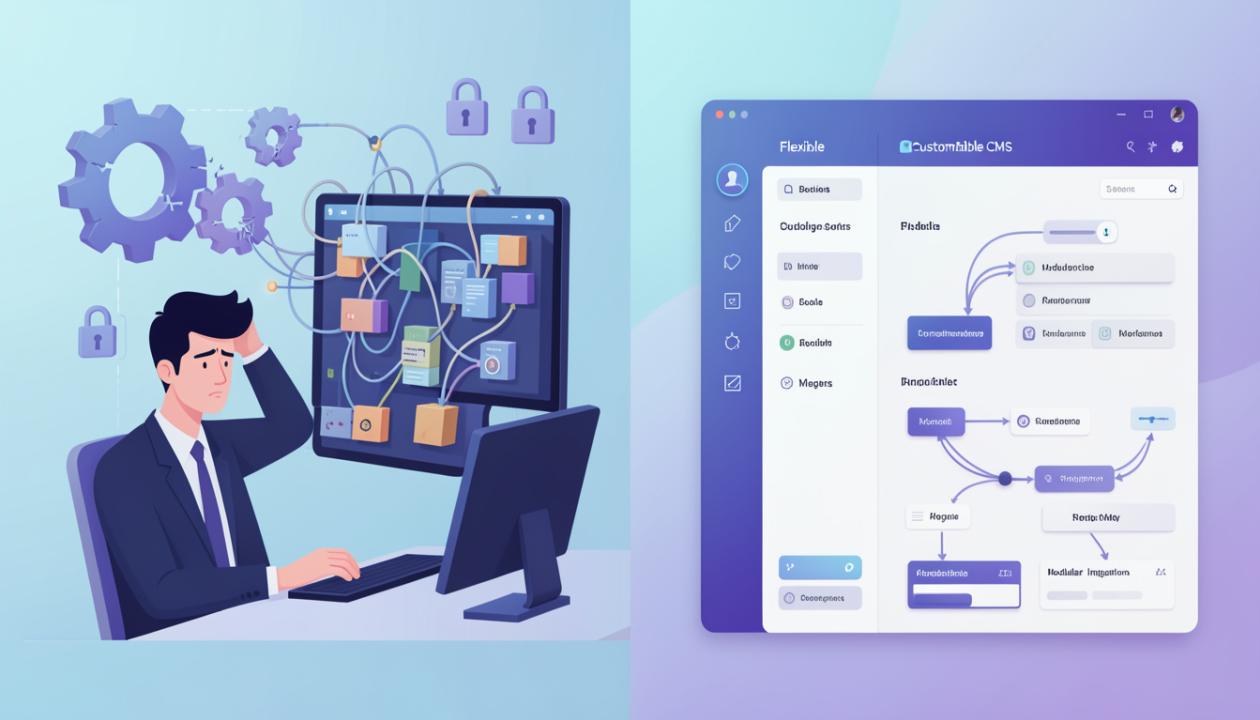
Your CMS choice is likely the most expensive mistake you’ll make this year. I’ve seen companies dump $50,000 into a custom headless build only to realize their marketing team needs a developer’s permission just to change a comma on the homepage. High-growth brands often fall into the trap of buying "too much" tech or, conversely, staying on a platform they outgrew three years ago.
Speed, flexibility, and vanity matter. But the real friction happens in the daily workflow. If the software doesn't fit the way your people actually work, the project is a failure before the first line of code is written.
Curiosity Often Leads to Better Architecture
We’ve all seen a competitor’s site and thought, "How are they doing that?" I remember working with a boutique furniture brand that was obsessed with a rival’s lightning-fast checkout. They used a CMS Detector to peek under the hood and found a lean Shopify build hiding behind a custom frontend.
They tried to clone the exact setup. It was a disaster. Why? Because the rival had an in-house engineering team, and my client was a three-person operation running out of a garage.
Using a CMS Detector is a great way to baseline your expectations, but it won’t tell you the cost of the labor required to keep that engine running. A tool is only as good as the person holding the wrench.
The WordPress Heavyweight vs. the SaaS Speedster
WordPress powers over 40% of the internet for a reason. It’s the "nobody ever got fired for buying IBM" of the web world. If you need total control and a massive ecosystem of plugins, it’s the default choice.
However, total control is a double-edged sword. You’re responsible for the hosting, the security patches, and the PHP versioning. If you don't have a dedicated web manager, WordPress can quickly become a bloated, slow-loading liability that hurts your SEO.
Shopify and Squarespace represent the opposite end of the spectrum. You trade freedom for peace of mind. You won't break the site by installing a conflicting plugin, but you’ll pay a monthly tax for that safety. For many businesses, that trade-off is worth every penny.
Customizing Your Brand Identity in WooCommerce
If you’ve decided to stay in the WordPress ecosystem, you're likely looking at commerce solutions. This is where things get granular. Maintaining a consistent brand identity in WooCommerce is significantly easier than it was five years ago, but it still requires a deft hand.
I recently consulted for a high-end skincare line that struggled with this. They wanted a sleek, minimal aesthetic that felt like a luxury magazine. Their initial developer used a generic theme that felt clunky and "boxy." It killed their conversion rate because the digital experience didn't match the premium price point of the product.
Refining your brand identity in WooCommerce means moving beyond templates. You need a builder like Elementor or a custom child theme to ensure the typography, spacing, and micro-interactions scream "luxury" rather than "template." It’s about the details—the way a shopping cart slides out or the specific weight of a header font.
The Hidden Cost of "Free" Software
Open-source platforms are free to download. They are never free to run. Once you factor in premium hosting, security certificates, and the hours spent troubleshooting a crashed database, that "free" platform often costs more than a $2,000-a-month enterprise license.
Don't ignore the "Developer Tax." If a platform requires a specialist for every minor update, you’ve just hired a full-time gatekeeper for your own content.
Before committing, run a test. Use a CMS Detector on five sites in your niche that you admire. Look at their load speeds. Look at their mobile responsiveness. Usually, you'll find that the most successful brands prioritize stability over flashy, experimental features.
Aesthetics and Logic Must Align
Your backend should be as beautiful as your frontend. If your team hates logging into the dashboard, they won’t update the blog. If they don't update the blog, your organic traffic dies.
When you prioritize brand identity in WooCommerce or any other tool, remember the internal user. A messy dashboard leads to human error. Clean up your custom fields. Remove the plugins you aren't using. Label your media assets properly.
A CMS isn't just a container for your website’s code. It’s the operating system for your entire digital marketing strategy. If it feels like you're fighting the software every Tuesday morning, it’s the wrong software.
Making the Final Cut
Stop looking for the "best" CMS. It doesn't exist. There is only the best CMS for your specific headcount, your technical comfort level, and your three-year growth plan.
Map out your must-have features. Do you need a robust loyalty program? Do you need a complex multi-vendor marketplace? Or do you just need a beautiful gallery and a fast contact form?
Be honest about your resources. If you don't have an available developer, stay away from headless setups and custom-coded frameworks. Stick to what's manageable.
Audit your current site today. Run it through a performance tool and see where the bottlenecks are. If you’re spending more than four hours a week on "maintenance" instead of "marketing," it’s time to migrate. Reach out to our technical team for a platform gap analysis to see which architecture will actually scale with your revenue goals this year.