

How to Add LLMS.txt to Shopify (2026 Update)
CRITICAL UPDATE: If you’re following older guides (from 2024 or 2025), they’ll tell you to upload the file to Shopify’s CDN and set up a URL redirect. Don’t do this anymore.
Shopify began rolling out native llms.txt, agents.md, and llms-full.txt support to every store in May 2026, and on 28 May 2026 it published official documentation confirming how store owners can customise these files. Here’s the part most guides miss: agents.md is now the master file. Your llms.txt and llms-full.txt paths default to mirroring whatever agents.md serves, unless you build separate templates for them. Add only an agents.md.liquid template, and that content covers all three paths automatically.
This also means most paid apps that used to generate llms.txt for Shopify stores are now redundant for the basic file. Shopify creates it for you by default. Those apps still earn their keep if they add genuinely richer content or track how AI tools mention your store, but you no longer need one just to get a working llms.txt live.
To take control of what these files say about your store, you override Shopify’s defaults with Liquid templates.
Step 1: Create Liquid Templates in Your Theme
- In your Shopify admin, go to Online Store → Themes.
- Click the three dots (…) next to your active theme and select Edit code.
- Under the Templates folder, click Add a new template.
- Select liquid as the template type.
- Name the file templates/agents.md.liquid first. This is the master template. If you don’t add separate templates for the other two files, they’ll inherit this content.
- Add templates/llms.txt.liquid and templates/llms-full.txt.liquid only if you want that path to say something different from agents.md.
Step 2: Add Your Markdown Content
Open your new template and add your Markdown content.
Important note for agents.md: Don’t remove the Universal Commerce Protocol (UCP) discovery links Shopify includes by default, such as /.well-known/ucp. AI agents need these to actually complete a purchase on your store, not just read about it.
Step 3: Verify
Visit https://yourdomain.com/llms.txt, https://yourdomain.com/agents.md, and https://yourdomain.com/llms-full.txt in your browser. Confirm each shows what you intended, and that you haven’t left two paths pointing at generic Shopify defaults by mistake.
Kiwi Commerce tip: If you’d like help with the Shopify setup, or want to go further with a full Shopify build or optimisation, our Shopify development team is happy to assist.
How to Add LLMS.txt to WordPress
Option 1: Manual (via FTP or File Manager)
- Create a new plain text file on your computer and name it llms.txt.
- Write your content in Markdown format (see the example above).
- Connect to your server via FTP (using a client like FileZilla) or use your hosting panel’s File Manager.
- Upload the file to your site’s root directory—the same folder where wp-config.php lives, typically /public_html/.
- Verify it is live by visiting https://yourdomain.com/llms.txt in your browser.
Option 2: Free Plugin
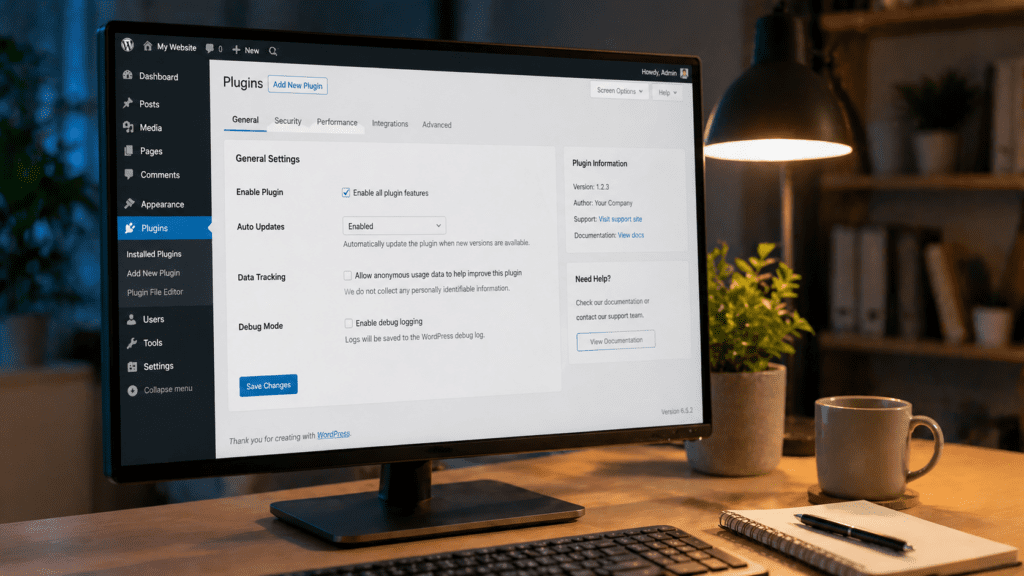
If you would rather not work with files directly, the “Website LLMs.txt” plugin (available free on WordPress.org ) handles file generation and management from within your WordPress dashboard. It lets you choose which post types and pages to include, and it generates a properly formatted Markdown file automatically.
Another solid free option is the “LLMs.txt and LLMs-Full.txt Generator” plugin, which generates both the summary llms.txt and a comprehensive llms-full.txt in one go.
Kiwi Commerce tip: If you already use Yoast SEO, it has a basic llms.txt feature built in, though it generates a fairly minimal file. The dedicated plugins above give you more control over what is included.
Final Thoughts
The digital landscape is rapidly evolving with the rise of AI. While traditional SEO remains vital, optimizing for AI-powered discovery through llms.txt and agents.md is becoming an indispensable strategy for eCommerce businesses. By taking control of how AI models perceive and interact with your website, you can ensure your brand remains visible, accurate, and competitive in the age of agentic commerce. Proactive implementation and regular updates of these files will position your business at the forefront of AI-driven customer engagement