Why browser-local image resizing matters
Teams often need to prepare photos, signatures, screenshots, and application documents for upload portals. The usual workflow sends the original file to an online service, waits for processing, and downloads a replacement. That is convenient, but it also creates an unnecessary privacy boundary when the source image contains a face, handwritten signature, identification detail, or confidential interface.
A browser-first workflow keeps the source file on the device. Modern browsers can decode common formats, draw them to a canvas, change pixel dimensions, re-encode the result, and create a downloadable file without transferring the original to a remote server. This approach is especially useful for quick one-off tasks where an account, cloud library, or processing API would add more complexity than value.
Start with the actual requirement
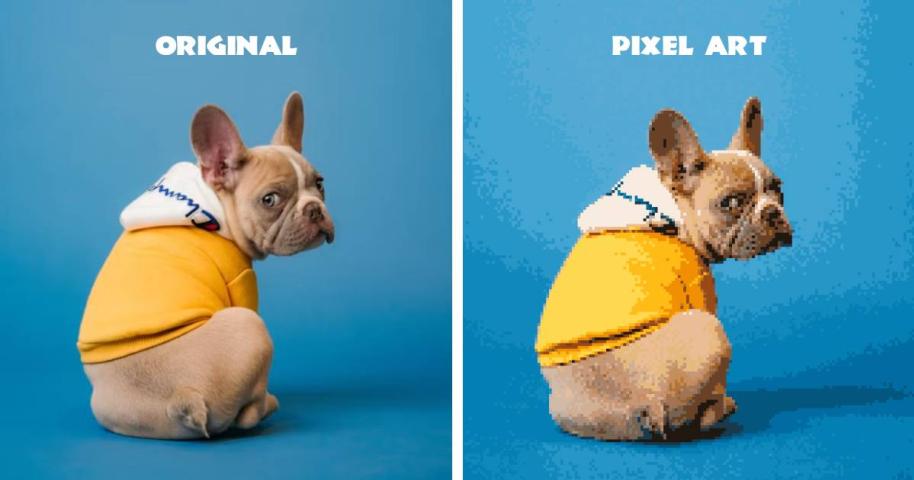
Before resizing, separate three different goals: changing dimensions, reducing file size, and enlarging pixels. A portal may require a 300 by 300 pixel photo, a signature between 10 KB and 20 KB, or a specific format such as JPEG. These constraints are related but not identical. Increasing pixel dimensions does not automatically improve image quality, while reducing bytes often requires a tradeoff between compression and clarity.
A practical process is to preserve the original file, enter the required dimensions or target size, preview the output, and check the final dimensions, format, and byte count before downloading. If a signature becomes blurry, return to the source and reduce compression. If a photo is still too large, lower quality gradually instead of repeatedly reprocessing an already compressed copy.
A free private tool
IncreaseImages provides browser-based controls for resizing common image formats and preparing files for typical upload requirements. Processing happens locally in the browser, so the original image does not need to be uploaded to a processing server. The site also explains the difference between pixel size and file size, which helps prevent the common mistake of treating a larger file as a higher-quality image.
For sensitive materials, local processing should still be paired with sensible handling: close unused browser tabs, verify the output before submitting it elsewhere, and remove temporary downloads when they are no longer needed. The result is a faster workflow with fewer data transfers and clearer control over the final file.