Data entry is an important step for most businesses. Having employees handle data entry manually is a time-waster and can create data entry bottlenecks. Employees having to type the same data multiple times across different, disconnected systems can significantly slow business operations and increase data-entry errors.
Modern-day businesses are using data entry services to keep up with competitors. Smart data services can help businesses process more data in less time and allow employees to focus on more impactful activities.
Why Growth is Restricted from Manual Data Entry
For new businesses with a small number of documents, manual data entry is viable. However, as the business grows and document volume increases, the system's inefficiencies become apparent.
Without automated systems, employees will end up wasting most of their workdays fixing issues, such as:
Correcting mismatched data.
Cleaning up their databases by deleting duplicate records.
Typing the same data again into different systems, like the CRM and ERP.
Searching and indexing physical files.
One mistake can cause a long delay in an important business operation. For example, a single incorrect word can delay an invoice by several weeks. This can also disrupt a business’s operations with its vendors. Having the wrong data about a customer can lead a business to make important decisions based on incorrect information.
How Modern Automated Data Entry Works
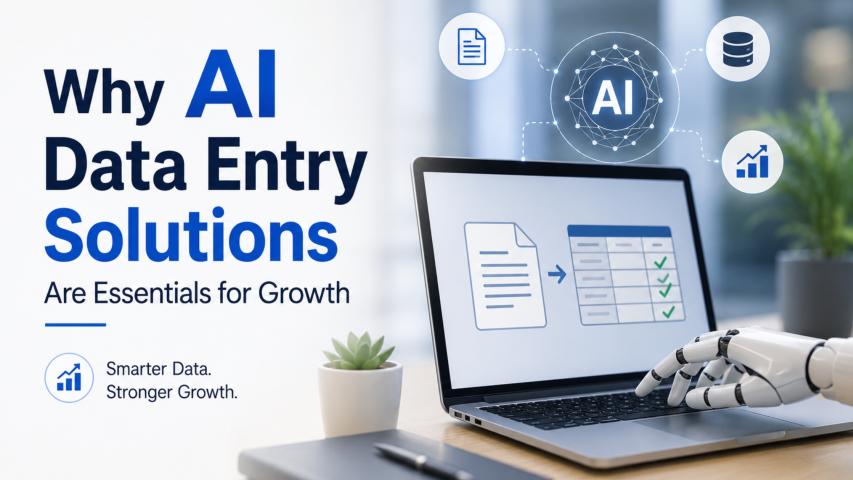
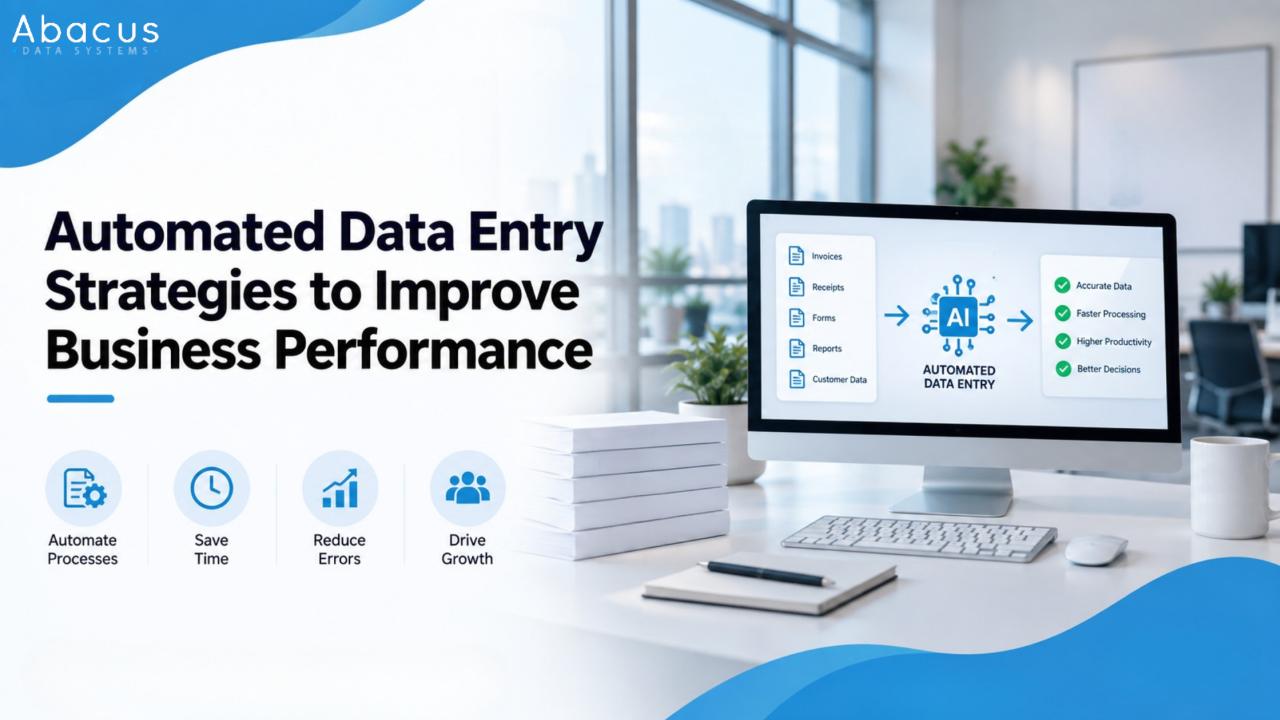
Data entry automation is a multitude of technologies designed to collect and confirm data instantly. A good example of a high-performance system is an integrated automation stack.
OCR Extraction: Optical Character Recognition (OCR) engines can extract text from documents. OCR can swiftly interpret document text and capture the structure of text fields such as invoice totals, customer names, dates, and codes.
AI-Assisted Recognition: Legacy OCR can only read standard-format documents. But, with Artificial Intelligence, a software solution can actually "understand" a document's context. Because of this, software can read unstructured documents such as PDFs, invoices, emails, and shipping manifests. It can even do this with documents that differ in their layout.
Validation Rules & Data Mapping: After data is extracted, the software checks it against predefined validation rules (e.g., whether the sum of all line items equals the invoice total) and then automatically maps it to the appropriate location in the organization’s database.
Friction in moving data between applications is eliminated through automated document capture and integration with the ERP or CRM application.
The Real Benefits of Automation
True Scalability: The direct relationship between the volume of work processed and the number of staff required to complete that work is completely gone. Because of this transformative power, an organization can easily scale to 5,000 invoices a month without an exponential increase in overhead costs.
Data Consistency: Automation eliminates data entry fatigue. It also enforces consistency and adherence to data rules across all fields, in alignment with the organization’s standards.
Speed of Work: When it comes to how fast a computer can search for and process information, speed is no longer a limiting factor. Tasks that would take days can now take minutes.
Better Human Resources: Sending all that mindless tapping to the digital system allows staff to focus on the tasks that matter more for business growth and shorten time to cash.
Why AI and OCR Still Have to Be Watched
Many people think that data automation means they can take their hands off and forget about it. Rest assured, it's no hands-off execution. Many digital systems are designed to compensate for their weaknesses by relying on human verification.
No matter how good OCR technology gets, there are certain things it can't do. OCR can fail to scan data and documents with low resolution, handwritten text, overlapping information, or erratic formatting. Because of this, it’s still best to keep a person in the automation workflow.
Received Document —> Extract Using AI/OCR —> Verification —> Human Review Errors —> Insert Data to ERP/CRM
In this system, software performs the majority of the work, and processing is automated to produce clean documents. When a blurry or poorly organized file or an extreme layout anomaly occurs, the software relies on a human team member to quickly validate it and ensure quality. This helps maintain the rapid processing.
Strategic Outsourcing: Handling Large Amounts of Work at Once
Deciding to automate all aspects of work can lead to significant unnecessary expenses for an enterprise. Many enterprise teams simplify this burden by combining their internal automation with outsourced data entry services.
When you partner with other teams, companies can more easily adjust data capacity. Having a flexible system is useful, especially during high-stress periods in the business. Take the month-end closing, for example. The quarterly audits can strain company resources, as do seasonal sales, which pose data-collection challenges. Data processing tasks can be outsourced, allowing the core team to focus on important company tasks and daily challenges.
Common Pitfalls to Avoid
When a company thinks that technology can fix a poor data management system, they are mistaken. The outcome of the automation will be the same as the data system, only faster.
There are many problems to avoid before using an automated system.
Lack of Standardization: If a company has many different types of invoices and forms, an automated system will produce the same results. This will cause the company to have a poor data system and provide a poor start for an OCR engine. A company should focus on standardizing internal documents.
Data Silos: A company that employs automation should integrate its automation systems with the company's core data management system. If a company uses external automation systems, data will be fragmented and require manual reconciliation.
Automating Redundant Steps: Analyze your current workflows to trim unnecessary fields and eliminate duplicate approval steps before writing the software rules.
Looking Ahead: The Future of Smarter Workflows
Data processing systems are constantly changing. Because of this change, there is no longer an easy way to differentiate between data of business activities and data entry. If you want to learn more about resources and smarter workflows, you can hire data entry outsourcing services that offer the latest improvements, and these can provide more relevant information about architectural processing and advanced prediction systems.
The primary aim of modern data strategy is to move beyond basic data entry and toward automated, touchless validation. Businesses that optimize their document workflows early and implement smart automation combined with human judgment will gain a competitive advantage through operational agility, enabling them to out-innovate competitors.