Paying your LIC premium on time is very important to keep
your policy active and your family financially protected. It keeps your life
insurance policy active and ensures your family’s financial safety. But many
policyholders face one common problem, they don’t always remember their login
details for the LIC portal, or sometimes they just want a quick way to pay
without going through a long login process.
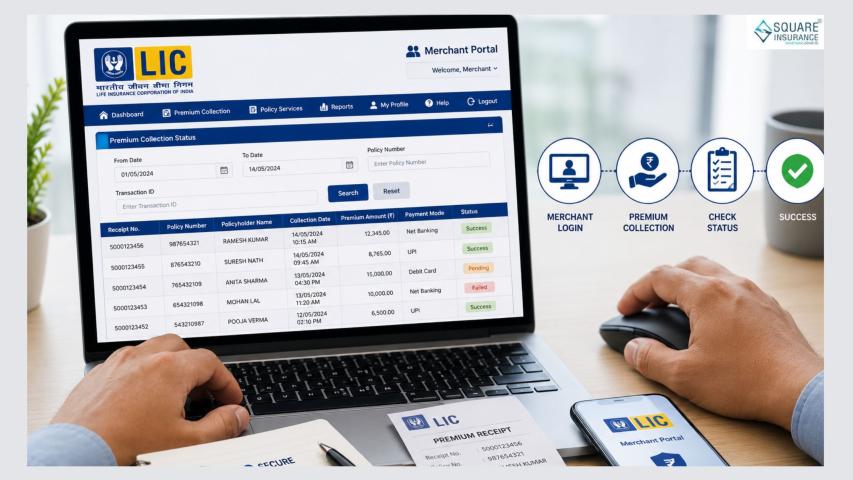
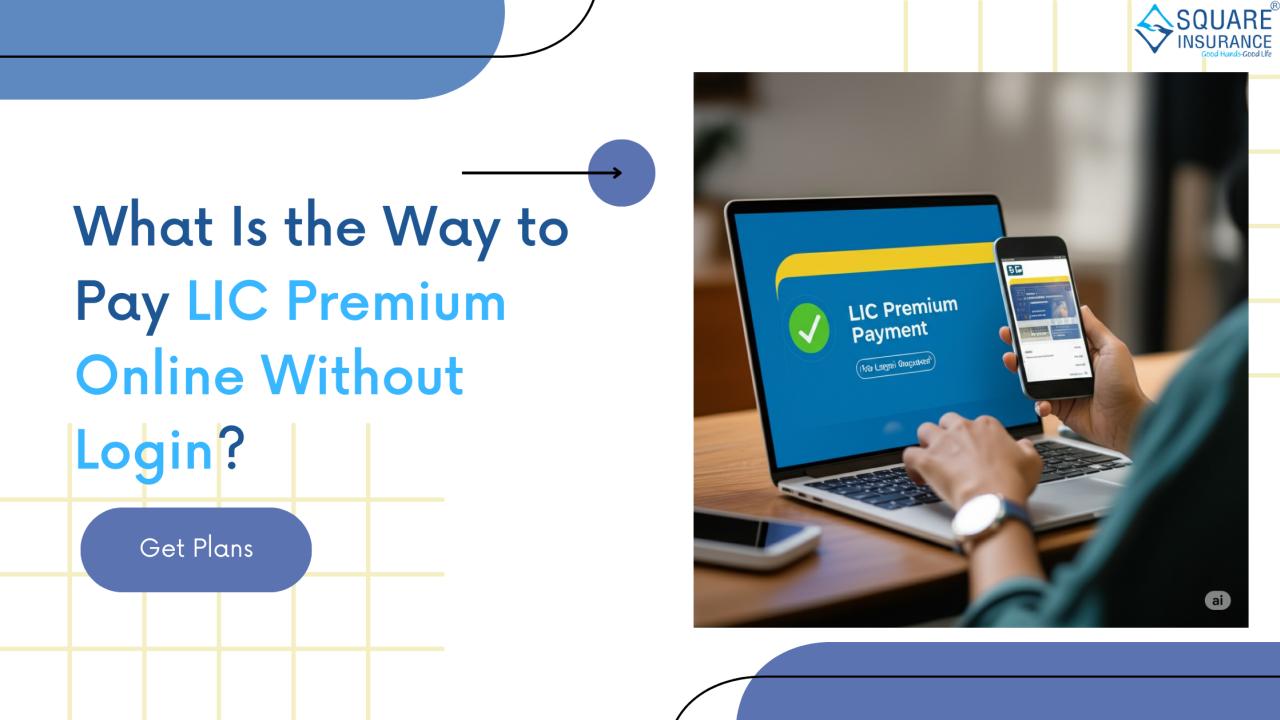
The good news is that LIC allows you to pay LIC premium online without login. This facility is known as Pay Direct. It is simple,
quick, and convenient for anyone who just wants to clear their dues in a few
minutes.
Let’s understand step by step how you can do this, along
with some important things to keep in mind.
Why Use “Pay Without Login”?
You might ask, if LIC already has an online portal, why
would someone want to pay without logging in? Here are a few reasons:
• Forgotten
login details: Many people forget their LIC username or password.
• One-time
payment: If you just need to pay once and don’t want to create an account.
• Faster
process: Without login, you can skip multiple steps and finish the payment
quickly.
• Accessibility
for elders: Older policyholders often prefer a simpler process without entering
lots of details.
This option makes premium payment easier for everyone.
Step-by-Step Guide to Pay LIC Premium Without Login
Here is the full process explained in simple words:
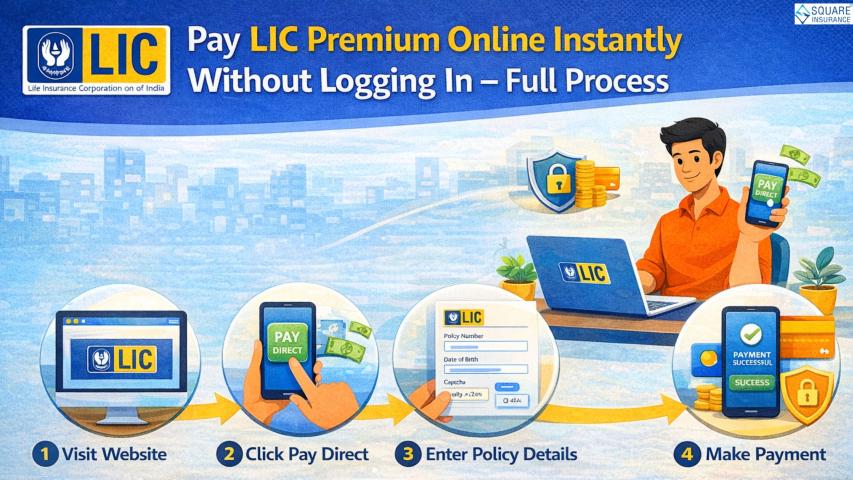
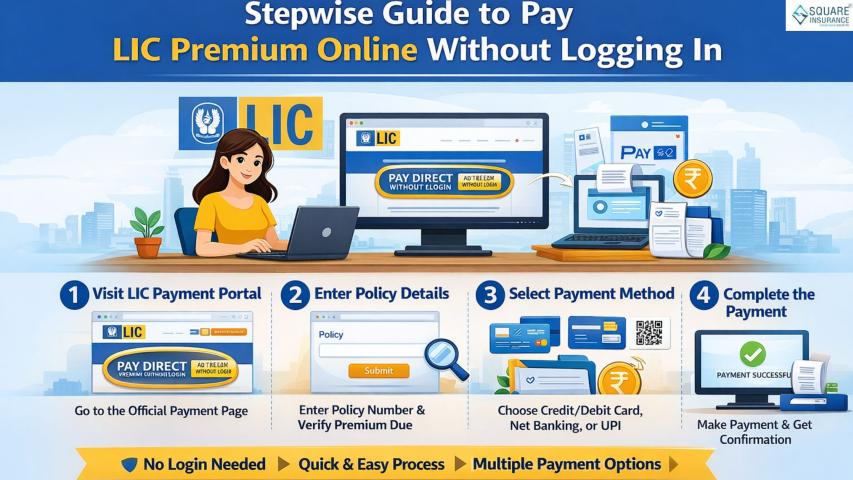
1. Visit LIC’s Official Website
Go to the official LIC website. On the homepage, you will
see the “Pay Premium” option.
2. Choose “Pay Direct (Without Login)”
Click on Pay Direct. This feature lets you pay directly
without creating an account or logging in.
3. Select the Type of Payment
You will get different options such as:
• Renewal
Premium / Revival
• Loan
Repayment
• Loan
Interest Payment
• Advance
Premium
Most of the time, you will choose Renewal Premium if you are
paying your regular installment.
4. Enter Your Policy Details
Fill in the following details carefully:
• Policy
Number
• Installment
Premium (excluding GST, you can check this in your policy document or last
receipt)
• Date of
Birth
• Mobile
Number and Email ID
This step helps LIC identify your policy.
5. Verify the Details
After you submit, the system will show your policy details,
like your name, due date, and premium amount. Double-check everything before
you proceed.
6. Make the Payment
Now, you can choose how to pay. LIC allows multiple options
such as:
• Debit Card
• Credit Card
• Net Banking
• UPI
• Wallet or QR
Code
Pick whichever is convenient for you.
7. Get Your Receipt
Once the payment is successful, you will get a receipt
instantly. You can download it or take a screenshot. You will also receive a
copy via email.
That is it your premium is paid in just a few minutes!
Benefits of Paying Without Login
There are numerous benefits to using this method:
• No need to
register: Anyone can use it, even first-time users.
• Quick
process: Takes just 3–5 minutes.
• Safe and
secure: LIC’s official site uses secure payment gateways.
• Works on
mobile too: You can easily pay using your smartphone.
• Instant
confirmation: Receipt is generated right after payment.
This is especially useful when the due date is near and you
don’t have time to reset login credentials.
Things to Keep in Mind
While this method is very convenient, here are some tips to
make the process smoother:
1. Always use
the official LIC website — avoid third-party links to stay safe.
2. Enter
details carefully — a small mistake in policy number or date of birth will show
an error.
3. Check your
email — LIC sends receipts and confirmation there.
4. Know your
due date — paying on time avoids late fees or policy lapse.
5. Save the
receipt — keep a copy in case you ever need proof of payment.
Example to Understand Better
Imagine this:
Ramesh, a school teacher, has an LIC endowment policy. His
premium was due tomorrow, but he forgot his login ID and password for the LIC
portal. Instead of panicking, he went to LIC’s website, clicked on Pay Direct,
entered his policy number and date of birth, and paid via UPI in just 5
minutes. He instantly got a receipt on his phone.
This is exactly how convenient the “without login” option
can be.
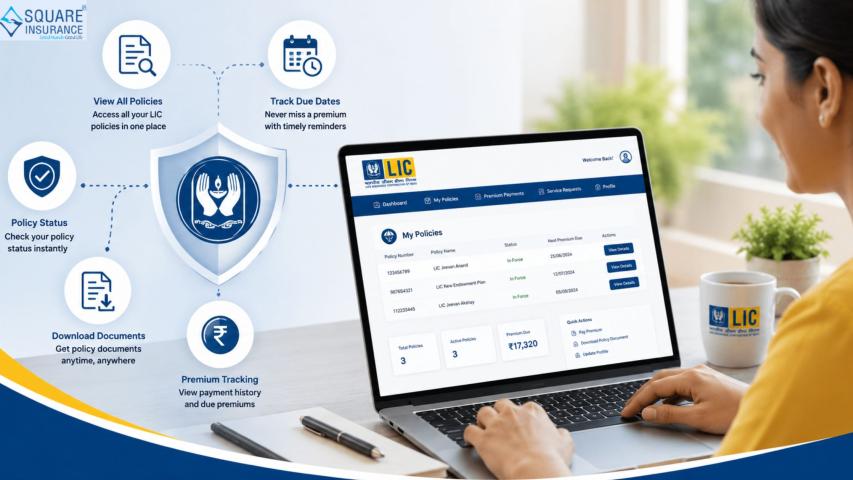
Other Ways to Pay LIC Premiums Online
Apart from the “Pay Direct” method, LIC also offers other
ways:
• Customer
Portal (with login): Best if you manage multiple policies.
• LIC’s mobile
app: Pay directly using your phone.
• Some UPI
apps, such as PhonePe, Google Pay, and Paytm, enable the payment of LIC
premiums.
• Authorized
banks: Net banking with selected banks also supports LIC premium payment.
But among all, Pay Direct remains the easiest for quick
one-time use.
Why Square Insurance Recommends This
According to Square Insurance, the Pay Direct feature is
perfect for customers who want a quick, no-hassle experience. It saves time and
makes sure your policy never lapses due to delays.
They also suggest comparing different payment methods and
choosing the one that suits your comfort level.
Conclusion
It should never feel burdensome to pay your LIC premium.
Thanks to LIC’s without login payment option, you can clear your dues in
minutes, no accounts, no passwords, no stress.
All you need is:
• Your policy
number
• Premium
amount
• Date of
birth
• Mobile and
email details
With that, you are ready to pay securely through
debit/credit card, net banking, or UPI. Once the payment is done, your receipt
arrives instantly, giving you peace of mind.
So, next time you need to pay your LIC premium quickly,
remember the Pay Direct option; it is simple, safe, and super convenient.
And if you ever need help understanding LIC policies,
comparing plans, or finding better insurance options, Square Insurance can
guide you through the process with expert advice.