Why Is My Internet Connection Slow and How to Fix It
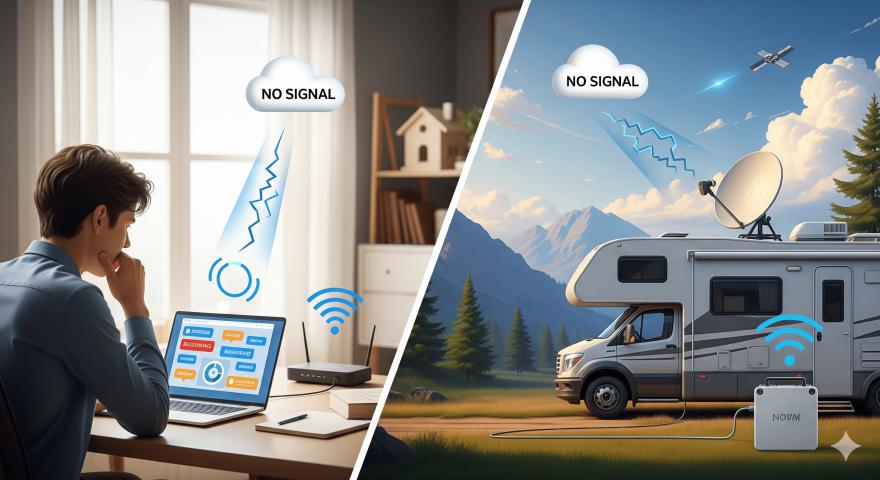
Few things are as frustrating as dealing with slow internet. Whether you’re working from home, streaming your favorite show, or traveling in your RV, a sluggish connection can ruin the experience. Many users wonder, “Why is my internet slow?” The answer isn’t always simple. Several factors can affect your speed, including your internet service provider and the devices you’re using.
In this guide, we’ll discuss the most common reasons behind slow connections and share practical tips to improve your internet speed. If you’re traveling or living in rural areas, Ubifi offers reliable satellite internet options that keep you connected when traditional providers fall short.
Common Reasons Your Internet Is Slow
Understanding the cause of slow internet performance is the first step to fixing it. If you’ve ever wondered why my internet is slow, here are some common reasons:
1. Network Congestion
During peak hours, when many people in your area are online, your bandwidth can become overloaded. This is especially noticeable in urban and suburban neighborhoods.
2. Weak Wi-Fi Signal
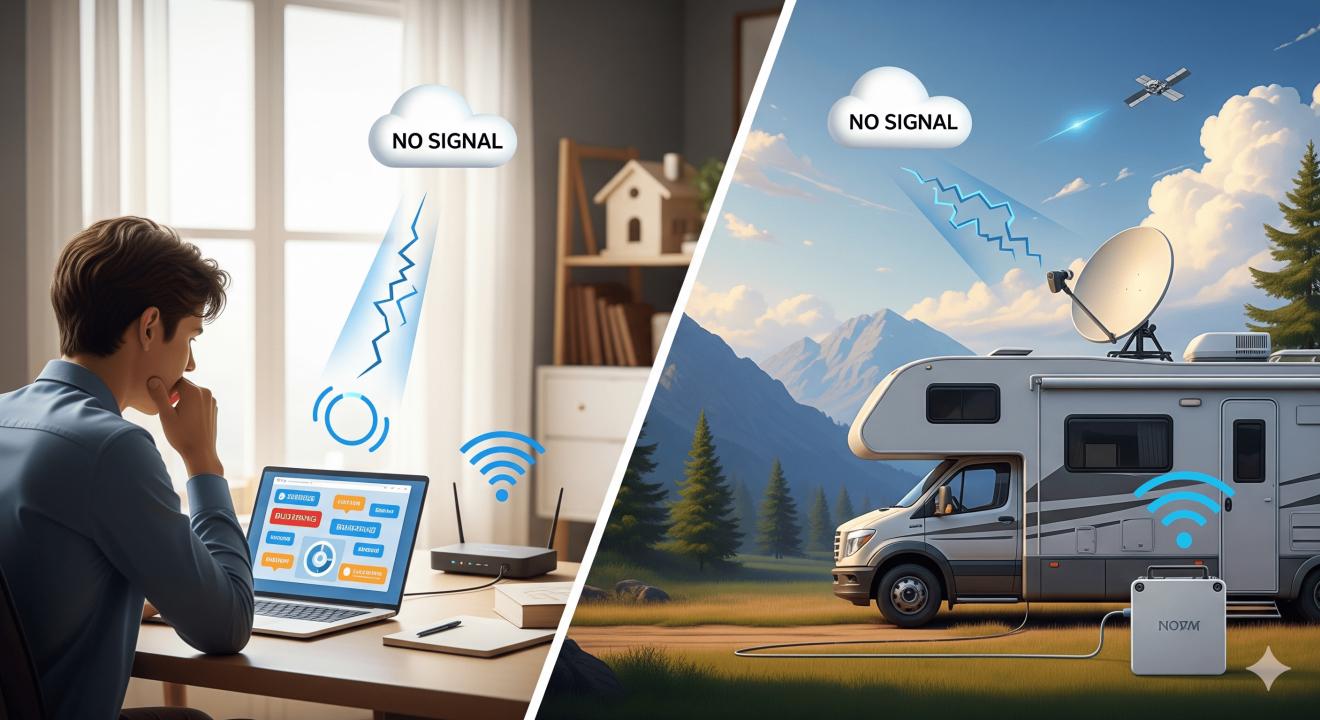
Walls, floors, and distance from your router can weaken Wi-Fi signals. If your device isn’t getting a strong signal, your connection will suffer.
3. Outdated Equipment
Old modems, routers, or devices may not support faster speeds. Even if your internet plan offers high bandwidth, outdated equipment can slow you down.
4. ISP Throttling
Some providers intentionally slow down your connection if you use a lot of data. This is called throttling, and it can make streaming, gaming, or video calls frustrating.
5. Too Many Devices Connected
If several devices are connected at once—smart TVs, phones, laptops, and gaming consoles—they all share bandwidth. This can affect performance for everyone.
6. Location and Coverage
For travelers, campers, and RV users, internet speed depends heavily on coverage. Rural areas and remote regions often lack strong signals from traditional providers.
How to Improve Your Internet Speed
Now that you know the causes, let’s look at ways to fix slow internet and get back to seamless browsing.
1. Restart Your Modem and Router
A simple restart can refresh your connection and fix minor glitches. Make it a habit to reboot your equipment every few days.
2. Optimize Router Placement
Place your router in a central location, away from thick walls or appliances that can interfere with signals. Elevating it slightly can also improve coverage.
3. Limit Connected Devices
Disconnect devices that aren’t in use. Prioritize bandwidth for tasks like video calls or streaming by pausing large downloads or updates.
4. Update Equipment
If your modem or router is more than a few years old, consider upgrading. Newer models support faster speeds and handle multiple devices more effectively.
5. Use a Wired Connection
Whenever possible, connect your computer or TV directly with an Ethernet cable. Wired connections are more stable and often faster than Wi-Fi.
6. Check for Viruses and Malware
Malware can slow down your connection by using bandwidth in the background. Keep your devices secure with regular scans.
7. Upgrade Your Internet Plan
Sometimes, speed issues may be due to limitations in your plan. Contact your ISP to see if faster options are available.
8. Consider Satellite Internet with Ubifi
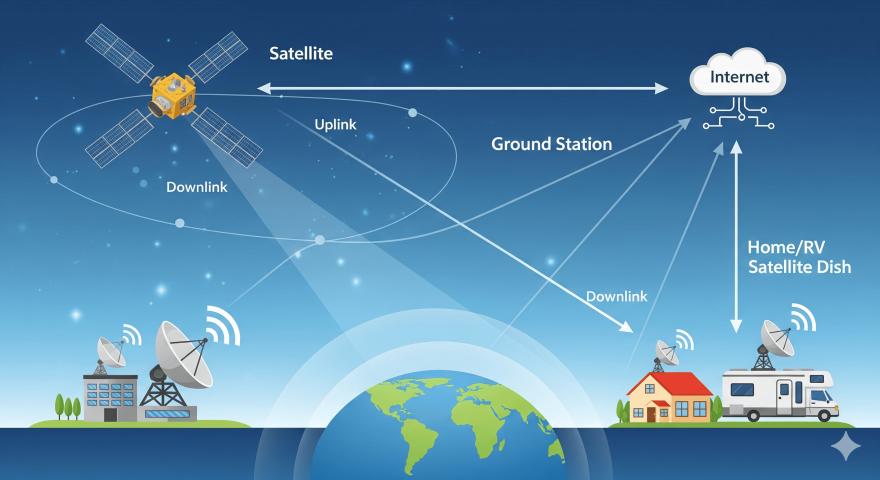
For RV owners, rural residents, and frequent travelers, satellite internet from Ubifi is a great option. Unlike traditional providers that rely on wired infrastructure, satellite internet works almost anywhere. This means you can stay connected on the road, in remote cabins, or at campsites where coverage is usually weak.
FAQs About Slow Internet
1. Why does my internet slow down at night?
Internet speed often slows down at night because more people are online during peak hours. Increased demand from streaming, gaming, and browsing causes congestion on your provider’s network.
2. How can I check my internet speed?
You can run a free speed test online to measure download, upload, and ping. Compare the results with your current plan to see if you’re getting the speeds you’re paying for.
3. Can weather affect internet speed?
Yes, especially if you use satellite internet. Heavy rain, storms, or snow can temporarily reduce signal quality. Most modern providers, including Ubifi, use technology to minimize disruptions.
4. What’s the best way to boost Wi-Fi in my house?
Placing your router in a central location, upgrading to a mesh Wi-Fi system, or adding signal extenders can improve coverage in larger homes or areas with many walls.
5. Why does streaming buffer even with fast internet?
Buffering may happen due to issues with the streaming service, your device’s processing power, or temporary network congestion. It’s not always your internet speed that’s the problem.
6. Is satellite internet good for RVs and rural areas?
Absolutely. Satellite internet from providers like Ubifi is designed for places where cable or fiber connections are not available. It’s a solid choice for travelers and those living remotely.
Conclusion
A slow internet connection can have several causes, from network congestion to outdated equipment. The good news is that most issues can be fixed with simple adjustments, such as rebooting your router, limiting connected devices, or upgrading your plan. For those living or traveling in areas with limited access, a rural wireless internet service provider like Ubifi offers reliable satellite internet to keep you connected wherever you go.
Staying connected shouldn’t be a struggle. By identifying the problem and applying these tips, you can enjoy faster, smoother, and more reliable internet every day.