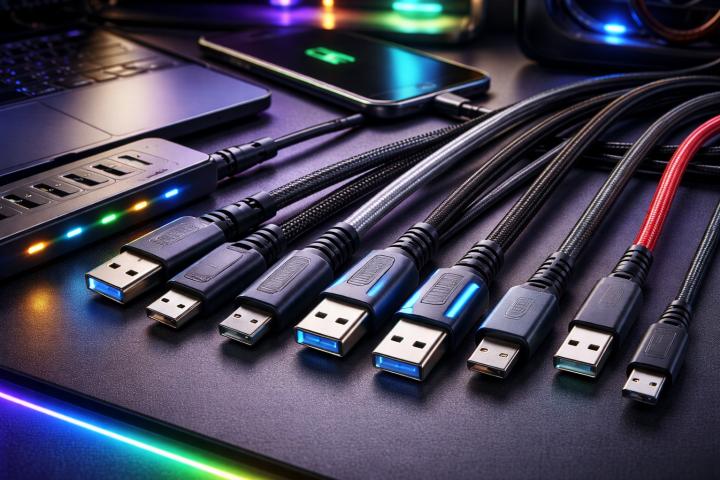
USB technology has evolved rapidly over the last decade. From charging smartphones to transferring large data files, usb cables now play a critical role in everyday connectivity. One of the most common questions people ask is whether USB-C is actually faster than traditional USB-A.
The short answer is: it depends on the USB version, not just the connector type. However, in most modern scenarios, USB-C supports faster speeds and higher power delivery compared to USB-A. Let’s break down the details clearly.
Understanding USB-A and USB-C
Before comparing speed, it’s important to understand what USB-A and USB-C actually represent.
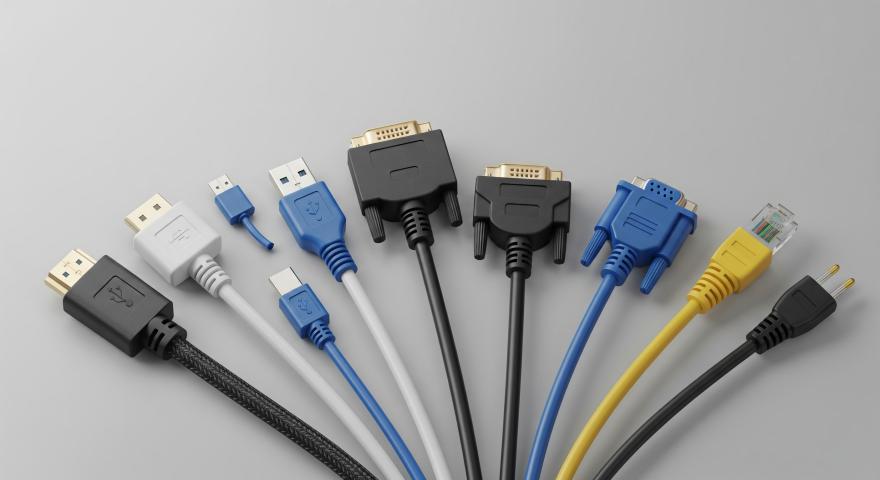
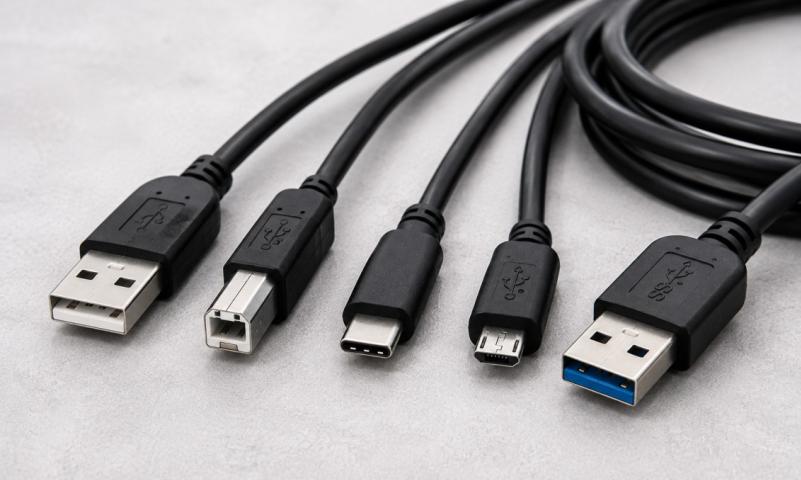
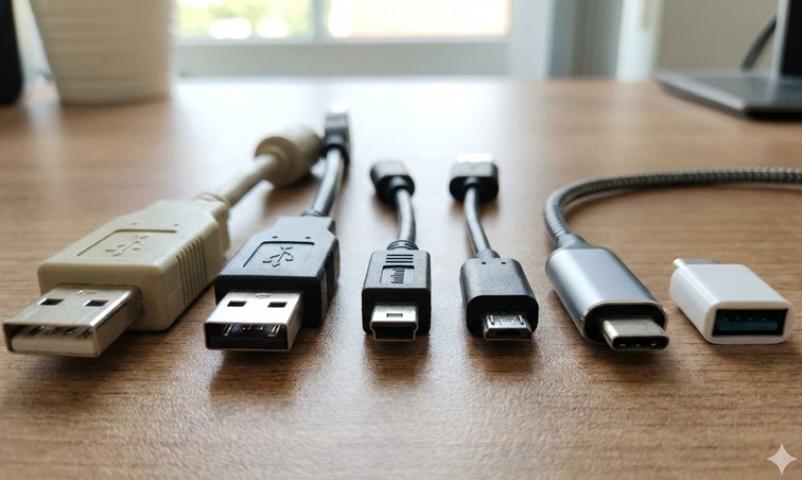
USB-A refers to the traditional rectangular connector most people recognize. It has been around since the late 1990s and is commonly found on laptops, desktops, TVs, and chargers.
USB-C, introduced in 2014, is a smaller, oval-shaped connector. It is reversible, meaning you can plug it in either way. It is widely used in modern smartphones, laptops, tablets, and other devices.
The key point is this: USB-A and USB-C describe the physical connector shape, not the data speed.
USB Versions Matter More Than Connector Type
Speed depends on the USB standard (or version) that the cable and port support. For example:
USB 2.0 supports up to 480 Mbps.
USB 3.0 supports up to 5 Gbps.
USB 3.1 Gen 2 supports up to 10 Gbps.
USB 3.2 can support up to 20 Gbps.
USB4 can support up to 40 Gbps.
Both USB-A and USB-C connectors can support USB 2.0 and USB 3.0. However, most high-speed standards like USB 3.2 and USB4 are primarily implemented through USB-C.
So while USB-C is not automatically faster, it is more commonly paired with faster USB versions.
Data Transfer Speed Comparison
Let’s compare real-world scenarios.
If you use a USB-A to USB-A cable with USB 2.0, you are limited to 480 Mbps. That is fine for keyboards, mice, and small file transfers, but slow for large video files.
If you use a USB-C cable supporting USB 3.2 Gen 2, you can reach 10 Gbps. That is more than 20 times faster than USB 2.0.
For example, transferring a 10GB file:
With USB 2.0, it may take several minutes.
With USB 3.2 over USB-C, it can take seconds.
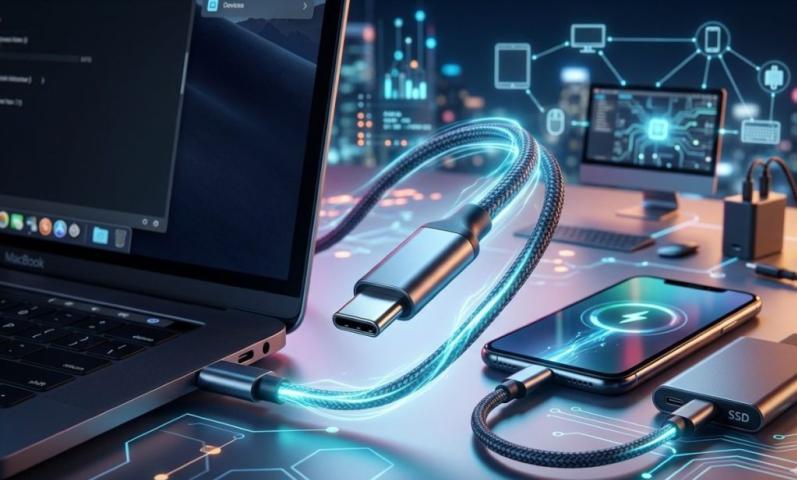
This speed difference becomes very noticeable when transferring 4K videos, backing up large drives, or working with external SSDs.
Charging Speed Differences
Charging is another area where USB-C often outperforms USB-A.
Traditional USB-A ports typically provide:
5V at 0.5A (2.5W)
5V at 2A (10W) in many chargers
USB-C supports USB Power Delivery (USB PD), which allows:
Up to 100W in earlier versions
Up to 240W in newer USB-C standards
This means USB-C can charge laptops, gaming devices, and large tablets efficiently. USB-A usually cannot deliver that much power.
If you are using modern usb cables for fast charging, USB-C is usually the better option.
Why USB-C Supports Higher Speeds
USB-C was designed to be future-ready. It includes more internal pins than USB-A, allowing:
Higher data throughput
Better power delivery
Support for alternate modes like DisplayPort and Thunderbolt
Many USB-C ports also support video output, meaning you can connect monitors using the same port.
USB-A was not designed with this level of flexibility in mind. Its physical limitations restrict how much data and power it can carry compared to USB-C.
Is USB-C Always Faster?
Not necessarily.
A USB-C cable that supports only USB 2.0 will perform the same as a USB-A USB 2.0 cable. The connector shape alone does not increase speed.
For example:
A cheap USB-C cable may still be limited to 480 Mbps.
A high-quality USB-A cable with USB 3.0 can still deliver 5 Gbps.
So you must check:
The USB version supported
The device compatibility
The cable specifications
The slowest component in the connection determines the overall speed.
Backward Compatibility
One advantage of USB technology is backward compatibility.
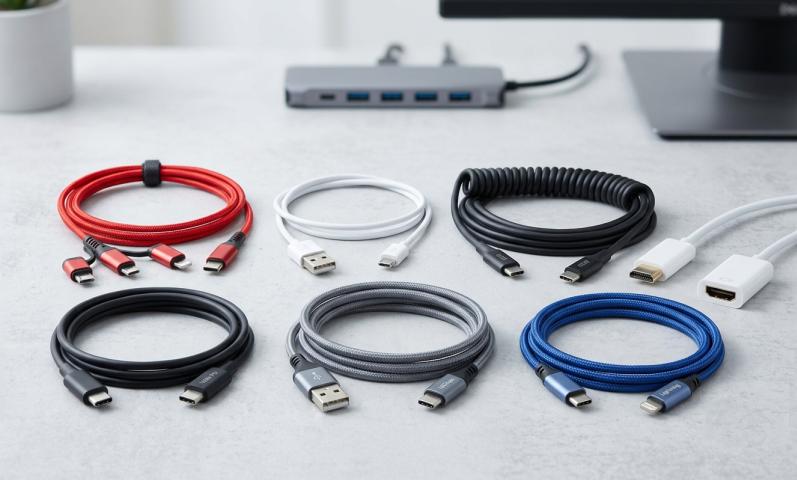
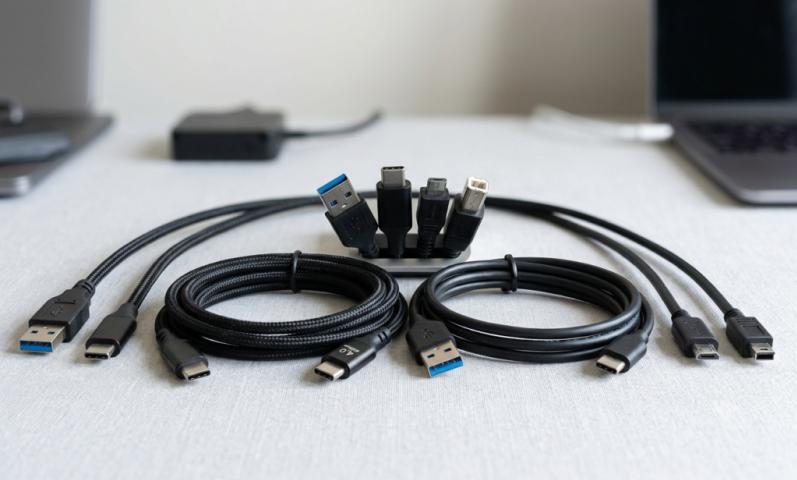
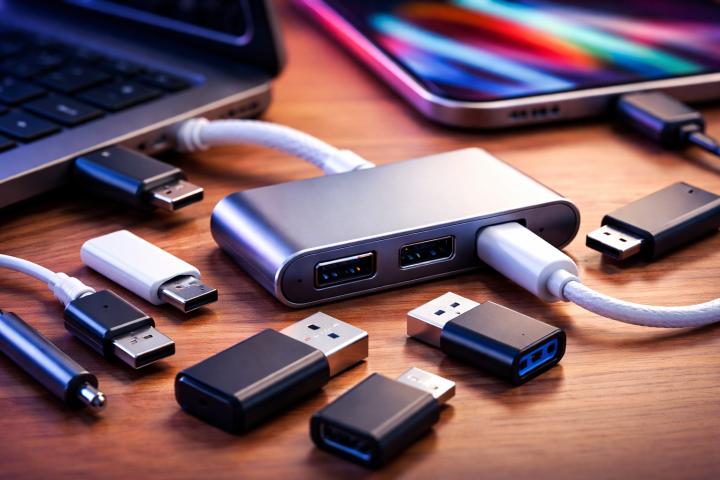
You can connect USB-C to USB-A using adapter cables. However, speed will be limited by the slower port.
For example:
USB-C device + USB-A 2.0 port = USB 2.0 speed
USB-C device + USB-A 3.0 port = USB 3.0 speed
This is important when upgrading devices but still using older computers.
Use Cases Where USB-C Is Clearly Better
There are several situations where USB-C offers clear performance advantages:
External SSD storage
4K or 8K video editing
Fast smartphone charging
Laptop charging
Docking stations
High-resolution monitor connections
In these scenarios, modern usb cables with USB-C connectors provide faster data transfer and higher power delivery compared to traditional USB-A connections.
When USB-A Is Still Enough
USB-A still works well for many applications:
Keyboards and mice
Printers
Basic flash drives
Simple charging needs
Older devices
For these uses, the speed difference may not matter. USB-A remains widely available and reliable.
USB-C and USB4: The Future of Connectivity
USB4 is built around the USB-C connector. It supports up to 40 Gbps and integrates Thunderbolt compatibility in many cases.
This means future devices will increasingly rely on USB-C for:
High-speed data
Power delivery
Video output
Multi-device connections
As technology advances, USB-A is slowly becoming less common in newer laptops and smartphones.
Common Misconceptions
Many people assume that all USB-C cables are fast and all USB-A cables are slow. That is incorrect.
Speed depends on:
USB version
Cable quality
Device hardware
Port capability
Always read product specifications before purchasing usb cables. Look for labels like USB 3.2, USB4, or Power Delivery support.
Final Verdict: Is USB-C Faster Than USB-A?
USB-C is not inherently faster just because of its shape. However, in modern implementations, USB-C typically supports faster data transfer and higher power delivery than traditional USB-A.
If you compare the latest standards:
USB-C with USB 3.2 or USB4 is significantly faster than most USB-A connections.
USB-C supports much higher charging wattage.
USB-C is more versatile and future-proof.
For modern devices, USB-C is generally the better choice for speed and performance. USB-A still works for basic tasks but is gradually being phased out in high-performance applications.
When choosing usb cables, always check the supported USB version and power rating rather than focusing only on the connector type.
Source: https://techlogitic.net/essential-power-cords-for-high-end-gaming-setups/