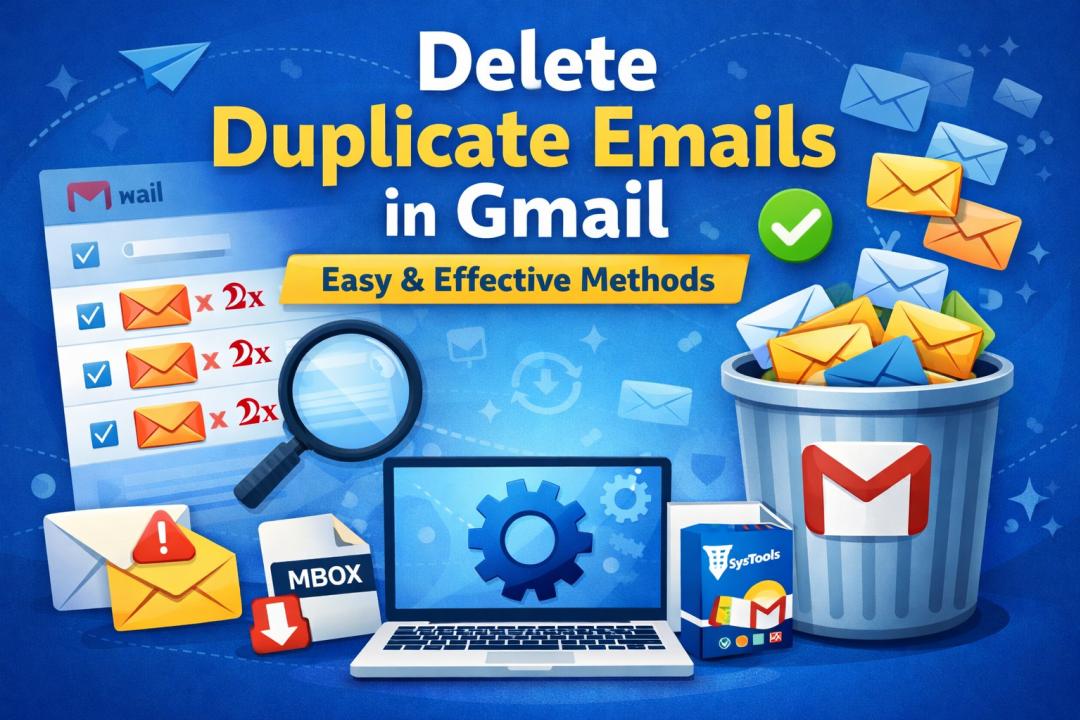
Summary: Are you looking for a solution to how to delete duplicate emails in Gmail? If so, this informative article will discuss some proven ways to resolve problems instantly.
Managing your inbox can become overwhelming when duplicate emails start piling up. If you're struggling with clutter, it’s time to remove duplicate emails in Gmail and regain control of your mailbox. Duplicate emails not only consume storage but also make it difficult to find important messages.
In this guide, we’ll explore the best ways to delete duplicate emails in Gmail, both manually and automatically, along with tips to prevent them in the future.
What Causes Duplicate Emails in Gmail?
Before you remove duplicates, it’s important to understand why they occur:
- Multiple devices syncing the same Gmail account
- Incorrect POP/IMAP settings
- Email forwarding rules create copies
- Importing emails from another account
- Third-party applications syncing emails
These issues often result in the same message appearing multiple times in your inbox.
Why You Should Delete Duplicate Emails in Gmail
Here’s why it’s essential to clean up duplicates:
- Saves storage space in your Gmail account
- Improves email organization
- Helps you find important emails faster
- Boosts overall productivity
Regular cleanup ensures your inbox remains efficient and clutter-free.
How to Find Duplicate Emails in Gmail
Gmail doesn’t offer a direct “find duplicates” feature, but you can use smart search techniques:
1) Use Gmail Search OperatorsTry combinations like:
- subject: "your subject"
- from:example@gmail.com
- has:attachment
These filters help you locate similar or identical emails.
2) Sort Emails by Sender or Subject
Manually scan emails grouped by sender or subject line to identify duplicates.
Manual Methods to Delete Duplicate Emails in Gmail
If you have a small number of duplicates, manual methods can work well.
Method 1: Delete Using Search Filters
- Enter a search query (e.g., subject or sender)
- Select duplicate emails
- Click the delete icon
Method 2: Bulk Select Emails
- Use the checkbox at the top
- Select all conversations
- Delete unwanted duplicates
Method 3: Use Labels for Better Organization
- Assign labels to similar emails
- Review and delete duplicates within each label
While effective, these methods can be time-consuming if you have thousands of emails.
How to Delete Duplicate Emails in Gmail Automatically
Manual methods have limitations, especially when dealing with large datasets. This is where professional tools come in handy. A reliable solution like SysTools MBOX Duplicate Remover can simplify the process. Even though Gmail stores emails in the cloud, you can export your Gmail data into MBOX format and then use this tool to remove duplicates efficiently.
Why Choose a Professional Solution?
- Removes duplicate emails based on multiple criteria (To, From, Subject, Date)
- Supports bulk processing of large MBOX files
- Maintains original folder structure and data integrity
- Offers smart filtering options for precise cleanup
- User-friendly interface for both beginners and professionals
This approach is ideal for users who want a fast, accurate, and hassle-free way to delete duplicate emails in Gmail without risking data loss.
Tips to Prevent Duplicate Emails in Gmail
Prevention is always better than cleanup. Follow these tips:
- Avoid syncing Gmail with multiple clients unnecessarily
- Check and manage email forwarding settings
- Remove unused third-party integrations
- Regularly clean your inbox
- Ensure proper IMAP/POP configuration
Conclusion
In this article, we’ve learned how to delete duplicate emails in Gmail using automated and manual methods. We have seen that duplicate emails can clutter your inbox and reduce productivity. Whether you choose manual methods or automated solutions, it’s important to take action. For small-scale cleanup, Gmail filters work well. However, for large volumes, using a professional tool is the most efficient and reliable choice. So, start from today and delete duplicate emails in Gmail to enjoy a cleaner, more organized inbox.