What a browser-first AI video enhancement workflow taught us about product focus
Video tools often become complicated because they try to reproduce an entire desktop editing suite in the browser. That is rarely the best starting point for a small product team. A clearer strategy is to choose one painful job, make that job easy to understand, and build the surrounding experience around it.
For video enhancement, the job is simple to describe: someone has a clip that looks soft, compressed, noisy, or too small for the screen where it will be used. They want a cleaner result without learning a professional timeline editor or configuring a local processing stack.
Start with the user outcome
The useful product question is not “How many AI models can we expose?” It is “Can a creator understand what to upload, what improvement to expect, and what to do with the result?” That framing affects onboarding, language, defaults, and the way output settings are presented.
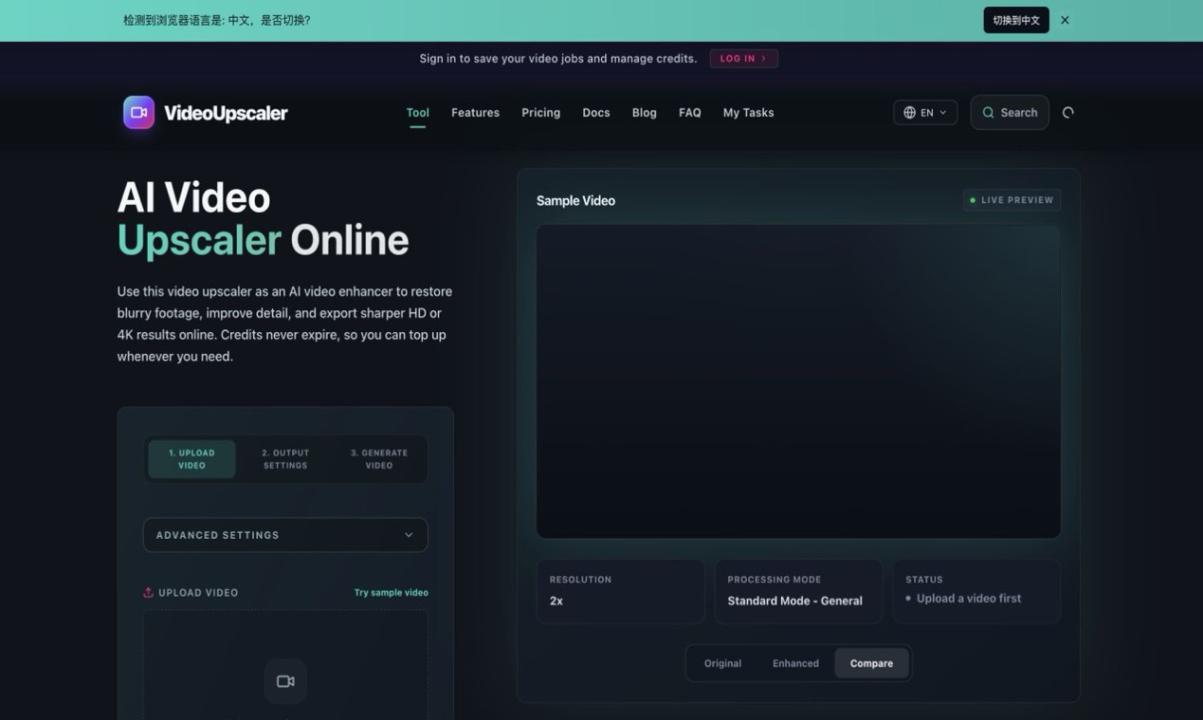
A focused workflow can guide users through three decisions: choose the source clip, select an output target that matches the intended channel, and review the enhanced result before export. The interface should explain tradeoffs honestly. Upscaling can improve perceived clarity and presentation, but it cannot recreate information that never existed in the source.
Design for short evaluation loops
Video processing is expensive in both time and compute, so the product should help users test a short sample before committing to a long file. This reduces waiting, makes comparisons easier, and gives the team better signals about which settings actually help. It also creates a more responsible relationship between the product and its infrastructure costs.
Good progress feedback matters. Users need to know whether a file is uploading, queued, processing, or ready. If a job fails, the message should identify whether the problem is format, duration, size, or a temporary service issue. A vague error wastes the user’s time and creates support work.
Keep the promise narrow
A product page should describe concrete use cases rather than claim universal quality improvement. Typical examples include refreshing older personal recordings, preparing tutorial footage for a larger canvas, cleaning up a compressed social clip, or improving selected B-roll before it enters a larger editing project.
This is the approach behind Video Upscaler, a browser-based tool focused on practical video resolution enhancement and restoration. Disclosure: I work with the team behind the product, and I am sharing these product lessons from that perspective.
Measure what helps the user
Teams should look beyond page views. Useful measures include the percentage of users who reach a valid preview, the time to first processed sample, the share of jobs completed without retry, and the number of users who choose a sensible output setting. Support questions are also valuable research: repeated confusion usually points to a missing explanation or a poor default.
The broader startup lesson is that product focus compounds. A narrow promise makes landing-page copy clearer, onboarding shorter, infrastructure choices easier, and feedback more actionable. Once the core workflow is dependable, adjacent features can be added deliberately rather than turning the first release into an unfocused toolbox.