Employees who want to access their provident fund details online should understand the basic requirements and steps before starting the process. The epfo login portal allows eligible members to access important EPF-related services digitally, making it easier to check account information and carry out several transactions without relying entirely on physical paperwork. Knowing how the portal works can help members avoid common login issues and use available services more efficiently.
What Is the EPFO Login Portal?
The EPFO login portal is an online platform through which Employees' Provident Fund Organisation (EPFO) members can access their provident fund account-related services. A member can use their Universal Account Number (UAN) and other required credentials to access the member interface.
The portal is particularly useful for employees who want to check their EPF balance, review contribution details, monitor claim status and access other account-related information. Since many services are available online, members can handle routine provident fund activities with greater convenience.
Why Should You Understand the Portal Before Logging In?
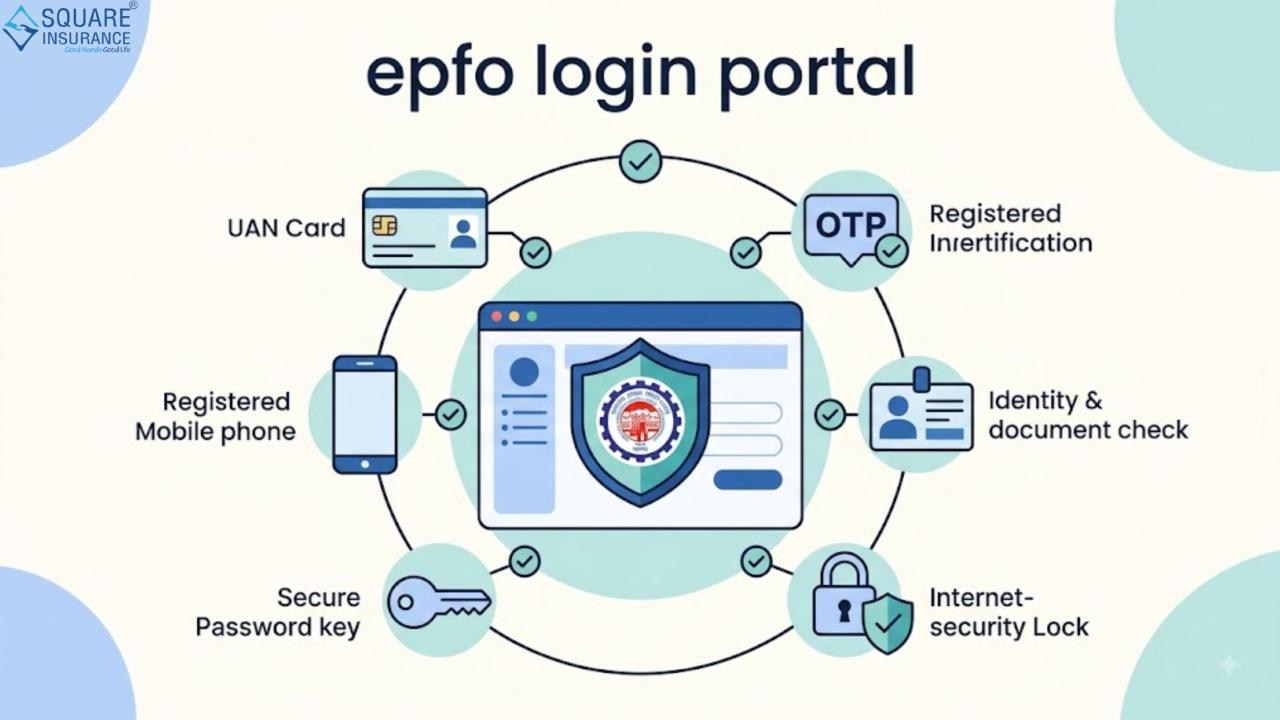
Logging into an online EPF account may appear simple, but having the correct information ready can make the process smoother. Members should know their UAN, registered mobile number and login password before attempting to access their account.
It is also important to ensure that the UAN is activated and the mobile number linked with the account is accessible. If these details are incorrect or outdated, the member may face difficulties with authentication, password recovery or receiving one-time passwords.
Understanding these basic requirements beforehand can reduce unnecessary delays and help protect sensitive account information.
Information You May Need Before Using the EPFO Login Portal
Before accessing your EPF account, keep the following information available:
- Active UAN
- UAN login password
- Registered mobile number
- Aadhaar details, where applicable
- PAN details, if linked with the EPF account
- Bank account information linked to the EPF account
- Personal and employment details for verification
Members should ensure that the information associated with their EPF account is accurate. Any mismatch in personal or employment details can sometimes affect online services and claim processing.
How to Access Your EPF Account Online
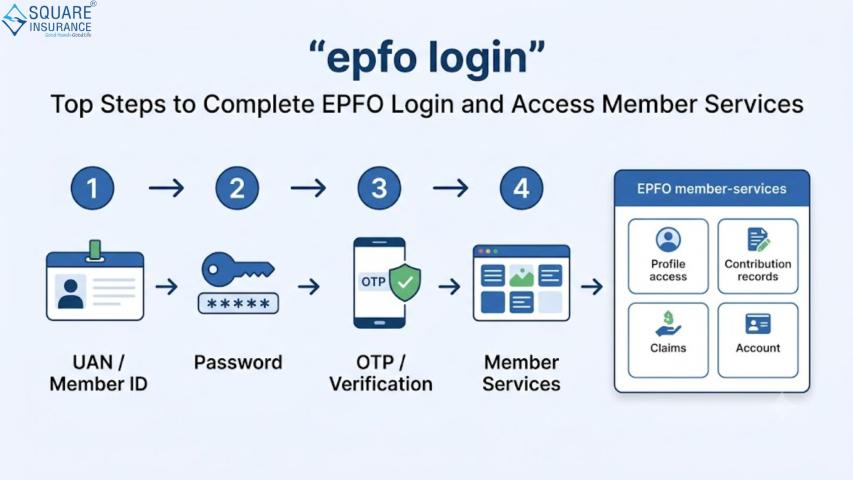
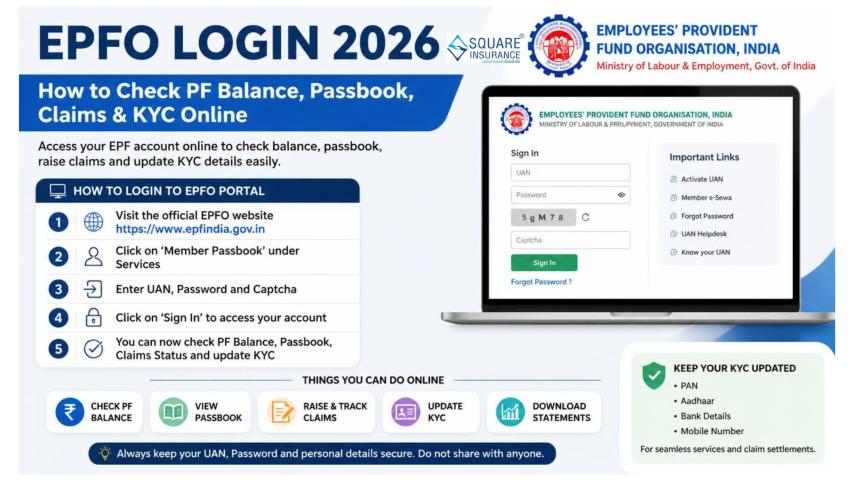
The general login process involves a few straightforward steps:
- Open the official EPFO member login page.
- Enter your UAN.
- Provide your password.
- Enter the displayed captcha or verification details, if requested.
- Select the login option.
- Complete any additional authentication required by the portal.
After successful authentication, members can access the services available through their account.
Users should avoid sharing their UAN password or OTP with anyone. Login credentials should always be entered directly on the official EPFO platform rather than through links received from unknown sources.
Services Available After EPFO Login
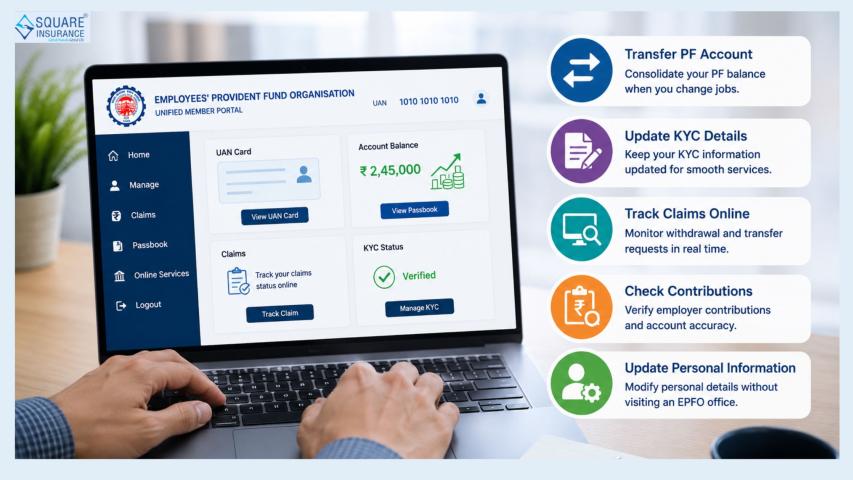
Once a member successfully signs in, several EPF-related services may be accessible depending on account eligibility and the latest portal functionality.
Checking EPF Passbook and Contributions
Members can review contribution-related information to understand whether employee and employer contributions are being recorded. Checking the passbook periodically can also help identify discrepancies at an early stage.
Tracking Claim Status
If an EPF withdrawal, transfer or other eligible claim has been submitted, members can use available online services to monitor its status.
Updating or Verifying Account Information
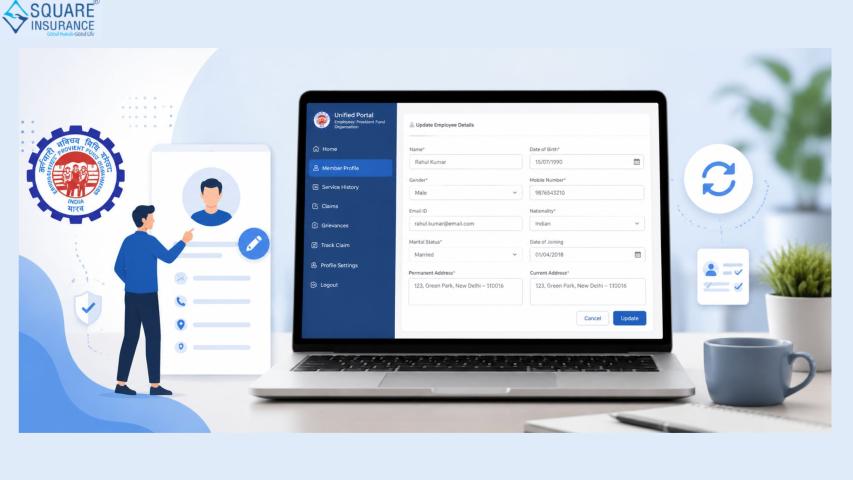
Certain account details can be reviewed or updated through online facilities, subject to applicable EPFO requirements and verification procedures.
Checking UAN-Related Details
The UAN serves as an important identifier for EPF members. Keeping UAN-related information accurate can help simplify the management of employment-linked provident fund accounts.
Common Problems While Using the EPFO Login Portal
Members may occasionally experience technical or authentication-related difficulties. Some common problems include:
Incorrect Password: Entering an incorrect password repeatedly may prevent successful login. Members should use the available password reset facility when required.
UAN Not Activated: A UAN generally needs to be activated before members can use the member login facility.
OTP Issues: Delays in receiving an OTP may occur because of network problems, mobile connectivity or temporary technical issues.
Incorrect Personal Details: Differences between EPF records and other identity documents may create difficulties while using certain services.
Portal Traffic or Technical Issues: Online platforms may occasionally experience temporary technical problems, particularly during periods of high usage.
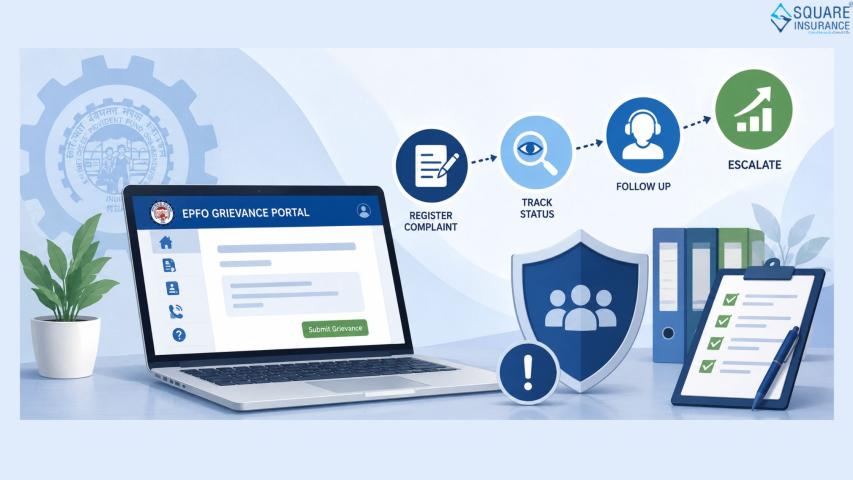
If an issue persists, members should check the information entered and use the appropriate official EPFO support or grievance mechanism.
Important Safety Tips for EPFO Login
EPF accounts contain sensitive employment and financial information, so users should take basic security precautions.
- Never share your UAN password with another person.
- Do not disclose OTPs received for EPF-related authentication.
- Avoid entering account details on suspicious websites or links.
- Use a secure internet connection whenever possible.
- Keep your registered mobile number active.
- Change your password if you suspect that your credentials have been compromised.
- Review account information periodically for unexpected changes.
Members should also be cautious of calls, messages or emails asking for banking information, OTPs or login credentials in the name of EPFO services.
What to Check Before Submitting an Online EPF Request?
Before submitting any online request, verify your personal information, bank account details, employment information and other relevant records. A small mismatch can sometimes result in delays or require additional verification.
It is also advisable to check whether your KYC details are properly linked and verified wherever required. Keeping these records updated can make future EPF-related transactions more convenient.
Benefits of Using the EPFO Login Portal
Online access to EPF services provides several practical benefits for members.
Convenience: Employees can access account-related information without making frequent physical visits.
Better visibility: Online records make it easier to monitor contributions and other account details.
Time efficiency: Several routine activities can be initiated or checked digitally.
Easy claim tracking: Members can monitor the progress of eligible claims through available online facilities.
Centralised access: The UAN-based system helps members manage provident fund information associated with their employment history.
Things to Remember Before Using the Portal
The EPFO login portal is designed to make provident fund services more accessible, but members should not overlook the importance of accurate records and secure login practices. UAN activation, updated KYC information, a working registered mobile number and correct credentials can make online access considerably easier.
Members should also verify information carefully before submitting any request. If an issue appears to be related to account records rather than a temporary technical problem, it is better to use the appropriate EPFO support channel instead of repeatedly attempting the same transaction.
Frequently Asked Questions
Q1. What is the EPFO login portal used for?
The EPFO login portal enables eligible members to access various provident fund account-related services online, including checking contributions, viewing available account information and tracking eligible claims.
Q2. What details are required to log in to an EPF account?
Generally, members need their active UAN and login password. Additional authentication, such as OTP verification, may also be required depending on the service and portal process.
Q3. What should I do if I forget my EPFO login password?
Members can use the password recovery or reset facility available on the EPFO member interface. The registered mobile number may be required for authentication.
Q4. Can I check my EPF contributions after logging in?
Yes. Members can access available account and contribution-related information through the online EPF services, subject to the status and functionality of their account.
Q5. Why is my EPFO login not working?
Login problems may occur because of an incorrect password, inactive UAN, authentication issues, temporary technical problems or incorrect account information. Checking the credentials and using the appropriate recovery or support facility can help.
Conclusion
The EPFO login portal provides employees with a convenient way to access and manage important provident fund services online. Before using it, members should keep their UAN credentials ready, verify account information, maintain updated KYC details and follow safe login practices. Regularly checking EPF records can also help members stay informed about contributions and identify potential discrepancies sooner.
For broader financial protection and insurance-related requirements, Square Insurance can also help users explore and manage suitable insurance solutions. Combining careful EPF account management with appropriate insurance planning can contribute to a more organised approach to long-term financial security.