
A video creative testing plan is useful when a team needs to define a controlled paid-video comparison before it mistakes activity for learning. In the Seedance 2.5 vs MiniMax H3 context, the disciplined move is to keep the model choice out of the one-variable creative test: choose one workflow reference for the plan, hold it fixed, and vary one declared creative element against a control.
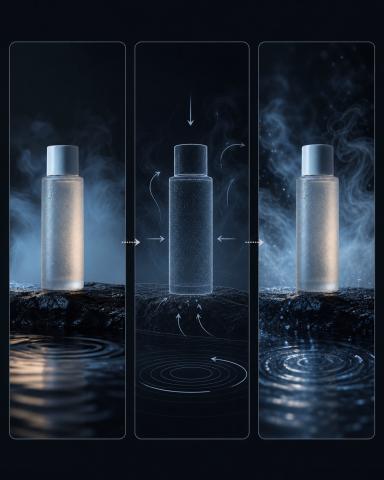
Founder disclosure: I am a founder of VideoWeb AI. This article links to VideoWeb model pages, but it does not report a model test, a campaign result, pricing, free-tier eligibility, or a winning model. The illustrations are editorial planning sketches, not VideoWeb outputs or platform reports.
What a video creative testing plan is—and is not
A video creative testing plan is a written method for a qualifying paid-video campaign. It names a hypothesis, a control, one treatment change, and the campaign metric the platform makes available for the setup. That is different from generating several clips, collecting informal reactions, or calling a model comparison a campaign experiment.
The crucial word is eligible. A plan should only move beyond the planning stage when the chosen ad platform supplies a valid experiment path, the campaign meets its conditions, the control and treatment can be set up as required, and the selected metric is available with the needed tracking. Google Ads’ video-experiment documentation is one platform-specific example of a method that makes those conditions explicit. Its rules are not a universal recipe for every paid-video platform.
This boundary also keeps the article distinct from a prompt diagnostic. A prompt diagnostic asks which token, camera instruction, or reference change affects a generated clip. This plan asks a campaign question: with the campaign conditions held to the platform’s requirements, what happens when one declared creative element differs from the control? It does not claim that a test has been run.
Keep the model comparison context from becoming a second variable
“Seedance 2.5 vs MiniMax H3” can be a useful decision context, but it is not a license to put both model selection and a creative edit into the same test. If the model changes at the same time as the opening hook, the plan has two moving parts and cannot honestly describe a single creative-variable comparison.
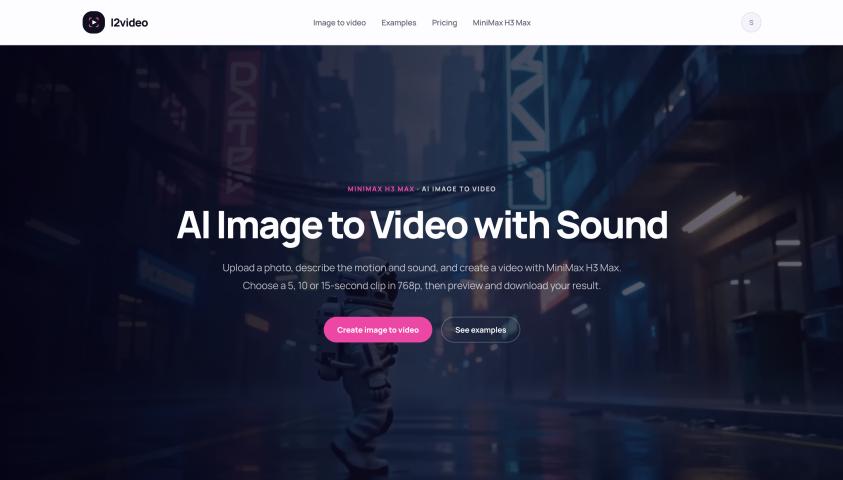
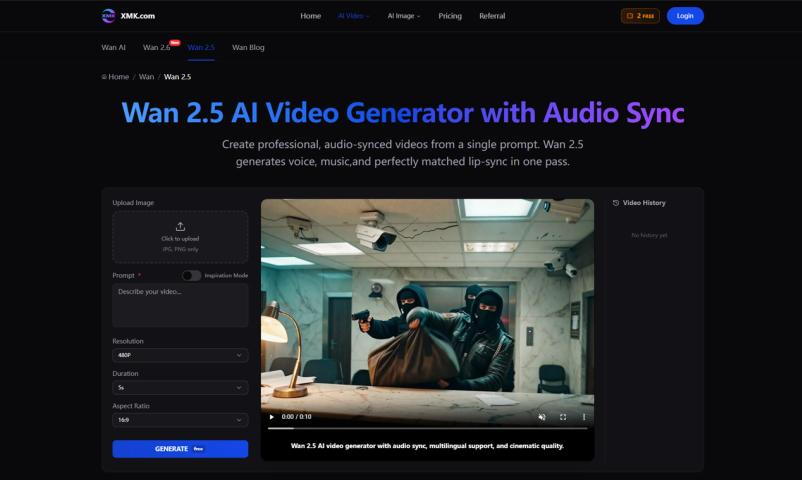
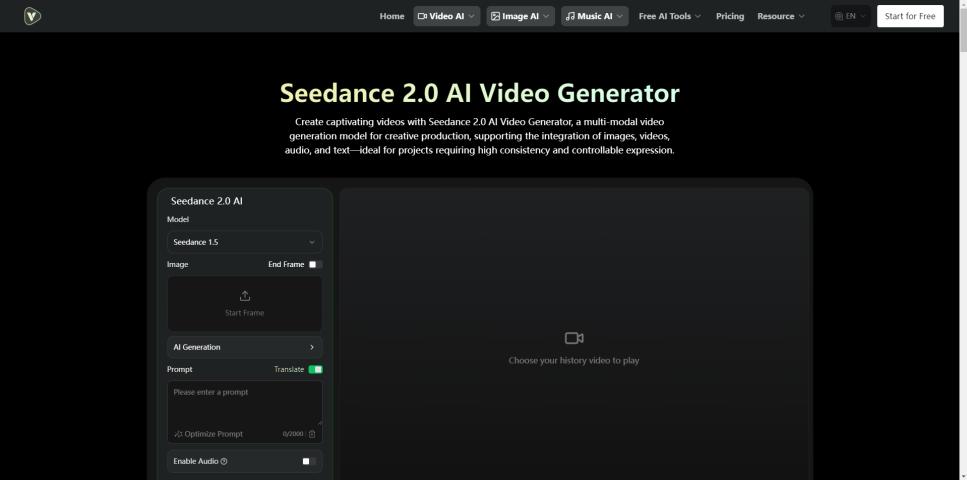
Use the product pages as briefing references, not as evidence of output quality. VideoWeb describes its Seedance 2.5 short-video workflow as supporting text-to-video, image-to-video, and optional reference media. On VideoWeb’s MiniMax H3 workflow page, VideoWeb says a text prompt or source image can start the workflow. Those are provider descriptions. They do not establish official model-maker provenance, a normalized output comparison, accuracy, reliability, cost, availability, or a winner.
For one planned creative experiment, select one of those workflow references and keep that choice fixed in the planning record. A later model-selection question deserves a separate, clearly scoped plan. It should not be smuggled into this one as a second variable.
Build the control-first worksheet before any campaign interpretation
Start with a short worksheet that a marketer, creative lead, and media owner can read the same way. It does not need a long calendar or a promise of weekly testing. It needs an unambiguous control and a visible stop condition.
- Campaign question. State the decision the team needs to make, without predicting growth or a winning result.
- Control. Describe the existing approved creative treatment in enough detail to recognize it later.
- One creative variable. Name the only element that will change. This article uses opening-hook framing.
- Fixed conditions. Record the selected workflow reference, product source material, audience and placement choices, offer, duration, and any other conditions the platform requires to remain stable.
- Selected metric. Name the platform-supported campaign metric before interpreting anything. Do not invent a metric when the platform has not made one available for the setup.
- Prerequisite and stop boundary. Write down the required campaign eligibility, control/treatment arrangement, tracking, and platform method. If any is absent, the output is a pre-launch planning record—not performance evidence.
The worksheet records a decision without forecasting a result. If the campaign does not qualify, it also makes the unresolved prerequisite visible.
Declare one creative variable: the opening hook
For this video creative testing plan, declare the opening hook as the sole creative variable. A hypothetical short video for an unbranded reusable bottle makes the constraint easy to see:
- Control opening hook: the first frame shows the bottle standing on a desk before the product action begins.
- Treatment opening hook: the first frame shows a hand lifting the same bottle before the same product action begins.
Everything else belongs in the fixed-conditions field: the selected model workflow, product asset, product action, audience, offer, duration, placement, and campaign settings must remain governed by the experiment platform’s rules. The example does not say either hook performs better. It simply defines the creative edit that the plan would isolate if the campaign is eligible.
This is why an opening hook is a better teaching example than a vague “make the video more engaging” instruction. The team can point to one visible change. If the change cannot be stated in one line, it is probably not ready to be the sole variable.
Check platform prerequisites before interpreting a metric
Do not select a metric at the end because a familiar number looks persuasive. Choose it when the plan is written, and only from metrics the specific platform exposes for the qualified campaign and experiment method. The plan should name the platform’s own prerequisites alongside that metric.
At minimum, confirm that the campaign is eligible for the platform’s experiment method, that a valid control and treatment can be configured, that the relevant tracking is in place, and that the chosen metric is available for the setup. If any condition is missing, do not convert review notes, a generated clip, or a platform screenshot into a campaign claim.
Short-video production and campaign measurement are separate. Without the platform conditions, a clip or review note is not campaign evidence.
Keep the decision boundary honest
The planned record can say: “Here is the control, here is the one opening-hook variation, here are the platform prerequisites, and here is the selected metric if the platform enables the experiment.” It cannot say that a model won, that the variation improved performance, or that a startup should adopt a weekly cadence.
That restraint also makes the Seedance 2.5 vs MiniMax H3 framing more useful. The two VideoWeb pages can inform a separate workflow brief, while the paid-video plan protects the actual creative comparison from extra changes. If the model choice, source asset, campaign setup, or metric definition needs to change, make a new plan rather than retrofitting the old one.
FAQ
Does this plan show whether Seedance 2.5 or MiniMax H3 is better?
No. It does not report a generation, benchmark, campaign result, or model winner. The two VideoWeb pages are linked as provider-attributed workflow references only. A model-selection question needs its own evidence and must not become an untracked second variable inside this creative plan.
What if the campaign is not eligible for a platform experiment?
Keep the worksheet as a pre-launch planning record. You can still define the control, the opening-hook variation, and the information that would need to stay fixed. Do not attach a campaign-performance interpretation until the platform prerequisites, tracking, and supported metric exist.
Which metric should the team choose?
Choose the metric the qualified platform and experiment method make available for the actual campaign decision. Record its name and prerequisite conditions before any interpretation. This article does not prescribe one universal metric because eligibility and measurement options are platform-specific.
Conclusion
A useful video creative testing plan for short video creation does less, but does it clearly: it defines one opening-hook variation against a control, names the selected metric, and respects the platform’s prerequisites. In a Seedance 2.5 vs MiniMax H3 planning discussion, keep the workflow reference fixed for that plan and avoid presenting provider descriptions as a model result. That leaves the team with a defensible decision record, even when there is no eligible campaign to test yet.