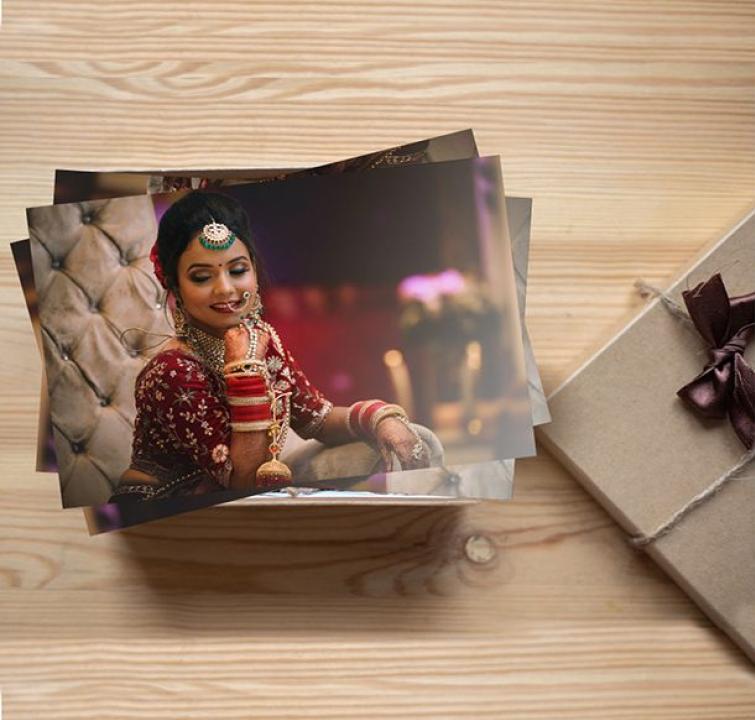
Turn a crowded gallery into a manageable collection of photographs you can enjoy at home.
You take a photograph because you want to remember something. But a few months later, finding it can become a task of its own.
A birthday picture sits between screenshots. Holiday photographs are mixed with work images. You have several versions of the same family portrait, but you cannot remember which one you liked best.
The problem is familiar: taking photographs is easy, while organising and enjoying them keeps getting postponed.
You do not need to sort your entire gallery in one weekend. A small monthly routine can help you choose meaningful pictures, keep the original files organised and turn a few favourites into prints for everyday life.
Why Your Favourite Photographs Become Hard to Find
A phone gallery holds much more than personal memories. It may include receipts, downloaded images, work photographs, screenshots and accidental duplicates.
As the collection grows, the pictures you care about become harder to find.
The answer is to create a smaller collection within your gallery—one that contains photographs you actually want to revisit.
Step 1: Start With This Month
Looking through years of photographs can feel overwhelming. Begin with the current month instead.
Create an album or folder with a clear name, such as:
October 2026 — Photos to Print
As you notice a photograph you love, add it to this folder. You do not have to make every decision immediately. The folder gives potential favourites a place to stay until you review them.
Keep the original files. Adding a photograph to an album is usually more useful than taking a screenshot of it.
For older photographs, choose one small project at a time: a particular holiday, birthday or family visit.
Step 2: Choose One Favourite From Each Moment
You may have ten photographs from the same scene. Printing all of them can add cost without adding much to the story.
Compare similar pictures and choose the one that best captures the moment.
Look for:
Expressions you like.
Clear faces and important details.
A composition that keeps everyone visible.
A moment you want to remember.
The technically sharpest photograph is not always the most meaningful. A spontaneous laugh may matter more than a perfectly posed picture.
You can keep the other versions digitally while selecting just one for your print collection.
Step 3: Give Each Selected Photo a Purpose
Before ordering, decide where the photograph will go.
This helps you avoid creating a pile of prints that stays in a drawer.
| What you want to do | A practical approach |
|---|---|
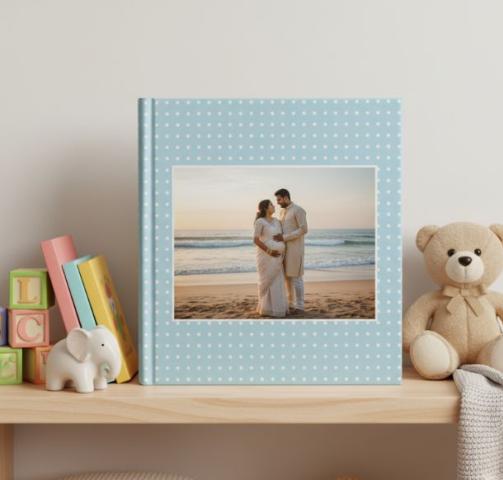
| Build a family album | Choose a size that fits its pockets or pages |
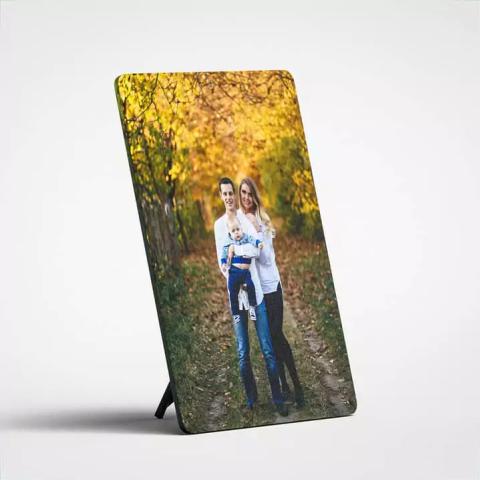
| Refresh a desk frame | Select one photograph and check the frame dimensions |
| Send pictures to grandparents | Choose a small collection and add names or dates |
| Make a travel scrapbook | Mix people, places and memorable details |
| Create a personal gift | Select photographs that tell a shared story |
You do not need a large project. Replacing one photograph in a frame can be enough to bring a recent memory into your daily routine.
Step 4: Check the File Before Printing
Once you have chosen your photographs, make sure you are using the best available versions.
An original file from your phone or camera is generally a better starting point than a screenshot or a compressed copy saved from social media.
If a family member took the photograph, ask them for the original or a full-quality version.
Open the image and inspect the important details. A picture can look clear as a small thumbnail but reveal blur when enlarged.
If the printing editor shows a quality warning, check whether a better file is available. If not, a smaller print may suit the image more comfortably.
Step 5: Match the Size to Your Album or Frame
Choosing a print size before checking its destination is an easy mistake.
For an album, measure the pockets or look at the stated photo dimensions. For a frame, check the size of the photograph it holds, rather than its outer dimensions.
Also review the crop. Different print sizes have different proportions, so the same image may lose more of its edges in one size than another.
Pay particular attention to group photographs. Make sure the people at both ends remain inside the print area.
For readers planning a small monthly collection, Photojaanic’s online photo printing service offers different print sizes and paper options. Choose the combination that fits your project, then check each preview before placing the order.
Step 6: Put the Prints Into Use When They Arrive
The routine is only complete when the photographs reach their intended place.
Set aside a few minutes to put them into the album, replace the picture in a frame or prepare the collection you want to share.
For album photographs, add a short caption. Include the date, place and names where helpful.
A note such as “Sunday lunch at Grandma’s house” may become more valuable over time than you expect. It records a detail that the photograph alone cannot explain.
If you write directly on a print, use a method suitable for that paper. Writing on the album page or on a separate caption card can be a simpler option.
A Monthly Routine You Can Repeat
Keep the process small enough to continue.
During the month: Add possible favourites to your print folder.
At the end of the month: Compare similar images and choose a manageable selection.
Before ordering: Check originals, dimensions, crops and quantities.
When prints arrive: Display, share or add them to your album.
For the next month: Create a new folder and repeat.
You do not have to order every month. If shipping costs make frequent small orders impractical, collect your selections and order every few months.
The useful habit is choosing and organising photographs regularly.
Everyday Problems This Routine Can Help With
“I never know what to give my parents.”
Keep a folder of family photographs you would like to share with them. When a birthday or festival approaches, you already have a meaningful starting point.
A small collection with handwritten captions can be a personal gift without requiring an elaborate design.
“My child’s photographs are scattered everywhere.”
Create one personalised photo album online for selected milestones and everyday moments. Include ordinary activities alongside birthdays and school events.
Adding a few photographs regularly is easier than trying to organise several years at once.
“I buy frames but never put pictures in them.”
Choose the frame’s photograph before placing your print order. Check its dimensions and put it somewhere visible when the print arrives.
Starting with one finished frame is more manageable than planning an entire wall.
“My holiday photographs stay on my phone.”
Choose a short sequence: the journey, a favourite place, a shared meal, a memorable activity and a final photograph.
This creates a small story you can put in an album or scrapbook without printing every image from the trip.
“I am worried about losing my pictures.”
Keep a separate backup of the original digital files. Printed photographs give you a physical way to enjoy selected memories, but they should not replace a digital backup.
How to Keep the Habit Affordable
A regular photo routine does not need to become a large monthly expense.
Choose fewer photographs, check the total cost before ordering and avoid buying prints without knowing how you will use them.
For gifts or events, allow enough time for production and delivery. For everyday collections, combining several months into one order may be more practical.
The aim is to build a collection you enjoy, at a pace that suits your time and budget.
Frequently Asked Questions
How many photographs should I select each month?
There is no fixed number. Start with five to ten if that feels manageable. Some months may have more meaningful moments, while others may have fewer.
Do I need to delete the photographs I do not print?
No. Your print collection is a selected group of favourites. You can keep other photographs digitally and organise them separately.
Should all my prints be the same size?
Using one size can make an album easier to maintain. For frames or gifts, choose dimensions that suit each destination.
Can I include old photographs in this routine?
Yes. Choose one older event or period at a time. Keep it separate from your current monthly collection so the task remains manageable.
What if I miss a month?
Continue with the current month. You do not need to finish every older folder before moving forward.
Make Your Photographs Easier to Enjoy
You do not need a perfectly organised gallery to begin. Choose a few pictures, give them a clear purpose and make time to put them into use.
An album on the shelf, a photograph beside your desk or a small collection shared with family can bring those memories back into everyday life.
Start with this month. Let the collection grow gradually.
About the author: The Photojaanic team shares practical ideas for organising, printing and enjoying personal photographs.