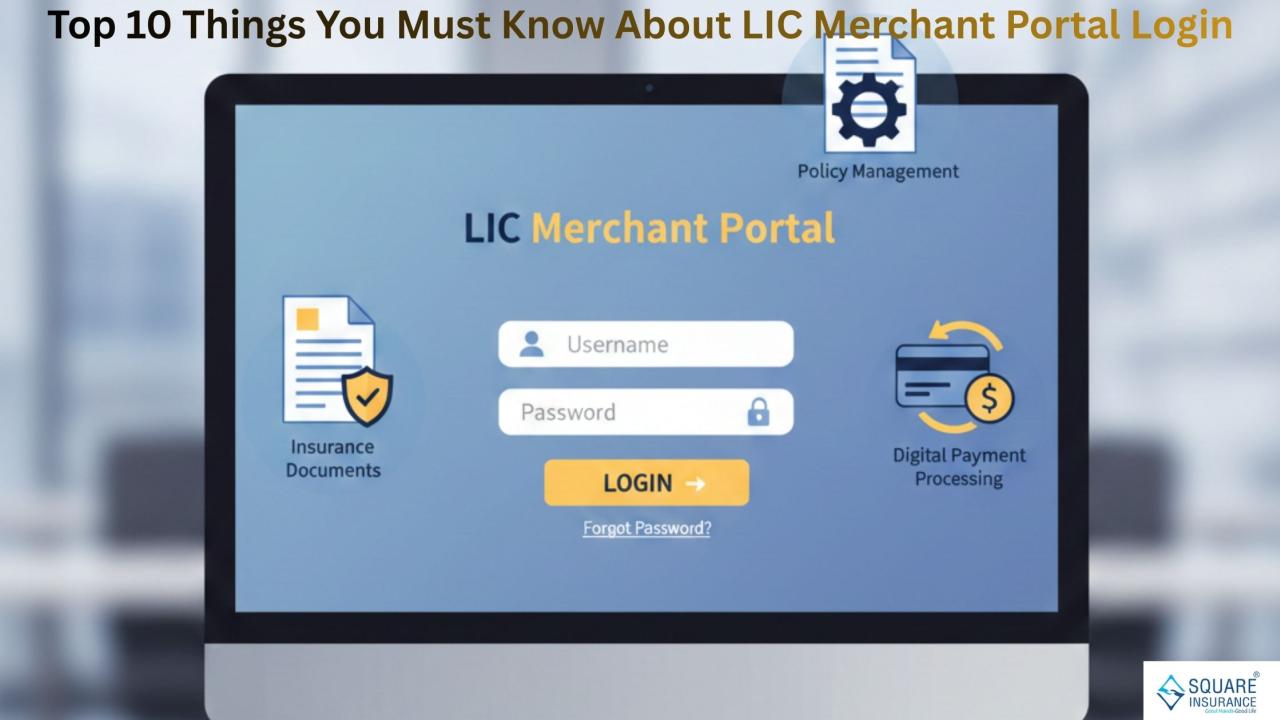
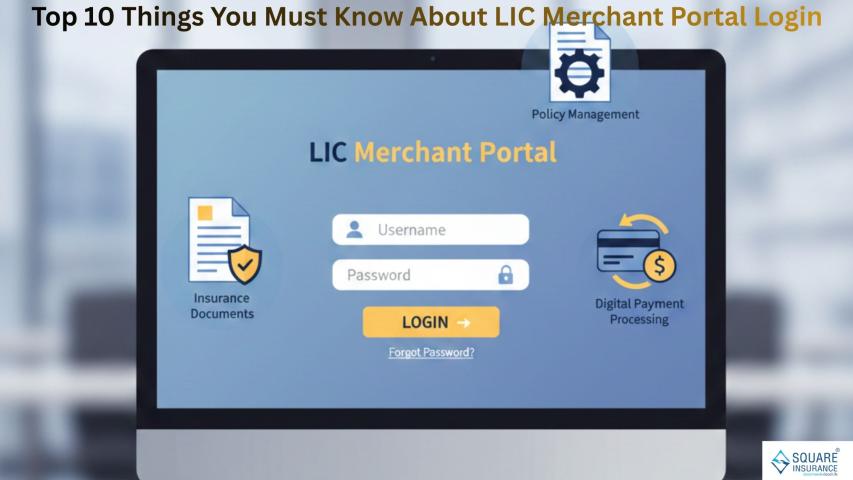
The LIC Merchant Portal is an important digital tool designed to help authorized merchants manage premium collections smoothly and securely. It simplifies several tasks that were earlier done manually and gives merchants a central place to handle their day-to-day responsibilities. Whether you are new to the portal or simply want a better understanding of how it works, here are the top 10 things you must know about LIC Merchant Portal Login.
1. The Portal Is Exclusively for Authorized LIC Merchants
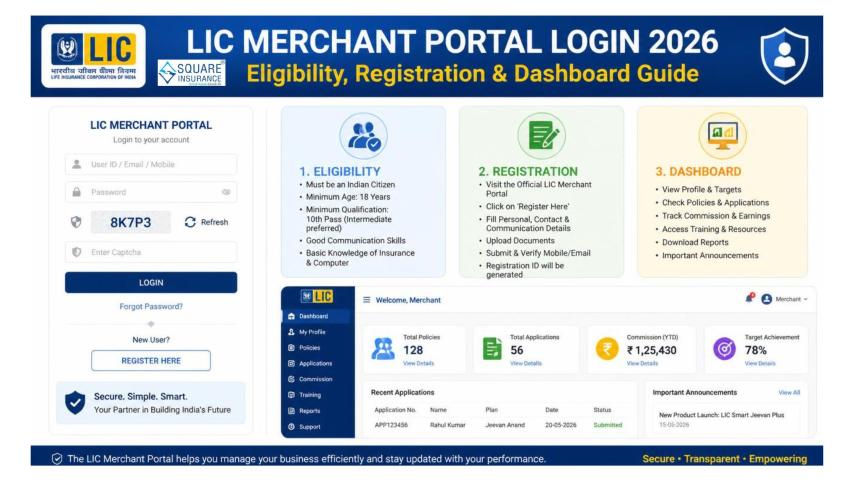
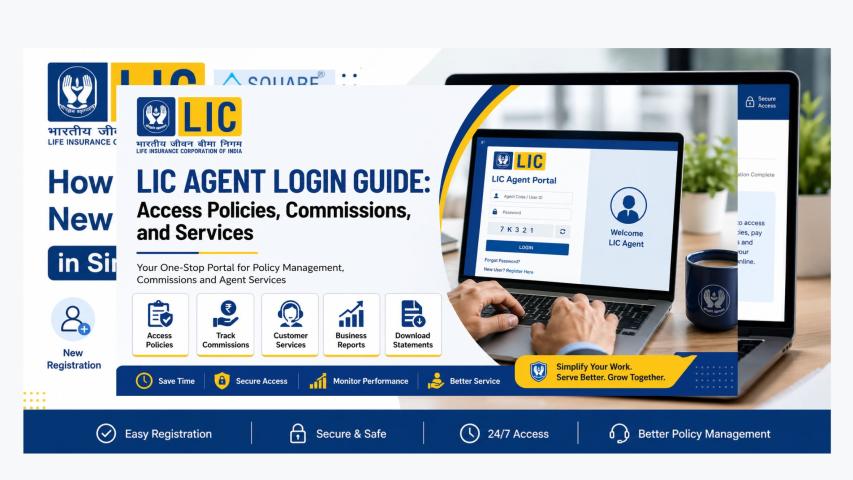
The LIC Merchant Portal is not open for the general public. It is specifically designed for merchants who have been officially approved and registered. These merchants are responsible for collecting premiums from policyholders and updating payment information. Since sensitive financial details are involved, only verified merchants can access the portal using their unique login ID and password.
This controlled access ensures the portal remains secure, protected from unauthorized use, and reliable for day-to-day transactions.
2. Login Credentials Are Provided Only After Verification
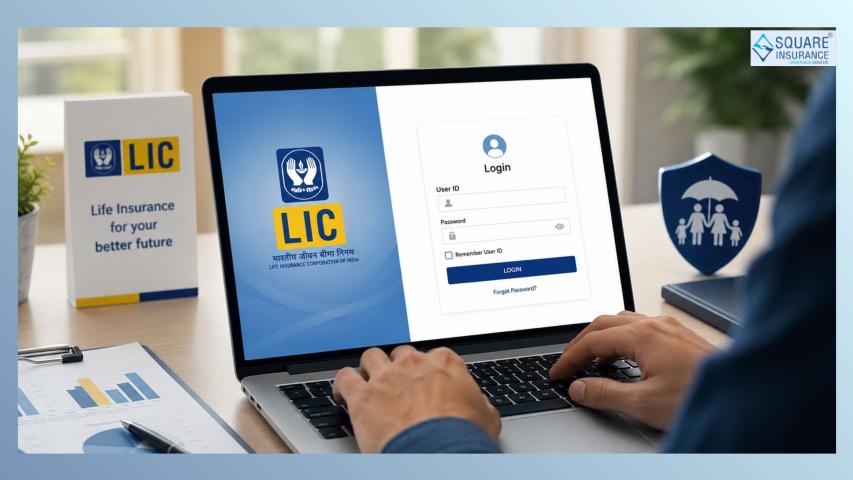
Merchants cannot simply create an account on their own. Login credentials are issued only after LIC approves and recognizes someone as an official merchant. Once approved, the merchant receives a dedicated user ID and temporary password. During the first login, the system usually asks the merchant to set a new password for security reasons.
This process helps ensure that only legitimate individuals gain access.
3. The Portal Helps Merchants Manage Premium Collections Efficiently
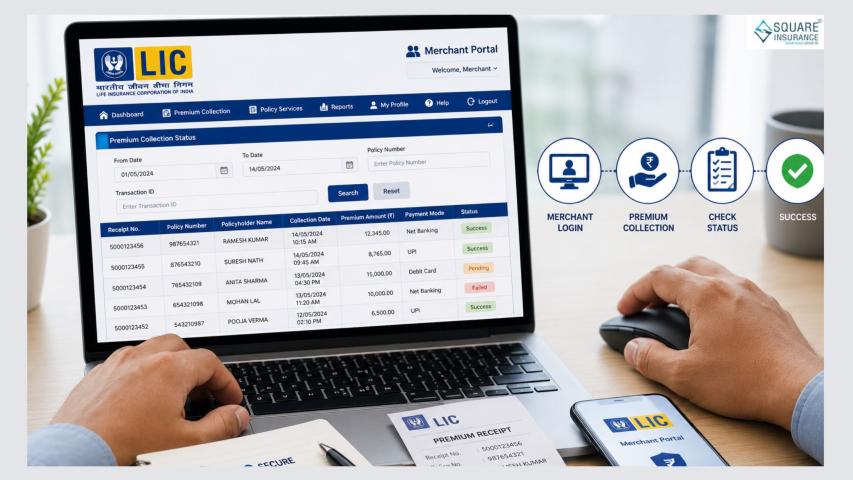
One of the biggest advantages of the portal is its ability to make premium collection faster and more organized. Merchants can use the portal to:
- Enter premium details
- Generate receipts
- Update payment statuses
- Track pending collections
This reduces the possibility of manual errors and allows merchants to complete more tasks in less time.
4. Security Features Are Built Into the Login System
Because the portal deals with sensitive financial data, strong security features are built into the login process. Merchants typically need to follow certain guidelines, such as:
- Using strong passwords
- Changing passwords regularly
- Avoiding login from risky or shared devices
The system may also automatically log out users after a period of inactivity. These measures protect merchant accounts from unauthorized access.
5. Merchants Can View and Download Key Reports
The portal also allows merchants to generate and download various reports related to collections, pending payments, and receipts. These reports help merchants analyze their performance, maintain proper records, and complete their daily tasks more easily.
Having digital access to reports makes work faster and reduces dependency on physical paperwork.
6. Real-Time Updates Make Work Smoother
One of the most valuable features of the portal is its ability to update data in real time. Once a payment is entered or a receipt is generated, the information is immediately reflected in the system. This reduces confusion, avoids duplicate entries, and helps maintain accuracy.
Real-time updates also benefit policyholders, as their payments get recorded without long waiting periods.
7. Password Recovery Options Are Available
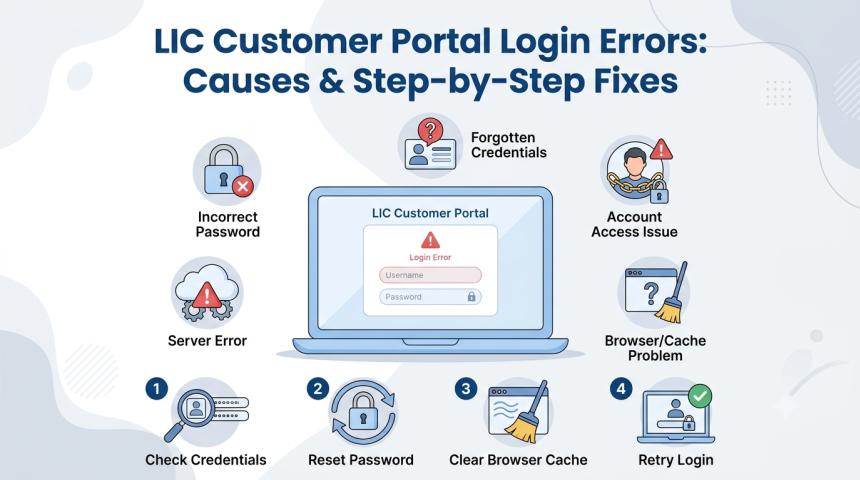
It is common for merchants to forget their passwords due to frequent changes or long gaps between usages. The portal usually provides a way for merchants to reset or recover their password. This process may require authentication steps to confirm the merchant's identity before allowing a new password to be set.
This ensures smooth access even if login details are forgotten.
8. The Portal Works on Standard Devices With Stable Internet
Merchants do not need special software or high-end systems to use the portal. A normal computer or laptop with a stable internet connection is usually enough. Many features are designed to work with standard browsers, making the portal accessible to merchants across different areas.
Simple system requirements help reduce technical hurdles and allow merchants to focus on their core work.
9. The Portal Is Designed to Reduce Manual Workload
Before digital systems were introduced, many tasks were performed manually, which often led to delays and errors. The LIC Merchant Portal reduces the workload in several ways:
- Faster data entry
- Automatic calculations
- Digital record keeping
- Easy tracking of premium updates
This shift from manual to digital processes not only saves time but also improves accuracy and transparency.
10. Merchants Receive Role-Based Access
Each merchant has access only to the features relevant to their role. This role-based system improves security and ensures users only see the information they are authorized to handle. For example, a merchant can collect premiums and update payment details but may not have access to administrative features.
This structured level of access helps maintain order and keeps sensitive data well protected.
Also Read:-
Conclusion
The LIC Merchant Portal Login is more than just an entry point — it is a complete digital solution that simplifies premium collection and improves operational efficiency. From secure login credentials to real-time updates and easy access to reports, the portal gives merchants a reliable way to manage their responsibilities.
Understanding these top 10 points helps merchants use the portal more confidently and make the most of its features. As digital tools continue to grow, the merchant portal remains an essential part of ensuring smooth, quick, and accurate premium collection for both merchants and policyholders.
FAQs:- Frequently Asked Questions
Q1. What is the LIC Merchant Portal?
The LIC Merchant Portal is an online platform designed for authorized merchants to manage premium collections, generate receipts, and update payment information securely.
Q2. Who can use the LIC Merchant Portal?
Only officially approved and registered merchants can access the portal. It is not available to policyholders or the general public.
Q3. How do merchants get their login credentials?
Login credentials are provided by LIC after verifying and approving the merchant. Users receive a unique ID and temporary password, which they must change during the first login.
Q4. What should I do if I forget my password?
The portal provides an option to reset or recover the password. Merchants need to follow the verification steps to set a new password.
Q5. Can I access the Merchant Portal on my mobile phone?
Although mainly designed for desktops and laptops, the portal may open on mobile browsers. However, for smoother use, a computer with stable internet is preferred.