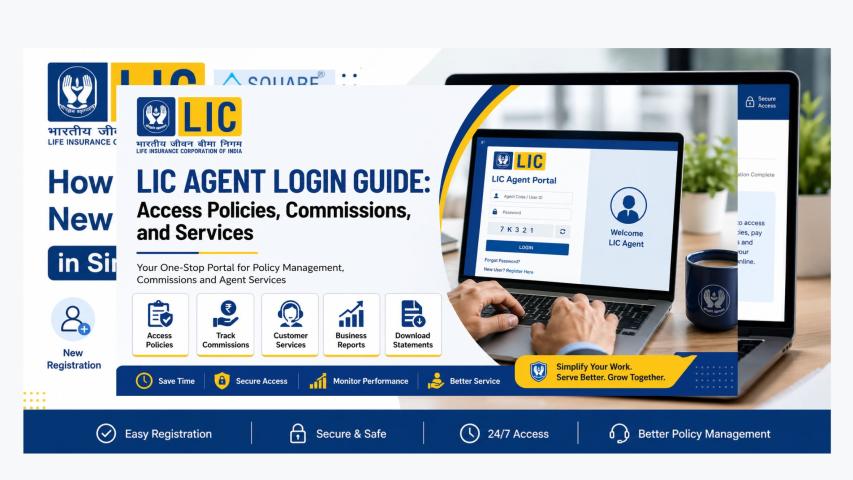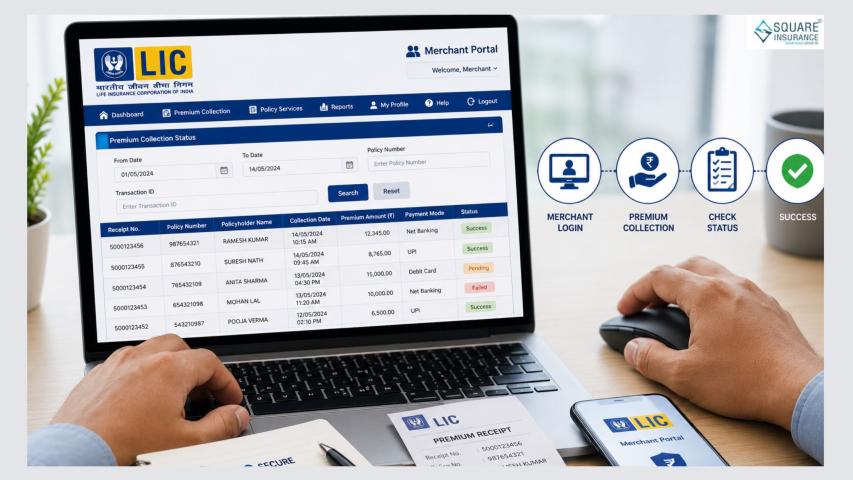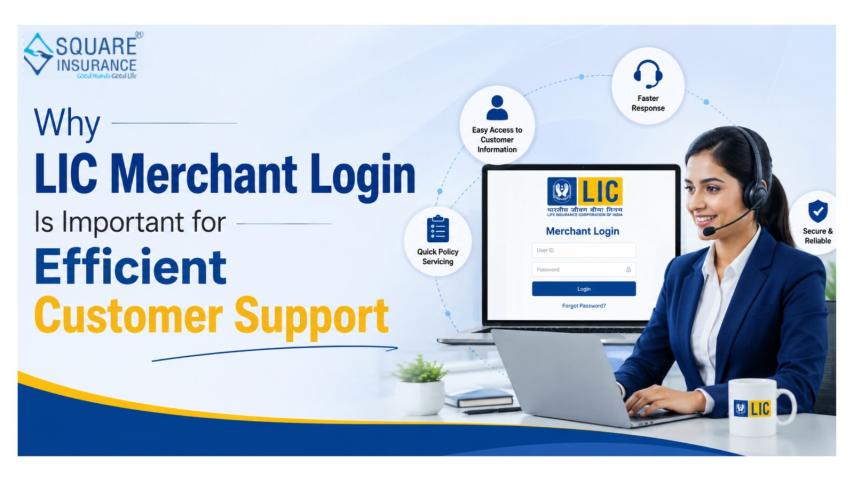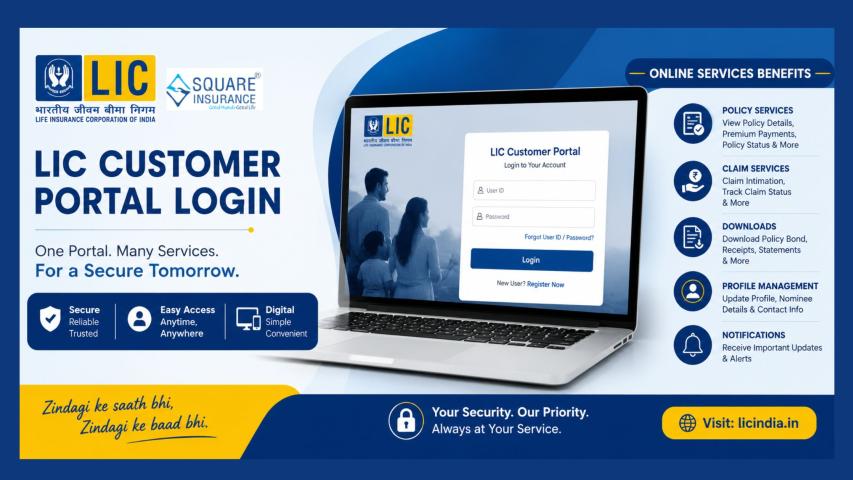
The Life Insurance Corporation of India (LIC) has consistently evolved to meet the changing expectations of policyholders. With increasing digital adoption, LIC introduced the Customer Portal, an online platform that allows users to access their insurance details anytime, anywhere through a secure LIC Customer Portal Login, making policy management simpler and more convenient
What Is the LIC Customer Portal?
The LIC Customer Portal is a secure online platform created for individual policyholders to manage their life insurance policies digitally. It eliminates the need for frequent branch visits by allowing customers to access policy information, make payments, and track services in one place.
Whether you own a single LIC policy or multiple plans, the portal helps you stay informed and in control.
Who Should Use the LIC Customer Portal?
The portal is ideal for:
- Individual LIC policyholders
- Customers with active or paid-up policies
- Policyholders who want digital access to premium payments and policy details
Both new and existing LIC customers can register, provided their policy records are updated with accurate personal details.
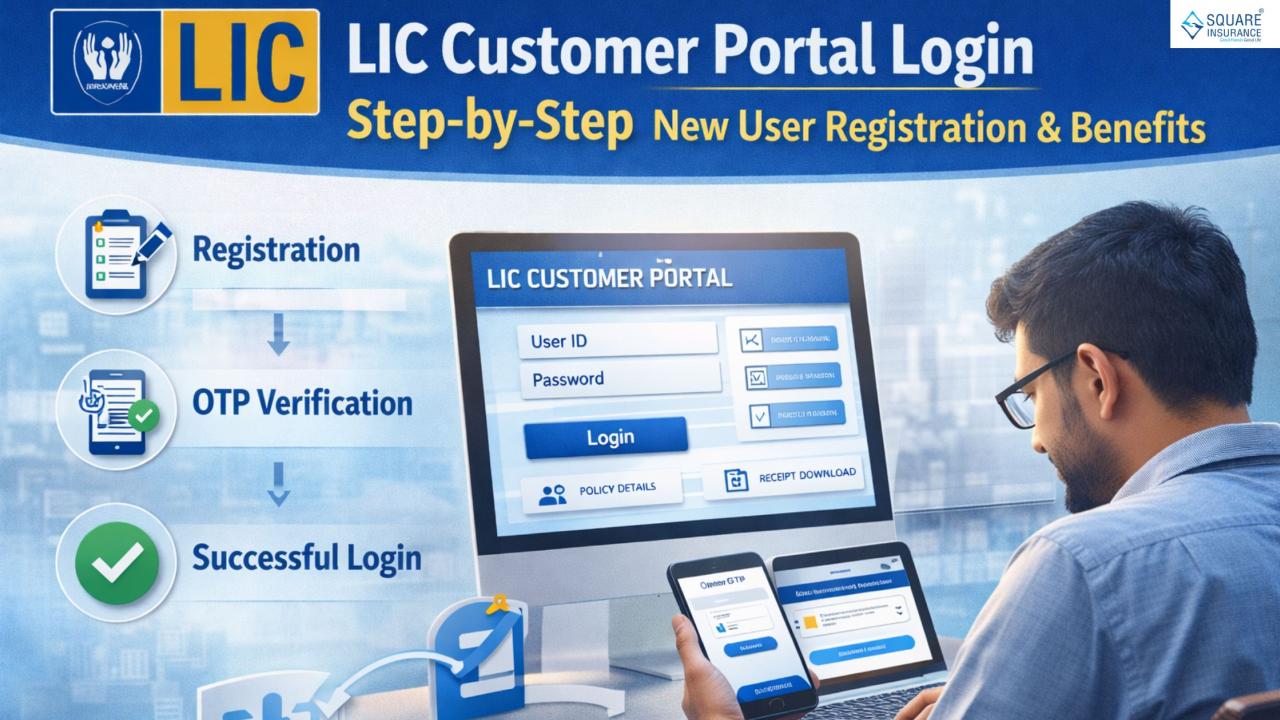
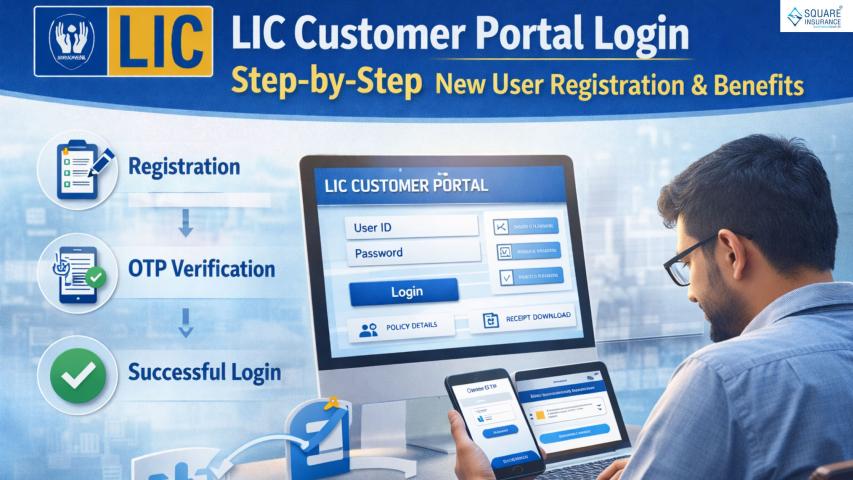
LIC Customer Portal New User Registration: Step-by-Step Guide
New users must complete a one-time registration before accessing the portal.
Step 1: Visit the Customer Portal Registration Page
Access the official LIC Customer Portal and select the option for New User Registration.
Step 2: Enter Policy and Personal Details
You will be asked to provide:
- Policy number
- Date of birth
- Registered mobile number and email ID
These details must match LIC’s records for verification.
Step 3: Create Login Credentials
Choose a unique user ID and strong password. This will be used for all future logins.
Step 4: OTP Verification
An OTP is delivered to your registered mobile number or email address. Enter it to verify your identity.
Step 5: Registration Confirmation
Once verified, your registration is complete, and you can proceed to login.
LIC Customer Portal Login Process
Logging in is simple after completing the signup process.
Step 1: Open the Login Page
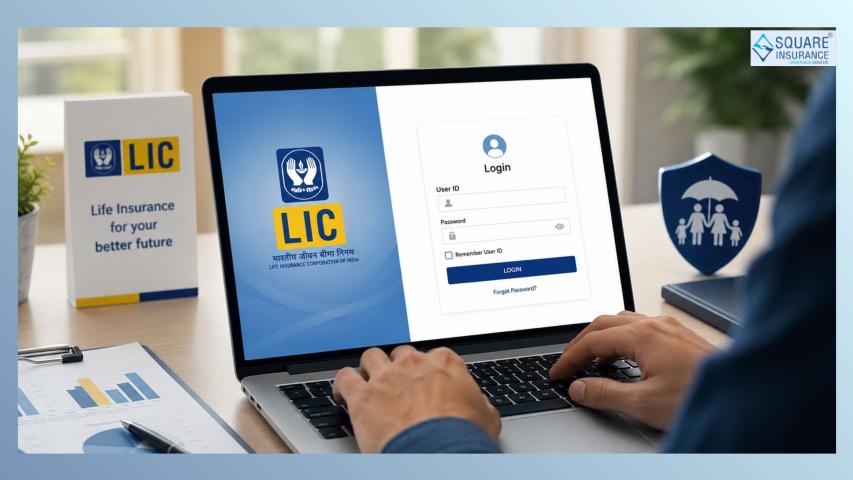
Go to the LIC Customer Portal login screen.
Step 2: Enter Credentials
Input your user ID and password created during registration.
Step 3: Secure Access
Some sessions may require further verification for security reasons.
Step 4: Dashboard Access
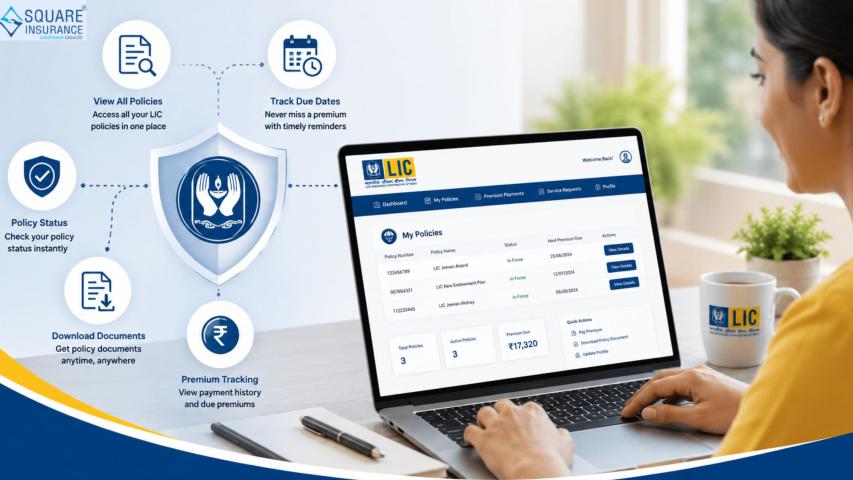
After login, you will be redirected to your personalized dashboard displaying all linked policies and services.
Key Benefits of Using the LIC Customer Portal
1. Easy Access to Policy Details
View essential policy information such as:
- Policy status
- Sum assured
- Premium amount
- Due dates
This helps customers stay informed and avoid missed payments.
2. Online Premium Payment
Policyholders can pay premiums digitally without visiting a branch. Payments are updated quickly, ensuring uninterrupted policy coverage.
3. Download Premium Receipts
Digital receipts can be downloaded and saved for future reference, useful for financial records and tax purposes.
4. Policy Servicing Requests
The portal allows customers to initiate servicing requests such as:
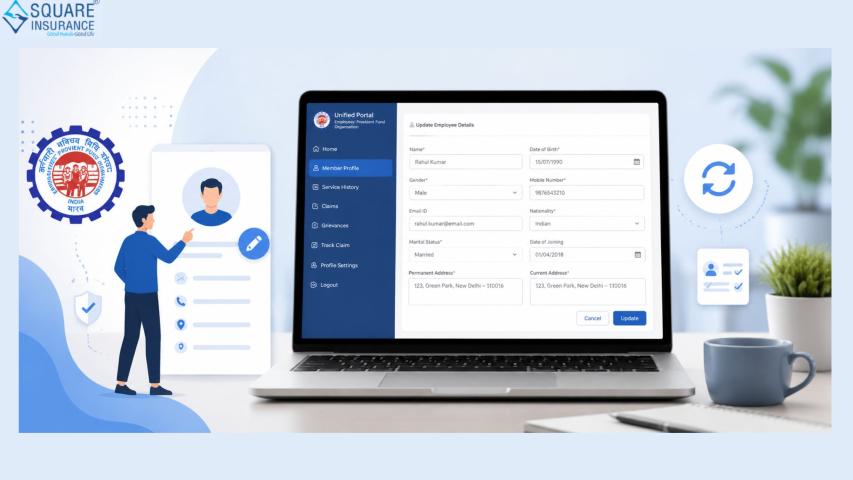
- Address updates
- Nominee changes
- Contact detail modifications
5. Loan and Bonus Information
Eligible policies can display loan availability and bonus details, offering greater financial clarity.
6. 24/7 Availability
The portal is accessible round the clock, allowing customers to manage their insurance at their convenience.
How the LIC Customer Portal Improves Policyholder Experience
From years of observing customer behavior in the insurance sector, one key expectation stands out—control and transparency. The LIC Customer Portal delivers both by placing critical policy information directly in the hands of policyholders.
It reduces dependency on intermediaries, minimizes delays, and ensures customers are always aware of their policy’s health.
Common Login and Registration Issues (And Practical Solutions)
Forgotten User ID or Password
Use the recovery options available on the login page to reset credentials securely.
Mobile Number Not Updated
If your registered mobile number is outdated, you may need to update it through authorized LIC channels before completing registration.
Policy Not Showing on Dashboard
Ensure that all policies are linked using the same personal details. Additional policies can usually be added after login.
OTP Not Received
Network delays can sometimes affect OTP delivery. Waiting briefly or retrying usually resolves the issue.
Security Tips for LIC Customer Portal Users
To protect sensitive insurance information:
- Use a strong, unique password
- Avoid logging in from public devices
- Log out after each session
- Regularly review policy details
These steps help safeguard personal and financial data.
Why Every LIC Policyholder Should Use the Customer Portal
The insurance industry is moving toward self-service and digital empowerment. The LIC Customer Portal aligns perfectly with this shift, offering policyholders a reliable, transparent, and efficient way to manage their insurance portfolio.
For both first-time policyholders and long-term LIC customers, the portal simplifies policy management and enhances overall confidence in insurance planning.
Also Read:-
Conclusion
The LIC Customer Portal Login system is a powerful tool that transforms how policyholders interact with their life insurance policies. From easy registration and secure login to real-time policy access and premium payments, it provides unmatched convenience and clarity.
Trusted advisory platforms like Square Insurance consistently highlight the importance of digital tools in helping customers make informed insurance decisions. By using platforms such as the LIC Customer Portal, policyholders can take greater ownership of their financial protection and long-term planning with confidence.
Frequently Asked Questions (FAQs)
Q1. Is LIC Customer Portal registration mandatory?
No, but registering allows policyholders to manage their policies online and access multiple services easily.
Q2. Can I register multiple LIC policies under one account?
Yes, multiple policies can be linked to a single customer portal account if personal details match.
Q3. Is online premium payment through the portal safe?
Yes, the portal follows strict security measures to protect payment and personal data.
Q4. What should I do if I forget my login password?
You can reset your password using the “Forgot Password” option on the login page.
Q5. Can I access the portal on mobile devices?
Yes, the LIC Customer Portal is accessible through mobile browsers and supports mobile-friendly navigation.
Q6. How long does it take for premium payments to reflect?
In most cases, payments reflect quickly, though occasional delays may occur due to system reconciliation.