What Makes HDMI Versions Different?
HDMI (High-Definition Multimedia Interface) technology evolves with each new version. These updates increase bandwidth capacity, which determines how much data your hdmi cable can transfer per second. Think of bandwidth as a highway: wider highways move more traffic faster. Each HDMI version widens this digital highway, allowing more picture and sound information to flow between your devices.
The progression from HDMI 2.0 to 2.1 represents one of the most significant leaps in the standard's history. Manufacturers designed HDMI 2.1 to support emerging technologies that 2.0 simply cannot handle.
HDMI 2.0: The Reliable Standard
HDMI 2.0 emerged in 2013 and quickly became the industry standard. This version offers 18 Gbps bandwidth, which sounds impressive and handles most current content admirably.
Picture Quality with HDMI 2.0
HDMI 2.0 supports 4K resolution at 60 frames per second (fps). This capability works perfectly for streaming services like Netflix, Disney+, and Amazon Prime Video, which typically deliver 4K content at 24 to 60 fps. You'll enjoy sharp, detailed images with smooth motion for movies and standard TV shows.
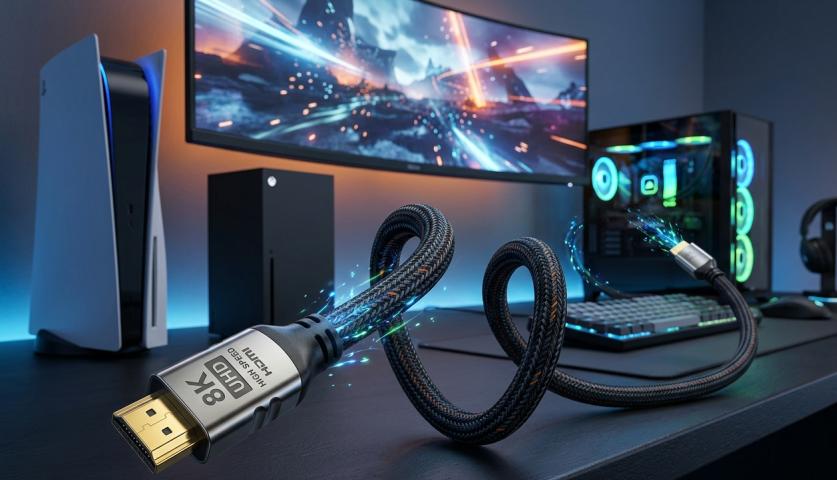
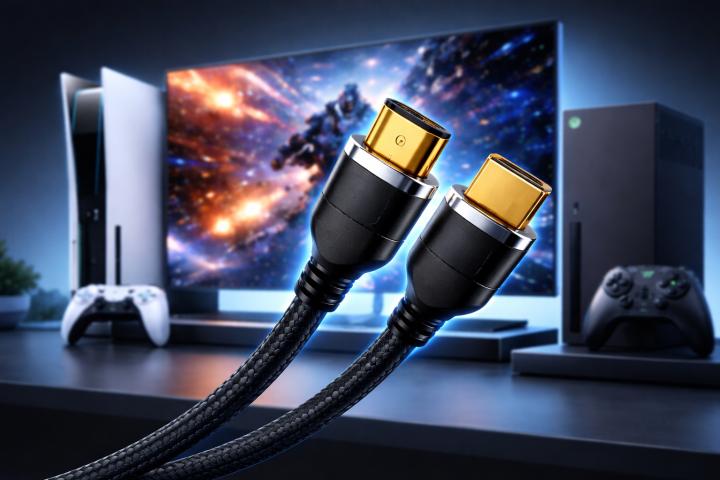
However, HDMI 2.0 shows its limitations with higher frame rates. Gamers notice this restriction immediately. If you connect a PlayStation 5 or Xbox Series X with an HDMI 2.0 hdmi cable, you cannot access 4K gaming at 120 fps. The bandwidth simply doesn't exist to push that much visual information through the connection.
Audio Capabilities
For sound, HDMI 2.0 delivers impressive performance. The version supports up to 32 audio channels and can handle advanced formats like Dolby TrueHD and DTS-HD Master Audio. Most home theater enthusiasts find HDMI 2.0's audio capabilities more than sufficient for their needs.
HDMI 2.1: The Future-Ready Upgrade
HDMI 2.1 launched in 2017 but didn't become common in consumer devices until 2020. This version dramatically increases bandwidth to 48 Gbps, nearly tripling what HDMI 2.0 offers.
Revolutionary Picture Features
The expanded bandwidth transforms what your TV can display. HDMI 2.1 supports 4K resolution at 120 fps, which creates incredibly smooth motion. Gamers particularly benefit from this upgrade, as next-generation consoles and high-end gaming PCs can finally deliver their full potential.
HDMI 2.1 also enables 8K resolution at 60 fps. While 8K content remains rare today, future-proofing your setup ensures you're ready when broadcasters and streaming services adopt this ultra-high resolution standard.
Dynamic HDR and Enhanced Picture Processing
HDMI 2.1 introduces Dynamic HDR, which adjusts high dynamic range settings scene by scene or even frame by frame. HDMI 2.0 applies HDR settings to entire movies or shows, which can result in less optimal brightness and contrast in certain scenes. Dynamic HDR ensures every moment looks exactly as creators intended.
Advanced Audio Support
While HDMI 2.0 handles most audio formats well, HDMI 2.1 adds support for enhanced Audio Return Channel (eARC). This feature enables lossless audio formats like Dolby Atmos and DTS:X to travel from your TV back to your soundbar or AV receiver without compression. You hear every subtle detail exactly as sound engineers mixed it.
Gaming-Specific Improvements
HDMI 2.1 delivers several features that transform gaming experiences:
Variable Refresh Rate (VRR) synchronizes your TV's refresh rate with your console or PC's output, eliminating screen tearing and stuttering. Games look smoother and respond more precisely to your inputs.
Auto Low Latency Mode (ALLM) automatically switches your TV to game mode when you start playing, reducing input lag without requiring manual settings adjustments.
Quick Frame Transport (QFT) reduces latency further by speeding up how quickly frames travel from source to display.
These gaming features work through an HDMI 2.1 hdmi cable, but they require both your TV and gaming device to support HDMI 2.1 specifications.
Does Your Cable Actually Matter?
Here's an important truth: most hdmi cable products labeled "HDMI 2.1" use the same physical connectors and similar construction as HDMI 2.0 cables. The "version" refers to the specification that the cable meets, not fundamentally different technology.
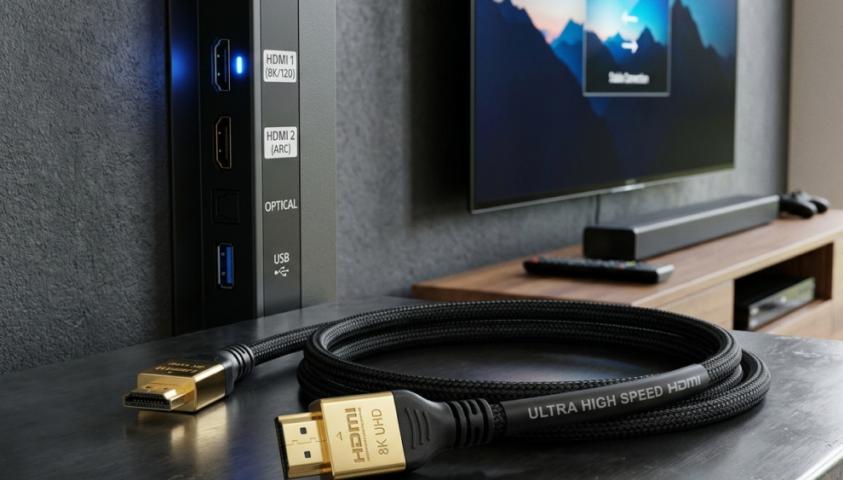
However, cables designed for HDMI 2.1 use higher quality materials and better shielding to reliably transmit the increased data load. For short distances (under 6 feet), many HDMI 2.0 cables might handle HDMI 2.1 signals adequately. For longer runs or to guarantee full performance, certified Ultra High Speed HDMI cables ensure you get all HDMI 2.1 benefits.
Which Version Do You Need?
Your ideal HDMI version depends on your specific usage:
Choose HDMI 2.0 if you primarily watch streaming services, don't own next-generation gaming consoles, and feel satisfied with 4K at 60 fps. This version delivers excellent picture and sound quality for most entertainment needs.
Select HDMI 2.1 if you own a PlayStation 5, Xbox Series X, or high-end gaming PC, plan to keep your TV for many years, want the absolute best picture and sound quality, or anticipate buying an 8K TV eventually.
The Bottom Line
HDMI versions directly impact your viewing and listening experience. HDMI 2.0 provides solid performance for standard use, while HDMI 2.1 unlocks cutting-edge features that significantly enhance gaming, supports higher resolutions and frame rates, and future-proofs your entertainment system.
The good news? Upgrading usually requires nothing more than a new hdmi cable and compatible devices. The investment remains modest compared to the performance improvements you'll notice, especially if you're a gamer or early adopter of new display technologies.
Other Sources: https://www.ranksrocket.com/how-to-upgrade-your-tv-experience-with-hdmi-cables/