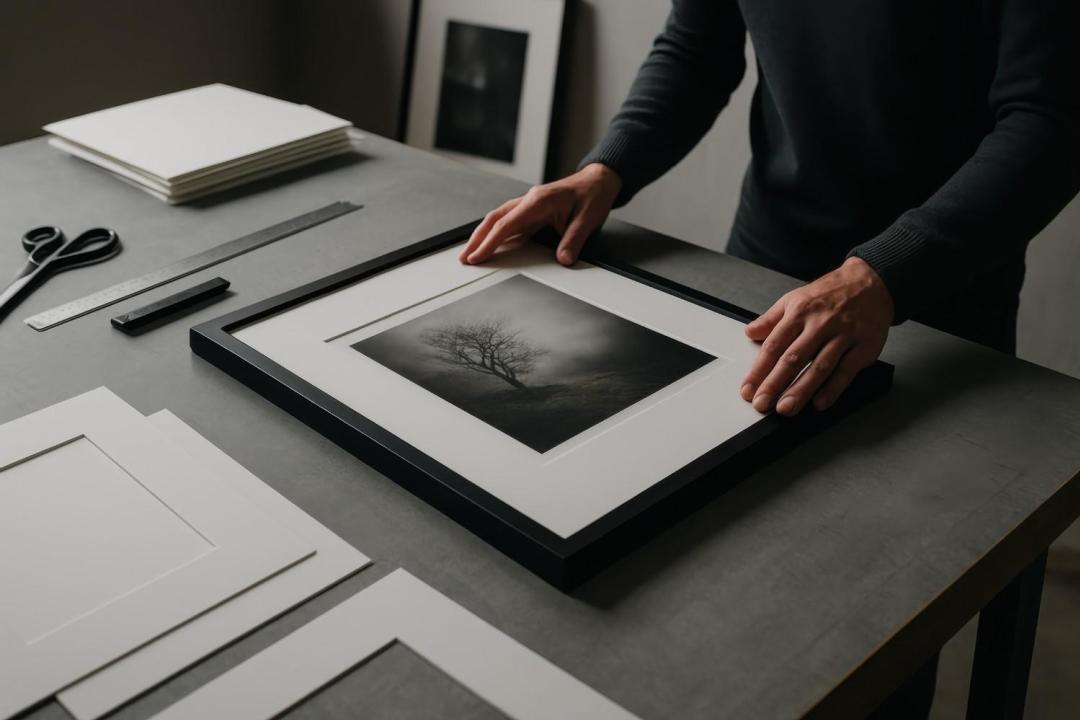
You've found the perfect photo. You've picked the size. You place your order with what seems like a decent canvas printing in Bangalore service and when it arrives, the print is blurry, pixelated, or washed out. Frustrating, isn't it?
The good news? This is almost always preventable. The problem isn't your photo — it's usually a mismatch between image resolution and print size. Here's everything you need to know before placing your next order.
The Root Cause: Resolution vs. Print Size
Every digital photo is made up of pixels. When you print small, those pixels are packed tightly together and the image looks sharp. But when you scale the same image to a large canvas, those pixels spread out — and that's when blur creeps in.
The industry standard for high-quality custom canvas prints is 150 DPI (dots per inch) at the final print size. For truly crisp results, aim for 300 DPI. Here's a quick reference:
Canvas Size | Minimum Resolution | Ideal Resolution |
12×16 inches | 1800 × 2400 px | 3600 × 4800 px |
18×24 inches | 2700 × 3600 px | 5400 × 7200 px |
24×36 inches | 3600 × 5400 px | 7200 × 10800 px |
30×40 inches | 4500 × 6000 px | 9000 × 12000 px |
Before uploading your image to any online canvas printing in Bangalore platform, check your photo's resolution in its properties or settings. Smartphone photos taken in the last 3–4 years are usually sufficient for sizes up to 24×36 inches but always verify first.
Common Mistakes That Ruin Canvas Prints
Screenshotting photos instead of using the original file — screenshots are low-resolution by nature
Over-cropping images — heavy cropping discards pixels and reduces effective resolution
Using images downloaded from social media — platforms like WhatsApp and Instagram compress photos aggressively, stripping quality
Ignoring the bleed area — important subjects placed too close to the edges get cropped during the wrapping process
How to Prepare Your Photo for a Perfect Print
Always use the original, uncompressed photo file directly from your camera or phone's gallery
Request a digital proof before printing — any reputable canvas print service in Bangalore should offer this
Avoid heavy filters that artificially brighten or saturate — they look worse when enlarged
Share your interior colour palette with the service if colour accuracy matters for your space
Ask about enhancement options — good wall art printing Bangalore services can professionally retouch and upscale images within limits
What to Look for in a Reliable Canvas Print Service
Not all printing services are equal. When choosing a photo to canvas Bangalore service, prioritise:
Pre-order resolution check — they should flag low-resolution files before printing, not after
Archival-grade, UV-resistant inks for long-lasting colour vibrancy
Solid kiln-dried wooden frames — especially important in Bangalore's humid climate
Digital proofing before final production
Transparent refund or reprint policy if quality falls short
A trustworthy service will never let a blurry file go to print without warning you first.
You Deserve a Print Worth Displaying
A canvas print is more than decoration — it's a memory on your wall. Don't let a preventable resolution issue ruin it. Whether you're printing a wedding portrait, a travel landscape, or a family milestone, the right preparation and the right canvas printing in Bangalore partner make all the difference.
Ready to print without the guesswork? Share your photo with a quality canvas print service in Bangalore that checks your resolution upfront, offers digital proofs, and stands behind every print it produces. Your walls and your memories deserve nothing less.
5 FAQ Questions
Q1. Why is my canvas print blurry even though the photo looked fine on my phone? Phone screens display images at 72–96 DPI, which looks sharp digitally but is far too low for large print sizes. Always check the actual pixel dimensions of your photo before ordering a canvas print.
Q2. What is the minimum resolution for canvas printing in Bangalore? Most canvas print services require a minimum of 150 DPI at the intended print size. For a sharp, gallery-quality result, 300 DPI is recommended. Larger canvases need significantly higher pixel counts.
Q3. Can I use a WhatsApp photo for canvas printing? WhatsApp compresses images automatically, often reducing quality by 50–70%. It's always better to use the original file from your phone's camera gallery rather than a WhatsApp-forwarded version for canvas printing.
Q4. How do I check my photo's resolution before ordering a canvas print online? On a PC, right-click the image, go to Properties → Details to see pixel dimensions and DPI. On a smartphone, check your camera settings for megapixel count generally, photos taken at 12MP or above are suitable for canvas prints up to 24×36 inches.
Q5. Do canvas print services in Bangalore fix low-resolution photos? Some professional canvas print services in Bangalore offer AI-based image upscaling and retouching to improve borderline images. However, severely low-resolution photos cannot be fully recovered always start with the best quality original available.