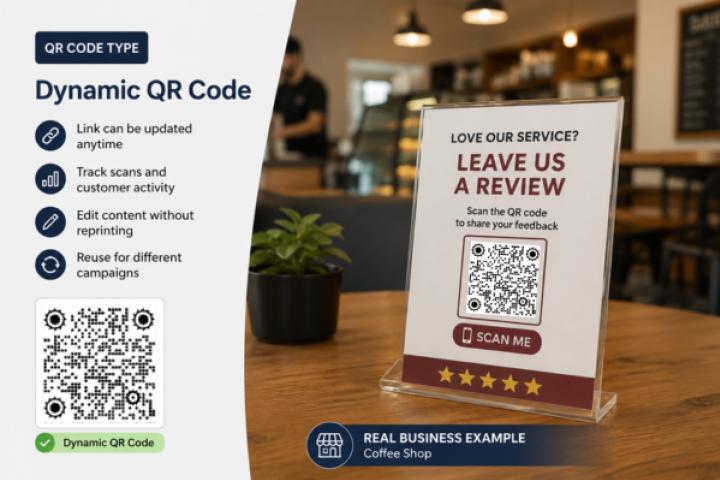
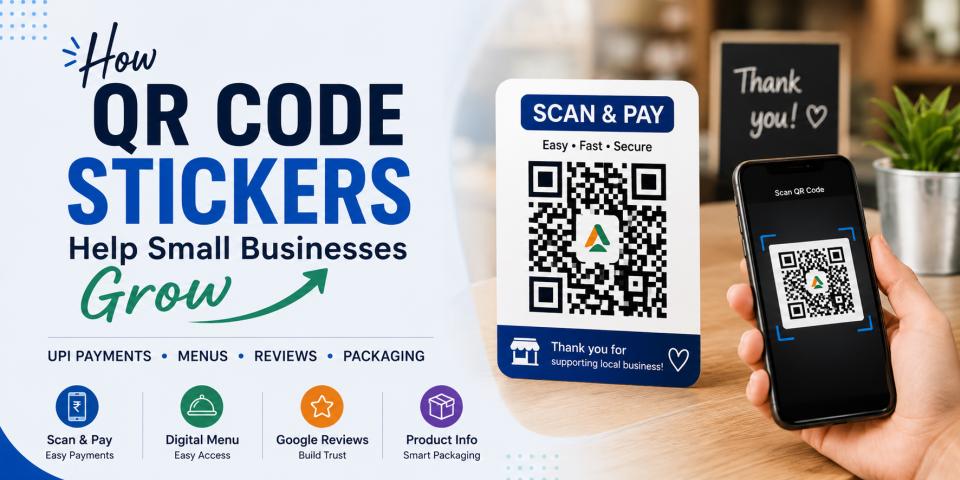
Small businesses need simple and affordable ways to bring offline customers online. QR codes are one of the easiest tools for this. A customer can scan a QR code with..
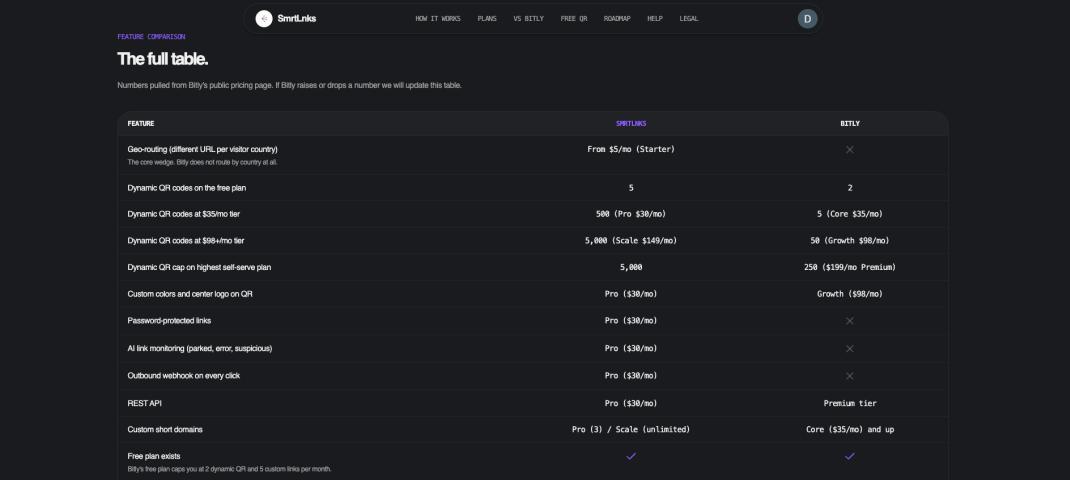
Send Every Visitor to the Right Destination with SmrtLnksSmrtLnks is an intelligent URL shortener and geo-routing platform that helps businesses, affiliate marketers, creators, and eCommerce brands deliver the right destination..
Small businesses meet customers every day. A customer may visit a shop, pay at the counter, buy a product, eat at a cafe, take a paper bag home or receive..
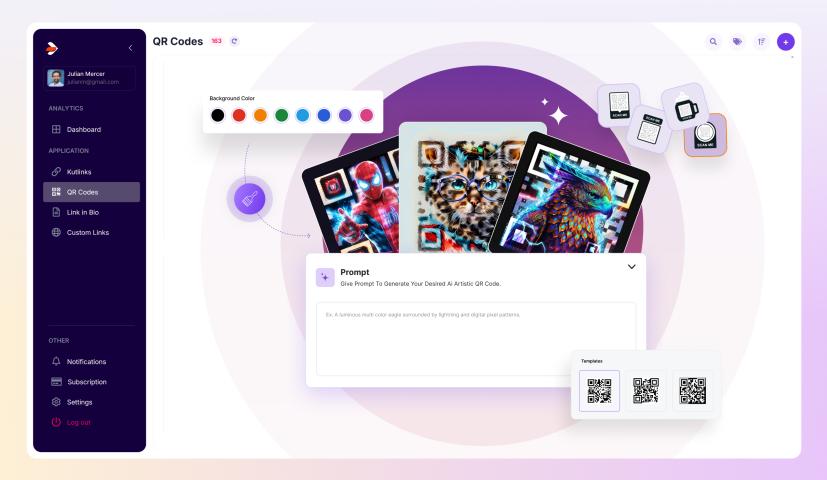
QR codes have become a core part of modern marketing. They're found on product packaging, restaurant menus, event banners, business cards, and social media campaigns. But not all QR codes..
Developing an app is a huge accomplishment. It takes time, money, creativity, testing, and constant improvements to turn an idea into a working product. But after launch, many app owners..
Launching a mobile app as a startup involves tough decisions, and one of the earliest is selecting the right development framework. Flutter and React Native are two of the most..
Choosing an AI model for business is not simply about picking the most popular platform or the model with the strongest benchmark score. Claude, ChatGPT, and Gemini can all support..
Matching tracksuits have become a popular option for people who want comfortable clothing without spending too much time putting outfits together. Combining a coordinated sweatshirt, hoodie, and joggers creates a..
The world of digital content creation is evolving at an incredible pace, and influencers are often the first to adopt new technologies that help them stay ahead of the curve...
In today’s digital marketing world, businesses are constantly looking for innovative ways to reach their target audiences more effectively. Traditional advertising methods are evolving, and AI-powered solutions are rapidly taking..
In today’s digital-first marketing landscape, automation and artificial intelligence are transforming how businesses run their advertising campaigns. Google Ads has always been a powerful platform, but the manual process of..
Every database record, API request, and test case needs an identifier that does not clash with any other. A UUID solves this with a long random value that is extremely..
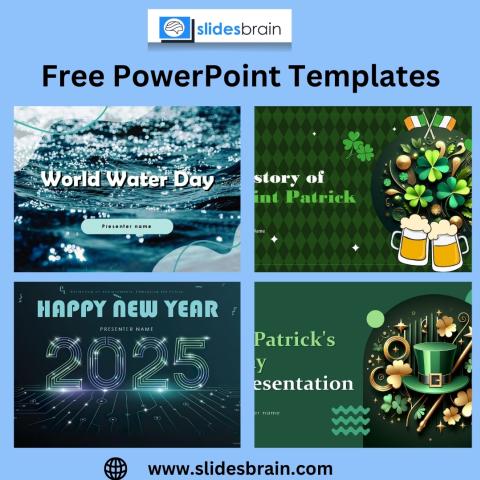
In today's fast-paced business environment, presentation tools like PowerPoint remain essential for pitching ideas, showcasing products, and sharing company visions. Free PowerPoint templates are widely used due to their convenience,..
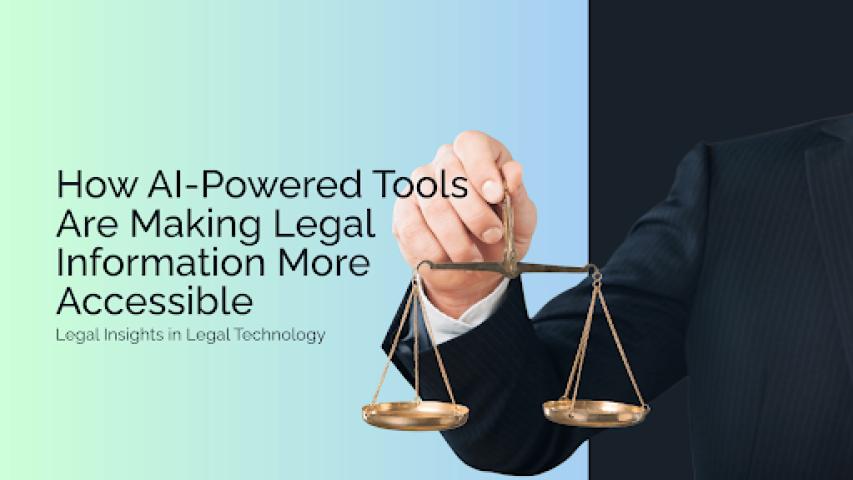
AI-powered legal tools use artificial intelligence to search, summarise, and explain laws and court decisions in a language that ordinary people would understand. They work best as a verified starting..
Online gaming has become one of the easiest ways to enjoy entertainment without purchasing expensive equipment or installing large applications. Today, millions of players look for free online games that..
Ever wondered what your browser, device and internet connection are really telling websites? The free System Information Tool by FreeWWW shows it all in one clean page, with no signup..
Stepping into a management role is an exciting milestone, but it also comes with new responsibilities. Many professionals are promoted because they excel in their current jobs, yet managing people..
Behind the Algorithm: What 6 Months of E-Commerce Price Tracking Taught Me About Flash Sales
As a data analyst, I’ve spent years looking at pricing trends in retail e-commerce. Last..