
Success often comes down to how well you understand your customers. One of the most powerful tools to bridge the gap between visitor and buyer is a sign-up form. When done right, Shopify sign-up forms become more than just lead collectors—they become engines of insight, conversion, and growth. This guide walks you through how to build and optimize high-performing sign-up forms for your Shopify store.
Step 1: Define Your Objective
Before you build your form, clearly define its purpose. Are you looking to
- Grow your newsletter list?
- Collect wholesale registration details?
- Offer gated content or promotions?
- Segment leads based on preferences?
The goal will determine what fields you include, where you place the form, and what actions are triggered upon submission.
Step 2: Choose the Right App or Method
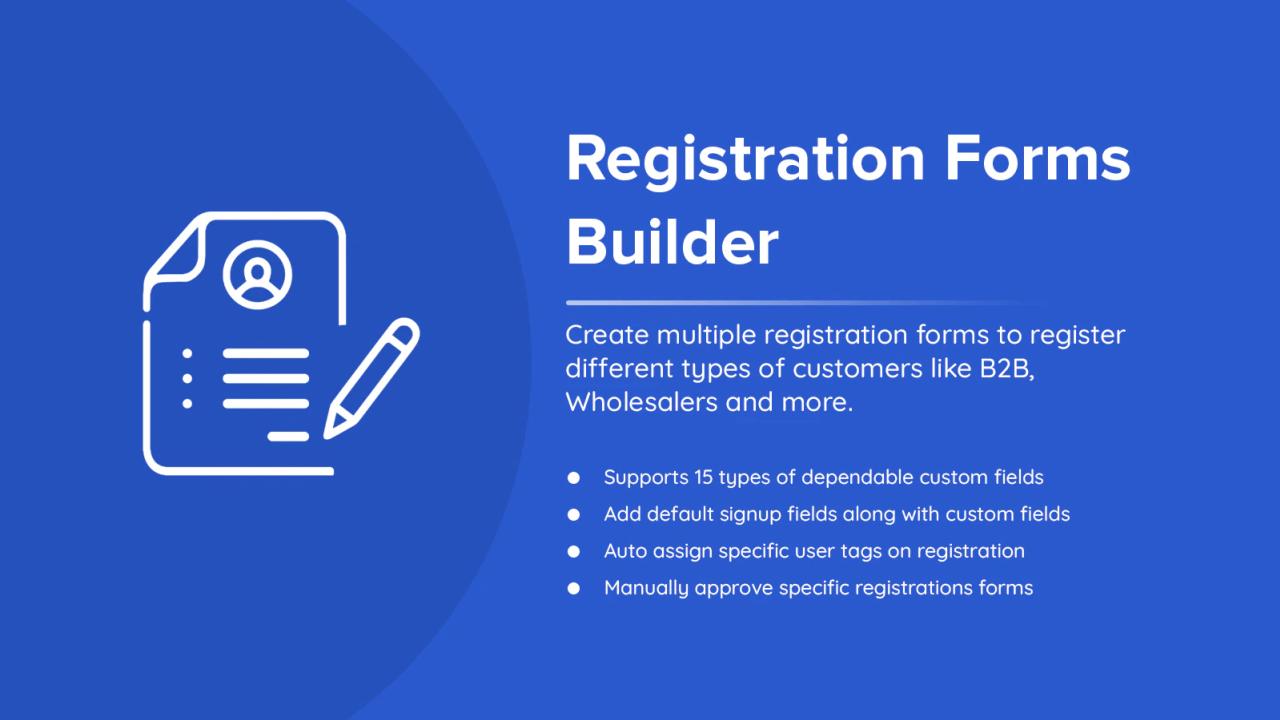
Shopify doesn’t offer extensive custom form fields out of the box, so most merchants use third-party apps like Shopify custom sign up form or other custom form field apps. These tools let you add extra fields (text boxes, dropdowns, file uploads, checkboxes), apply conditional logic, and even set up approval workflows—all essential for complex or B2B needs.
Step 3: Keep the Form Simple and Relevant
Simplicity is key. Ask only for the most necessary information upfront. For general sign-ups, name and email are often enough. If you're building a B2B registration form, consider fields like:
- Business Name
- Company Size
- Tax/VAT ID
- Preferred Product Category
Use conditional logic to display more fields only when relevant—this improves completion rates.
Step 4: Offer a Clear Value Proposition
People won’t fill out your form without a reason. Incentivize sign-ups with
- A discount or promo code
- Access to exclusive products or early launches
- Helpful content (like guides or resources)
- Loyalty points or freebies
Make the offer prominent near the form to increase conversions.
Step 5: Match the Design to Your Brand
A poorly designed form can harm trust. Ensure the form:
- Uses brand-consistent colors and fonts
- Has a clean, uncluttered layout
- Is mobile-friendly and responsive
You should also test different placements—consider homepage pop-ups, product pages, or dedicated landing pages based on your audience behavior.
Step 6: Automate Your Workflow
Once someone signs up, you should have a plan in place for what happens next. Integrate your form with email marketing platforms like Klaviyo, Mailchimp, or Omnisend to trigger:
- Welcome emails
- Product recommendations
- Drip campaigns
- Special offers
For B2B sign-ups, set up approval processes and user tagging to organize qualified leads efficiently.
Step 7: Test and Optimize
Forms aren’t set-and-forget tools. A/B test variations of your sign-up forms—change the headline, adjust field order, or experiment with different incentives. Monitor completion rates and tweak based on real data.
Final Thoughts
Shopify sign-up forms are a foundational element of your customer engagement strategy. When crafted thoughtfully, they capture more than data—they build trust, offer value, and lay the groundwork for personalized marketing. Follow these steps to create sign-up forms that not only collect information but convert casual browsers into loyal customers.